Executive Overview
In the fast-paced digital ecosystem of the 21st century, the human appetite for real-time information is insatiable. Whether tracking the precise arrival time of a rideshare, monitoring the score of a nail-biting sports match, following a complex flight itinerary, or awaiting a food delivery, modern smartphone users expect instantaneous updates without the friction of context-switching. For years, keeping tabs on these dynamic events meant repeatedly unlocking a device, navigating a cluttered home screen, launching an application, and waiting for data to refresh.
Apple fundamentally transformed this user experience with the introduction of the Dynamic Island and Live Activities. By blending hardware constraints with elegant software engineering, Apple turned the necessary physical intrusion of the TrueDepth camera array into an interactive, pulsating hub of live data. Extending this capability directly to the dashboard via Apple CarPlay ensures that vital, time-sensitive updates seamlessly accompany the user behind the wheel, minimizing distraction while maximizing situational awareness.
This guide provides an exhaustive, authoritative exploration of Live Activities. We examine the hardware origins of the Dynamic Island, detail the mechanics of real-time iOS widgets, offer a meticulous, step-by-step troubleshooting protocol for your iPhone and CarPlay system, and look forward to the future of context-aware mobile computing.
Detailed Chronology: The Evolution of the Dynamic Island and Real-Time Tracking
To fully understand how Live Activities function today, it is essential to trace the technological trajectory that bridged physical hardware design with dynamic software interfaces.
The Hardware Imperative: From the Notch to the Pill
When the smartphone industry rapidly converged around small, circular hole-punch cutouts for front-facing cameras, Apple retained a polarizing design element with the release of the iPhone 14 Pro: a broad, pill-shaped physical intrusion at the top of the display. Competitors and critics initially questioned the aesthetic viability of a cutout that consumed significantly more screen real estate.
However, this design choice was not arbitrary. Packing advanced hardware—including infrared cameras, flood illuminators, dot projectors, and proximity sensors required for secure Face ID authentication—demanded a substantial footprint beneath the glass. Rather than attempting to mask this hardware through clever, high-contrast dark wallpapers, Apple chose a radical design philosophy: embrace the constraint and make it interactive.
The Birth of the Dynamic Island
Debuting alongside the iPhone 14 Pro, the Dynamic Island redefined the software-hardware interface. By treating the space surrounding the pill-shaped TrueDepth cutout as a fluid, morphing digital canvas, Apple transformed an awkward dead zone into a responsive information display. Background tasks—such as an active phone call, an ongoing Voice Memo recording, or an active timer—fluidly expand and contract into the Dynamic Island.
This hardware-software integration laid the groundwork for developers to push more complex, time-sensitive data directly to the forefront of the user experience, establishing the architectural foundation for Live Activities in iOS.
The Introduction of Live Activities
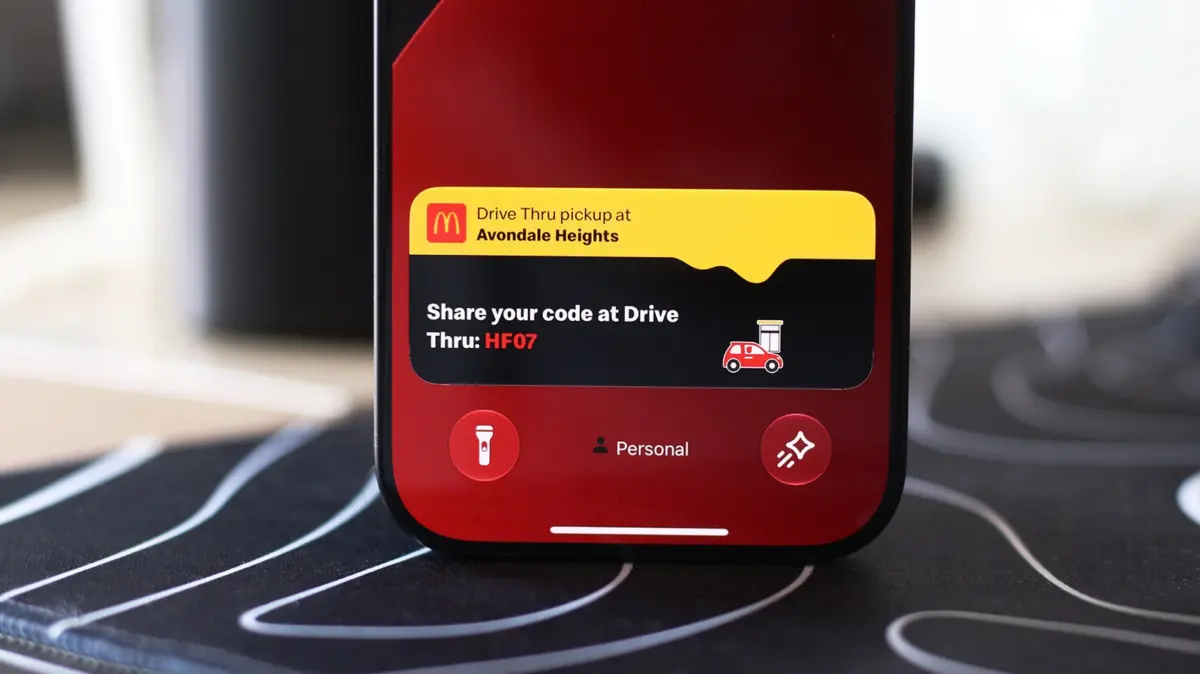
Simultaneously, Apple introduced Live Activities to bridge the gap between static push notifications and full application launches. Unlike traditional notifications that flood the notification center and vanish or demand immediate action, Live Activities maintain a persistent, persistent-updating presence on both the Lock Screen and within the Dynamic Island.
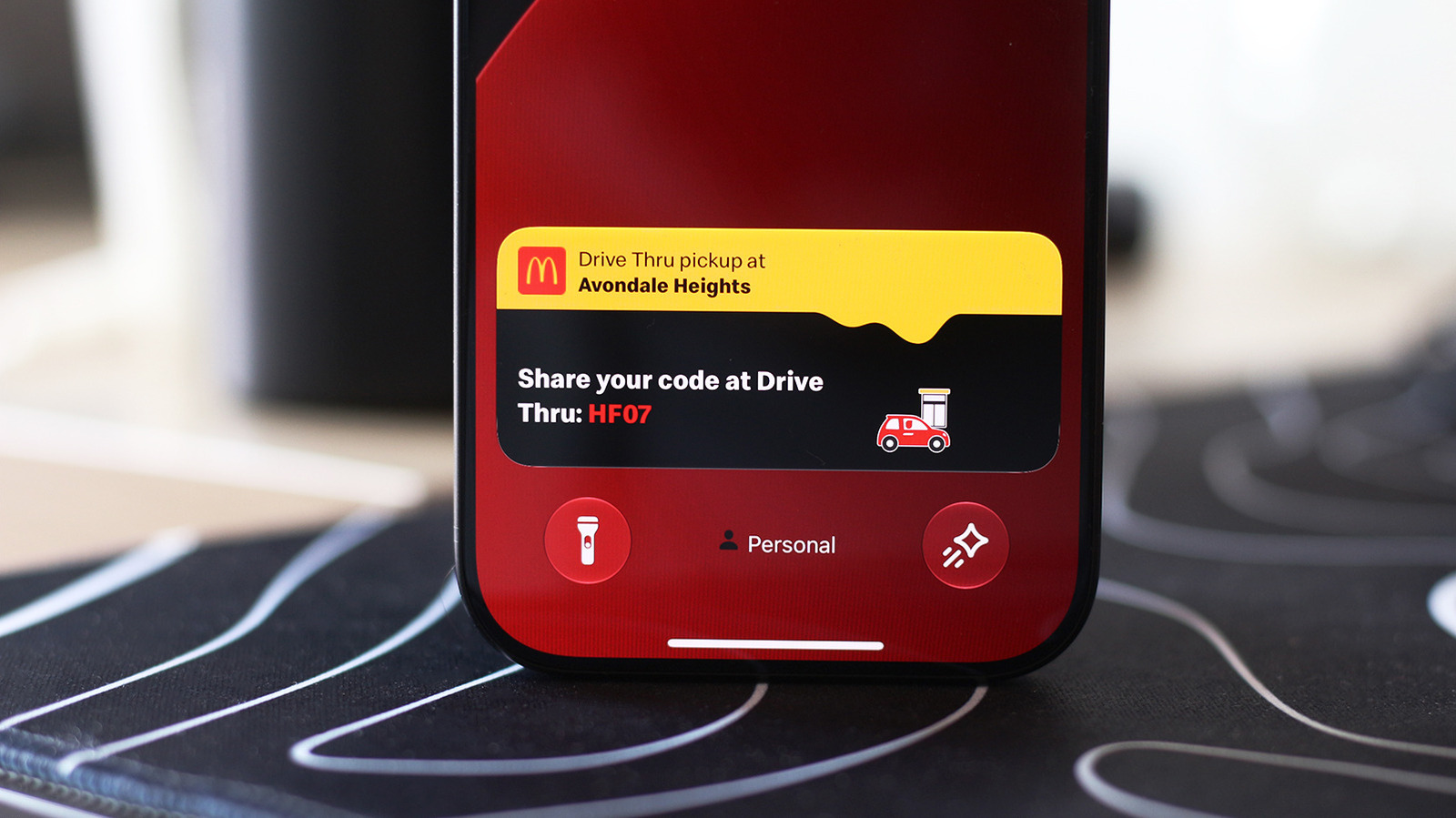
Over subsequent iOS iterations, Apple refined this feature, expanding its integration across core system applications and third-party software ecosystems. Developers of major flight-tracking services, global sports networks, ride-hailing applications, and food delivery platforms quickly adopted the API. Most recently, with the integration into Apple CarPlay, Apple has successfully bridged the mobile-automotive divide, allowing drivers to monitor these same real-time feeds safely on their vehicle’s infotainment console.
Supporting Context & Metrics: Why Real-Time Updates Matter
The evolution toward ambient, glanceable computing is driven by profound shifts in consumer psychology, cognitive ergonomics, and mobile operating system design.
Mitigating Cognitive Friction and Screen Fatigue
According to mobile usability research, the average smartphone user unlocks their device dozens—if not hundreds—of times per day, frequently out of habit rather than necessity. A significant percentage of these unlocks are driven by micro-curiosities: "Has my driver arrived yet?", "Did the home team score in the final minutes?", or "Is my flight delayed?"
Each unlock and app launch imposes a cognitive load, pulling the user’s attention away from their immediate physical environment. By rendering these updates glanceable through Live Activities and the Dynamic Island, Apple has successfully reduced the frequency of compulsive phone-checking. Studies on user engagement indicate that ambient displays reduce task-switching friction, allowing individuals to absorb critical data in less than a single second.
The Automotive Safety Imperative
The integration of Live Activities into Apple CarPlay addresses one of the most critical challenges in modern automotive engineering: driver distraction. According to transportation safety authorities, diversion of visual and cognitive attention is a leading factor in vehicular incidents.
Traditional methods of tracking real-time events while driving—such as picking up an iPhone to check a navigation detour or a delivery ETA—are both dangerous and illegal in many jurisdictions. By feeding Live Activities directly into the CarPlay Dashboard and split-screen views, Apple provides a controlled, highly legible interface that keeps critical contextual data within the driver’s peripheral vision, significantly enhancing road safety without sacrificing convenience.
Step-by-Step Implementation Guide: Enabling and Optimizing Live Activities
While Live Activities are designed to function automatically out of the box, system configurations, privacy settings, or accidental toggles can sometimes disable them. Follow these comprehensive instructions to ensure your iPhone and CarPlay system are fully optimized.
Part 1: Enabling Live Activities on Your iPhone
If you notice that certain applications are failing to display real-time updates in your Dynamic Island or on your Lock Screen, you can verify and adjust your settings manually.
1. Checking Application-Specific Settings
- Unlock your iPhone and navigate to the Settings application.
- Scroll down and tap on Apps (or locate the specific third-party app experiencing issues from the main settings menu).
- Select the application you wish to configure (e.g., your food delivery app, sports tracker, or transit utility).
- Verify that the toggle switch for Live Activities is turned ON (green).
- Pro Tip: If updates continue to fail, ensure that standard Notifications are also enabled for the app, as some third-party frameworks rely on background notification permissions to push continuous data packets to the Live Activity interface.
2. Confirming Lock Screen Access Permissions
Even if an app has permission to run Live Activities, security settings can sometimes block them from displaying while your device is locked. To ensure maximum utility:
- Open the Settings app on your iPhone.
- Tap on Face ID & Passcode.
- Authenticate your identity by entering your device passcode.
- Scroll down to the security section titled Allow Access When Locked.
- Locate Live Activities and ensure the toggle switch is enabled. This guarantees that glanceable data remains visible on your screen even when the phone is resting on a desk or mounted in a vehicle dock.
Part 2: Configuring Live Activities on Apple CarPlay
Apple CarPlay brings these persistent updates directly to your vehicle’s dashboard. If your dashboard is missing expected sports scores, flight updates, or delivery statuses while driving, use the following troubleshooting protocol.
1. Enabling Live Activities within CarPlay Settings
- Connect your iPhone to your vehicle via cable or wireless CarPlay.
- On your car’s infotainment display, open the native Settings application within the CarPlay interface.
- Scroll through the configuration menu and locate the Live Activities toggle. Ensure it is switched ON.
- Confirm that Suggestions in CarPlay (sometimes labeled as Suggestions in Dashboard) is also enabled, allowing the system intelligently to surface contextual widgets based on your routine.
2. Understanding CarPlay Dashboard Layouts
- The Split-Screen Dashboard View: Live Activities from your active iPhone sessions will automatically populate on the CarPlay Dashboard—the versatile split-screen view typically positioned to the left of your primary app grid. This allows you to view navigation maps, audio controls, and a live tracking widget simultaneously.
- Full-Screen Applications: If you are running a single application in full-screen mode (such as Apple Maps or a dedicated music player), Live Activities will not disappear entirely. Instead, they will neatly appear as discreet, non-intrusive notification banners at the very bottom of your car’s display.
3. Overcoming Roadblocks: The Driving Focus Interference
One of the most common reasons Live Activities fail to appear on CarPlay is the automatic activation of system-level focus modes.
- If your iPhone is configured to automatically turn on Driving Focus when connecting to your vehicle’s Bluetooth, certain notification channels and real-time alerts may be heavily restricted or muted.
- To check this, swipe down from the top right of your iPhone screen to open the Control Center, tap Focus, and verify whether Driving is restricting your incoming updates. Adjust your Focus exceptions to allow essential tracking apps to bypass the filter while driving.
4. Expanding Your Dashboard: Adding CarPlay Widgets
Beyond Live Activities, CarPlay allows for extensive personalization. You can integrate permanent widgets into the leftmost section of the CarPlay Dashboard for instant controls without launching full applications. Spend a few minutes exploring the CarPlay Settings menu to customize your display layout, adjust dark/light map appearances, and curate a driving environment tailored precisely to your navigational and media preferences.
Future Outlook: The Next Horizon of Ambient Computing
As mobile processors grow increasingly power-efficient and artificial intelligence models become deeply embedded within mobile operating systems, the architecture of real-time data consumption is poised for a dramatic leap forward.
The Integration of On-Device AI and Predictive Context
Future iterations of iOS and CarPlay will likely move beyond reactive Live Activities into proactive, predictive real-time intelligence. Instead of manually enabling a sports score or tracking a flight, on-device machine learning models will anticipate user intent based on calendar entries, location patterns, and historical behavior.
Imagine entering your vehicle, and CarPlay autonomously initializes a Live Activity for a flight you didn’t explicitly search for, drawing data from an email confirmation in your Mail app and timing the traffic conditions along your route to the terminal.
Hardware Refinement: Shrinking the Dynamic Island
Industry analysts tracking Apple’s hardware roadmap indicate that future flagship iPhone models—such as the upcoming iterations of the Pro series—will continue to minimize the physical footprint of the TrueDepth sensor array, eventually moving components under the active display glass. As the physical "pill" shrinks or ultimately disappears, the software concept of the Dynamic Island will evolve into a purely floating, context-aware software ecosystem that can appear anywhere along the periphery of the display.
Expanding Third-Party Ecosystems
As developer adoption of the Live Activities API reaches saturation, we can expect deeper integration across specialized industries. From real-time utility grid monitoring during severe weather events to multi-party collaborative logistics tracking for small businesses, the boundary between opening an application and experiencing its live data stream will continue to dissolve.
By mastering the configuration of Live Activities on your iPhone and CarPlay today, you are not merely fixing a notification glitch—you are adopting the future standard of ambient, frictionless, and safer digital interaction.