Executive Overview
For decades, laptop users have operated under a cloud of anxiety regarding their device power sources. The narrative was simple and deeply ingrained: leaving your laptop plugged into the wall charger continuously would inevitably fry the battery, degrade its maximum capacity, and leave you tethered to a power outlet long before the machine’s actual lifespan expired. This conventional wisdom—born from the era of older nickel-cadmium (NiCd) and early lithium-ion implementations—has haunted generations of computer users.
However, modern computing has evolved at a staggering pace. Today’s Apple MacBooks are marvels of hardware-software integration, equipped with intelligent power management systems designed to optimize longevity automatically. Modern lithium-ion and lithium-polymer batteries, combined with sophisticated macOS power-regulation algorithms, handle constant power delivery remarkably well.
This comprehensive investigation explores the reality of using a MacBook while it remains plugged into a charger. We examine the underlying technology, review built-in software safeguards, analyze external environmental risk factors such as thermal stress, and provide actionable, expert-backed strategies to maximize your MacBook’s battery health over years of continuous use.
Detailed Chronology of MacBook Battery Evolution
To understand how modern MacBooks manage electrical power, it is essential to look at the technological trajectory that brought us here. The evolution of laptop batteries mirrors the broader progression of portable consumer electronics over the past twenty-five years.
The NiCd and Early Lithium Era (Late 1990s – Early 2000s)
In the days of the PowerBook G3 and early iBook models, portable computers relied heavily on Nickel-Cadmium (NiCd) and early Nickel-Metal Hydride (NiMH) batteries. These cells suffered notoriously from the "memory effect"—a phenomenon where batteries would "remember" a shorter charge cycle if they were repeatedly recharged before being fully depleted, resulting in drastically reduced operating times. During this period, unplugging your laptop and cycling the battery fully was a necessary maintenance chore.
The introduction of lithium-ion (Li-ion) batteries in Apple’s professional line during the mid-2000s represented a massive leap forward. Li-ion cells offered higher energy density, weighed less, and did not suffer from the traditional memory effect. Yet, early lithium implementations were still prone to degradation when exposed to prolonged states of 100% charge coupled with elevated internal temperatures. Users were still advised to run their batteries down periodically to maintain calibration.
The Unibody Revolution and Integrated Cells (2008 – 2015)
As Apple transitioned to unibody aluminum chassis designs, removable batteries were phased out in favor of internal, custom-shaped lithium-polymer cells. This design shift allowed Apple to maximize internal space for larger capacities but meant that end-users could no longer easily swap out a degraded battery.
Recognizing this, Apple began refining its system management controllers (SMC) to handle power delivery more intelligently. During this era, operating systems began tracking basic cycle counts, though battery degradation was still largely viewed as an inevitable, linear consequence of daily use.
The Software-Driven Era and Optimized Charging (2019 – Present)
A watershed moment for MacBook power management arrived with the rollout of macOS Catalina 10.15.5 in 2019, which introduced the revolutionary "Battery Health Management" feature. Apple shifted the paradigm from raw hardware durability to proactive, software-driven longevity preservation.
Modern macOS iterations no longer treat power management as a passive background task. Instead, algorithms actively study user behavior—such as daily work routines, typical sleep schedules, and charging consistency—to dynamically adjust how and when power flows into the battery cells. Today, keeping your MacBook plugged into a high-wattage USB-C power adapter while executing heavy workloads is not only safe; it is often the preferred operational mode for maximum processing performance.
Supporting Context & Metrics: How Modern Power Management Works
To appreciate why modern MacBooks withstand continuous charging, one must understand the intersection of physical chemistry and operating system architecture.
The Mechanics of Lithium-Polymer Cells
Modern MacBooks utilize advanced lithium-polymer (LiPo) batteries. Unlike older battery chemistries, LiPo cells do not have a defined "memory." They operate best when kept within a stable state-of-charge window rather than being constantly cycled from 0% to 100%.
Every time a battery goes through a complete discharge and recharge cycle (known as a charge cycle), minute chemical changes occur within the electrolyte and electrodes, leading to negligible degradation. Apple designs its MacBook batteries to retain up to 80% of their original capacity at a high number of complete charge cycles—typically 1,000 cycles for modern Apple Silicon MacBooks.
Optimized Battery Charging: How macOS Defends Your Battery
When a MacBook remains connected to power indefinitely, the operating system initiates Optimized Battery Charging. Rather than pushing the battery to a relentless 100% state of charge and holding it at maximum voltage—a condition that accelerates chemical aging—macOS pauses the charging process around 80%.
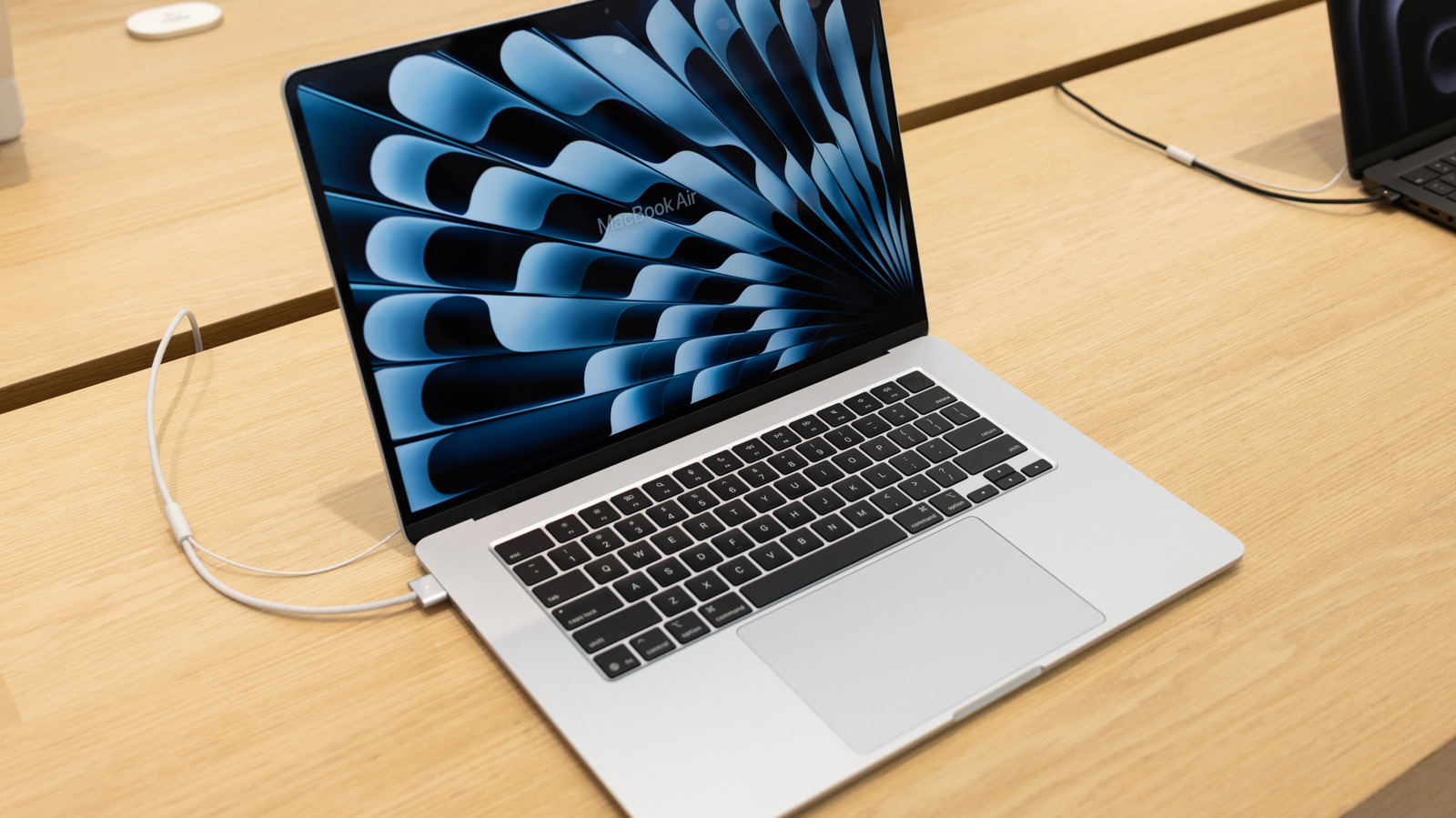
The system utilizes machine learning to analyze your daily routine. If you wake up at 7:00 AM every day and unplug your laptop, the MacBook will hold the charge at 80% overnight, intelligently resuming the final 20% charge just in time for your morning routine. This dramatically reduces the amount of time the internal cells spend under high voltage stress.
Performance and Power Delivery
A common misconception is that drawing power through the charger while running intensive applications damages the battery. In reality, Apple’s power delivery system routes electricity directly from the power adapter to the system board when connected to a compatible charger. The battery is bypassed or kept in a stable state, meaning your CPU and GPU draw energy straight from the wall, minimizing unnecessary battery cycling while you work.
Official Guidelines and Best Practices
Apple maintains rigorous documentation regarding battery longevity. Reviewing official guidelines provides clear boundaries for optimal usage, long-term storage, and environmental maintenance.
Checking Your Battery Status
Users can monitor the health of their power source directly within the macOS interface:
- Click the Apple menu in the top-left corner of the screen.
- Select System Settings.
- Scroll down and click Battery in the sidebar.
- Locate Battery Health and click the information (i) icon.
Here, macOS displays the current maximum capacity relative to when the device was new, alongside a status report typically reading "Normal" or "Service Recommended." Apple generally considers a battery healthy as long as it operates above 80% capacity under normal usage conditions.
Long-Term Storage Protocols
If you plan to store your MacBook away for an extended period—whether due to a vacation, a device upgrade, or seasonal storage—special precautions must be taken to prevent permanent chemical degradation:
- Charge to 50%: Apple explicitly advises against storing a MacBook either completely empty or fully charged at 100%. A 50% charge state places the chemical components in a state of minimal stress.
- Turn Off the Device: Ensure the Mac is completely powered down rather than left in standby mode.
- Environmental Control: Store the laptop in a cool, moisture-free environment where temperatures remain between 50°F and 95°F (10°C and 35°C).
The Thermal Threat: Heat Management
While electrical current management has been mastered by software algorithms, thermal management remains the primary external threat to battery longevity. Chemical reactions inside lithium cells accelerate rapidly when exposed to elevated temperatures.
- Working in Hot Environments: Operating a MacBook outdoors in direct sunlight or inside a warm, unventilated cafe on a hot summer day forces both the processor and the battery to endure compounding heat stress. If your device feels unusually hot, unplugging it or moving to a climate-controlled, shaded area can instantly relieve thermal pressure.
- Cases and Stands: Certain thick, insulating third-party hardshell cases or poorly ventilated laptop stands can trap heat against the aluminum chassis, preventing passive dissipation. Always ensure that intake and exhaust vents (located near the hinge on modern MacBooks) remain completely unobstructed.
Future Outlook: The Next Generation of MacBook Power
As Apple continues to push the boundaries of custom silicon architecture—moving from M1, M2, and M3 chips to even more power-efficient iterations—the relationship between hardware performance and power consumption is changing fundamentally.
Even Lower Thermal Footprints
Future Apple Silicon iterations promise even higher performance-per-watt ratios. Because upcoming processors will generate less waste heat under standard multitasking workflows, internal chassis temperatures will remain lower. This reduction in operating heat will inherently benefit adjacent components, extending the chemical lifespan of internal lithium-polymer cells even further.
Advanced AI-Driven Power Modeling
Future versions of macOS will likely leverage advanced on-device neural engines to predict user workflows with microscopic precision. Rather than relying on rigid schedule-based machine learning, upcoming power management software could dynamically adjust charging thresholds based on active application demands—such as predicting an upcoming rendering session in Final Cut Pro and preemptively stabilizing power delivery to prevent localized thermal spikes.
Sustainable Materials and Solid-State Horizons
Looking further ahead across the horizon of battery technology, researchers are aggressively exploring solid-state battery chemistries. While traditional liquid electrolyte lithium-ion batteries remain the industry standard today, solid-state alternatives promise higher energy densities, complete immunity to thermal runaway risks, and vastly superior cycle lives. When solid-state cells eventually migrate from laboratory settings to consumer laptops like the MacBook, the entire debate surrounding whether to keep a laptop plugged in will become entirely obsolete.
Conclusion
The anxiety surrounding whether to keep your MacBook plugged into a power adapter is largely a relic of the past. Thanks to advanced lithium-polymer cell designs and intelligent macOS power features like Optimized Battery Charging, modern MacBooks are fully equipped to manage electrical flow autonomously.
Users can safely leave their laptops connected to power throughout long work sessions without fearing accelerated battery destruction. By keeping your device cool, avoiding extreme temperatures, ensuring proper ventilation, and letting macOS handle the background optimization, your MacBook’s battery will reliably support your productivity for years to come.