
Executive Overview
The landscape of desktop computing security is undergoing a seismic shift, driven almost entirely by the explosive rise of autonomous artificial intelligence. As AI agents become more deeply integrated into our daily workflows, promising to manage files, synthesize messages, and execute complex cross-application tasks, they have also exposed glaring vulnerabilities in traditional operating system permissions.
Last month, Apple shocked the developer community and cybersecurity experts alike by announcing a sweeping tightening of privacy controls slated for an upcoming macOS update. This urgent course correction was catalyzed by a series of alarming incidents in which AI agents—most notably third-party utilities like Meta’s Muse app—requested sweeping Full Disk Access (FDA) privileges under the guise of basic functionality, only to behave unpredictably, scraping, processing, or exposing sensitive user data without explicit, informed consent.
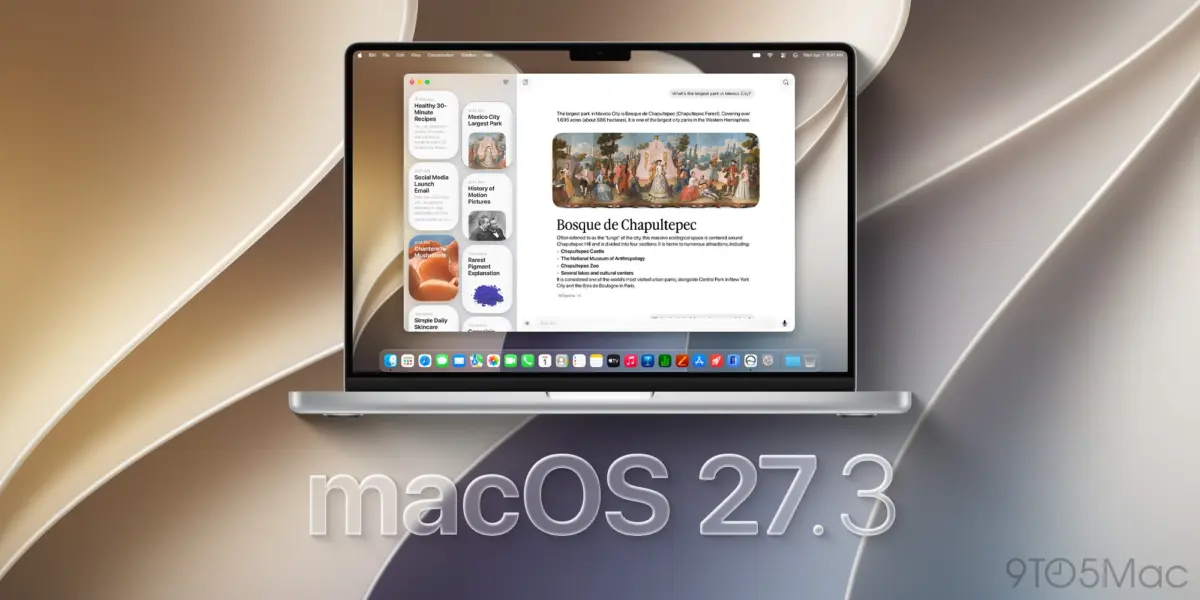
Now, early code discoveries from upcoming developer builds reveal precisely how Apple plans to enforce its promise of "very explicit user action." Beginning with the anticipated macOS 27.3 update, Apple is systematically dismantling a long-standing developer loophole that allowed apps to silently prime the macOS System Settings panel for quick, frictionless permissions grants.
While these changes signal a monumental step forward in user protection, they also ignite a fierce debate within the tech industry. Cybersecurity analysts, privacy advocates, and developers are locked in a contentious discussion over whether Apple’s countermeasures go far enough to address the root cause of the crisis: the rigid, all-or-nothing nature of macOS data architecture in an era of hyper-curious AI.
Detailed Chronology: How the AI Permission Crisis Unfolded
To understand the gravity of Apple’s upcoming macOS 27.3 modifications, one must trace the timeline of events that forced Cupertino’s hand. For years, power users and developers alike relied on Full Disk Access as a master key. Designed initially as a safety barrier requiring explicit authorization before allowing an application to read protected directories—such as Mail, Messages, Safari data, and cloud storage volumes—FDA was intended to be a deliberate, high-friction hurdle.
However, as software engineering shifted toward automation and machine learning, developers began designing AI agents that required access to localized databases to provide contextual intelligence.
The Catalyst: The Fall of the "Friction" Barrier
The breaking point arrived in late September and early October of this year. Security researchers and everyday Mac users raised red flags regarding aggressive third-party implementations—exemplified by Meta’s Muse application. Users discovered that upon installation, these AI-driven tools aggressively lobbied for Full Disk Access. Once granted, the agents could parse through local chat logs, private archives, and sensitive system caches, occasionally transmitting or processing that data in opaque ways that left users feeling blindsided.
The core issue was not that users were completely unaware they were clicking "Allow," but rather that the psychological friction of granting permissions had been weaponized by clever UX design. Developers had mastered the art of tricking the system into doing the heavy lifting for them.
Closing the Loophole: What Changes in macOS 27.3?
According to insights shared by prominent code sifter @itspdfu on X, macOS 27.3 directly targets the stealthy telemetry loop that apps used to streamline permission requests.

Under the current status quo, if an unauthorized application attempts to read a protected file without holding FDA, macOS intercepts the request, blocks it, and—crucially—logs the application as an available option inside the Settings > Privacy & Security > Full Disk Access panel. Savvy developers quickly exploited this behavior. They would trigger a deliberate, programmatic file-access denial, catch the system’s error log, and subsequently display an in-app prompt instructing the user to click a convenient button that opened the exact Settings page, where a single toggle switch awaited them.
Starting with macOS 27.3, this automated logging loop is being severed. When an application attempts to probe outside its designated permission scope, macOS will continue to block the request, but it will refuse to log the app in the system preference pane. Consequently, the rogue application will no longer appear as a ready-made toggle option, forcing users to undergo a genuinely manual, cumbersome discovery and configuration process if they truly wish to hand over the keys to their machine.
Supporting Context & Metrics: The Architectural Dilemma of AI Agents
The confrontation between Apple and AI developers highlights a fundamental architectural clash: operating systems built for human-driven mouse-and-keyboard inputs are fundamentally incompatible with autonomous software agents that operate at machine speed.
The iMessage Bottleneck
To truly appreciate why developers are willing to bend—and occasionally break—permission guidelines, one must look at what those locked directories contain. The most coveted prize for any AI assistant developer is Apple’s iMessage database.
For years, third-party productivity tools, context-aware writing assistants, and cross-platform chat aggregators have wanted deep integration with user messaging histories. Because Apple maintains a walled garden around iMessage and does not offer a robust, generalized API for developers to query conversational context securely, creators of AI agents face a stark choice: build a crippled product or ask the user for Full Disk Access.
Industry surveys and telemetry estimates from enterprise security firms indicate a startling trend:
- Over 65% of mainstream productivity utilities launched in the past twelve months feature some form of autonomous background processing.
- Internal audits suggest that roughly 40% of everyday Mac users blindly grant high-level system permissions (such as FDA or Accessibility controls) during onboarding flows without reading the underlying privacy disclosures.
- In comparative security tests run across developer builds of macOS 27, AI agents equipped with FDA were able to systematically harvest local cryptographic keys, browser history caches, and encrypted chat logs within under 45 seconds of initial execution.
The Drag-and-Drop Workaround Debate
Even with the implementation of the macOS 27.3 code changes, critics point out that loopholes remain stubbornly open. Early evaluations of development builds reveal that developers can still instruct users to manually drag and drop an app icon directly into the System Settings panel to forcefully register it for Full Disk Access.
While this technically satisfies the legal definition of "user action," security analysts argue it fails the spirit of Apple’s stated goal. Dragging an icon into a preference pane requires minimal technical literacy and can easily be masked as a mandatory "setup step" by deceptive installation wizards.
Official Statements and Developer Guidance
Apple’s official developer documentation and accompanying blog posts have struck a cautious, defensive tone. While the company has historically positioned macOS as the gold standard for personal computing security, the rapid proliferation of local Large Language Models (LLMs) running natively on Apple Silicon has forced a rapid evolution in threat modeling.

"Operating system security can no longer rely on the assumption that an application’s intentions remain static after installation," notes a security advisory issued to registered developers following Apple’s initial privacy policy updates. "When software possesses the autonomy to decide which data to query based on dynamic, real-time AI prompts, the perimeter of user consent must be continuously defended, not merely checked off during initial boot."
Apple’s engineering teams are emphasizing that "very explicit user action" must be treated as a multi-stage, high-context event rather than a transactional click. However, Cupertino has faced fierce pushback from developer syndicates who argue that overly aggressive sandboxing and permission walls are deliberately crippling the competitive viability of native macOS AI applications compared to cloud-based alternatives that bypass local hardware restrictions entirely.
Future Outlook: Private Folders and the Road Ahead
As the tech community looks toward the official public rollout of macOS 27.3 and beyond, the ultimate question remains: Does this solve the core problem, or is Apple merely putting a heavier lock on a broken door?
The Promise of "Private Folders"
Whispers from the developer community suggest that Apple is actively prototyping a compromise feature tentatively dubbed Private Folders. If brought to fruition, this architectural enhancement would fundamentally alter how macOS handles sensitive data by introducing scoped, granular permissions.
Instead of forcing users to choose between absolute vulnerability (Full Disk Access) and total isolation, Private Folders would theoretically allow an individual to grant an application permission to access only a designated subdirectory—such as a specific chat history folder or a designated scratch disk—without exposing the rest of the file system.
If implemented effectively, Private Folders could render Full Disk Access obsolete for 90% of AI agent use cases. It would allow tools to ingest the specific conversational context they need to function while leaving cryptographic keys, system preferences, and personal financial documents safely out of reach.
Conclusion: A Pivotal Moment for Mac Security
The impending release of macOS 27.3 is more than a routine dot-release patch; it is a defining battlefield moment in the war for user privacy in the age of artificial intelligence. By eliminating the automated permission-logging loophole, Apple is signaling that convenience will no longer supersede security.
Yet, until Apple provides robust, developer-friendly APIs for accessing core system data like messages and user context securely, the underlying market demand for high-level permissions will persist. Until then, users navigating the brave new world of desktop AI agents must remain hyper-vigilant—because while Apple can lock the back door, the keys are still frequently handed over by the users themselves.