Executive Overview
The modern digital landscape is saturated with superficial promises: "Spin up a fully autonomous AI agent in six simple steps!" Yet, for most entrepreneurs, marketers, and business leaders who attempt these quick fixes, the reality is starkly disappointing. One-size-fits-all templates inevitably falter, producing generic outputs that require more clean-up time than they save.
However, building a functional, highly customized system of AI agents that integrates deeply with your unique business processes is not a pipe dream—it is an attainable reality. In a recent episode of the AI Explored podcast, co-hosts and experts Keith Moehring (founder and CEO of L2 Digital) and Michael Stelzner explored a blueprint for custom AI automation. Moehring revealed how a disciplined, bottom-up approach to agent architecture allowed him to automate 60% of his total workload, condensing what used to be two weeks of monthly administrative and operational setup into a single, highly streamlined hour.
This article breaks down Moehring’s operational framework. It moves past generic tutorials to examine the exact structural layers, technological foundations, and strategic playbooks required to transform artificial intelligence from a novelty toy into an indispensable business engine.
Detailed Chronology: The Evolution of Moehring’s AI Infrastructure
To understand how Moehring achieved an 80% completion rate on complex operational tasks—with humans supplying only the final 20%—it is necessary to examine the chronological evolution of his automation journey.
Phase 1: Identifying the Bottlenecks and Post-Meeting Follow-Through
Like many entrepreneurs wearing multiple hats, Moehring faced a persistent operational friction point: post-meeting follow-through. Following high-stakes client calls, he would immediately pivot to the next pressing matter, letting crucial action items, decisions, and deadlines slip through the cracks.
Recognizing that manual note-taking and task migration were low-leverage activities, Moehring targeted this specific operational vacuum as the proving ground for his first custom AI agent. Instead of designing a broad, unfocused assistant, he engineered a hyper-specific script designed to capture, categorize, and execute post-meeting workflows.
Phase 2: Establishing the Technical and Context Layers
Once the target task was defined, Moehring constructed a robust technical foundation. Moving away from purely web-based chat interfaces, he implemented Cursor, a specialized, downloadable code editor that bridges an advanced Large Language Model (LLM)—predominantly Claude—with a structured directory of local files on his desktop.
Rather than forcing the AI to guess context from scratch every time, Moehring organized his business logic into a dedicated desktop directory known as "L2 Ops." This directory contains six core subfolders that act as the agent’s "mental map," establishing rules, client acronyms (such as "L2"), API integrations, and procedural playbooks.
Phase 3: Scaling from Task-Level Agents to Orchestration
With the foundational agents operating reliably, Moehring advanced to multi-tier automation:
- Entry Level: Purpose-built agents executing single, repetitive actions (e.g., parsing Granola meeting notes and populating ClickUp).
- Intermediate Level: Agents that coordinate task-level components, stringing outputs together into cohesive workflows.
- Advanced Level: High-level orchestration agents capable of reading complex macro-prompts.
This progression culminated in "Leo," Moehring’s orchestration agent. Today, instead of manually setting up client tasks across multiple platforms at the start of each month, Moehring issues a single prompt to Leo: “Set up all the client tasks and start executing on the work for all distributor clients this month.”
Leo immediately activates the appropriate sub-agents, creates tasks inside ClickUp with full contextual backstories, drafts necessary emails, and initiates project folders. What historically required two weeks of frantic administrative effort now occurs in sixty minutes on the first of the month.
Supporting Context & Metrics: The Anatomy of a Custom Agent Ecosystem
Building an effective AI agent system requires moving past the illusion of plug-and-play simplicity. Moehring’s case study highlights several critical metrics, workflows, and structural components that separate successful implementations from failed experiments.

The Granola-to-ClickUp Integration Pipeline
To grasp the tactical execution of Moehring’s system, consider the exact pipeline used for meeting management:
- Standardized Naming Conventions: Every meeting is recorded via Granola and named using a strict formula: the client’s internal code, an underscore, and a brief description (e.g.,
L2_strategy_call). This naming convention is permanently documented in the L2 Ops reference folder. - Intent Labeling: The first line of every Granola transcript explicitly declares the meeting’s nature (project discussion, strategy session, or internal check-in).
- Automated API Retrieval: When triggered, the agent pulls the Granola API, reviews all transcripts from the previous week, cross-references them against the master client directory, converts them to text files, and archives them in the correct client subfolders.
- Task Extraction: The agent scans the text for owner-assigned action items, instantly generating richly contextualized tasks inside ClickUp.
The Three-Tier AI Framework
Moehring’s tech stack relies on three non-negotiable pillars:
- The AI Model: While LLM-agnostic, Claude is utilized for its exceptional reasoning and contextual retention. For advanced coding tasks, Moehring switches to Claude Code, demonstrating the value of selecting specialized models within a unified interface.
- The User Interface (Cursor): Operating at approximately $99 per month, Cursor gives the LLM localized read/write access to the project directory while keeping security boundaries intact (preventing the agent from accessing unauthorized repositories).
- The Context Layer (L2 Ops): A meticulously organized desktop directory containing SOPs, templates, client lists, and technical credentials, ensuring the AI never operates in an informational vacuum.
Official Insights & Strategic Frameworks
During their discussion on AI Explored, Moehring and Stelzner outlined two foundational frameworks that any business leader must adopt before writing a single line of automation code.
Framework 1: The Accountability Chart
Before building agents to handle business tasks, an organization must map out its operational reality. Moehring recommends creating a visual accountability chart (utilizing platforms like Ninety.io or prompting Claude to generate one based on custom descriptions).
An accountability chart details:
- The overarching vision (CEO/Owner).
- Operations and integrations.
- Core functional columns (Sales & Marketing, Client Delivery, Operations, Finance).
- Specific roles and their recurring daily, weekly, monthly, and quarterly tasks.
By pinning this chart to the office wall, entrepreneurs gain a clear inventory of what tasks actually drive the business—providing an explicit roadmap for what to automate first.

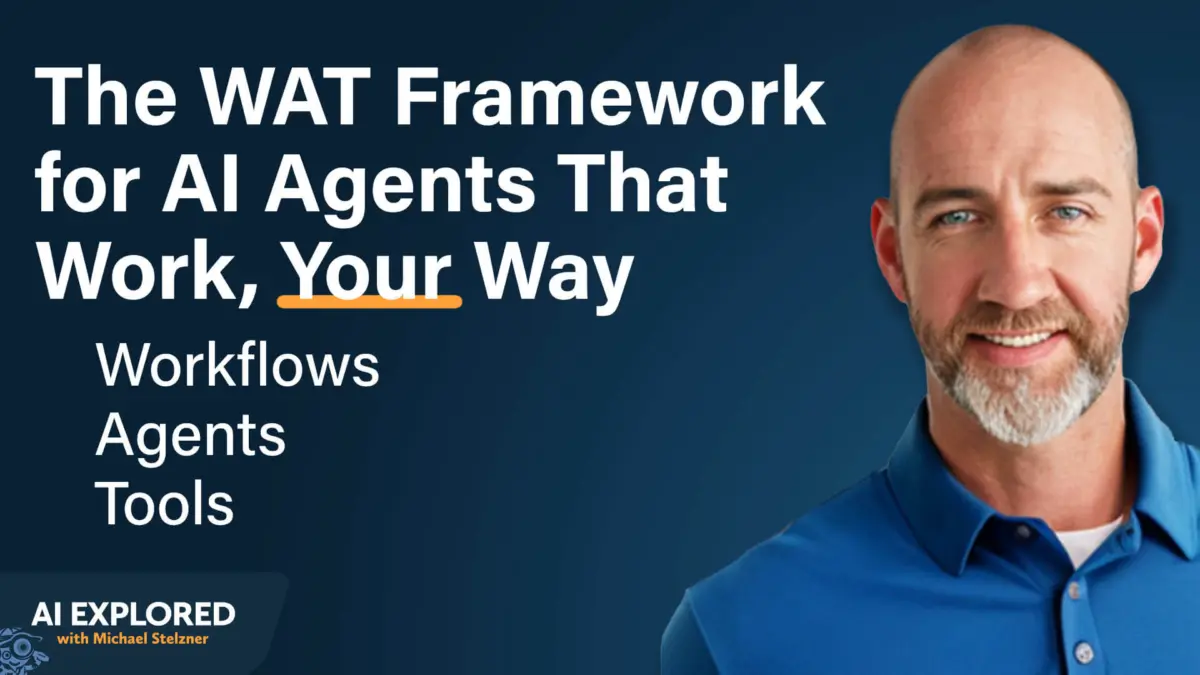
Framework 2: The WAT Approach (Workflows, Agents, and Tools)
When interacting with AI to construct these systems, Moehring advocates for the WAT methodology:
- Workflows: Clearly defining the step-by-step human process currently used to accomplish a goal.
- Agents: Establishing the specialized AI workers responsible for executing specific segments of that workflow.
- Tools: Provisioning the necessary APIs, code editors, and integrations (such as Granola connectors or ClickUp APIs) required to bridge the AI with external software.
Future Outlook: The "Second Brain" Paradigm and Scaling Ahead
Beyond raw time-savings—such as cutting two weeks of administrative overhead down to a single hour—Moehring notes an unexpected, transformative byproduct of building custom AI agents: the creation of a corporate "second brain."
Because every automation run, client interaction, meeting transcript, and operational playbook is systematically logged, consolidated, and made queryable within the local directory, the system becomes an infallible repository of institutional knowledge. If an entrepreneur forgets when a specific project milestone was completed or how a nuanced client process was handled six months prior, the answer is retrievable via a simple conversational query to the agent.
Key Takeaways for Implementing AI Agents in Your Business:
- Start Small and Specific: Avoid broad mandates like "build me a marketing department agent." Instead, automate isolated, highly repetitive micro-tasks first.
- Build Bottom-Up: Perfect your task-level sub-agents before attempting to layer high-level orchestration agents (like "Leo") on top.
- Treat Playbooks as Code: Write explicit, structured SOPs designed specifically for machine comprehension, detailing inputs, processes, and expected outputs.
- Automate the Triggers: Utilize scheduling tools, Cursor Automations, or GitHub cron jobs to ensure your agents run proactively without requiring manual oversight.
As the artificial intelligence landscape matures, the competitive advantage will no longer belong to those who use the flashiest generic tools, but to those who embed customized, context-aware AI systems directly into the bedrock of their daily operations. By following Keith Moehring’s blueprint, entrepreneurs can finally stop working in their business admin and start letting their digital workforce handle the heavy lifting.