Executive Overview
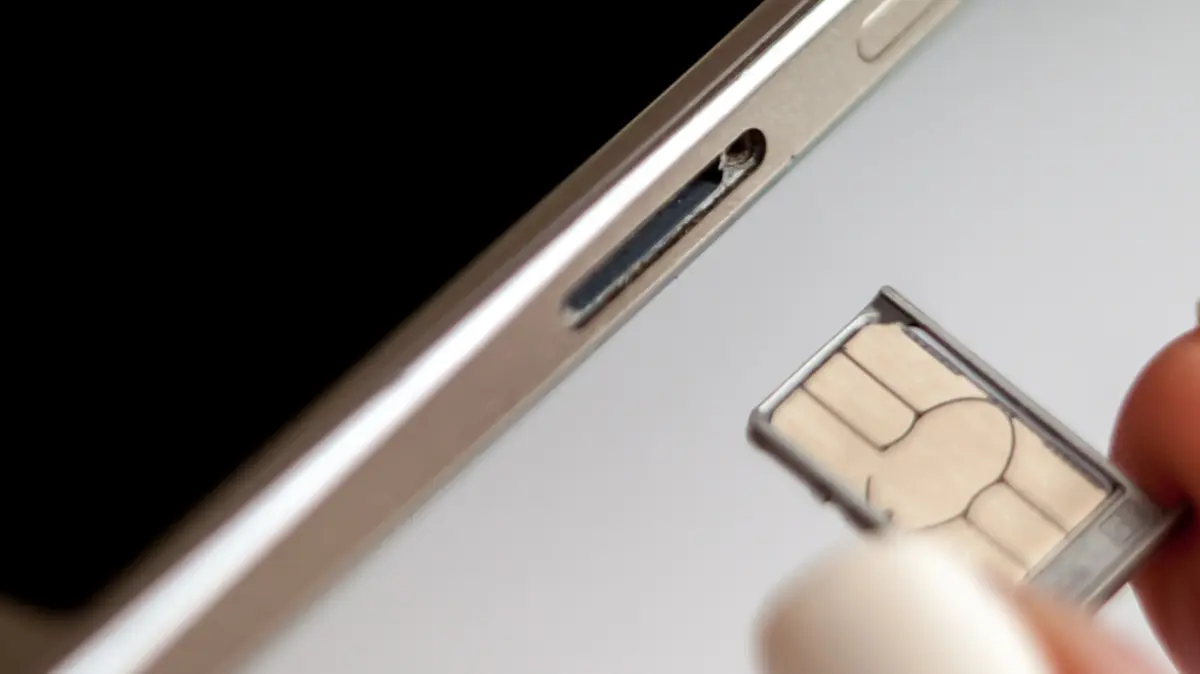
In an era of hyper-fast mobile connectivity, seamless roaming, and on-the-fly digital adjustments, the physical SIM card remains a resilient remnant of early cellular technology. Whether you are swapping your primary carrier for a budget-friendly Mobile Virtual Network Operator (MVNO) to cut down monthly expenses, inserting a local prepaid data card during an overseas vacation, or replacing a malfunctioning chip sent by your provider, interacting with your smartphone’s SIM tray is a routine maintenance task for many.
Modern smartphones are engineered for convenience. Most current-generation devices boast hot-swappable capabilities, meaning users can slide out the SIM tray, exchange the cards, and reinsert the module without ever powering down the device. Yet, a lingering debate persists among tech enthusiasts, mobile repair technicians, and everyday consumers: Should you turn off your phone before swapping a SIM card?
While modern operating systems and hardware architectures make it technically unnecessary to shut down your device, doing so offers minor, tangible benefits that mitigate rare software-level glitches and network registration failures. Furthermore, a failure to follow best practices during a SIM swap can occasionally lead to frustrating hardware errors, misaligned SIM trays, battery drain from infinite network-hunting loops, and, in the case of hybrid trays shared with microSD cards, catastrophic data corruption. This report investigates the mechanics of SIM card replacement, the marginal risks of hot-swapping, the historical context of mobile hardware design, and the definitive best practices to ensure a smooth transition between carriers.
Detailed Chronology: The Evolution of SIM Access and Hot-Swappability
To understand why the debate over powering down your phone exists today, it is essential to trace how physical SIM card integration has evolved alongside smartphone architecture over the last two decades.
The Era of Removable Batteries (Pre-2010s)
In the early days of GSM cellular technology and the smartphone boom of the late 2000s, SIM card slots were rarely found on the sleek, accessible outer edges of mobile devices. Instead, manufacturers routinely placed SIM card slots directly beneath the phone’s removable back cover, often nestled snugly underneath or adjacent to the battery pack.
During this era, swapping a SIM card was not merely a matter of convenience; it was a physical impossibility without first powering down the device. Removing the battery to access the SIM slot meant an immediate, hard cut to the phone’s power supply. Consequently, the operating system was always forced to perform a complete cold boot upon reboot, naturally reading the newly introduced subscriber identity module from scratch and initializing fresh carrier configurations without software interference.
The Rise of Unibody Design and External Trays
As mobile consumers demanded sleeker, more water-resistant, and structurally rigid devices, manufacturers rapidly phased out removable batteries in favor of unibody construction. This shift required hardware engineers to relocate the SIM slot to the exterior perimeter of the smartphone chassis.
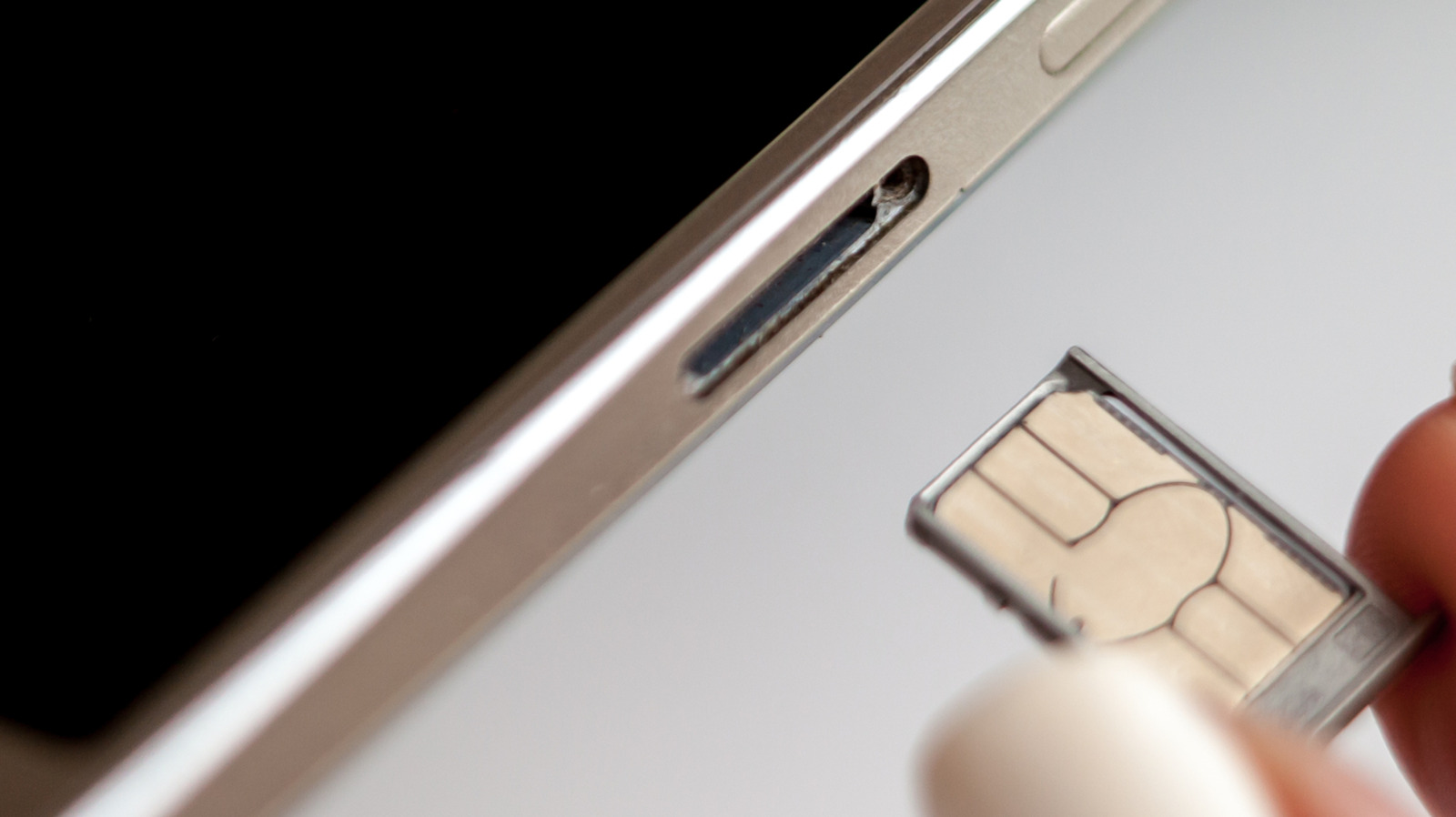
The introduction of the external SIM tray brought forth the era of "hot-swappability." Early iterations of external tray designs occasionally struggled with real-time software handshakes. Users who swapped SIM cards while their devices remained fully powered on frequently encountered persistent "No Service," "Invalid SIM," or network error messages. These software glitches forced users to manually toggle airplane mode or restart their phones anyway, establishing early habits of caution among mobile users.
Modern Hot-Swapping and Firmware Adaptability
Today, modern mobile operating systems (iOS and Android) and advanced baseband processors handle external hardware insertions much more gracefully. When a physical SIM card is removed or replaced, the system daemon responsible for cellular connectivity instantly detects the hardware state change via the tray’s electronic pins.
Most contemporary smartphones can seamlessly transition between carriers on the fly. However, the operating system still relies on a complex software stack to read the Integrated Circuit Card ID (ICCID), authenticate with the new network’s Home Location Register (HLR) or Visitor Location Register (VLR), and pull updated Access Point Name (APN) settings. While a hot-swap rarely causes permanent harm, it occasionally bypasses the ideal initialization sequence, leading to the minor software hiccups that make a simple reboot or power-down procedure worth considering.
Supporting Context & Metrics: Physical Risks and Software Mechanics
While the software risks of hot-swapping a SIM card are largely benign and easily resolved with a reboot, physical risks present a much more concrete hazard to the longevity of your smartphone.
The Physical Hazards of SIM Tray Manipulation
Because SIM trays are precision-engineered components with tight tolerances, improper handling during a swap can cause compounding issues:
- Debris Ingress: Opening the SIM tray exposes the internal cavity of the phone to pocket lint, dust, grime, and moisture. Introducing particulate matter into the device can compromise internal components or cause the SIM tray to jam.
- Structural Damage to the Tray or Pins: Forcing a SIM card incorrectly into a tray—such as attempting to fit a nano-SIM improperly or using an outdated SIM adapter—can bend the delicate gold-plated spring pins inside the phone’s logic board socket. A damaged pin can permanently disable cellular connectivity, requiring expensive motherboard repairs.
- The Infinite Loop Battery Drain: If a SIM card is improperly seated, damaged, or partially misaligned, the phone’s baseband processor will repeatedly attempt to poll the card and establish a network connection. Failing to read the card results in an endless retry loop. This continuous hardware polling heavily drains the battery and can cause the device to overheat significantly.
Software-Based Network Errors
When a physical SIM is hot-swapped, the phone’s radio interface layer (RIL) must immediately flush old carrier parameters and ingest new ones. If the operating system fails to process this transition smoothly, users frequently encounter network registration timeouts.
Powering down the device completely before performing a SIM swap forces the system to execute a clean boot sequence. Upon restarting, the device reads the fresh carrier metadata embedded on the newly inserted card right from the initialization phase, drastically reducing the statistical probability of encountering stubborn software-based network error messages.
The Hybrid Slot and MicroSD Data Corruption Warning
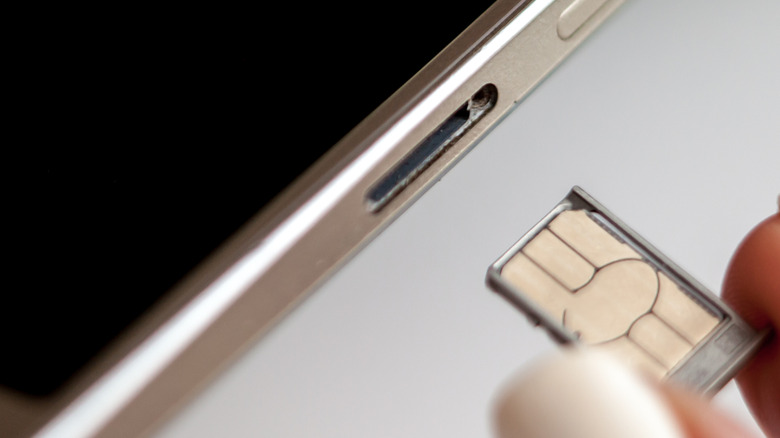
While Apple phased out physical expandable storage years ago, many Android manufacturers—particularly in mid-range and budget lineups—continue to support microSD cards. In many of these devices, manufacturers utilize a hybrid SIM tray, where a single physical sliding caddy accommodates either two Nano-SIM cards or one Nano-SIM and one microSD card.
If your device utilizes a hybrid tray, swapping your SIM card introduces a significant risk of data loss if the microSD card is ejected improperly. Just as removing an external USB hard drive from a computer without safely unmounting it can corrupt files or destroy directory structures, pulling a shared SIM/microSD tray without unmounting the storage card can corrupt your stored photos, apps, and documents.
- How to Safely Unmount a MicroSD Card (e.g., Samsung One UI):
- Open the device’s Settings application.
- Navigate to Device Care or Battery and Device Care, then select Storage. Alternatively, open the native My Files file manager app.
- Locate your SD Card directory listing.
- Tap the three-dot vertical menu icon adjacent to the storage volume.
- Select Unmount. Wait for the system confirmation notification stating that the SD card can be safely removed before ejecting the physical tray.
Expert Perspectives and Alternative Workarounds
Mobile telecommunications engineers and consumer advocacy experts generally agree that while hot-swapping is largely safe on modern hardware, adhering to preventative measures saves time and prevents edge-case troubleshooting.
The Airplane Mode Compromise
If you are in a rush and prefer not to perform a complete cold shutdown of your smartphone, industry technicians recommend utilizing Airplane Mode as an effective software-level intermediary step.
- Enable Airplane Mode on your device to completely sever all cellular, Wi-Fi, and Bluetooth radio transmissions.
- Wait approximately 30 seconds to allow the baseband firmware to enter an idle, inactive state and clear active session caches.
- Eject the SIM tray using a proper tool, remove the old card, and insert the new SIM card securely.
- Push the tray back into the device housing.
- Disable Airplane Mode.
By forcing the radios offline prior to the hardware exchange, you prevent the system from attempting to read a partially inserted or shifting card, effectively simulating the clean network handshake achieved during a full device restart.
Physical SIM vs. eSIM: The Ongoing Architectural Shift
The debate over SIM replacement mechanics also highlights the broader industry transition toward eSIM (Embedded SIM) technology.
- The eSIM Advantage: Because eSIMs are digitally provisioned directly onto a secure hardware chip soldered onto the phone’s logic board (the eUICC), they require zero moving parts. Swapping carriers or adding travel lines involves scanning a QR code, utilizing a carrier mobile application, or executing a direct cloud-based device-to-device transfer. There are no trays to jam, no gold pins to bend, and no physical cards to lose.
- The Continuing Appeal of Physical SIMs: Despite the elegance of eSIMs, physical SIM cards retain a dedicated following due to consumer privacy preferences and unparalleled convenience. Physical SIMs allow users to easily purchase over-the-counter, pay-as-you-go international accounts anonymously, swap cards between multiple unlocked devices instantly without carrier intervention, and maintain absolute control over their cellular identity without relying on digital cloud handshakes.
Future Outlook: The Inevitable All-Digital Horizon
As telecommunications infrastructure matures, the friction points associated with physical SIM cards will gradually disappear. Major global carriers and smartphone manufacturers are steadily accelerating the deprecation of physical SIM trays. Apple’s transition to eSIM-only iPhone models in the United States serves as a clear indicator of the industry’s ultimate trajectory.
In the coming years, mid-range and budget device categories in developing markets will likewise abandon physical card slots as global MVNOs and prepaid networks streamline digital onboarding pipelines. Until that all-digital horizon is fully realized, millions of consumers will continue to rely on physical SIM trays to manage their mobile connectivity.
Summary Best Practices for SIM Card Swapping
To summarize expert recommendations for managing physical SIM card replacements:
- Power Down When Possible: Taking the extra 30 seconds to completely power down your smartphone eliminates the microscopic chance of software-based network errors and ensures a pristine carrier initialization sequence upon reboot.
- Use Airplane Mode as a Backup: If a full shutdown is inconvenient, always toggle Airplane Mode on for 30 seconds before and after swapping your card.
- Inspect and Protect: Handle SIM cards by their edges to avoid transferring skin oils to the gold contact pads, and ensure the SIM tray is free of dust or moisture before reinsertion.
- Never Forget to Unmount MicroSD Cards: If your Android device features a hybrid tray shared with expandable storage, always unmount your microSD card via system settings prior to ejecting the tray to safeguard your personal data from corruption.
By observing these straightforward precautions, smartphone users can effortlessly navigate international travel, carrier switches, and hardware upgrades without falling victim to avoidable technical glitches.