Executive Overview
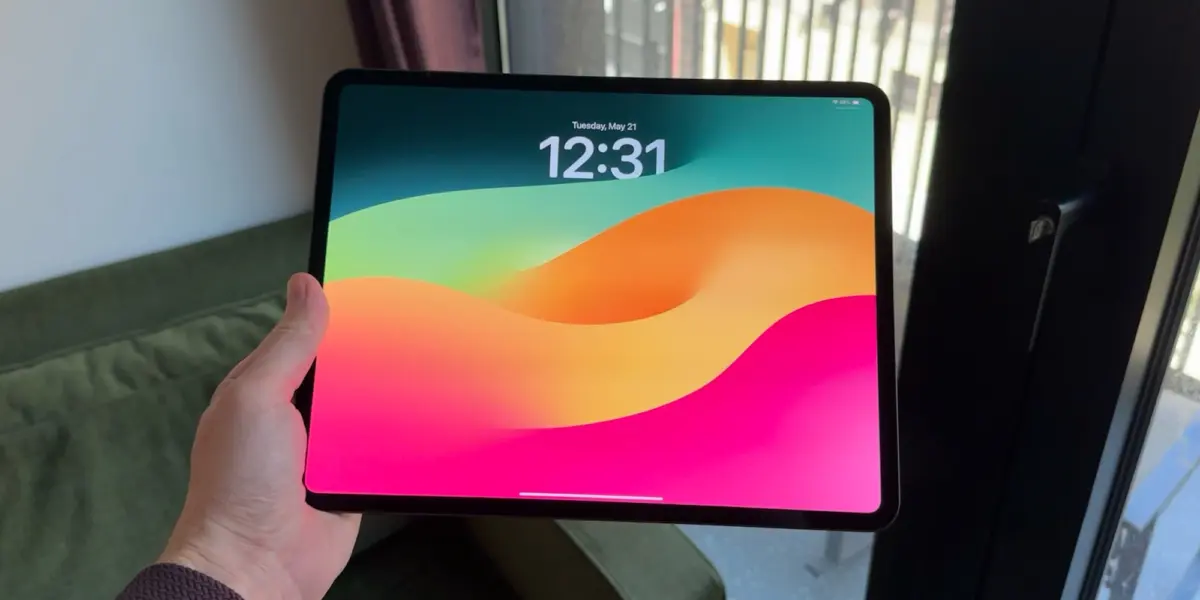
When Apple introduced advanced windowing capabilities to iPadOS 26, it was heralded as a watershed moment for the platform. For years, power users, enterprise professionals, and tech journalists had clamored for a more Mac-like desktop experience on Apple’s high-powered tablet lineup, particularly for those utilizing the 13-inch iPad Pro paired with a Magic Keyboard. Apple responded by fundamentally overhauling the operating system’s paradigm of app interaction, dismantling legacy workflows in favor of a fluid, multi-window environment.
Yet, nearly two major software iterations later—stretching into the current era of iPadOS 27—the fallout from this design philosophy shift has become increasingly apparent. While the windowing architecture excels for heavy workflows involving rapid context-switching, it has alienated a vast cohort of users who prefer a simpler, more streamlined tablet experience. By initially eradicating and subsequently burying legacy features like Split View and Slide Over deep within a mandatory window management hierarchy, Apple has forced casual and intermediate users into a complex web of precise window positioning, accidental snapping, and unnecessary friction.
This article explores the evolution of iPad multitasking, the structural flaws in Apple’s current unified software approach, and why critics argue that a bifurcated "Classic vs. Pro" system is desperately needed to restore balance to the iPad ecosystem.
Detailed Chronology: From Split View to Modern Windowing
The Legacy Era: Split View, Slide Over, and Full-Screen Simplicity
Before the paradigm shift of iPadOS 26, the iPad multitasking narrative was defined by predictability. Introduced years prior, features like Split View and Slide Over provided distinct boundaries. Users could snap two applications side-by-side or slide a transient third application over the primary workspace with minimal cognitive load.
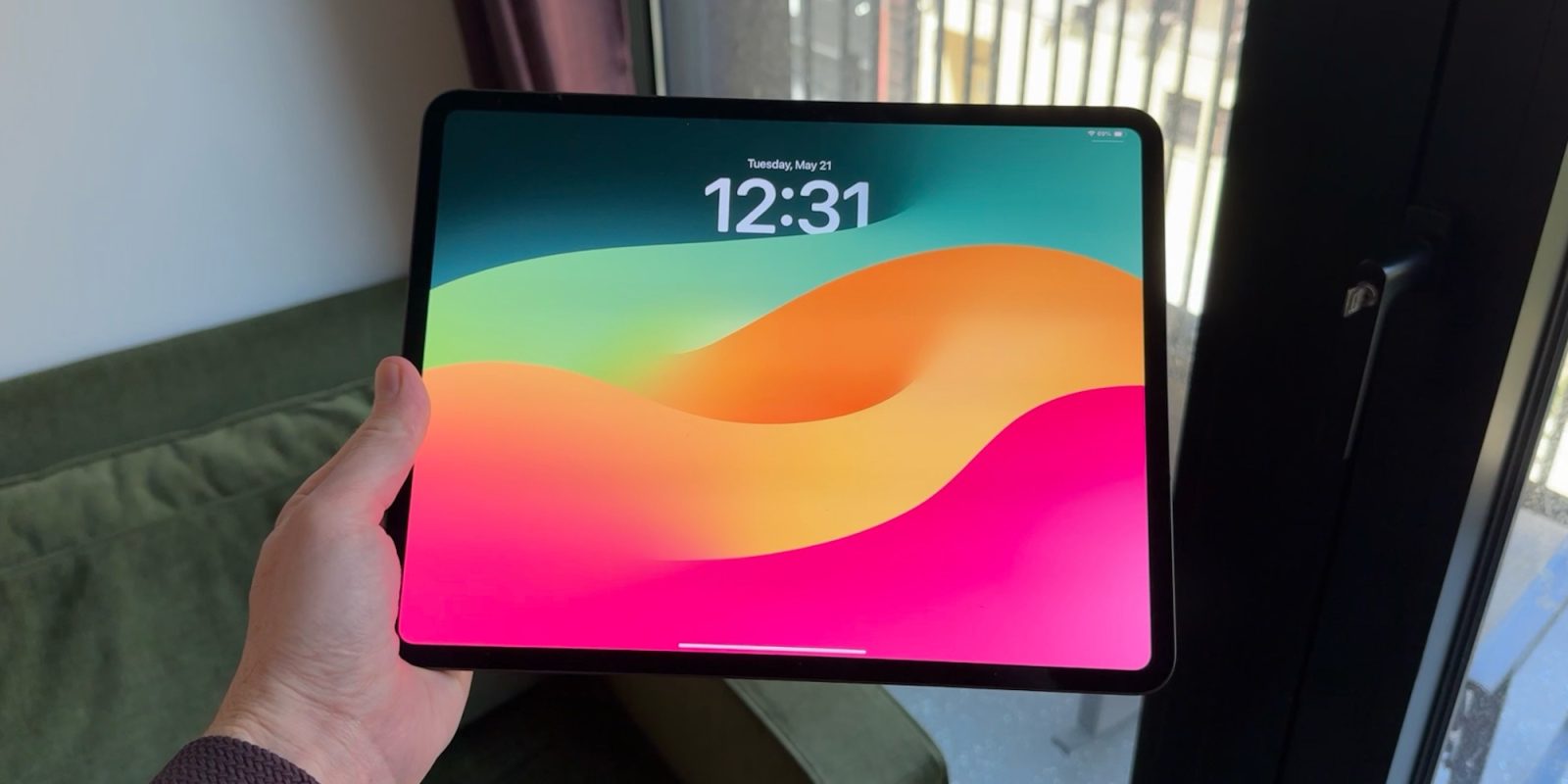
For the average consumer checking email, streaming media, or reading articles, these tools were adequate, if occasionally rigid. There was no need to manage window borders, worry about z-index stacking, or deal with window "traffic lights." The iPad remained, fundamentally, an oversized iOS device: focused, immersive, and strictly full-screen by default.
The iPadOS 26 Earthquake
The release of iPadOS 26 completely discarded that playbook. Apple, emboldened by the raw processing might of M-series silicon (such as the M4 iPad Pro), sought to bridge the gap between iPadOS and macOS. The centerpiece of this update was free-floating, resizable windows.
However, this ambitious feature rollout came at an immediate and disruptive cost: the complete removal of classic Split View and Slide Over. Apple assumed that users would universally embrace a desktop-class windowing model. The backlash was swift. Users who wanted to quickly look at two apps side-by-side without managing overlapping bounding boxes found themselves struggling with a heavy-handed interface designed for external displays and mouse pointers rather than casual touch inputs.
The Patchwork Return in iPadOS 26.1 and 26.2
Recognizing the friction caused by the wholesale removal of legacy tools, Apple began backtracking in subsequent point releases. iPadOS 26.1 and later beta cycles for 26.2 reintroduced Slide Over and Split View.
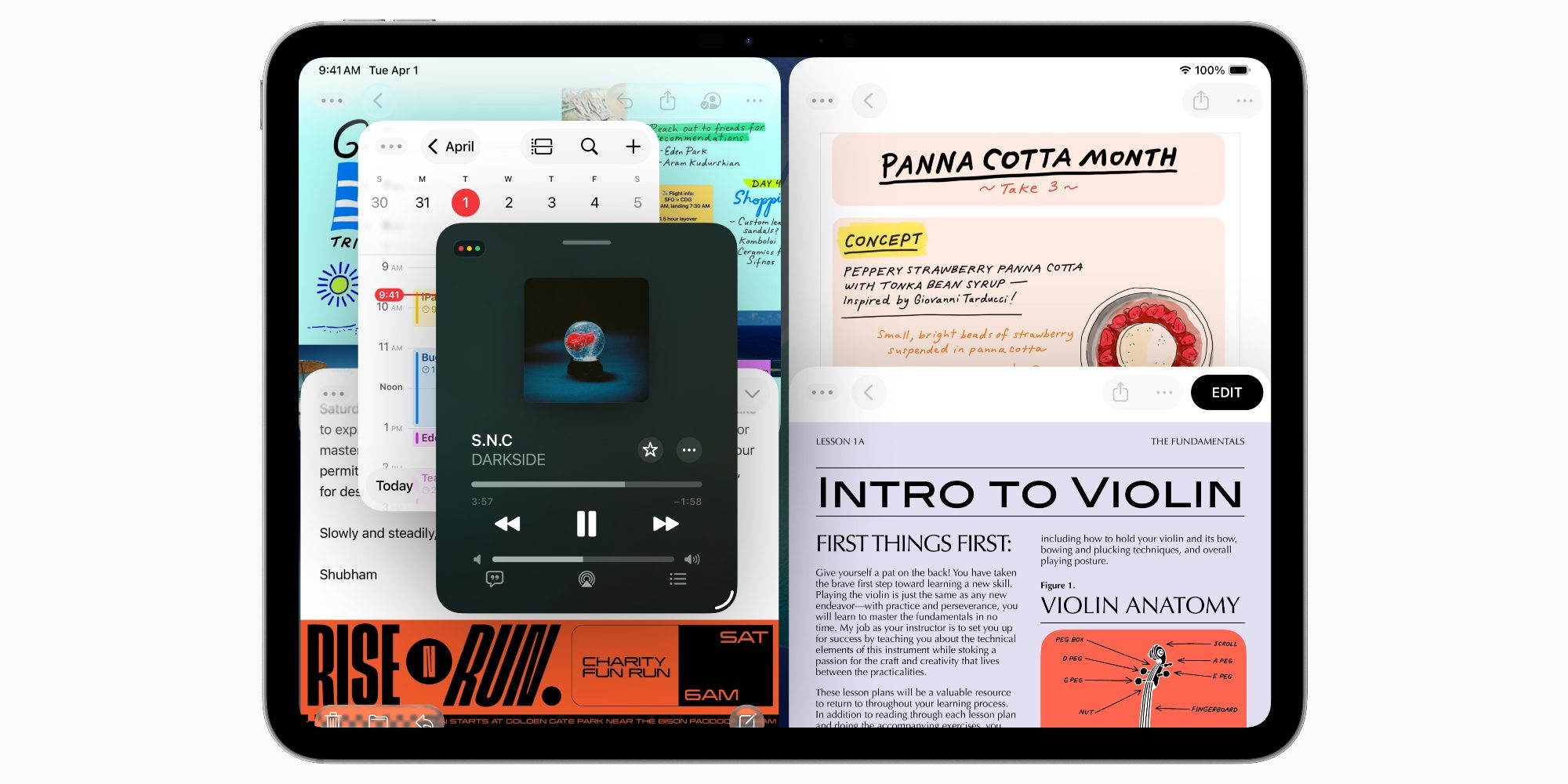
There was a massive catch, however: these features were not restored as independent, standalone paradigms. Instead, they were grafted directly onto the new windowing framework. To access Split View or Slide Over, users were now forced to enable the complex window management system. This meant that simple tasks were constantly compromised by the overhead of a pro-tier interface. A misplaced drag or a fraction-of-an-inch miscalculation while moving a window could inadvertently trigger a system snap, disrupting user flow. Even the inclusion of advanced gestures—such as long-pressing window traffic lights to summon granular state toggles—felt counterintuitive for standard tablet interactions.
The Current State in iPadOS 27
Moving into iPadOS 27, Apple has maintained this status quo. Despite ongoing user feedback and widespread commentary across the developer and tech journalist communities, no structural partition has been built to separate the pro-level windowing experience from casual tablet utilization. The software treats all users as if they desire desktop emulation, leaving a notable void for those who simply want an iPad to behave like an iPad.
Supporting Context & Metrics: Hardware Might vs. Software Ergonomics
To understand why Apple made this gamble, one must examine the hardware trajectory of the iPad lineup. The modern iPad Pro and iPad Air models are powered by desktop-grade processors—most notably the M4 chip. These devices boast thermal performance, unified memory bandwidth, and multi-core CPU architectures that easily match or exceed traditional entry-level MacBooks.
+--------------------------------------------------------------------------+
|                        iPadOS Multitasking Evolution                     |
+--------------------------+-----------------------+-----------------------+
| Era                      | Primary Paradigms     | Core Target Audience  |
+--------------------------+-----------------------+-----------------------+
| Pre-iPadOS 26            | Split View, Slide     | Casual & General      |
|                          | Over, Full-Screen     | Consumers             |
+--------------------------+-----------------------+-----------------------+
| iPadOS 26 – 27           | Free-Form Windowing,  | Pro Users, Keyboard/  |
| (Current)                | Stage Manager         | Mouse Power Users     |
+--------------------------+-----------------------+-----------------------+
| Proposed Future          | "Classic" vs. "Pro"   | Universal (All User   |
|                          | Bifurcation           | Cohorts Satisfied)    |
+--------------------------+-----------------------+-----------------------+
When coupled with accessories like the Magic Keyboard, trackpad support, and external display compatibility via Stage Manager, the iPad Pro is physically transformed into a laptop substitute. According to recent market analysis from hardware tracking firms, a significant minority of iPad Pro buyers utilize their devices primarily with keyboard attachments, relying on them for heavy document editing, coding via cloud environments, and extensive multitasking.
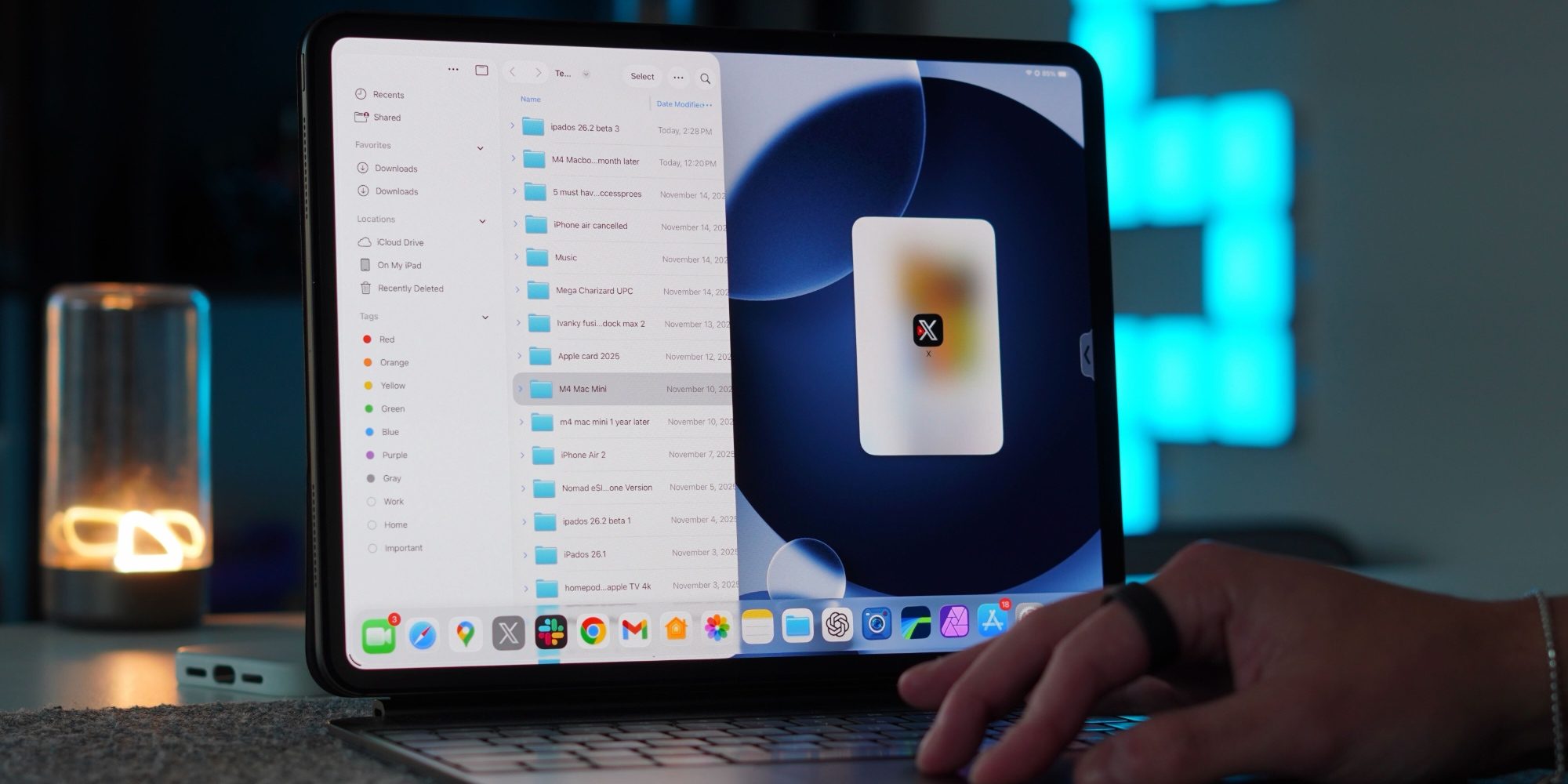
Yet, this power introduces an ergonomic paradox:
- The Ergonomic Disconnect: While a 13-inch iPad Pro on a desk naturally invites pointer-and-window interactions, an 11-inch iPad Pro or an iPad Air held in the hands on a couch or an airplane tray table makes free-floating windows feel cumbersome.
- Touch vs. Pointer Inefficiencies: Free-form windows are fundamentally optimized for precision pointing devices. When executed via fingertip, manipulating small window corners, avoiding accidental edge snaps, and managing stacked layers introduces physical fatigue and cognitive friction.
- The "All-or-Nothing" Trap: Apple’s current architecture creates a binary environment: either use the high-complexity windowing system (with Split View awkwardly embedded within it) or restrict every single app to a rigid, unyielding full-screen view. There is no middle ground.
Official Perspectives and Industry Reaction
Apple’s software engineering team has consistently positioned iPadOS as a living operating system that scales to meet user intent. During platform keynotes, executives have emphasized that advanced windowing and Stage Manager are designed to give users "more space to get things done," bridging the gap between direct touch and indirect pointer control.
However, the industry response has been far more nuanced. UX researchers and platform critics point out that Apple’s historical design ethos—epitomized by the original iPhone and iPad mantras of absolute simplicity and immediate discoverability—has been compromised in pursuit of feature parity with macOS.
- The Developer Community: Many third-party developers have had to completely rewrite their app architectures to support variable window sizes, aspect ratios, and multi-scene states. While this has unlocked powerful capabilities for professional suites (such as Adobe Creative Cloud and Final Cut Pro for iPad), it has placed an undue burden on indie developers whose apps are meant to be consumed in simple, singular windows.
- Accessibility and Usability Advocates: Critics argue that burying intuitive features like Split View beneath layers of complex window choreography harms accessibility. Users with cognitive or motor variations find it increasingly difficult to navigate an interface where touch targets are ambiguous and app windows behave unpredictably based on drag velocity and positioning.
Future Outlook: The Case for a Bifurcated Multitasking Model
As Apple looks toward future iterations of iPadOS, the primary recommendation emerging from the tech community is clear: bifurcation.

To truly satisfy its diverse user base, Apple should consider restructuring iPadOS into two distinct, user-selectable multitasking environments:
-
The "Classic" Mode:
- Tailored for casual users, handheld usage, and those who prioritize distraction-free computing.
- Completely restores the frictionless, predictable implementation of classic Split View and Slide Over.
- Restricts apps to clean, full-screen or side-by-side boundaries without the overhead of floating, resizable windows, traffic light controls, or z-index layering.
-
The "Pro" Mode:
- Retains and refines the current windowing architecture introduced in iPadOS 26.
- Features robust multi-window support, free-form resizing, and granular Stage Manager integration.
- Designed specifically for users operating with keyboard and mouse peripherals, external displays, and heavy professional workflows.
Conclusion
Apple’s ambition to transform the iPad into a powerhouse computing device is commendable, and the hardware engineering behind the M-series iPad lineup is nothing short of miraculous. However, in its rush to satisfy laptop-replacement workflows, the company has inadvertently left behind the core philosophy that made the iPad revolutionary in the first place: accessibility, elegance, and simplicity.

By introducing a "Classic vs. Pro" multitasking toggle in a future iPadOS update, Apple could heal the divide in its user base—granting power users the desktop flexibility they crave while returning peace, predictability, and ease of use to millions of everyday iPad owners.