In the modern digital landscape, the battle for human attention is unrelenting. Smartphones, while serving as indispensable tools for communication, productivity, and navigation, are simultaneously engines of distraction. Notifications, alerts, banners, and pings pull users away from deep work, family time, and restorative rest on a minute-by-minute basis. To combat this cognitive fragmentation, Apple introduced "Focus mode" several years ago, offering users granular control over their device’s alert architecture.
With the rollout of iOS 27, Apple has not entirely reinvented the wheel, but it has profoundly refined the machinery. While major software updates often boast flashy, headline-grabbing artificial intelligence integrations or radical graphical overhauls, the enhancements made to Focus mode in iOS 27 represent a masterclass in functional utility. By merging advanced tracking capabilities, unprecedented flexibility in Control Center design, and powerful logical operators within the Shortcuts app, Apple has transformed Focus mode from a static notification silencer into a dynamic, context-aware command center for daily automation.
This report provides an exhaustive examination of how Focus mode has evolved in iOS 27. We will explore the mechanics of its newly resizable interface, analyze the sophisticated integration with Apple Shortcuts and natural language Siri commands, and demonstrate how advanced conditional logic—such as "Otherwise if" statements—allows users to construct deeply personalized, automated workflows. For power users and casual device owners alike, iOS 27 turns the iPhone into a truly proactive assistant that responds fluidly to the user’s real-world environment and mental state.
Detailed Chronology: The Evolution of Focus and the Path to iOS 27
To understand the significance of the iOS 27 updates, it is crucial to trace the historical lineage of Apple’s notification management tools.
The Pre-Focus Era: Do Not Disturb
In the early days of iOS, interruption management was primitive. Users relied exclusively on "Do Not Disturb," a binary switch that either silenced every incoming communication indiscriminately or allowed exceptions exclusively through rigid whitelist groups like "Favorites." If a user wanted to block work-related emails during the evening while remaining accessible to family members, they had to manually toggle individual app settings or live with the constant psychological friction of incoming pings.
The Introduction of Contextual Profiles
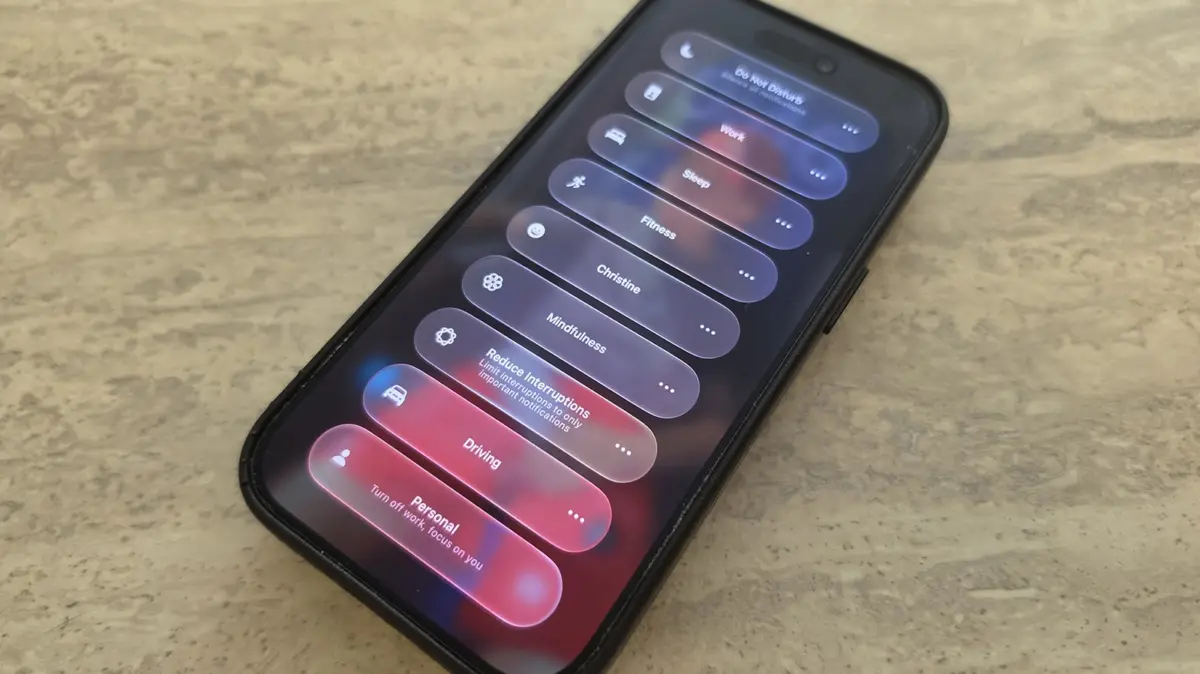
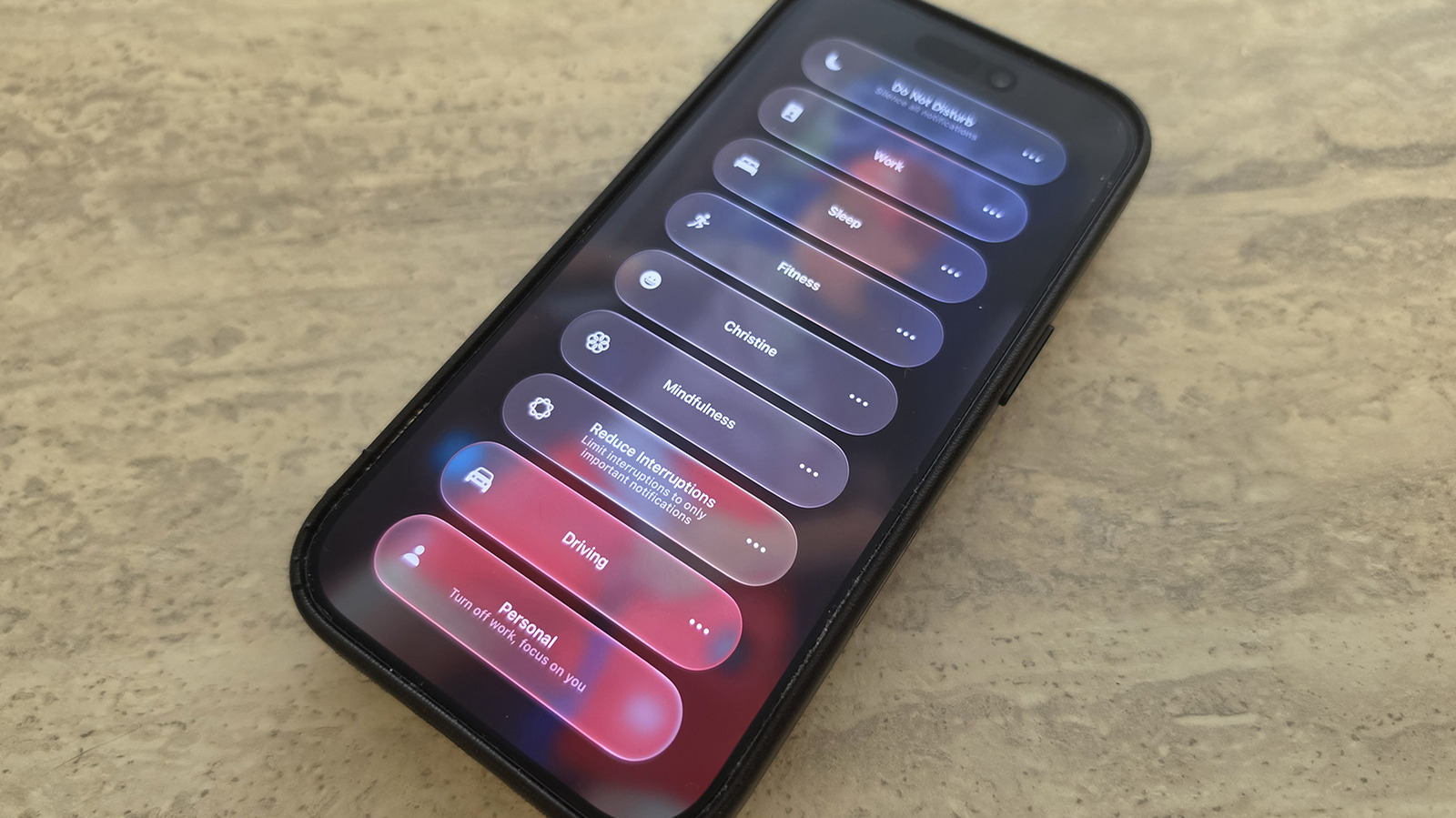
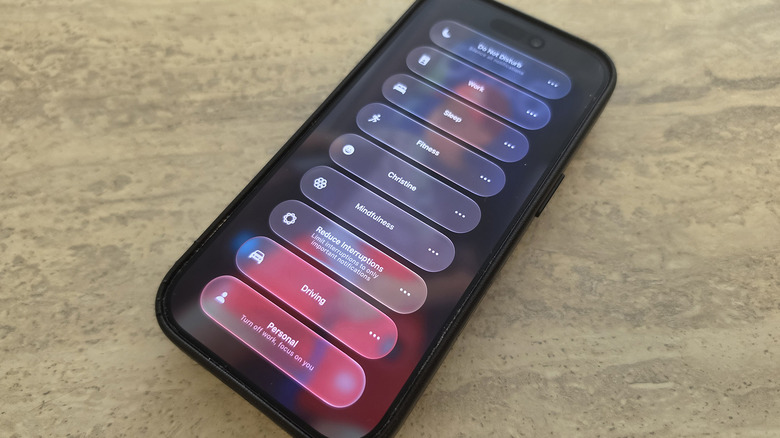
Recognizing the limitations of a binary switch, Apple introduced Focus modes to give users contextual control over their devices. Pre-set profiles—such as Work, Personal, Sleep, and Fitness—allowed users to curate specific rules for different chapters of their day. Users could dictate which applications were permitted to send notifications and which contacts could break through the silence. Furthermore, Focus modes could be scheduled to activate automatically based on time, location, or app usage.
The Incremental Refinement through iOS 26
By the time iOS 26 rolled out, Focus modes had matured into a cornerstone of Apple’s productivity ecosystem. Users could tie specific Lock Screens and Apple Watch faces to individual Focus modes, creating a visual and functional transformation of the device the moment a user transitioned from "Personal" to "Work." However, structural limitations remained. The Control Center tile for Focus remained rigidly locked to a 2×1 grid space, automation triggers within Shortcuts were relatively linear, and tracking state changes required convoluted workarounds.
The iOS 27 Paradigm Shift
Released to the public after months of developer previews, iOS 27 addresses these structural bottlenecks. While maintaining the core philosophy of distraction minimization, Apple has leaned heavily into automation and UI personalization. The integration of advanced tracking states, enhanced Siri natural language interpretation, and complex conditional statements marks a generational leap in how software states interact with user workflows.
Supporting Context & Metrics: Navigating the New Features of iOS 27
The enhancements in iOS 27 are categorized into three primary domains: Interface Customization, Shortcut Tracking, and Conditional Automation Logic. Each of these areas contributes to a more cohesive and efficient user experience.
1. Granular Control Center Customization
In previous iterations of the iOS interface, interacting with Focus modes via the Control Center was restricted by a rigid design footprint. The Focus tile occupied a standard 2×1 spatial rectangle. While functional, it lacked the spatial adaptability that modern users demand from heavily customized control panels.
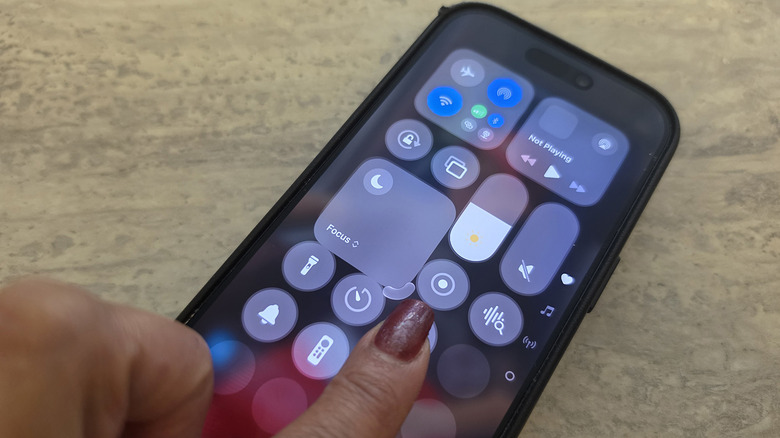
iOS 27 introduces fully fluid widget resizing within the Control Center. By long-pressing any empty space within the Control Center to enter edit mode, users can now grab the bottom-right corner of the Focus icon and scale it dynamically.
The 1×1 Configuration: For minimalists who wish to maximize screen real estate and reduce visual clutter, the Focus icon can be scaled down to a compact 1×1 circle.
The 2×2 Configuration: For power users who frequently cycle between multiple custom modes throughout the day, the tile can be expanded to a 2×2 square, granting immediate, single-tap access to a wider array of profiles without requiring deep navigation menus.
2. Advanced Focus State Tracking in Shortcuts
Perhaps the most technically robust upgrade in iOS 27 lies under the hood of the Shortcuts application. As detailed by automation experts and developers like Derek Seaman, iOS 27 radically improves how the operating system tracks Focus mode transitions, exposing these states to the Shortcuts engine with unprecedented precision.
In older versions of iOS, triggering a shortcut based on a Focus mode was often a one-way street: turning on a mode initiated a static set of actions. In iOS 27, Shortcut actions can continuously query the exact phone state based on the currently active Focus mode.
Natural Language Integration: Leveraging the massive upgrades to Siri AI in iOS 27, users can now speak natural language commands to build complex routines. For instance, a user can instruct Siri: "Create a shortcut that asks my phone to play my favorite podcast whenever it enters Driving focus mode."
Sleep and Fitness Triggers: Specialized modes like Sleep and Fitness have been granted deep automation hooks, allowing devices to react instantaneously to resting or exercising states without manual intervention.
3. The Power of "Otherwise If" Logic Statements
The introduction of complex conditional logic is the crown jewel of the iOS 27 automation update. Previously, if-then statements in iOS Shortcuts were largely binary and struggled to gracefully handle multi-state environments.
iOS 27 introduces robust native support for "Otherwise if" logic statements when tied to Focus mode triggers. This allows a single, unified Shortcut to evaluate multiple environmental states simultaneously.
Scenario Construction: Imagine a unified morning routine automation. Under iOS 27, a single shortcut can evaluate: If the Sleep Focus mode is active, trigger an ambient wake-up playlist; Otherwise if the Driving Focus mode is active, automatically launch navigation software and queue up a morning news briefing; Otherwise, initiate the standard Work productivity dashboard.
Granular Control: This eliminates the need to create dozens of fragmented, single-use automations. Devices can now track micro-transitions between modes and execute cascading action chains with surgical precision.
Official Statements & Expert Analysis
Industry analysts and productivity experts have widely praised Apple’s measured approach in iOS 27. Rather than forcing radical behavioral changes onto users, Apple has chosen to deepen the utility of existing frameworks.
In a recent technical overview, prominent iOS developer and automation analyst Derek Seaman noted:
"The expansion of Focus tracking in iOS 27 bridges the gap between passive notification management and active system automation. By allowing Shortcuts to parse exact Focus states with conditional branching, Apple has handed power users the keys to a truly intelligent operating system."
Furthermore, internal previews from Apple’s engineering teams emphasize that Focus mode was designed from the ground up to reduce cognitive load. By refining the ways users interact with these tools—such as through resizable Control Center tiles and natural language Siri programming—Apple aims to lower the barrier to entry for advanced device automation.
Crafting the Ultimate Custom Focus: A Practical Walkthrough
To fully appreciate the power of iOS 27, consider the configuration of a personalized custom profile. A user can establish a profile named "Christine" (tailored to specific professional and personal boundaries):
Silenced Distractions: Incoming notifications from high-dopamine, non-essential applications—such as Instagram, Facebook, and standard consumer messaging apps—are entirely blocked.
Permitted Channels: Critical communication pipelines remain wide open. Notifications from enterprise tools like Slack and smart-home security systems, such as a Ring video doorbell, are explicitly allowed to break through the silence.
VIP Contacts: Key individuals, such as an immediate family member or a direct supervisor, are whitelisted to ensure emergencies are never missed.
Automated Handshake: By pairing this custom profile with an iOS 27 Shortcut, switching into "Christine" mode can automatically adjust smart home lighting, launch specific work-related browser tabs, and initiate a deep-work timer.
Future Outlook: The Horizon of Contextual Computing
As we look beyond iOS 27, the trajectory of mobile operating systems points toward hyper-contextual computing. The modern smartphone is no longer just a communication terminal; it is an ambient computing node that understands where you are, what you are doing, and what your cognitive bandwidth requires at any given second.
Apple’s ongoing refinement of Focus modes signals a broader industry shift away from reactive device management and toward proactive, environment-aware assistance. As Siri AI continues to evolve and natural language processing becomes even more deeply embedded in everyday workflows, the boundaries between manual control and automated execution will continue to blur.
For the everyday user, the message of iOS 27 is clear: ignoring Apple’s productivity tools means missing out on reclaimed time and reduced mental fatigue. By taking a few moments to configure custom Focus profiles, resize Control Center tiles for maximum efficiency, and experiment with the new "Otherwise if" automation logic in Shortcuts, users can turn their iPhones into quiet, efficient sanctuaries amidst a noisy digital world. Focus mode is no longer just a way to silence your phone—it is the operating system’s blueprint for peace of mind.