Executive Overview
For years, power users, tech enthusiasts, and busy professionals juggling multiple Apple devices have faced a persistent, frustrating limitation: the inability to fluidly share a single cellular identity across two distinct iPhones. While the Apple ecosystem has long offered exceptional continuity features—such as Universal Clipboard, Auto-Unlock with Apple Watch, and Handoff for Mac, iPad, and iPhone—using two different iPhones simultaneously required maintaining separate carrier accounts, juggling physical SIM cards or dual-eSIM profiles, and manually managing message forwarding or call routing.
That friction is finally coming to an end. Unveiled briefly during the Worldwide Developers Conference (WWDC) and detailed comprehensively during Apple’s high-profile "Surprise and Shine" hardware event on September 9, iPhone Handoff is a landmark feature arriving with iOS 27. It allows users to utilize a single mobile phone number across two separate iPhones effortlessly. In quintessential Apple fashion, the system is designed to be virtually invisible: once configured, transitioning from one device to the other requires little more than simply picking up the desired handset and unlocking it.
This feature does more than just forward calls; it synchronizes messaging threads, extends payment card access, and maintains deep cloud integration across both devices. However, like any major architectural shift in telecommunications and mobile software, iPhone Handoff arrives with specific hardware requirements, carrier dependencies, and operational caveats. This report provides an exhaustive look at iPhone Handoff—exploring its genesis, technical mechanics, setup procedures, carrier support landscape, current limitations, and its long-term implications for the future of personal technology.
Detailed Chronology: From WWDC Teasers to the September 9 Reveal
The journey toward true multi-iPhone cellular synchronization began long before Apple took the stage at its Cupertino campus in September. To understand the significance of iPhone Handoff, it is necessary to trace how Apple’s ecosystem continuity has evolved over the past decade.
The Foundation of Apple Continuity (2014–2024)
When Apple introduced "Continuity" and "Handoff" alongside iOS 8 and OS X Yosemite in 2014, the goal was to bridge the gap between Mac and iOS devices. Users could start writing an email on an iPhone and finish it on a Mac, or answer phone calls originating from their iPhone directly on their iPad or computer.
While these features relied on Wi-Fi and iCloud account proximity, they fundamentally treated the iPhone as the undisputed anchor of the cellular network. If a user owned two iPhones—perhaps a rugged, compact model for outdoor activities and a larger flagship for media consumption—they were forced to maintain two separate phone numbers or constantly swap physical nano-SIM cards, a tedious process prone to lost cards and misrouted text messages.
WWDC: The First Glance
The first official nod to solving this multi-device dilemma emerged during the opening keynote of Apple’s annual Worldwide Developers Conference. Amidst a massive overhaul focused heavily on localized artificial intelligence, deeply integrated Siri capabilities, and the architectural foundation of iOS 27, Apple engineers briefly flashed a slide detailing a forthcoming feature tentatively referred to in early developer documentation as "Unified Cellular Identity."
While overshadowed by headline-grabbing AI announcements and interface redesigns, tech analysts immediately recognized the implications: Apple was building a native software framework capable of binding a single carrier subscription to multiple primary iOS handsets.
The "Surprise and Shine" Event (September 9)
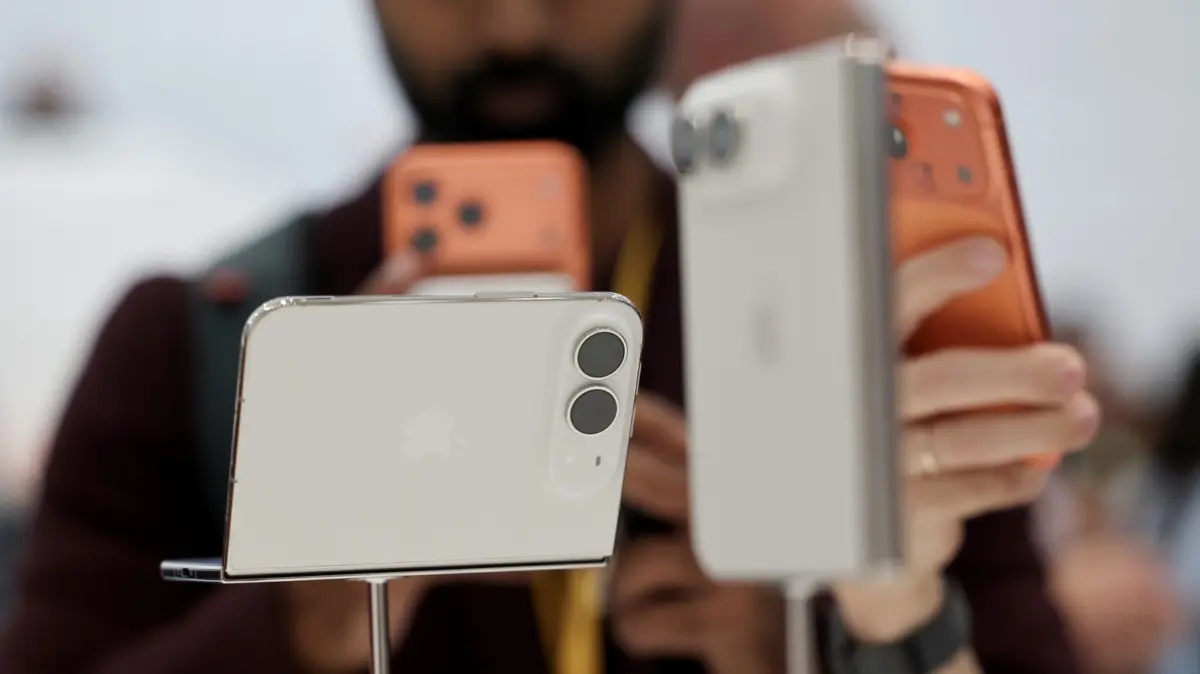
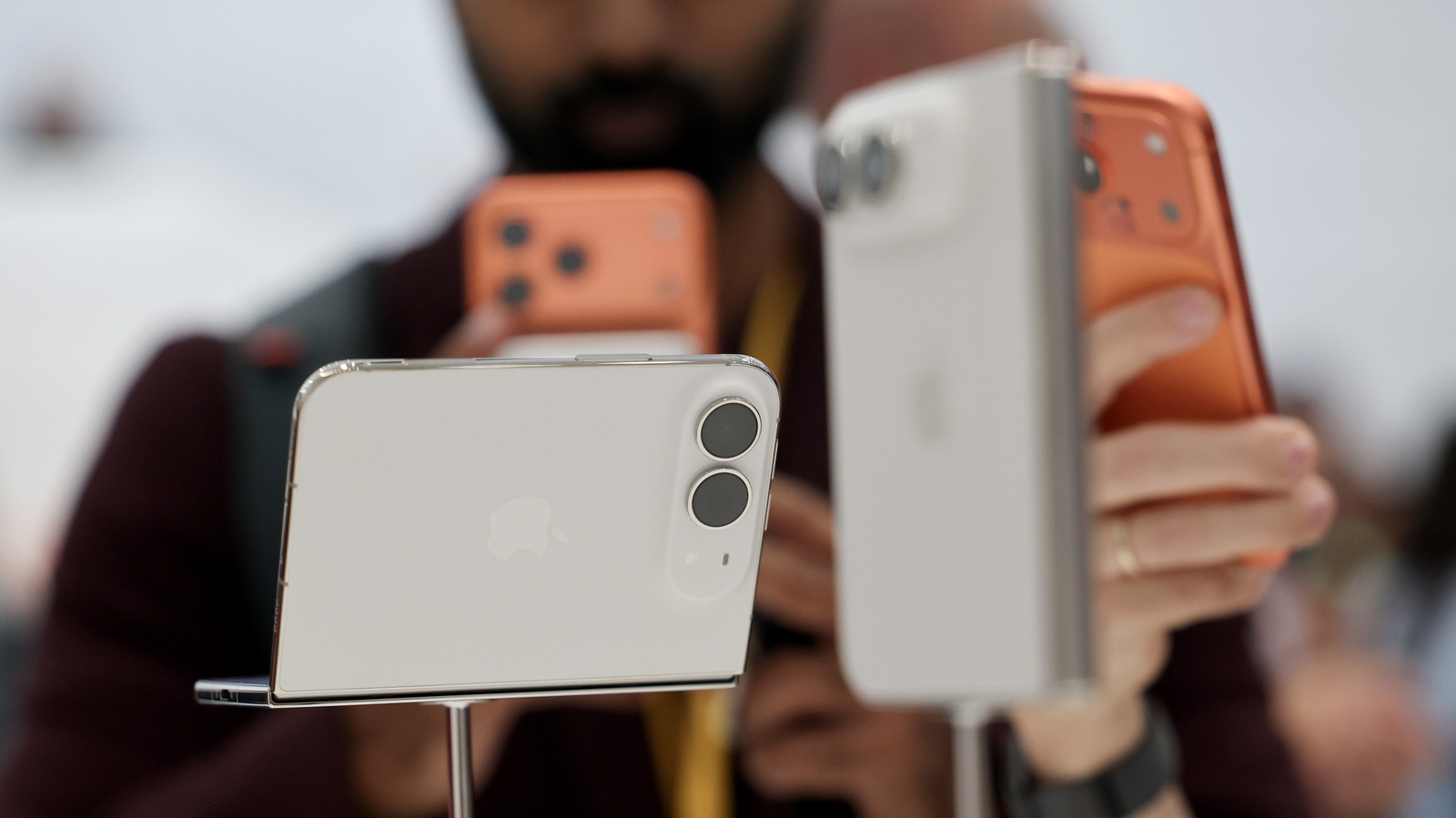
The feature took center stage during Apple’s heavily anticipated September 9 hardware showcase, officially titled the "Surprise and Shine" event. Alongside the debut of the iPhone 18 Pro lineup and the revolutionary, foldable-adjacent $2,000 iPhone Duo, Apple executives dedicated a substantial segment of the presentation to how users interact with their expanding hardware arsenals.
Demonstrating the feature live on stage, an Apple product manager showed how an incoming phone call could ring simultaneously on two different iPhones resting on a desk. By simply picking up the secondary device, unlocking it via Face ID, and speaking, the call was seamlessly maintained without a stutter or dropped connection. The audience response underscored a universal pain point: consumers increasingly own secondary devices, and the requirement for independent carrier lines has long felt like an artificial, billing-driven constraint rather than a technical necessity.
Technical Mechanics: How iPhone Handoff Operates
Under the hood, iPhone Handoff is a sophisticated orchestration of carrier-side network provisioning, iCloud device state synchronization, and proximity-based Bluetooth Low Energy (BLE) handshakes.
The Primary and Secondary Architecture
To utilize iPhone Handoff, users must designate one handset as the primary phone and the other as the secondary phone.
- The Primary Device: This handset holds the core eSIM profile issued by the carrier and manages the foundational billing and network provisioning settings. It acts as the anchor for the cellular subscription.
- The Secondary Device: This handset utilizes a mirrored or authorized secondary profile supplied by the same carrier. It relies on the primary device’s active network state or direct carrier authorization to authenticate with cellular towers.
Both devices must be running iOS 27 or later, connected to the same Wi-Fi network during initial setup, and signed into the exact same Apple Account for iCloud, FaceTime, and iMessage services.
The Dynamic Island Notification and Proximity Triggers
Apple’s design philosophy prioritizes zero-friction transitions. When you pick up and unlock your secondary iPhone, Apple does not require you to open a settings menu or manually toggle a switch. Instead, a subtle, elegant visual indicator appears in the Dynamic Island—situated just under the Wi-Fi signal indicator—signaling that the device is actively bridged to your primary cellular identity.
This instantaneous handoff is managed locally via encrypted peer-to-peer protocols. The moment biometric authentication (Face ID or Touch ID) succeeds on the target device, an authorization token is passed between the two iPhones, transferring active audio streams, session states, and active data connections securely.
Supporting Context, Use Cases, and Ecosystem Metrics
While the average smartphone owner typically maintains a single active handset, market research indicates that a growing percentage of affluent consumers, tech enthusiasts, and enterprise workers regularly utilize two or more smartphones.
Why Use iPhone Handoff? Practical Scenarios
- The Migration and Upgrade Bridge: Historically, transitioning data and waiting for carrier profile transfers during an upgrade cycle could lead to missed messages or interrupted communications. Handoff provides a smooth, overlapping transition period where both devices share an identity.
- Travel and Ruggedization: Users who travel to high-risk areas or engage in extreme outdoor activities often dread taking their expensive primary flagships. With Handoff, users can leave their primary iPhone safely locked at home or in a hotel safe while carrying a smaller, cheaper, or more rugged secondary iPhone without missing vital work calls, personal texts, or two-factor authentication codes.
- The iPhone Duo and Form-Factor Diversity: With the introduction of hardware innovations like the $2,000 iPhone Duo, many users are adopting a two-device lifestyle: a specialized, ultra-portable device for quick tasks and a sprawling, high-performance canvas for productivity and media consumption. Handoff ensures that jumping between these form factors is completely frictionless.
- Work-Life Separation with Device Flexibility: Enterprise professionals who previously carried a bulky corporate phone and a personal phone can now maintain distinct physical hardware for different contexts while retaining access to core communication channels if needed.
Current Limitations and Feature Boundaries
Despite its seamless execution, iPhone Handoff is not a total clone of your digital life across both devices. Users should be aware of several notable constraints:
- Apple Watch Pairing: Handoff does not automatically switch your paired Apple Watch between the two iPhones. Your Apple Watch remains anchored to a single host device, meaning fitness tracking and watch-specific notifications will stay tied to whichever phone the watch is actively paired with.
- Wallet and Secure Elements: While payment cards can be shared and synced across both devices, certain highly secure credentials—such as state-issued digital IDs, driver’s licenses, and specific transit passes—are bound tightly to the Secure Enclave of a single physical hardware device due to strict legal and security compliance frameworks. They cannot be freely mirrored via Handoff.
- Carrier Dependency: The feature requires explicit backend support from your mobile network operator. Hardware capability alone is insufficient; your carrier must support multi-device eSIM synchronization.
Carrier Support Landscape and Financial Implications
The rollout of any network-dependent Apple feature inevitably highlights the complex relationships between consumer tech giants and traditional telecommunications providers. iPhone Handoff is no exception.
Current Carrier Support (US and International)
As of the launch of iOS 27, carrier support is remarkably limited, requiring users to check compatibility carefully before attempting setup:
- United States: T-Mobile has stepped forward as the exclusive launch partner in the US market, confirming full support for iPhone Handoff from day one. Major competitors like Verizon and AT&T have yet to announce concrete timelines for platform integration.
- International Markets: In Germany, Telekom has confirmed immediate support, matching T-Mobile’s launch footprint. Apple has indicated that additional global carriers are slated to roll out support throughout the late fourth quarter and into the following year.
The Cost of Convenience: T-Mobile’s $5 Monthly Fee
While the software engineering behind iPhone Handoff is handled entirely by Apple free of charge, carriers view multi-device identity synchronization as a premium value-added service.
T-Mobile has confirmed that utilizing iPhone Handoff will incur an additional $5 monthly fee added to the subscriber’s bill. While tech enthusiasts argue that sharing an existing allotment of data and voice minutes shouldn’t carry an extra charge, carriers maintain that managing multi-device provisioning, backend routing, and security authentication across dual handsets requires ongoing network resource allocation. Industry analysts expect competing carriers to adopt similar subscription models once they introduce their own Handoff compatibility.
Official Statements and Industry Reception
Reactions from the technology sector have been overwhelmingly positive regarding the user experience design, tempered by mild skepticism regarding carrier pricing models.
During the post-keynote developer briefings, Apple’s Vice President of Human Interface Design emphasized the philosophy driving the feature:
"Technology should fade into the background, supporting your life rather than demanding your management. With iPhone Handoff, we aren’t just syncing data across the cloud; we are liberating your phone number from the physical constraints of a single slab of glass. Your communications should follow you, not your hardware."
Telecommunications analysts have similarly praised the technical achievement while noting the business hurdles. A prominent telecom research firm published a brief following the September 9 event noting: "Apple continues to bend legacy network infrastructure to its will. Forcing carriers to support a unified number across disparate devices is a massive engineering win for consumers. However, the $5 monthly surcharge levied by early partners like T-Mobile proves that telecom operators will continue to monetize every inch of ecosystem connectivity."
Future Outlook: What Next for Multi-Device Ecosystems?
The introduction of iPhone Handoff in iOS 27 marks a critical inflection point in how consumers view hardware ownership. For over fifteen years, the smartphone industry operated on a strictly one-to-one ratio: one phone equals one number equals one user.
As consumers increasingly accumulate auxiliary devices—ranging from specialized foldables and ultra-thin pocket displays to dedicated work and leisure handsets—the rigid boundaries of traditional cellular subscriptions are breaking down.
What to Expect in the Coming Years:
- Expanded Carrier Adoption: As consumer demand swells, pressure will mount on Verizon, AT&T, Vodafone, and other global tier-one carriers to adopt Apple’s provisioning standards without prohibitive pricing structures.
- Deepening Ecosystem Parity: Future software iterations will likely address current limitations, potentially smoothing out Apple Watch synchronization hurdles and expanding secure credential sharing under stricter cryptographic protocols.
- The Death of the Single-Device Mindset: Just as tablets evolved from luxury novelties into multi-purpose workflow tools, smartphones are shifting from singular lifelines to modular ecosystems where users select the physical form factor that suits their immediate environment without sacrificing connectivity.
How to Set Up iPhone Handoff (Quick Guide)
For users eager to deploy the feature utilizing supported carriers and compatible iOS 27 hardware, the configuration path is straightforward:
- Ensure both iPhones are updated to iOS 27 or later.
- Verify that both devices are connected to the same Wi-Fi network.
- Confirm that both handsets are signed into the same Apple Account for iCloud, FaceTime, and iMessage.
- Navigate to Settings > Cellular > iPhone Handoff on your primary device, select your secondary device, and follow the carrier authentication prompts to authorize the shared eSIM profile.
- Once configured, simply pick up and unlock your secondary device whenever you wish to transition your active mobile identity.
iPhone Handoff proves once again that Apple’s greatest strength lies not just in raw hardware specifications, but in the seamless, almost magical glue that binds its ecosystem together. For those willing to embrace a multi-iPhone lifestyle—and pay a minor carrier tribute for the privilege—iOS 27 has fundamentally rewritten the rules of mobile connectivity.