Executive Overview
The evolution of wearable user interfaces is a delicate exercise in balancing minimalism with utilitarian efficiency. When Apple released watchOS 27 earlier this year, it inadvertently triggered a wave of frustration across the Apple Watch community by removing a core multitasking mechanism: the ability to double-click the Digital Crown to access the App Switcher. For years, this tactile gesture had served as the muscle-memory cornerstone for navigating between recently used applications on wrist-based hardware.
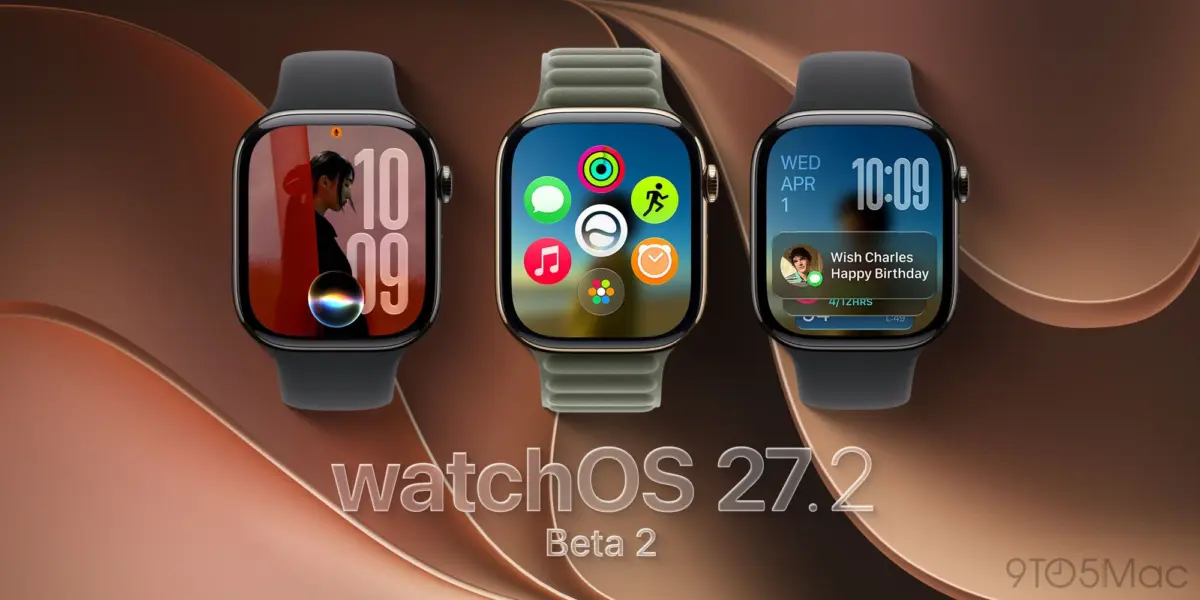
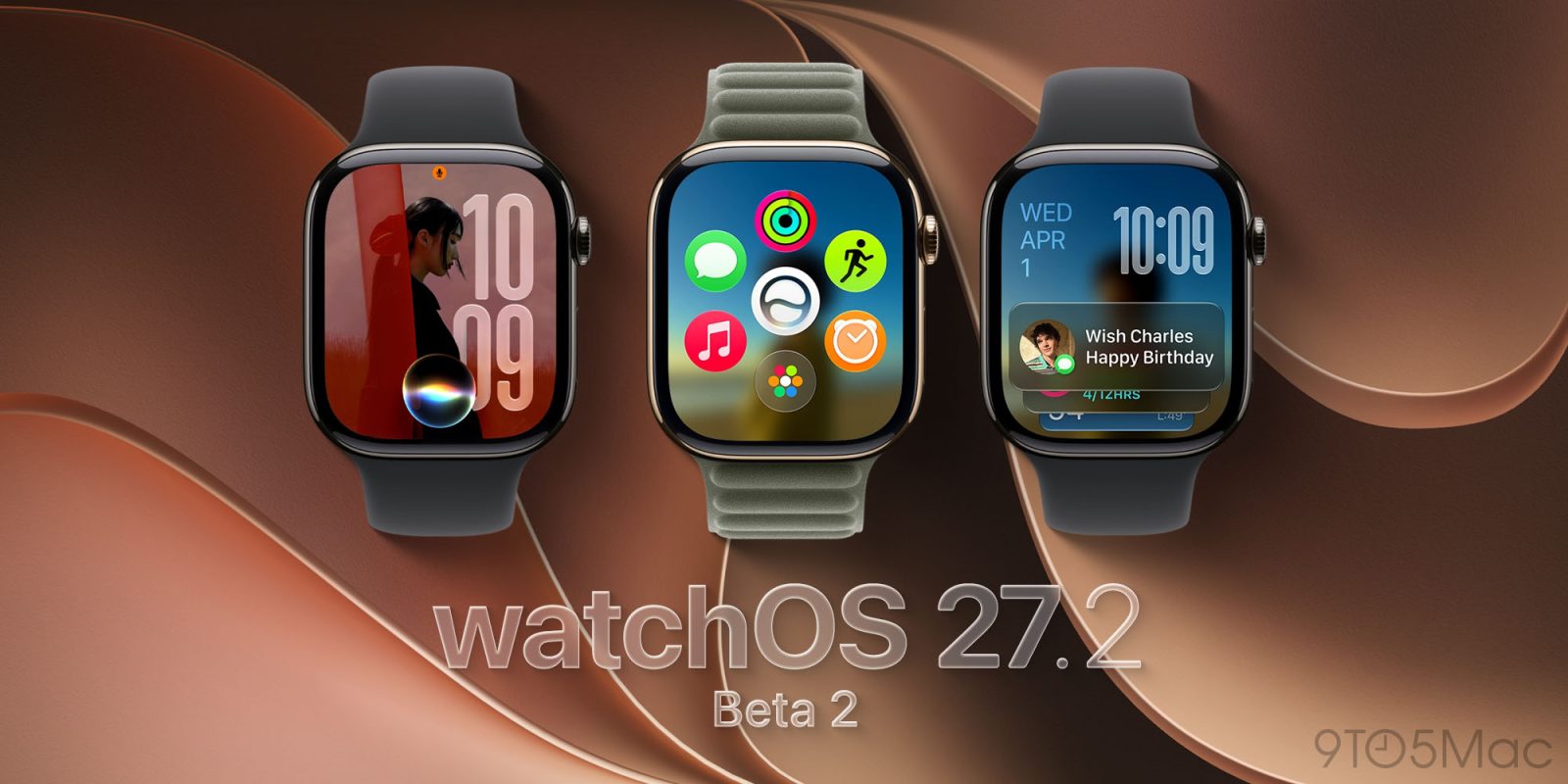
However, recent developments indicate that Apple is responsive to user feedback. With the rollout of watchOS 27.2 beta 2 to developers—arriving less than a week after the deployment of beta 1—the Cupertino-based tech giant has begun walking back its controversial navigation overhaul. While the classic double-click of the Digital Crown remains unassigned or repurposed in this build, Apple has successfully engineered a brand-new gesture to resurrect the App Switcher: pressing and holding the bottom of the display while inside an active application.
This report provides an exhaustive examination of the watchOS 27 multitasking controversy, the mechanics of the newly introduced gesture in watchOS 27.2 beta 2, the broader implications for watchOS usability, and a prospective outlook on what this means for the future of Apple Watch ergonomics.
Detailed Chronology
To fully understand the weight of the watchOS 27.2 beta 2 update, one must examine the timeline of events that led to the disappearance and subsequent resurrection of the Apple Watch App Switcher.
The Era of the Digital Crown Double-Click (watchOS 26 and Earlier)
For generations of Apple Watch users, navigating multi-app workflows was anchored by a reliable, hardware-driven paradigm. On watchOS 26 and all preceding software iterations, users could summon the App Switcher from anywhere within the operating system by performing a swift double-click of the physical Digital Crown.
Once invoked, the App Switcher displayed recently used applications in a neatly arranged vertical or cascading card layout. Users could then rotate the Digital Crown to scroll seamlessly through their app history or swipe left on an individual card to reveal a red "X" button, terminating the background process and removing it from the switcher. This combination of physical tactile feedback (the mechanical click of the crown) and digital interaction (scrolling and swiping) was widely praised as an intuitive triumph for constrained hardware screens.
The Removal in watchOS 27
As Apple prepared for the release of watchOS 27, the company initiated a comprehensive interface redesign aimed at streamlining navigation and leaning more heavily into modern gesture-based controls. Unfortunately, this design philosophy came at the expense of established multitasking behaviors.
Upon the deployment of watchOS 27, users quickly discovered that the double-click shortcut of the Digital Crown no longer brought up the App Switcher. More alarmingly, the operating system offered no direct alternative. Power users, productivity enthusiasts, and journalists—such as Zac Hall of 9to5Mac, who publicly lamented the sudden omission—voiced immediate concerns. The loss of the App Switcher forced users to either return to the main app grid or rely on the system’s automated background persistence, significantly slowing down workflows that required toggling between two or three active programs, such as a workout tracker and a music controller.
The Emergency Response: watchOS 27.2 Beta 2
Recognizing the friction caused by the omission, Apple engineering teams swiftly went to work. Following the relatively recent deployment of watchOS 27.2 beta 1, Apple pushed out watchOS 27.2 beta 2 to registered developers.
Spotted initially by the eagle-eyed members of the Apple Den Discord community and subsequently highlighted on social media by user Bones (@limpless_skelly) on X (formerly Twitter), beta 2 introduces a completely revised approach to summoning the App Switcher. Rather than reverting to the legacy hardware double-click—which may now be permanently reserved for other system-level shortcuts or future hardware integrations—Apple has pioneered a software-driven gesture: a sustained press and hold on the bottom edge of the screen while an application is open.
Supporting Context & Metrics
The debate over the Apple Watch App Switcher is not merely an aesthetic disagreement over software design; it touches upon fundamental principles of human-computer interaction (HCI) on micro-displays.
The Ergonomics of Wrist-Based Multitasking
Designing for the wrist presents unique constraints that do not apply to iPhones, iPads, or Macs. Screen real estate is severely limited, making multi-window displays impossible. Consequently, sequential multitasking (jumping rapidly from App A to App B) is the primary method by which users manage tasks on a smartwatch.

| Interaction Metric | watchOS 26 & Earlier | watchOS 27 (Initial Release) | watchOS 27.2 Beta 2 (Current) |
|---|---|---|---|
| Primary Input Method | Physical Hardware (Digital Crown) | None (Feature Removed) | Capacitive Touch (Screen Bottom) |
| Action Required | Double-Click + Rotation | N/A | Long-Press + Swipe/Rotation |
| Execution Speed | Fast (~0.5 seconds) | Impossible | Moderate (~1.0 second) |
| User Friction | Low (Muscle Memory) | High (Forced Grid Navigation) | Low-to-Moderate (New Learning Curve) |
As illustrated above, the initial release of watchOS 27 created a usability void, increasing the operational overhead required to switch tasks. The introduction of the long-press gesture in watchOS 27.2 beta 2 successfully bridges the gap, restoring functionality while adapting to a post-hardware-shortcut environment.
Community Reaction and Feedback Loops
The rapid turnaround time between the public complaints regarding watchOS 27 and the deployment of watchOS 27.2 beta 2 highlights the increasing responsiveness of Apple’s software engineering teams. In the past, user interface regressions in major OS updates often lingered for an entire software cycle before being addressed in subsequent major revisions.
The fact that the App Switcher is being resurrected mid-cycle (within the .2 sub-release phase) demonstrates that telemetry data and developer/consumer feedback channels—such as the Apple Feedback Assistant and community forums—are actively influencing day-to-day software development priorities at Apple Park.
Official Statements and Developer Insights
While Apple has not published a formal press release detailing the philosophical motivations behind the watchOS 27 navigation changes, developer documentation and community discourse provide significant insight into the transition.
In technical breakdowns shared across developer forums, engineers analyzing watchOS 27.2 beta 2 have noted that the new touch-target area at the bottom of the display utilizes existing capacitive touch frameworks designed for edge-swipe gestures. By restricting the long-press activation zone strictly to the bottom margin of the active application screen, Apple has minimized the risk of accidental triggers while maintaining high accessibility.
Furthermore, early testers on the Apple Den Discord channel have praised the parity of the secondary features within the restored App Switcher. Once invoked via the bottom-edge long-press, the interface functions identically to its predecessor:

- Navigation: Users can rotate the Digital Crown to fluidly cycle through application cards.
- Termination: Users can swipe left on any specific application card to reveal the classic "X" button, allowing them to force-quit unresponsive or resource-heavy background processes.
Future Outlook: What to Expect Next
As watchOS 27.2 moves through its iterative beta testing phase ahead of its anticipated public release next month, several key questions remain regarding the long-term future of Apple Watch multitasking.
1. Will the Gesture Survive to the Public Release?
In software development, features introduced in beta builds—even minor point releases—are never guaranteed to survive until the final public rollout. However, given that the removal of the App Switcher was an active pain point for the community, the implementation of a dedicated workaround in beta 2 strongly signals Apple’s intention to ship the feature to all users.
2. The Battle Between Hardware and Software Shortcuts
The shift from a physical hardware shortcut (double-clicking the Digital Crown) to a software-based touch gesture (long-pressing the bottom screen) represents a broader philosophical shift in watchOS architecture. As future Apple Watch hardware models potentially explore solid-state buttons or alternative input mechanisms, Apple is actively future-proofing its operating system by reducing its reliance on mechanical inputs for core navigation tasks.
3. User Adaptation and Muscle Memory
For longtime Apple Watch owners, retraining muscle memory away from the double-click of the Digital Crown will take time. However, early adopters testing watchOS 27.2 beta 2 have reported that the bottom-screen long-press quickly becomes intuitive, particularly because it keeps the user’s thumb naturally positioned near the primary navigation pathways of the display.
Conclusion
The saga of the Apple Watch App Switcher in watchOS 27 serves as a compelling case study in modern software stewardship. It demonstrates both the risks of over-streamlining user interfaces on constrained hardware devices and the value of a responsive engineering culture that listens to its user base.
With watchOS 27.2 beta 2, Apple has successfully rectified one of the most frustrating UI regressions of the year. By introducing the bottom-screen long-press gesture, the company has restored essential multitasking capabilities without completely reverting to legacy hardware dependencies. As the software marches toward its public release next month, Apple Watch users can look forward to a more efficient, flexible, and responsive wrist-based computing experience.