Executive Overview
For over a decade, the smartphone industry has been defined by deeply entrenched ecosystems. Among these technological silos, Apple’s hardware integration stands out as both its greatest strength and its most frustrating limitation. While products like Apple AirPods and the Apple Watch offer some of the most polished, responsive, and feature-rich user experiences on the market, they are designed to function almost exclusively within the iOS walled garden. Historically, abandoning the iPhone meant abandoning your Apple Watch, forcing users to choose between the flexibility of Google’s Android operating system and the premium hardware of Apple’s wristwear.
That paradigm is facing a rare challenge. A new third-party utility known as Merge Watch has emerged, promising a technical bridge that allows users to pair an Apple Watch with an Android smartphone. While previous workarounds existed, they were notoriously cumbersome, frequently restricted to cellular-enabled models, or required carrying two separate, disconnected devices.
Merge Watch attempts to normalize this cross-platform marriage through a companion application architecture. By routing Bluetooth communications, mirroring notification pipelines, and synchronizing biometric metrics with Google Fit, the app makes the impossible seem marginally achievable. However, this cross-platform bridge is not without its structural weaknesses. Operating a third-party intermediary across fundamentally different operating systems introduces notable caveats, including notification mirroring quirks, occasional synchronization lags, increased battery drain, and a recurring subscription fee.
This deep dive examines the mechanics of Merge Watch, evaluates its performance in daily use, analyzes the privacy and technical implications of breaking Apple’s ecosystem locks, and explores what this development means for the future of mobile interoperability.
Detailed Chronology: The Journey to Cross-Platform Watch Usage
To understand the significance of Merge Watch, one must first look at the history of platform exclusivity in consumer technology.
The Walled Garden Era (2015–2024)
Since the launch of the original Apple Watch in 2015, Apple engineered the device to require an iPhone for initial activation, software updates, and ongoing management. Unlike standard Bluetooth peripherals that can pair with virtually any host device supporting the Bluetooth Special Interest Group (SIG) protocols, watchOS was tightly coupled with iOS. The underlying APIs, companion apps like Fitness and Watch, and iCloud syncing mechanisms were locked behind proprietary frameworks.
Over the years, various developers and tech enthusiasts attempted to crack this code. Early exploits involved complex device spoofing, packet sniffing, and using standalone cellular Apple Watches configured via family setups. Yet, these methods were fragile, prone to breaking with routine watchOS security patches, and lacked essential features like reliable cross-platform messaging, unified notification management, and seamless health data syncing.
The Rise of Interoperability Tools (2025–Present)
The landscape began to shift as regulatory pressures mounted globally against anti-competitive tech practices, and as consumer demand for hardware freedom grew louder. Users frequently complained about being locked into a single smartphone brand simply because they had invested hundreds—if not thousands—of dollars in companion accessories.
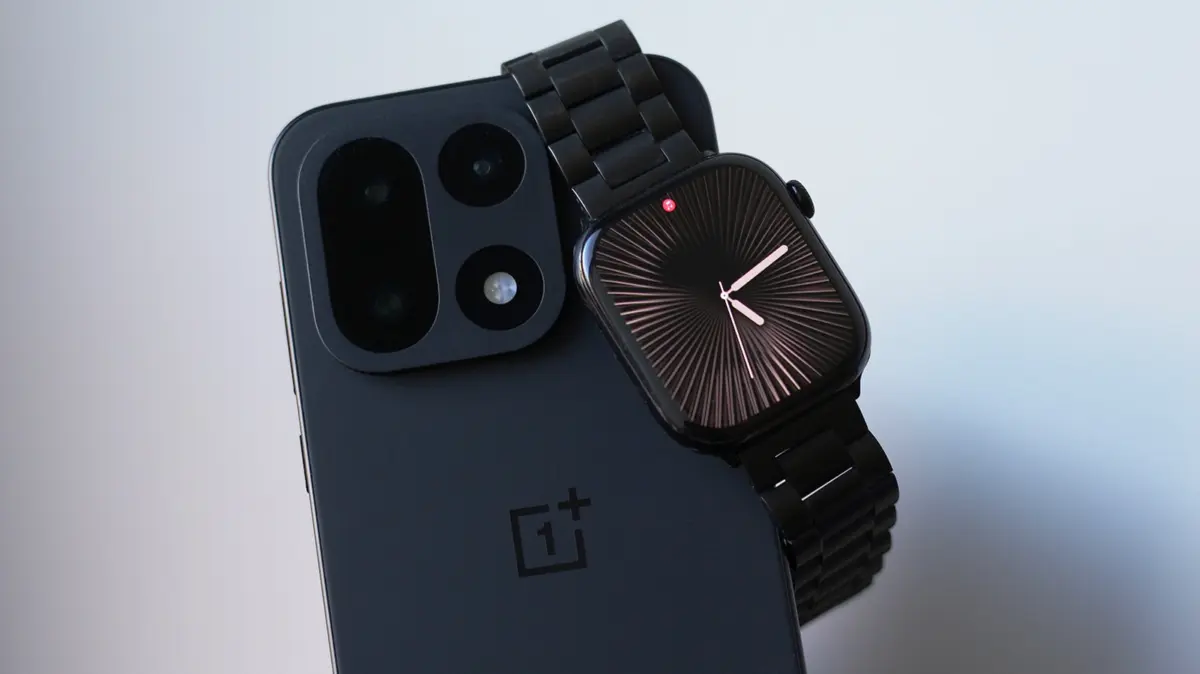
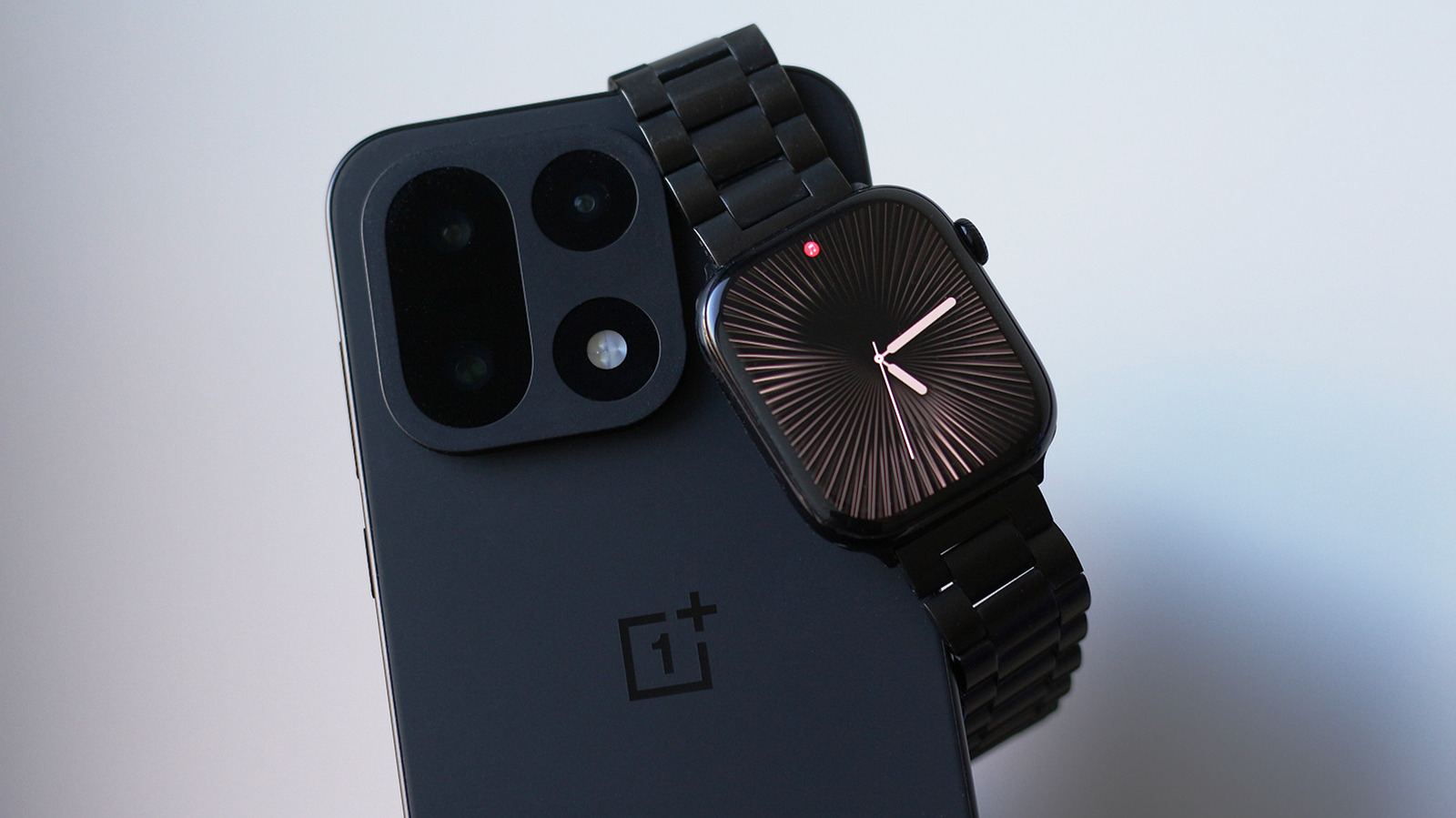
Into this frustration stepped independent developers offering niche software solutions. Merge Watch entered the market as a dedicated bridge application. Rather than attempting a deep, system-level hack of watchOS—which would be virtually impossible given Apple’s stringent code-signing and security architecture—the developers took a clever, application-layer approach. By utilizing standard Bluetooth Low Energy (BLE) profiles, notification access permissions on Android, and a companion app installed directly onto the watchOS side via the App Store, the developers created a conduit capable of translating data streams between a OnePlus or Samsung device and an Apple Watch Series 10.
Supporting Context & Metrics: How Merge Watch Operates
Setting up and maintaining a connection between an Android device and an Apple Watch requires navigating several technical layers. The process highlights both the ingenuity of the workaround and the inherent friction of forcing two disparate operating systems to communicate.
The Setup Architecture
- Initial Activation: Crucially, an Apple Watch cannot be completely initialized out of the box using an Android device. Users must first complete a standard activation and pairing process using an iPhone. Once the watch is set up and running the latest version of watchOS, it can be un-paired or kept dormant on that iPhone while the migration process begins.
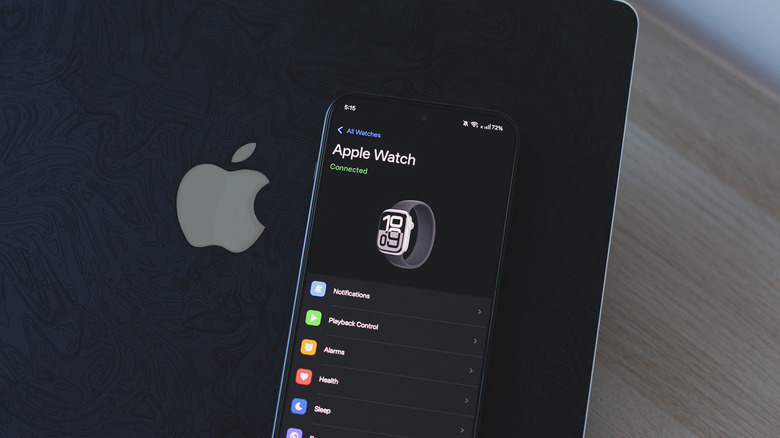
- Application Installation: The user must install the Merge Watch application on both ends: the Android companion app downloaded via the Google Play Store, and the companion watchOS app installed through the Apple Watch App Store.
- Permission Granting: On the Android side, the app requests deep permissions, including Bluetooth connectivity, notification access, health data read/write capabilities, and critical battery optimization exceptions to prevent the operating system’s aggressive background task killers from terminating the connection.
- Handshake and Pairing: By launching both apps simultaneously, the user initiates a secure pairing sequence. Selecting the Android phone’s name on the watch interface generates a cryptographically secured six-digit code, which must be entered into the phone to establish a trusted Bluetooth link.
Metrics of Performance and Resource Consumption
| Performance Metric | Native iOS Pairing | Merge Watch (Android Pairing) |
|---|---|---|
| Notification Latency | Instantaneous (Native push) | Minor delay (Relayed via Bluetooth/App layer) |
| Battery Impact (Watch) | Standard (Optimized for watchOS) | Moderate to High (Continuous background polling) |
| Health Syncing | Apple Health (Native) | Google Fit (Via third-party translation) |
| Messaging Reply | Native dictation and quick replies | Supported via app interface translation |
| Financial Cost | Free (Included with ecosystem) | Subscription model (Up to $6/month) |
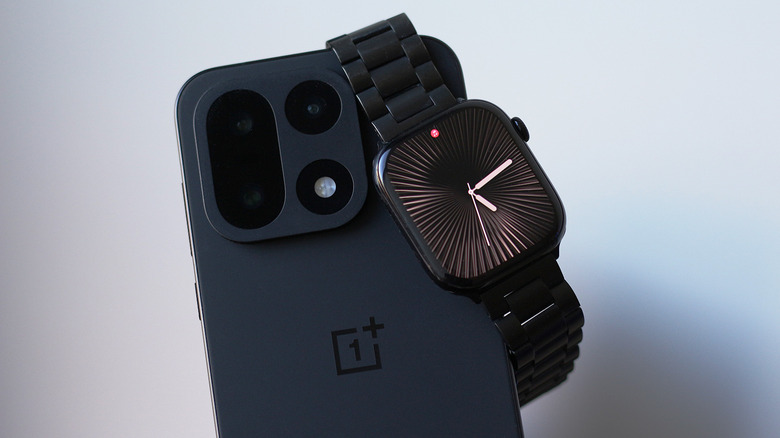
As observed in testing environments running watchOS on an Apple Watch Series 10 paired with an Android 16 flagship (such as the OnePlus 15 running OxygenOS), the system works, but it demands compromises. OxygenOS, known for its aggressive power-saving protocols, frequently attempts to put background processes to sleep. Even with battery optimization explicitly disabled for Merge Watch, background execution throttling can cause notification delays, occasionally resulting in a delayed burst of alerts once the app wakes from a suspended state.
Furthermore, power consumption on the Apple Watch increases noticeably. Because the watch must maintain an active background data tunnel to parse incoming alerts rather than relying on native APNs (Apple Push Notification service) routed through iOS, battery drains at a faster rate throughout a standard 16-hour day.
Official Statements and Privacy Implications
Whenever a third-party utility inserts itself into the data pipeline between a user and their personal devices—especially regarding sensitive metrics like heart rates, ECG readings, sleep patterns, and incoming private messages—questions regarding data privacy and security take center stage.
The Privacy Policy Breakdown
Merge Watch’s developers have addressed these concerns within their official documentation and privacy policy. According to the development team:
- Local Storage: The vast majority of collected data—including fitness logs, step counts, and sleep metrics—remains locally stored on the respective hardware devices (the Android phone and the Apple Watch).
- End-to-End Encryption: For functions requiring data relay across internet connections (such as specific remote notification routing), the data streams are protected via end-to-end encryption protocols.
- Third-Party Trust: Despite these safeguards, cybersecurity analysts caution that users are inherently placing trust in a private, unverified third-party developer. Unlike Apple or Google, whose security architectures are subjected to intense independent audits and multi-billion-dollar bug bounties, independent utility apps operate with less public scrutiny.
The Subscription Controversy
From a commercial standpoint, Merge Watch utilizes a tiered subscription model, with its premium tier commanding approximately $6 per month. Consumer reactions to this pricing structure have been mixed. On one hand, users acknowledge the immense engineering effort required to build a bridge across Apple’s tightly controlled ecosystem. On the other hand, a recurring monthly fee for a utility that acts primarily as a notification forwarder and health data translator—compounded by the app’s subscription costs over a multi-year hardware lifecycle—can quickly surpass the cost of simply buying a standalone Android-compatible smartwatch (such as a Google Pixel Watch or Samsung Galaxy Watch).
Future Outlook: What This Means for Ecosystem Monopolies
The existence of Merge Watch is both a triumph for consumer choice and a symptom of a broader industry malady. It proves that technological barriers, no matter how aggressively engineered by trillion-dollar corporations, can be circumvented by persistent developers and inventive software architecture. However, it also highlights how painful and imperfect cross-platform integration remains in the absence of native support.
Regulatory Pressures and Interoperability
Globally, regulatory bodies are increasingly cracking down on digital gatekeepers. The European Union’s Digital Markets Act (DMA), along with similar antitrust probes in other jurisdictions, has systematically targeted platform exclusivity. While these regulations have primarily focused on app stores, sideloading, and messaging interoperability (forcing apps like Apple iMessage and WhatsApp to support cross-platform messaging standards), wearable device integration remains a glaring blind spot.
If regulators eventually set their sights on wearable accessory locks, tech giants like Apple and Google may be legally compelled to open up their proprietary APIs. Under such a regulatory framework, native, frictionless cross-platform pairing between an Apple Watch and an Android device—or a Galaxy Watch and an iPhone—could eventually become an industry standard rather than a hacked-together third-party subscription service.
The Path Forward for Consumers
Until systemic regulatory or corporate shifts occur, utilities like Merge Watch will occupy a fascinating, albeit niche, space in the tech ecosystem. For the die-hard tech enthusiast who refuses to part with their Apple Watch’s superior industrial design, vibrant display, and advanced health tracking features, but who prefers the customization, notification granularity, and hardware variety of modern Android flagships, Merge Watch offers a viable, if imperfect, lifeline.
For the average consumer, however, the friction, subscription costs, battery penalties, and lack of native polish serve as a stark reminder: while you can technically bring your Apple Watch with you when you jump ship to Android, the journey remains fraught with compromises.