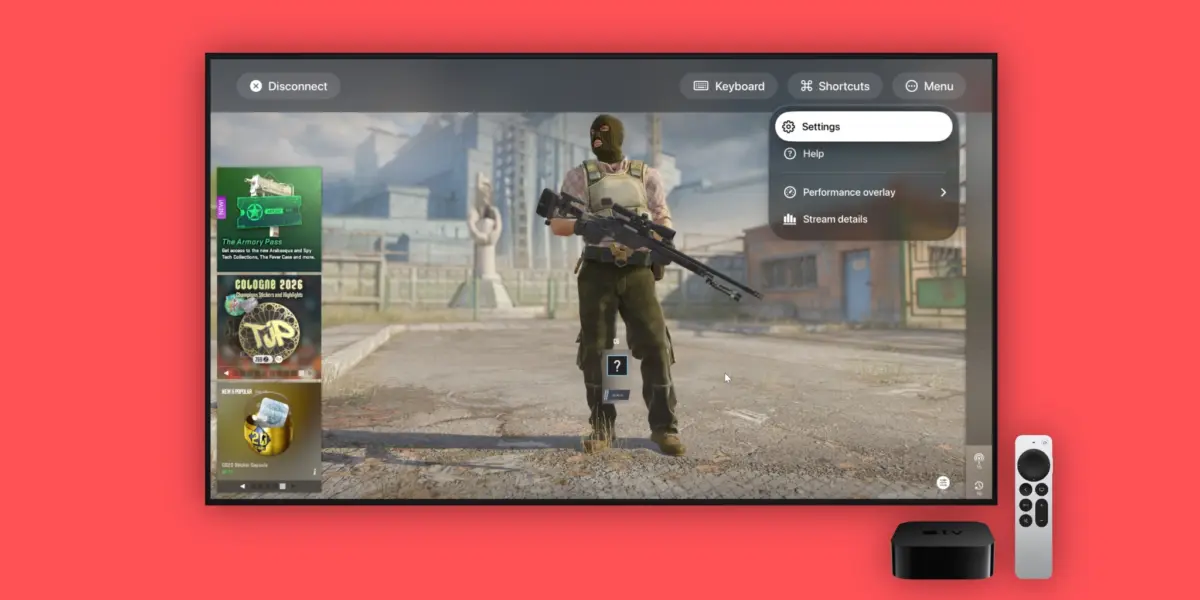
For years, the Apple ecosystem has occupied a fascinating paradox in the digital entertainment landscape. On one hand, Apple’s hardware lineup boasts some of the most powerful, energy-efficient silicon on the market, ranging from the mobile prowess of the A-series chips in iPhones and iPads to the cinema-grade graphics capabilities of the M-series Apple Silicon in Macs and Apple TVs. On the other hand, traditional AAA gaming on these platforms—particularly the Apple TV—has historically been treated as an afterthought. While developers have poured resources into iOS and iPadOS titles, the living room experience on tvOS often leaves enthusiasts wanting more, constrained by local hardware storage limits and a historical lack of native triple-A blockbusters.
Enter CloudGear, an ambitious indie application designed to completely dismantle these barriers. Functioning as an all-in-one cloud gaming browser and interface, CloudGear aggregates major cloud-based streaming services into a single, unified dashboard. Available across iPhone, iPad, and Apple TV, the application acts as a bridge between high-performance cloud infrastructure and Apple’s sleek hardware ecosystem.
By integrating powerhouse platforms such as NVIDIA GeForce Now, Xbox Cloud Streaming, Amazon Luna, and Boosteroid into one streamlined interface, CloudGear bypasses the need for local hardware upgrades. It delivers up to 5K resolution streaming at a buttery-smooth 120 frames per second (FPS), complete with HDR, 10-bit color, and Dolby 7.1 Surround Sound support. Beyond raw performance metrics, the app introduces creative hardware integrations—such as utilizing the iPhone’s Taptic Engine for haptic feedback when standard controllers fall short, seamless cross-device game handoffs, and native compatibility with augmented reality (AR) glasses like the XREAL series.
This report investigates the architectural triumphs, user experience innovations, pricing models, and future implications of CloudGear, examining how independent developers are successfully solving platform limitations that major tech conglomerates have routinely sidestepped.
Detailed Chronology: The Evolution of Apple TV Gaming and the Rise of CloudGear
The Historical Bottleneck of tvOS Gaming
To understand the significance of CloudGear, one must first examine the historical trajectory of gaming on Apple’s set-top box. Since the introduction of the modern Apple TV with tvOS and the App Store in late 2015, Apple has made sporadic attempts to position the device as a viable gaming console. Initiatives like Apple Arcade injected a healthy catalog of family-friendly and indie titles into the ecosystem, and support for PlayStation and Xbox controllers helped legitimize the hardware.
However, fundamental architectural hurdles remained:
Storage Constraints: Apple TV models historically shipped with limited internal storage (typically capping out at 64GB or 128GB), making it impossible to locally store modern AAA titles that routinely exceed 100GB to 150GB.
Thermal Design: The compact, fanless design of the Apple TV prioritizes silent, cool operation over sustained, heavy-duty GPU workloads required for native rendering of complex 3D environments.
Fragmented Services: Prior to CloudGear, users wishing to access various cloud libraries on tvOS had to rely on fragmented web solutions, unofficial workarounds, or lack access entirely due to restrictive platform policies.
The Conception and Development of CloudGear
Recognizing these systemic limitations, independent developers turned their attention toward cloud gaming as the ultimate equalizer. CloudGear was conceptualized to solve a frustrating user experience problem: why should a gamer need separate, disjointed applications—or worse, struggle with sub-par web browser implementations—to access different cloud gaming subscriptions across their Apple devices?
The development cycle focused heavily on optimizing web-streaming protocols for Apple’s proprietary decoding engines. By engineering a native wrapper and interface optimized specifically for iOS 17.6+ and tvOS 18.6+, the creators of CloudGear built a fluid pipeline capable of handling high-bitrate video streams with minimal input latency.
Rather than attempting to reinvent the wheel by building a proprietary cloud infrastructure, CloudGear smartly leveraged existing, industry-leading gaming networks. By securing seamless integration for NVIDIA GeForce Now, Xbox Cloud Streaming, Amazon Luna, and Boosteroid, the app positioned itself as a universal decoder ring for PC gaming on Apple devices.
Supporting Context & Metrics: Technical Architecture and Feature Breakdown
CloudGear distinguishes itself in the crowded indie app market not merely through its conceptual premise, but through a rigorous commitment to technical excellence and user-centric features.
High-Fidelity Streaming Specifications
The platform treats visual and audio fidelity as a first-class citizen, offering performance metrics that rival—and in some cases exceed—dedicated local hardware consoles:
Resolution and Framerate: Supports streaming up to 5K resolution at a fluid 120 FPS, ensuring that users with high-end displays experience zero motion judder and razor-sharp asset clarity.
Color and Dynamic Range: Fully compatible with HDR (High Dynamic Range) and 10-bit color depth, allowing for vibrant color reproduction, deep blacks, and nuanced lighting in modern ray-traced titles.
Audio Engineering: Delivers immersive Dolby 7.1 Surround Sound, transforming living rooms equipped with compatible home theater systems into genuine acoustic environments.
Innovative Ecosystem Integrations
CloudGear’s development team implemented several clever software-hardware synergies that elevate the application beyond a simple streaming portal:
Haptic Feedback via Taptic Engine: Not all third-party gaming controllers feature advanced rumble motors. CloudGear solves this by intelligently routing haptic data to an iPhone placed nearby, using the device’s world-class Taptic Engine to simulate immersive physical feedback.
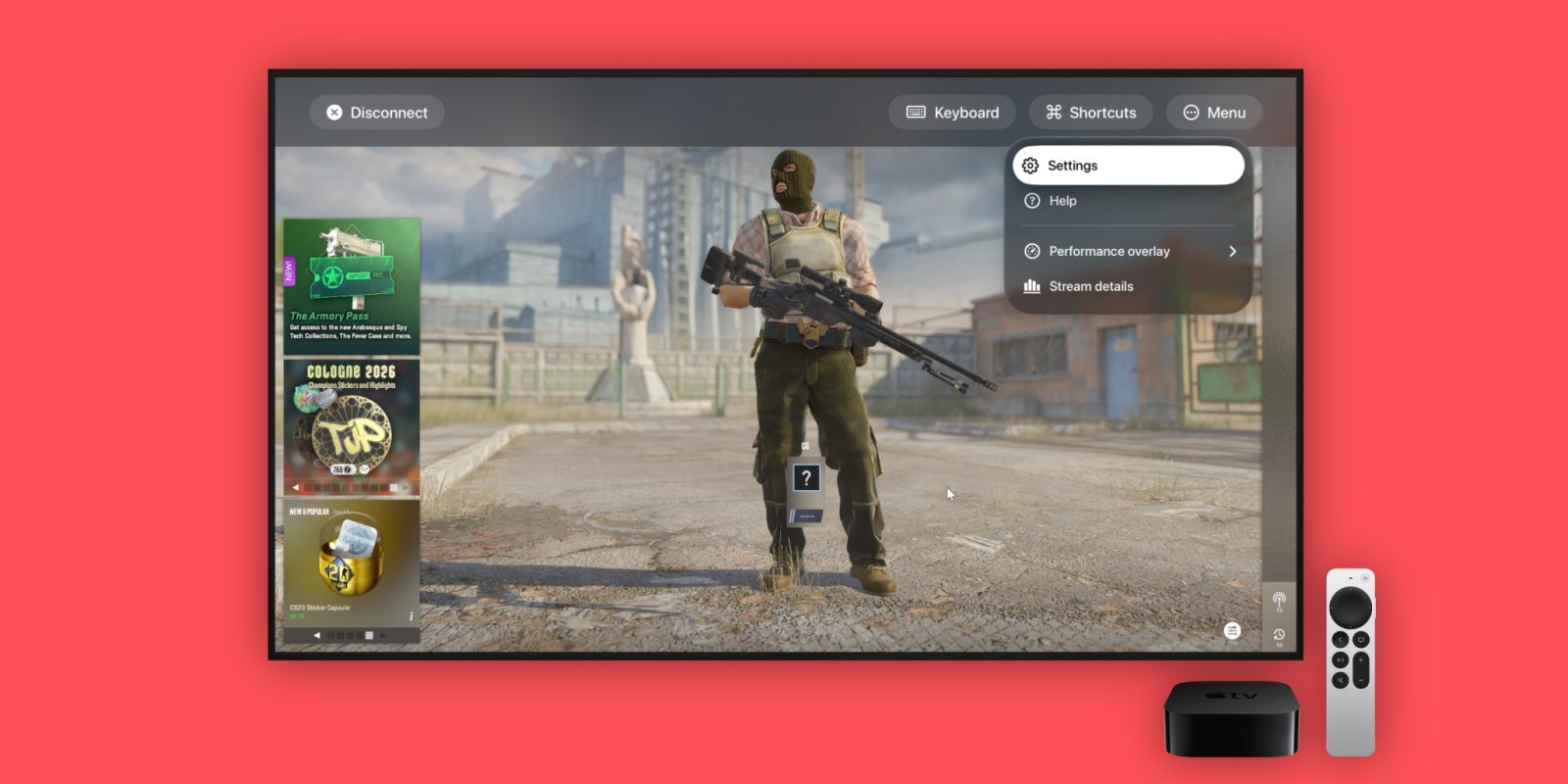
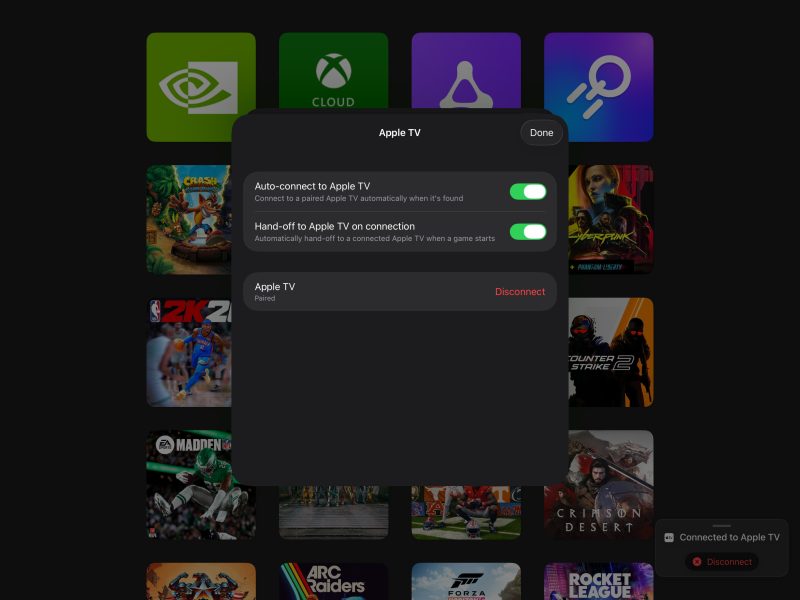
Cross-Device Hand-Off: Searching for games using a television remote or a standard gamepad on-screen keyboard is notoriously tedious. CloudGear allows users to browse libraries, select titles, and initiate sessions on their iPhone or iPad, seamlessly handing off the active stream to the Apple TV with a single tap.
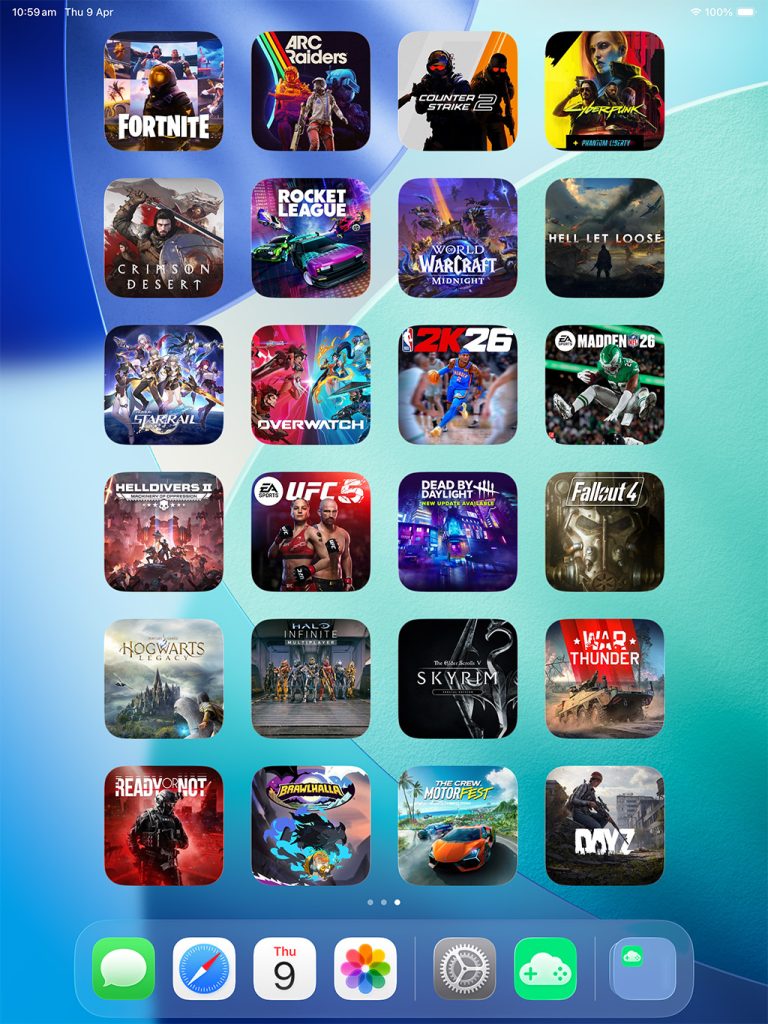
Home Screen Widgets: On iOS and iPadOS, the app features dynamic home screen widgets. Users can bookmark specific titles across different cloud services and launch directly into their favorite games without navigating through nested application menus.
AR Glasses Compatibility: For personal, private gaming sessions, CloudGear supports augmented reality glasses plugged directly into an iPhone or iPad—such as the XREAL glasses. This effectively projects a massive, virtual cinema-sized screen directly into the user’s field of vision, bypassing the need for a physical television or monitor entirely.
Pricing Structure and Availability
CloudGear is available as a free download on the App Store for iPhones and iPads running iOS 17.6 or later, and Apple TV models running tvOS 18.6 or later. To unlock the full suite of advanced features and unthrottled streaming capabilities, the developers offer flexible pricing tiers:
Monthly Subscription: $1.99 / month (includes a 7-day free trial)
Annual Subscription: $14.99 / year (includes a 7-day free trial)
Lifetime Purchase: $39.99 for permanent, unhindered access
Official Statements and Industry Perspective
While major corporate entities like Apple and Microsoft have historically engaged in protracted negotiations regarding cloud gaming apps on the App Store—often centered around rules regarding individual game approvals—the regulatory landscape has gradually softened. Apple’s updated App Store guidelines now officially permit streaming game catalog apps, creating a welcoming environment for sophisticated aggregators like CloudGear.
In developer briefings surrounding the launch of Indie App Spotlight features, the creators of CloudGear emphasized their core philosophy:
"Our goal was never to compete with the cloud giants, but rather to remove every friction point standing between a gamer and their library. Whether you are lounging on the couch with an Apple TV, commuting with an iPad, or wearing AR glasses on a flight, your entire PC gaming library should feel as native and responsive as an app downloaded straight from the App Store."
Industry analysts have praised the app’s pragmatic approach. By refusing to lock users into a single cloud ecosystem, CloudGear honors the reality of modern gaming, where enthusiasts often split their libraries across Xbox Game Pass (via cloud streaming), Steam purchases (via GeForce Now), and independent storefronts.
Future Outlook: The Road Ahead for Apple Cloud Gaming
As internet infrastructure continues to improve globally—bolstered by the widespread rollout of Wi-Fi 6E, Wi-Fi 7, and robust 5G standalone networks—the latency barriers that once plagued cloud gaming are rapidly evaporating. Applications like CloudGear are well-positioned to capitalize on this paradigm shift.
Potential Trajectories for CloudGear
Expanded Platform Support: As additional cloud providers emerge and existing platforms refine their web APIs, CloudGear’s modular architecture will likely absorb new services with minimal friction.
Enhanced Peripheral Support: Future updates may introduce deeper integration with specialized racing wheels, flight sticks, and advanced biometric tracking devices.
Apple Vision Pro Integration: While the app currently supports AR glasses like XREAL, extending native spatial computing interfaces to visionOS represents a natural and tantalizing frontier for immersive cloud gaming.
Conclusion
CloudGear represents a masterclass in indie app development. By identifying a glaring gap in the Apple ecosystem—specifically the lack of a cohesive, high-performance cloud gaming hub for the Apple TV—and executing a polished, feature-rich solution, the developers have provided an indispensable tool for gamers.
For Apple TV owners tired of limited local software libraries, and for mobile gamers seeking desktop-class fidelity on their iPads and iPhones, CloudGear is not merely an app recommendation; it is an essential upgrade to the modern digital living room.