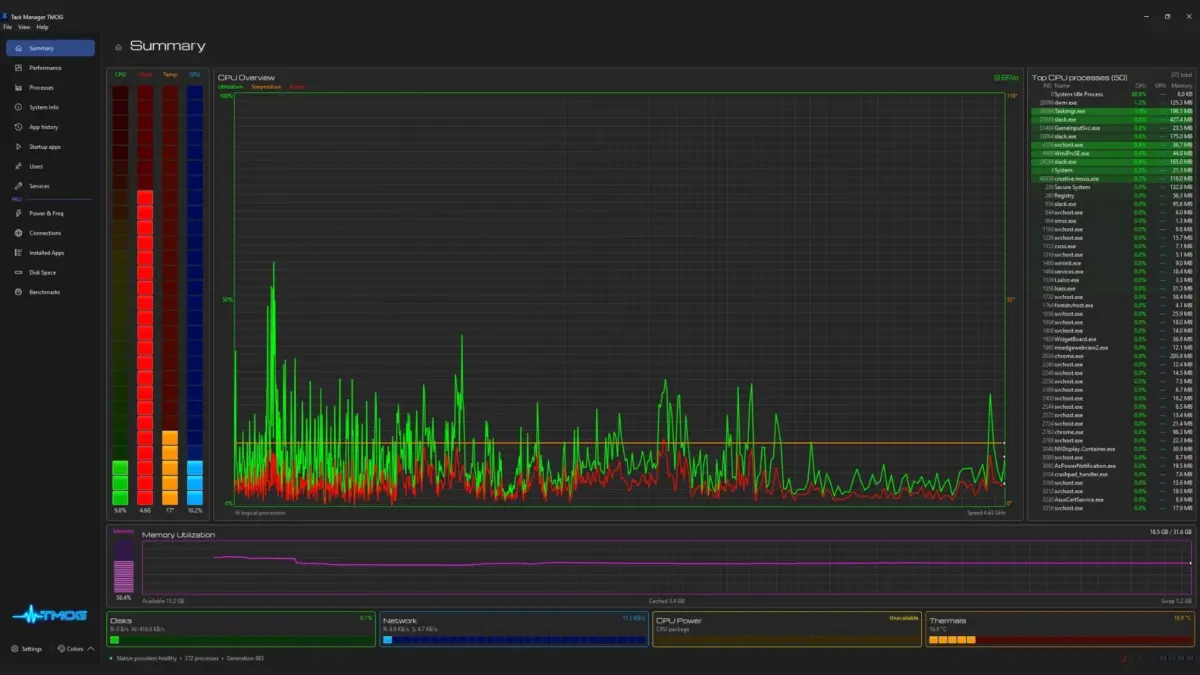
Thirty-one years after reshaping the Windows user experience by architecting the original Task Manager back in 1995, veteran Microsoft engineer-turned-content creator Dave Plummer has returned to his roots. Plummer has officially launched Task Manager OG (TMOG), a modernized, cross-platform spiritual successor designed for Windows, Linux, and macOS. Built to harness the vast hardware capabilities of modern high-end PCs rather than being bound by the micro-resource constraints of the 1990s, TMOG blends high-frequency visual telemetry with a polarizing, neon-soaked aesthetic.
The software’s development cycle is as unconventional as its creator: Plummer drafted a comprehensive 107-page technical specification, fed it into the AI assistant Claude, and engaged in a process of rapid, iterative "vibe coding" while navigating a harrowing personal family medical emergency.
While TMOG arrives as a welcome nostalgic throwback for power users yearning for deep system customization, hands-on evaluations reveal a tool currently experiencing traditional beta growing pains. From fluctuating memory metrics and erratic thermal sensor reporting to a higher resource footprint than its native Windows counterpart, TMOG carves out a niche that prioritizes convenience and aesthetic customization over absolute necessity. This comprehensive review examines the origins, feature sets, performance telemetry, and future outlook of Dave Plummer’s latest utility.
Detailed Chronology: From the 1995 Original to a Hospital-Coded Beta
To understand the weight of Task Manager OG, one must first look back at its iconic predecessor. Released alongside Windows NT 4.0 and later popularized in Windows 2000 and XP, the original Task Manager was designed as a lightweight, reliable parachute for frozen applications and runaway resource hogs. It operated on strict engineering principles dictated by the hardware limitations of the mid-1990s: low memory consumption, instantaneous response times, and an austere, functional gray user interface.
Fast forward over three decades, and Dave Plummer—now a prominent technology YouTuber running the popular channel Dave’s Garage—decided it was time to revisit system diagnostics. Armed with the immense processing power of contemporary multi-core processors, high-refresh-rate displays, and generative AI tooling, Plummer set out to build an updated monitor that "pushes the limits" of modern hardware.
The timeline of TMOG’s creation is remarkably swift and deeply personal. Plummer began by authoring a dense, 107-page architectural spec sheet. Utilizing AI coding assistants, he began drafting the application code while his young son underwent scheduled surgery in a hospital. What started as a project to pass the time quickly escalated during a severe medical complication:
"By the time he was out of the hospital, I had a rough app working," Plummer shared. "लेकिन then he started bleeding internally, needing emergency surgery and a blood transfusion. Happy to say he’s all better now—but suffice to say I had the rest of the week to tinker as he healed."
This high-stress hospital coding session resulted in a functional multi-platform beta that debuted across Windows, Linux, and Mac operating systems. Released under the banner of TMOG, the software immediately generated buzz across hardware enthusiast communities for its radical departure from traditional system utility design.
Supporting Context & Metrics: Telemetry, Aesthetics, and Resource Footprint
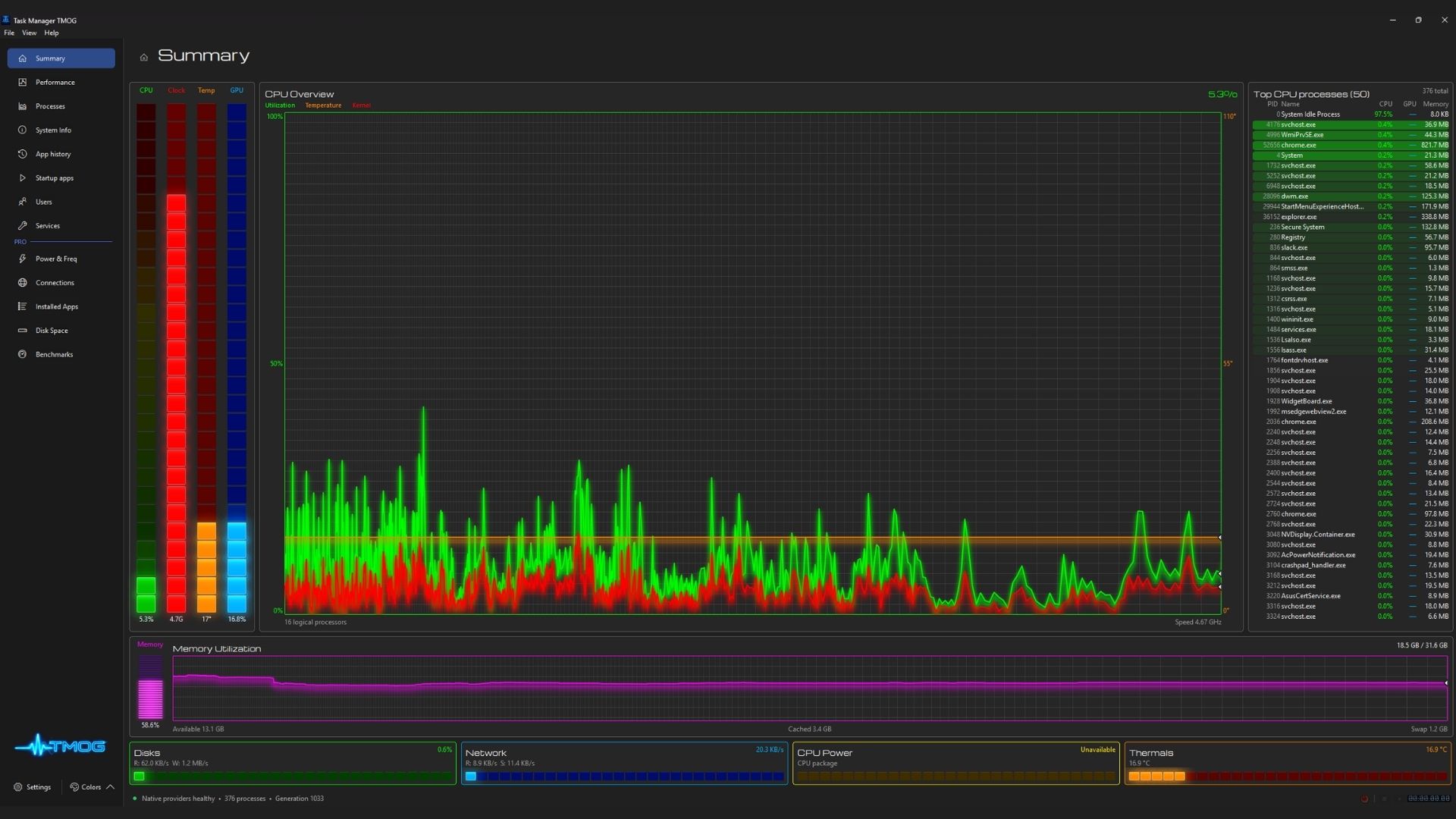
Upon booting Task Manager OG, users are immediately struck by its default aesthetic: a high-contrast, neon-heavy interface drenched in dynamic visual "bloom." Plummer has openly acknowledged that these aggressive design choices stem from his own neurodiversity, stating that his autism led him to embrace high-contrast, vibrant visual feedback loops. First impressions among early testers range from affectionate appreciation to mild shock—as one reviewer noted, a system monitor rarely requires a built-in visual bloom shader, yet TMOG delivers it by default.
Resource Utilization and Memory Discrepancies
Running benchmarks and comparative resource analyses between native Windows Task Manager and TMOG reveals distinct operational philosophies:
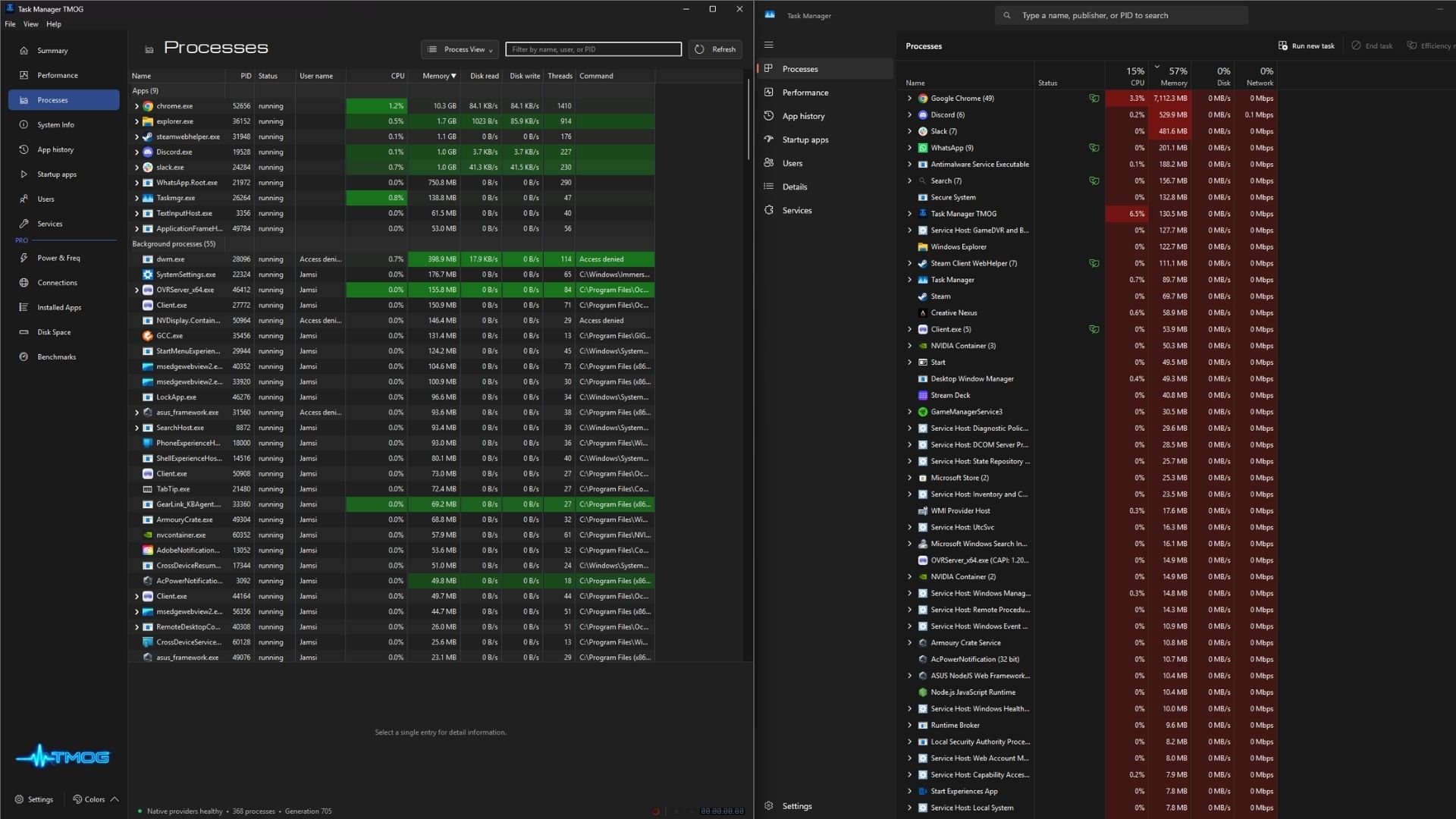
- Resource Overhead: By default, Task Manager OG demands slightly more system resources than the pre-installed Windows Task Manager. TMOG routinely hovers around 120 MB of memory and 3% to 4% CPU utilization, compared to the native Windows app’s 105 MB footprint and sub-1% CPU usage. Disabling high-frequency visual elements (such as the 60 Hz rendering loop) claws back some CPU performance, but TMOG remains inherently more intensive.
- Telemetry Discrepancies: Interestingly, raw data collection models diverge between the two programs. When testing identical browser and productivity workloads, TMOG registered Google Chrome memory usage at nearly 11 GB, whereas the native Windows Task Manager reported just over 8 GB. Slack logged 1 GB on TMOG compared to 500 MB on the stock manager. Despite these conflicting per-process readings, both utilities converged on the same macro conclusion: total system RAM utilization sat identically at 68% (translating to roughly 21.7 GB out of a total 32 GB rig capacity).
Performance Tabs and Sensor Inaccuracies
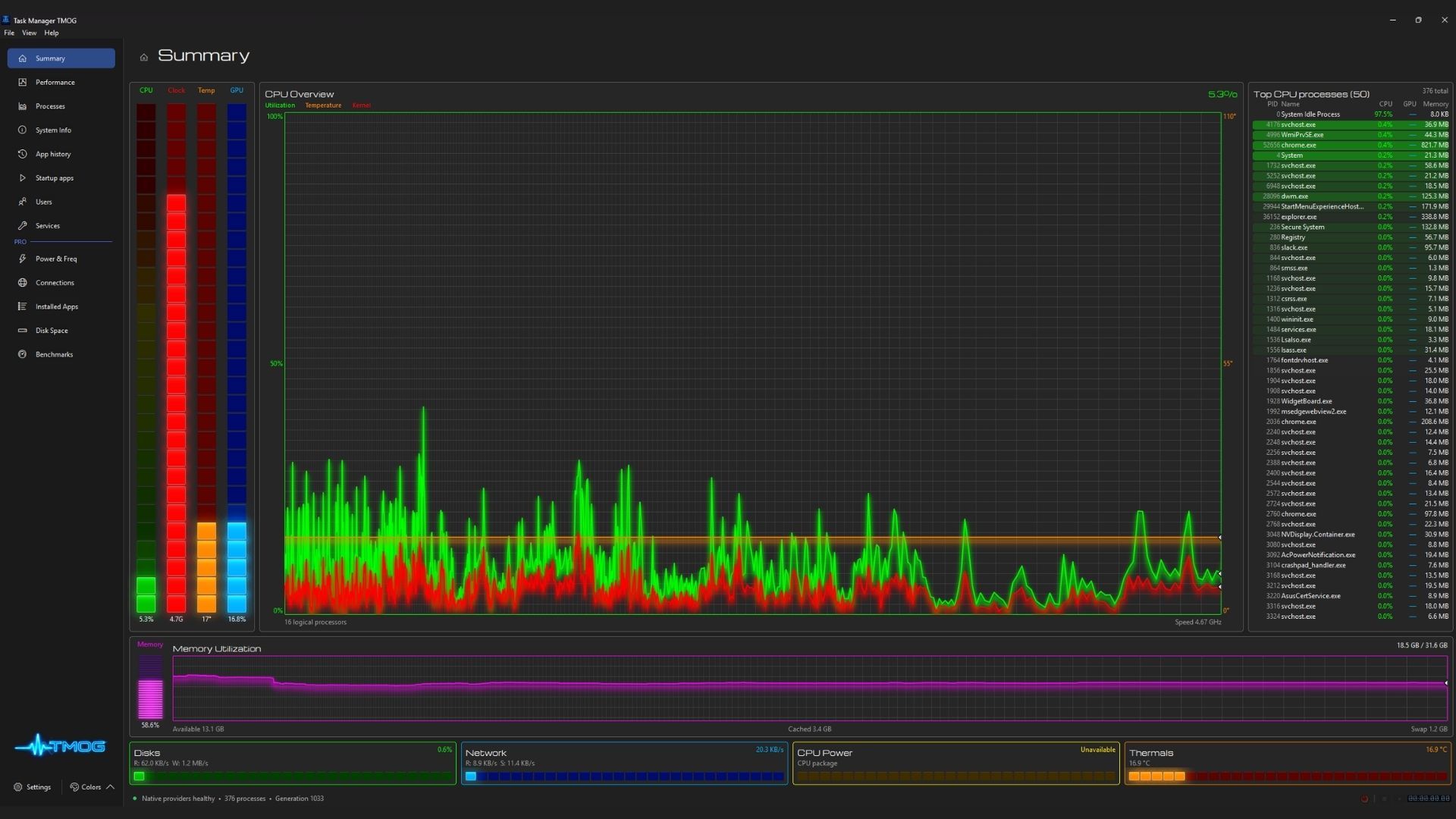
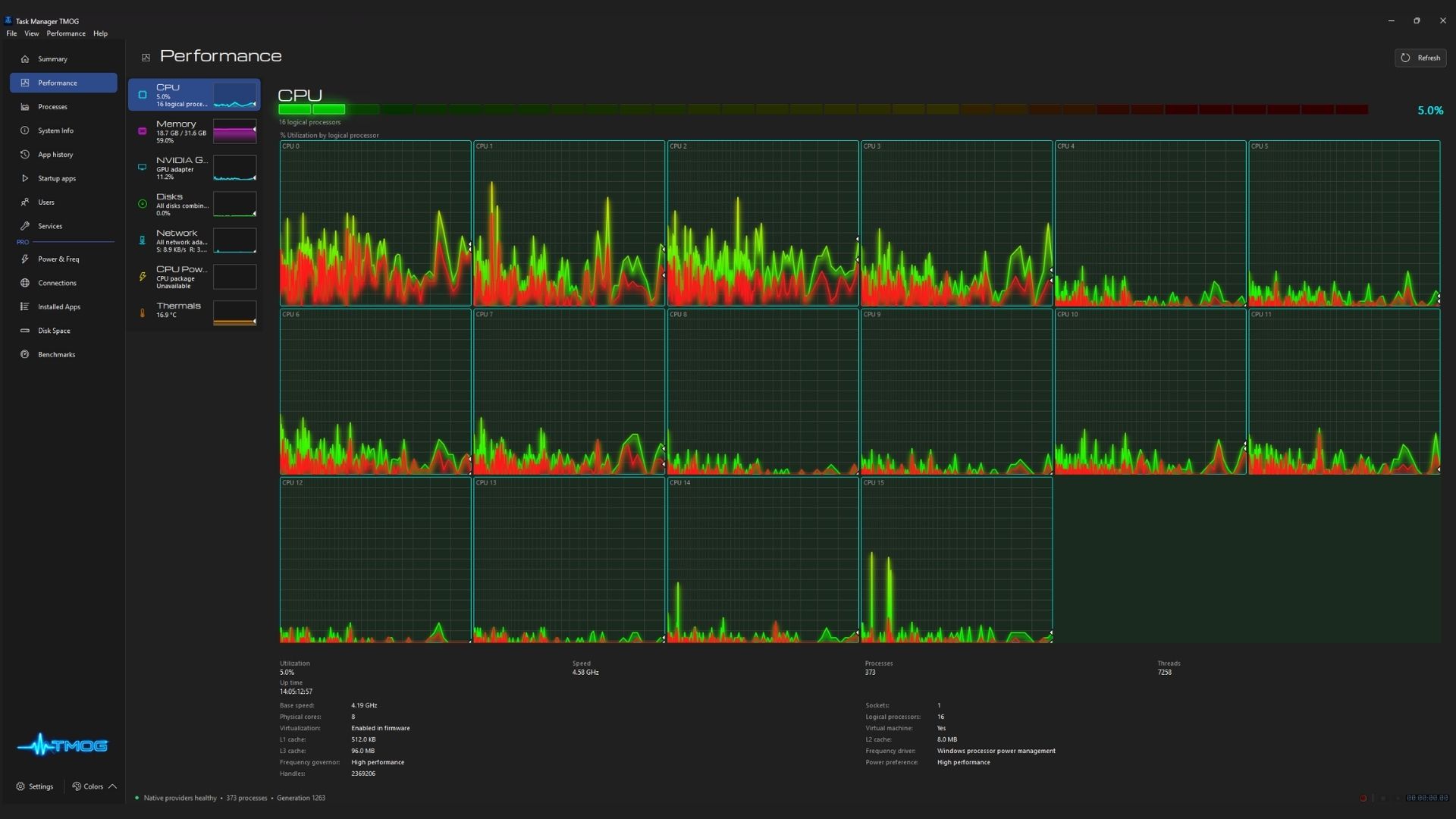
TMOG expands upon standard performance metrics by consolidating CPU, memory, GPU, and internet statistics onto a single dashboard, complete with specialized CPU power and thermal monitoring modules. However, as a beta product, these features are still ironing out bugs.
During testing, the CPU power metric occasionally failed to initialize, while the thermal sensor reported a static, impossible reading of 16.9°C (62.42°F)—a temperature significantly lower than the ambient room climate, indicating a failure to query underlying motherboard sensors correctly. Independent third-party diagnostic suites like HWInfo successfully pulled accurate thermal and power telemetry from the exact same hardware, confirming that the bottleneck lies within the app’s current beta polling architecture rather than system-level hardware barriers.
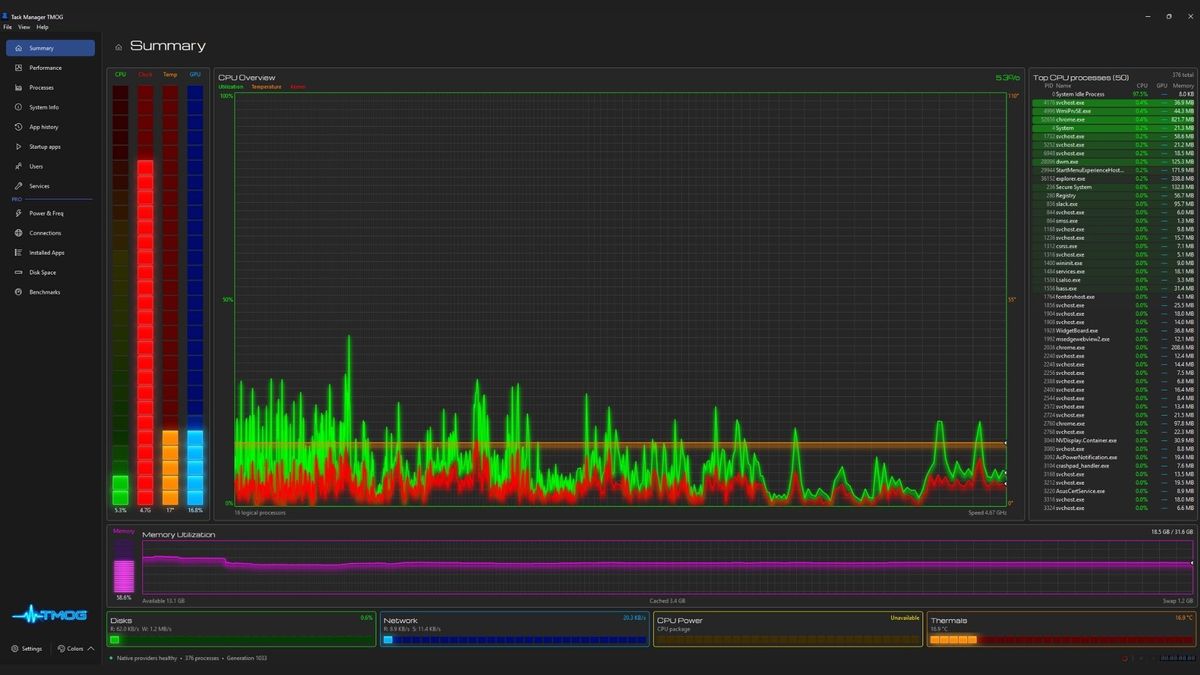
On the positive side, TMOG introduces an ingenious dual-scale graph design for its CPU overview. The left side of the graph displays high-frequency, second-by-second micro-telemetry, while the right side gracefully transitions into broader, long-term historical averages on the exact same continuous timeline. Furthermore, individual core tracking and clock speed readouts are readily accessible, providing power users with instant data granularity.
Official Statements and Community Feedback Loop
The reception of Task Manager OG highlights a refreshing shift in software development dynamics: the direct, unfiltered communication channel between the developer and the end-user base.
Unlike massive corporate tech entities—such as Microsoft, which frequently absorbs user criticism regarding operating system updates and telemetry bloat with corporate silence—Dave Plummer has taken a decidedly open-source approach to community engagement. Monitoring his public updates on social media platforms like X (formerly Twitter), Plummer has actively solicited feature requests, acknowledged telemetry bugs, and responded positively to constructive UI feedback.
Plummer has been transparent about the software’s beta status, frequently reminding users that TMOG is an evolving project. This agility allows the developer to pivot quickly based on what the hardware enthusiast community actually wants, whether that involves scaling back aggressive neon bloom shaders or recalibrating hardware sensor polling routines.
Regarding monetization, future features are slated for a paid "Pro" tier, though pricing details and final availability remain under wraps while the core application undergoes stress testing in beta.
Future Outlook: Does TMOG Have a Permanent Place on Your Rig?
As Task Manager OG continues to evolve past its initial beta phase, the ultimate question remains: Does the PC ecosystem truly need a third-party task manager?
Operating systems across the board already feature robust native solutions—Windows has its deeply integrated Task Manager, macOS features Activity Monitor, and Linux power users rely on advanced command-line and GUI tools like htop and nvtop. Furthermore, specialized hardware auditing suites like HWInfo provide exhaustive telemetry that far surpasses what any standard task manager can accomplish on a single screen.
Plummer’s TMOG does not necessarily invent entirely unprecedented monitoring capabilities; rather, it packs convenience, cross-platform consistency, and an unapologetically bold aesthetic into a single, cohesive utility.
For the average user, sticking with the default Windows Task Manager paired with HWInfo remains the path of least resistance. However, for enthusiasts, retro-computing fans, and those who appreciate the chaotic, creative energy of "vibe-coded" software built during a father’s hospital vigil, Task Manager OG is a fascinating project worth keeping on your radar. With an active developer dedicated to community-driven iteration, TMOG’s trajectory will depend entirely on whether its upcoming Pro tier and refined sensor readings can justify moving away from the tools we have trusted for decades.