Executive Overview
For decades, the multiplayer online role-playing game (MMORPG) genre has demanded unprecedented dexterity from its player base. Titles like World of Warcraft (WoW), Final Fantasy XIV, and The Elder Scrolls Online require users to manage sprawling action bars featuring dozens of spells, abilities, macros, and items. Historically, bridging the physical gap between human hands and complex game loops meant relying heavily on convoluted keyboard shortcuts, awkward modifier keys (Ctrl, Alt, Shift), and frantic hand gymnastics.
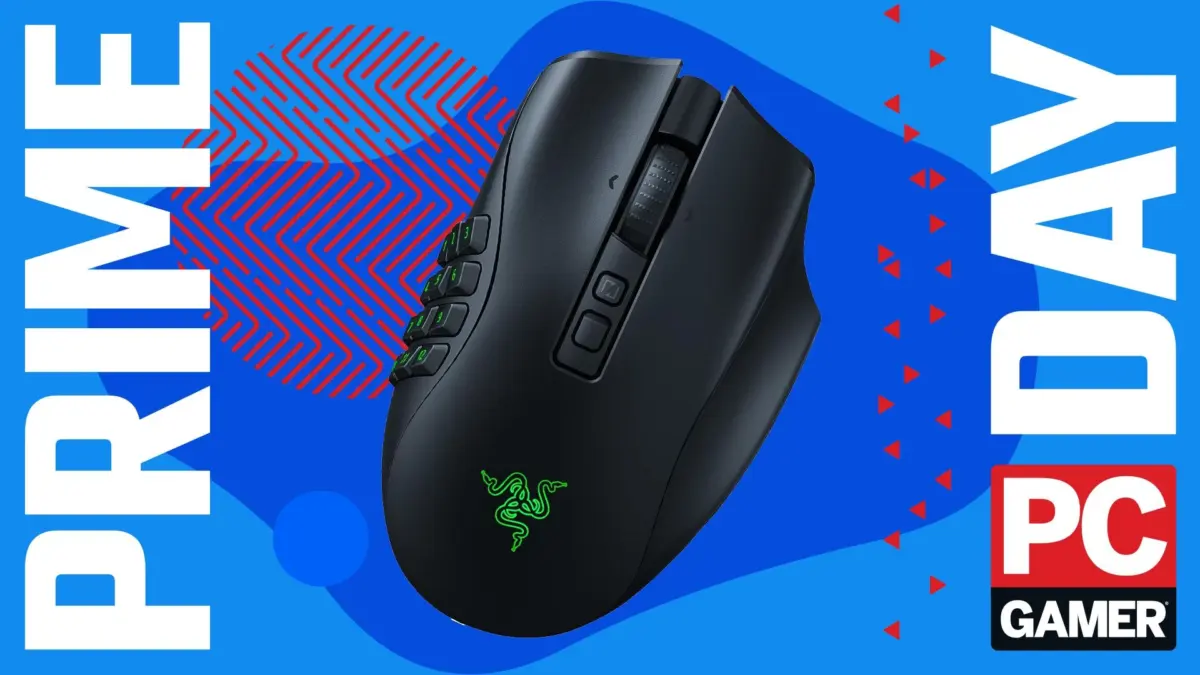
The introduction of specialized multi-button mice fundamentally altered this paradigm, offering a hardware-based solution to software bloat. Among these, the Razer Naga lineage has long stood as an industry pioneer. The latest iteration, the Razer Naga V2 Pro, represents the apex of this evolution, combining modular design with cutting-edge sensor technology and wireless versatility.
As seasonal sales events—such as Amazon Prime Day—bring premium peripherals down to more accessible price points (including a notable 21% discount on the Naga V2 Pro), the conversation around hardware necessity in high-level gaming has resurfaced. This comprehensive report examines the intersection of gaming peripherals and high-end MMORPG performance, analyzing how specialized hardware impacts player efficiency, raid progression, and the ongoing commercial landscape of PC gaming accessories.
Detailed Chronology: The Evolution of the MMO Mouse and the Rise of the Naga
To understand the cultural and functional significance of the Razer Naga V2 Pro, one must trace the historical development of MMO-specific input devices.
The Early Era of Keybinding Gymnastics (2004–2009)
When World of Warcraft launched in late 2004, the standard input device for the vast majority of personal computer users was a basic optical mouse equipped with two primary click buttons and a scroll wheel, occasionally supplemented by two side thumb buttons. As players progressed from casual leveling environments into molten core raids and high-end PvP, the limitation of this setup became glaringly apparent.
Characters accumulated upwards of 20 to 30 active combat spells. To cast them efficiently, players devised complex keyboard layouts. Left hands were stretched across the keyboard, utilizing the WASD movement cluster while executing rapid finger combinations involving the Ctrl, Alt, and Shift keys. This led to repetitive strain injuries (RSI), awkward hand cramping, and catastrophic execution errors—commonly referred to in raid environments as "raid-wiping mistakes"—where a misclicked key could spell doom for an entire 25-person team.
The Genesis of the Thumb Grid (2009)
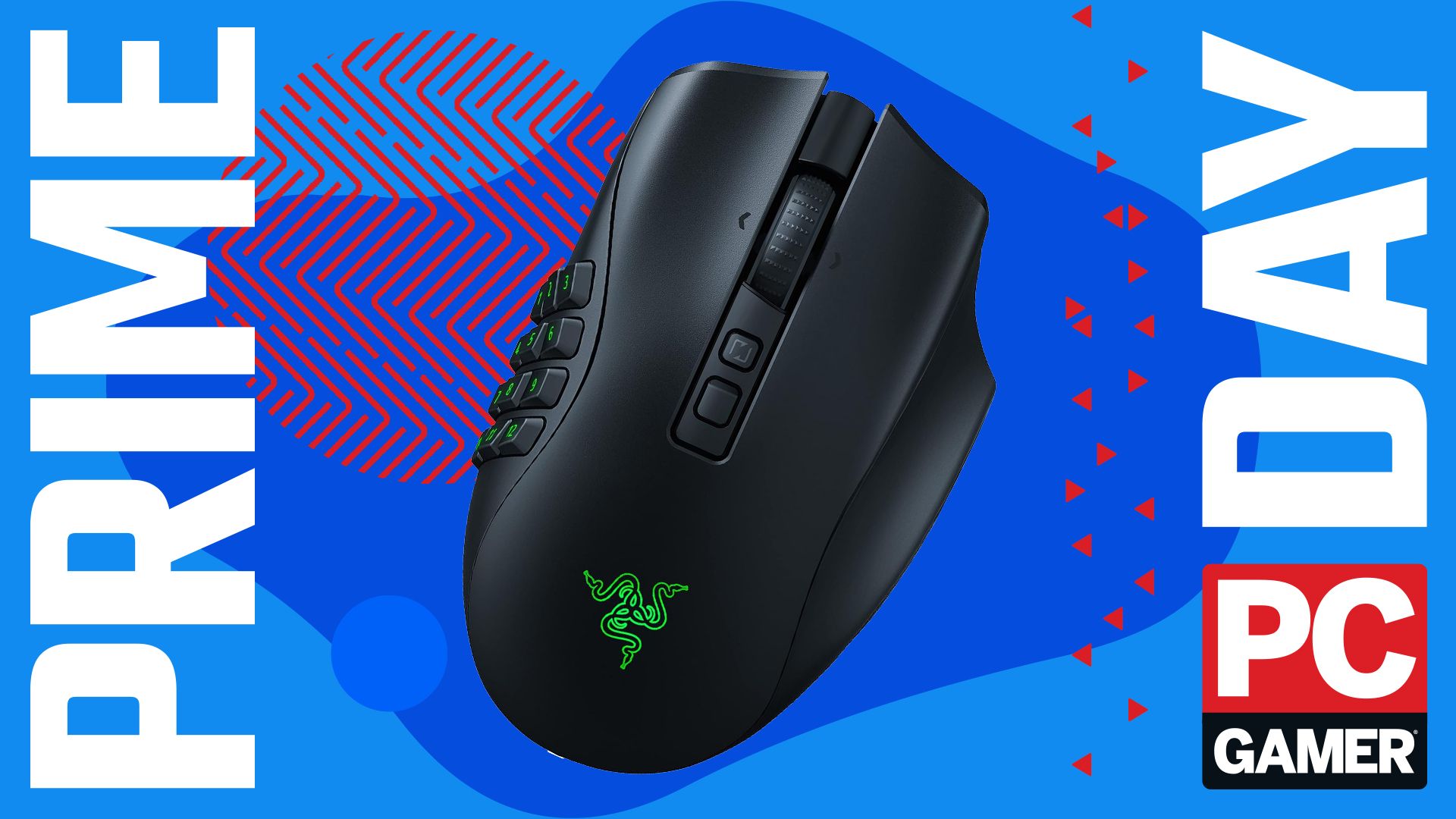
Recognizing a massive market gap, hardware manufacturers began experimenting with grid-based layouts. Razer disrupted the peripheral market with the release of the original Razer Naga. Featuring a distinctive 12-button thumb grid on the left flank, the Naga allowed players to map an entire numpad directly to their thumb.
While initially met with skepticism from purists who viewed it as a gimmick, the mouse quickly became a cult classic. For broke college students and dedicated hard-core raiders alike, saving up for a Razer Naga became a rite of passage. It transformed chaotic keybinding maps into an intuitive spatial grid, allowing players to execute complex healing rotations and damage-per-second (DPS) sequences with unprecedented speed and muscle memory.
Iteration, Wireless Freedom, and Modularity (2010s–Present)
Over the next decade, the Naga lineage underwent numerous transformations. Razer introduced ergonomic refinements, mechanical switches, laser-to-optical sensor upgrades, and eventually, wireless connectivity via proprietary low-latency 2.4GHz RF and Bluetooth protocols.
The culmination of this iterative engineering is the Razer Naga V2 Pro, a device that abandons the static design philosophy of its predecessors in favor of ultimate customization through hot-swappable magnetic side plates.
Supporting Context & Metrics: Inside the Hardware of the Razer Naga V2 Pro
The modern gaming mouse market is hyper-competitive, but multi-genre mice occupy a specialized niche. High-end specifications are no longer reserved exclusively for lightweight, symmetrical esports mice designed for first-person shooters (FPS); they are now expected in heavy-duty productivity and MMO workhorses.
Technical Specifications & Ergonomic Engineering
| Feature | Specification | Practical Implication |
|---|---|---|
| Weight | 134 grams | Heavier chassis provides stability during frantic, high-APM (actions per minute) encounters, though it diverges from ultralight FPS trends. |
| Sensor | Focus Pro 30K Optical Sensor | Delivers pixel-precise tracking with 99.8% resolution accuracy, ensuring zero jitter during sweeping cursor movements. |
| Polling Rate | 1,000 Hz | Ultra-fast signal transmission between the mouse and PC, minimizing input lag to 1ms. |
| Max DPI | 30,000 | Allows extreme cursor velocity adjustments tailored to multi-monitor setups or rapid-fire interface navigation. |
| Connectivity | HyperSpeed Wireless, Bluetooth, Wired (USB-C) | Offers seamless transition between low-latency gaming setups and energy-efficient productivity modes. |
| Customization | 3 Hot-Swappable Side Plates (12, 6, and 2 buttons) | Enables users to reconfigure the mouse from a 19+1 programmable button MMO powerhouse into a streamlined daily driver. |
The Versatility of Modular Design
One of the most significant engineering breakthroughs found in the V2 Pro is its magnetic hot-swappable side plate system. Historically, owning an MMO mouse meant committing to a permanent grid of 12 buttons under your thumb, which could feel cluttered or accidental when playing non-MMO titles such as action RPGs, strategy games, or while performing daily office work.
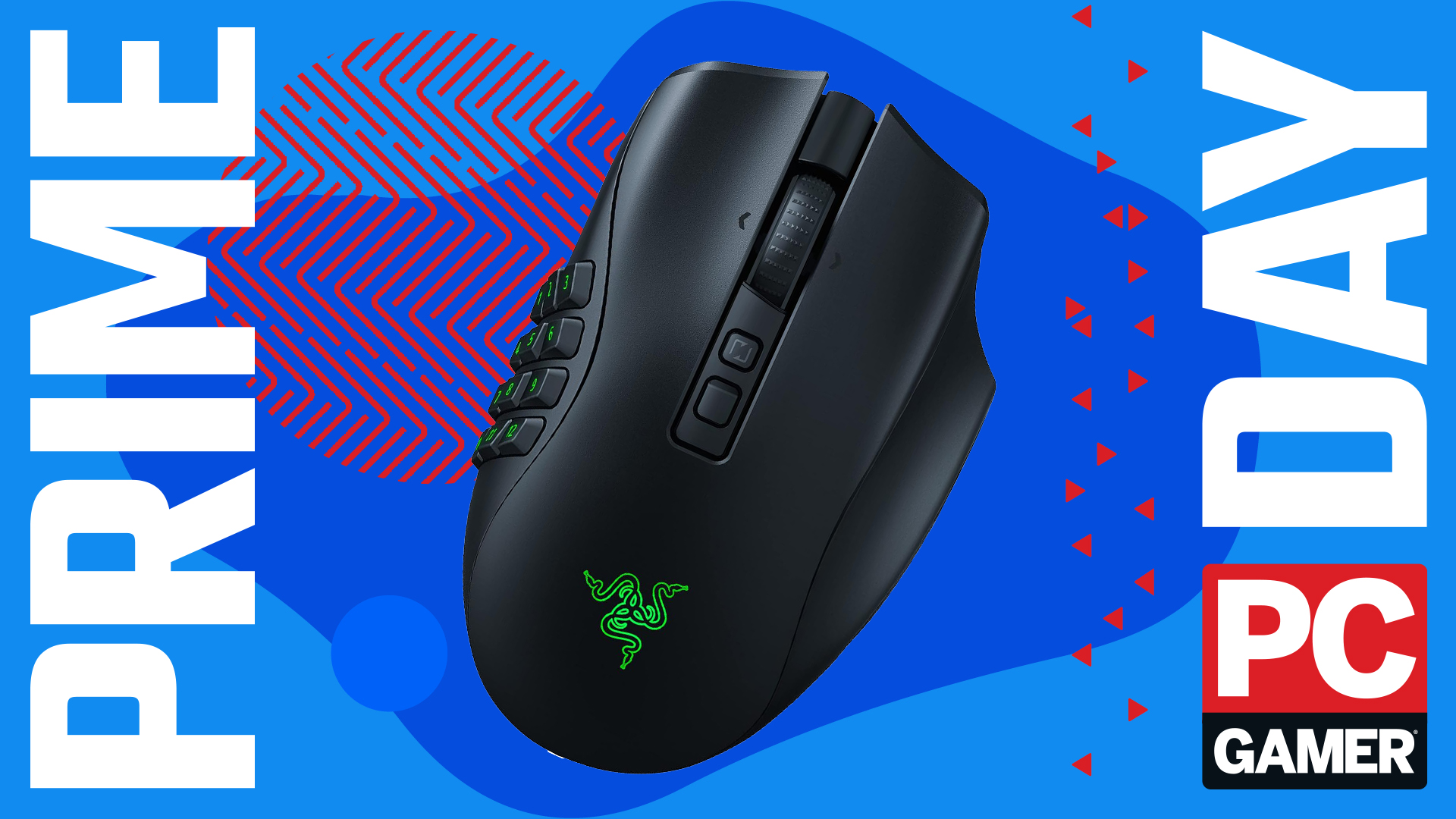
By providing three distinct plates—a 12-button grid optimized for complex MMO hotbars, a 6-button layout ideal for MOBA or ARPG skill bars, and a classic 2-button plate for standard web browsing and productivity—Razer successfully bridged the gap between a single-purpose specialty peripheral and a daily-driver desktop tool.
Coupled with Razer’s Synapse software ecosystem, users can program secondary functions via "Hypershift," effectively doubling the input capabilities of each physical button. For a Brewmaster Monk navigating the intricate threat-generation rotations of Mists of Pandaria Classic, or a Mythic+ runner pushing high keys, this level of macro-programming capability removes physical limitations from the gameplay loop.
Official Statements and Industry Perspective
While manufacturers frequently market peripherals with hyperbole, real-world feedback from long-term veterans reveals the genuine psychological and performance shifts associated with adopting specialized hardware.
Industry analysts and veteran hardware reviewers note that transitioning to an MMO mouse involves a distinct steep learning curve. The initial weeks of ownership can feel overwhelming; retraining human muscle memory to rely on independent thumb movements rather than complex keyboard contortions requires patience. However, qualitative data gathered from community forums and guild leadership telemetry consistently points toward a permanent performance plateauing once the learning curve is conquered.
"The price tag initially makes you flinch, but once you adjust, it completely transforms your gameplay. I don’t think I could ever play an MMO again without a suitable multi-button mouse," notes hardware critic and long-time World of Warcraft veteran Monica. "My guild master doesn’t hate me anymore—at least not for gameplay reasons."
Furthermore, pricing strategies surrounding seasonal retail events—such as Amazon Prime Day discounts slicing roughly 21% off the MSRP of flagship units like the Naga V2 Pro—demonstrate how hardware accessibility directly correlates with spikes in concurrent MMORPG subscription revivals and expansion launches.

Future Outlook: The Next Generation of Peripheral Integration
As the line between hardware and software continues to blur, what does the future hold for MMO-focused peripherals like the Razer Naga series?
1. Advanced Haptic Feedback
Future iterations of high-end gaming mice are expected to integrate advanced haptic actuators. Rather than relying solely on visual or auditory cues in-game, players may soon feel distinct tactile pulses corresponding to cooldown resets, low health warnings, or critical boss mechanics directly beneath their fingertips.
2. Weight Optimization for Multi-Genre Hybrids
While the Naga V2 Pro weighs in at a sturdy 134 grams—a weight considered appropriate for steady, deliberate tracking in RPGs—the ongoing industry push toward ultralight materials (such as magnesium alloys and advanced carbon composites) will likely influence future MMO designs. Manufacturers will face the challenge of shaving grams off heavy, multi-button chassis without sacrificing structural integrity or battery life.
3. Deeper Ecosystem Synchronization
AI-driven peripheral profiles are on the horizon. Future software suites will likely auto-detect active game processes and automatically remap thumb grids, sensitivity curves, and macro profiles based on real-time class specializations and encounter requirements, reducing manual configuration friction for the end user.
Conclusion
The evolution of the MMO mouse stands as a testament to the symbiotic relationship between hardware engineering and video game design. What began as a niche experiment in thumb-grid accessibility has matured into an indispensable tool for millions of PC gamers worldwide.
The Razer Naga V2 Pro exemplifies this maturation. By addressing historical pain points—such as physical strain, keybinding clutter, and lack of cross-genre versatility—it provides an authoritative blueprint for how specialized peripherals can elevate human performance. For veterans returning to classic servers, newcomers diving into modern expansions, or professionals seeking a robust multi-tasking device, investing in ergonomic hardware remains one of the most impactful upgrades a PC gamer can make. As promotional windows bring these premium devices within closer financial reach, the barrier to peak performance has never been lower.