Executive Overview
The landscape of generative artificial intelligence has long suffered from a glaring dichotomy: while users can effortlessly conjure stunning standalone images via prompts in tools like Midjourney or ChatGPT, they routinely hit a brick wall when attempting to piece those assets together into cohesive, professional collateral. Composing text, visual hierarchy, white space, typography, and brand identity into polished slides, landing pages, pitch decks, and wireframes has traditionally demanded either expensive design software or the hiring of skilled front-end layout specialists.
Enter Claude Design—Anthropic’s innovative layout and front-end design engine built specifically to bridge this gap. Rather than acting as an image generator, Claude Design functions as an intelligent structural director, utilizing portable design systems stored in Markdown format (design.md) to curate typography, spacing, color theory, and architectural aesthetics.
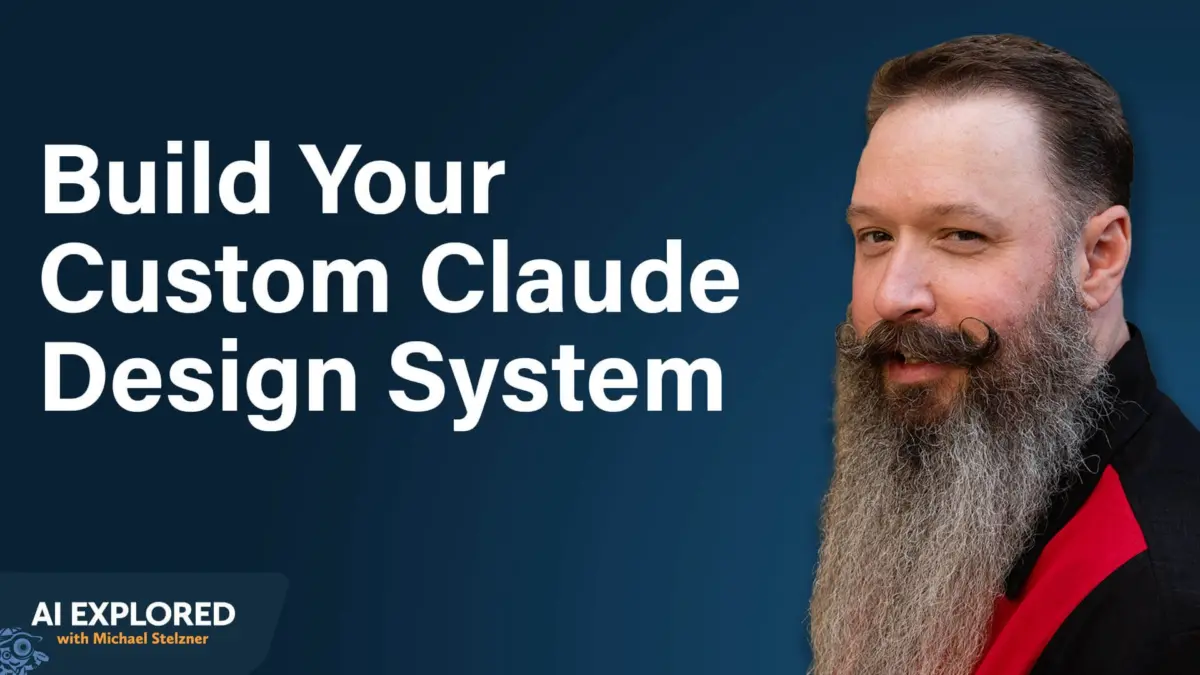
Co-created by digital marketing experts Jeff Sieh and Michael Stelzner, this breakthrough workflow system empowers solopreneurs, lean creative teams, and enterprises to construct bulletproof brand identities, build multi-page websites, generate complex vector-based motion graphics, and automate intricate content pipelines—all without touching a line of code or wrestling with cumbersome desktop apps. This comprehensive guide explores the mechanics of Claude Design, detailing step-by-step implementations for establishing automated production environments, multi-platform integrations, and frictionless scaling.
Detailed Chronology & Operational Mechanics
Understanding the structural evolution of Claude Design requires looking past standard text-to-image workflows and examining the mechanics of front-end composition engines.
What is Claude Design?
When industry practitioners hear "AI" and "design" in the same breath, their minds gravitate toward pixel-generation networks. Claude Design diverges entirely from this paradigm. Built by Anthropic and accessible directly through claude.ai (as well as native desktop applications via a designated design toggle), this environment behaves much more like a modern iteration of Adobe InDesign or a rapid web-prototyping framework.
For solo creators and small-business operators, Claude Design serves as an on-demand front-end architect. Its primary utility lies in handling the invisible mechanics of visual communication:
- Grid Layouts and Proportions: Balancing content density with negative space.
- Typography Hierarchies: Enforcing legible proportional scaling across headings, subheads, and body copy.
- Color Harmony: Translating brand guidelines into rigid, accessible visual tokens.
- Cross-Context Adaptation: Shifting layout structures dynamically whether the output is a desktop web view, a mobile application wireframe, or a client-facing PDF report.
Phase 1: Constructing a Foundational Design System
Before generating any visual artifact within Claude Design, operators must establish a comprehensive design system. Far simpler than Canva’s basic brand kits, a Claude-native design system functions as an algorithmic standard operating procedure. It codifies color swatches, typographic scales, spacing metrics, logo placements, animation rules, and behavioral styling.
- Ingesting Source Material: Creators begin by feeding reference materials—such as vector logos, Pinterest color palettes, website screenshots, and podcast artwork—directly into the interface.
- Iterative Discovery: Rather than accepting automated defaults, creators should leverage voice-to-text input (utilizing tools like Wispr Flow) to describe subjective aesthetics in rich, narrative detail. For instance, defining an aesthetic as "retro-futuristic 1950s and ’60s architecture" allows Claude Design to identify historical frameworks like Googie architecture and apply those structural rules universally.
- URL Scraping: Inputting a live website URL during setup permits the system to scrape not only the visual assets but also the brand’s written tone of voice, ensuring holistic alignment.
- Portability via
design.md: The entire design system compiles into a standardized Markdown file (design.md). Because this file functions as plain text, it can be exported and plugged directly into external development environments like Claude Code or alternative AI tools without starting from scratch.
Phase 2: Natural Language Interaction and Iteration
Interacting with Claude Design shifts the creative workflow from mechanical point-and-click manipulation to conversational direction. By dictating directives naturally—such as requesting “increase the negative space between the primary hero header and the bulleted sub-lists by 20%” or “render this layout in a high-contrast dark mode palette”—designers achieve rapid execution.
- Multi-Option Prototyping: Instead of demanding a single output and repeatedly editing it, power users request five distinct design variations simultaneously, selecting the strongest conceptual baseline for subsequent refinement.
- Zero-Credit Manual Tweaks: Once a layout is rendered, direct click-and-drag edits (repositioning text boxes, altering headline placements, modifying margins) consume zero platform credits, offering hyper-efficient control over minor adjustments.
Phase 3: Leveraging Skills, Templates, and Ecosystems
Claude Design features robust support for specialized templates and modular instructions called skills.
- Anti-AI Slop Guardrails: Creators utilize custom Markdown skills to automatically purge AI-generated writing clichés (such as excessive hyphens, overused emojis, and generic corporate phrasing) during the layout generation phase.
- Built-In and Custom Layouts: While templates exist for mobile app wireframes, resumes, HTML emails, diagrams, and 3D objects, the true flexibility lies in marrying custom design systems with custom templates—such as pre-formatted landing pages or live-streaming scene layouts (e.g., Ecamm Live environments).
- Software Mockup Pipelines: Product teams utilize Claude Design to sketch out user interface mockups before deploying engineers. By reviewing visual functionality early, teams avoid costly rewrites during the software coding phase.
- Vector-Based Motion Graphics: Moving beyond static imagery, Claude Design can generate After Effects-style animations rendered purely in code and vector graphics. These files occupy minimal storage, avoiding heavy video file constraints while supporting dynamic, interactive web components.
Supporting Context & Metrics: Automated Content Workflows
The true utility of Claude Design shines when integrated into broader automated content pipelines. Production bottlenecks that historically consumed entire workdays can now be orchestrated in minutes.
[Podcast Audio Transcript]
         │
         ▼
[Claude Code Pipeline] ──> Extracts Key Insights & Formulas
         │
         ▼
[Design System Integration] ──> Applies Hex Codes & Typography (`design.md`)
         │
         ▼
[Asset Generation] ──> ChatGPT / Midjourney Image Prompts
         │
         ▼
[Python Processing Script] ──> Automated Text Placement & Layout Assembly
         │
         ▼
[Multi-Platform Delivery] ──> LinkedIn PDFs / Instagram Carousels / Slack Workspace
The Podcast Cheat Sheet Pipeline
Podcasters can automate the generation of downloadable show companion guides. By ingesting an episode transcript, an automated script extracts core educational highlights, applies the brand’s design.md styling rules, compiles a polished PDF cheat sheet, generates matching thumbnails, and publishes the draft asset directly to a content management system—slashing production time from hours to under 45 minutes.
The Multi-Platform Carousel Engine
Converting an hour-long video or audio transcript into engaging social media collateral involves a structured multi-step pipeline:

- Script Parsing: An automated agent scans the transcript, isolating segments matching high-conversion copywriting formulas (Hook, Build One, Build Two, Payoff, Call to Action).
- Dual Prompting: The system formulates image generation prompts tailored specifically for Midjourney and ChatGPT, automatically injecting exact brand hex codes.
- Automated Assembly: Once images are generated and saved to a watched directory, a custom Python script determines optimal text placement, alternating dark and light backgrounds to maximize visual engagement.
- Multi-Format Export: The engine outputs a compiled PDF optimized for LinkedIn document posts, separate image sets configured for Instagram, tailored copywriting captions, and delivers the finalized package directly to a Slack channel for team review.
Official Statements and Industry Insights
Early adopters and platform architects emphasize that Claude Design is not meant to replace human creativity, but rather to eliminate the administrative and layout friction inherent in digital production.
"Anyone can generate an image with a prompt, but composing that image alongside text, white space, and branding elements in a way that looks intentional is a different skill entirely. Claude Design handles that composition so creators can focus on core messaging."
— Jeff Sieh, Creator and AI Systems Architect
Industry strategists also highlight the power of portability. Because brand assets are stored as clean Markdown data (design.md), businesses are no longer locked into proprietary ecosystem prisons. Whether exporting projects to Adobe suites, Canva kits, Gamma slide decks, or direct HTML packages for web developers, the underlying design integrity remains uncompromised across disparate tools.
Future Outlook: The Next Wave of AI-Assisted Design
As Anthropic continues to refine Claude Design out of its experimental labs, the horizon points toward deeper integration between layout engines, video editing software (such as ChatCut), and autonomous code deployment.
Key developments to watch in the coming quarters include:
- Universal API Bridges: Tighter native syncing between collaborative workspace tools, enabling real-time multi-user design system updates across global teams.
- Advanced Motion Codec Compilation: Expanded vector animation capabilities capable of exporting complex interactive UI components directly into native iOS and Android applications.
- Contextual Brand Memory: Autonomous agents capable of monitoring live web presence changes and proactively updating underlying
design.mdstructures to reflect seasonal rebrands or layout pivots.
For businesses navigating an increasingly crowded digital marketplace, mastering Claude Design and structured AI workflows offers a distinct competitive advantage: the ability to execute enterprise-grade visual branding with the agility of a solo creator.