Executive Overview
Microsoft is reshaping the strategic trajectory of its flagship artificial intelligence ecosystem. While recent user feedback and product metrics have prompted the tech giant to dial back its aggressive, default integration of Copilot features deep within the Windows operating system core, development on the standalone Copilot application continues at a rapid pace. In its latest product refresh, Microsoft is bestowing yet another significant facelift and functional expansion upon the Copilot app, shifting its design philosophy away from scattered, piecemeal widgets toward a cohesive, tabbed workspace.
This updated interface is not merely cosmetic. It introduces direct integrations with core Microsoft Office applications, natural-language software development, and—most notably—agentic automation capabilities designed to handle complex, multi-step business processes with minimal human intervention.
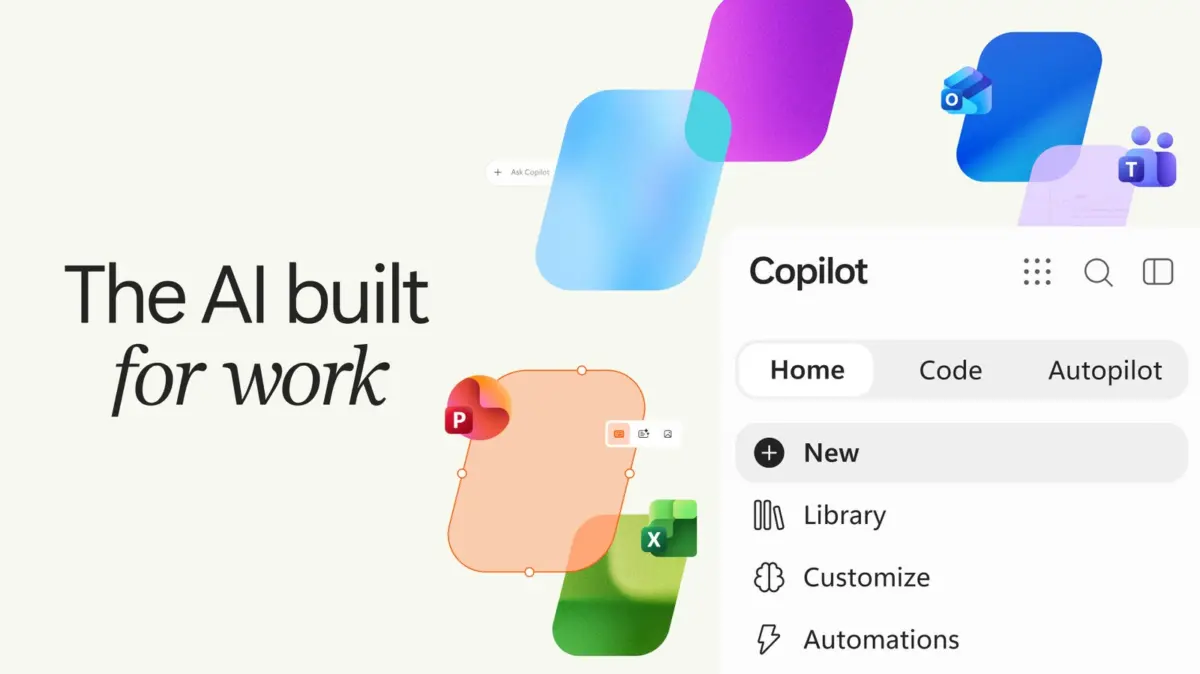
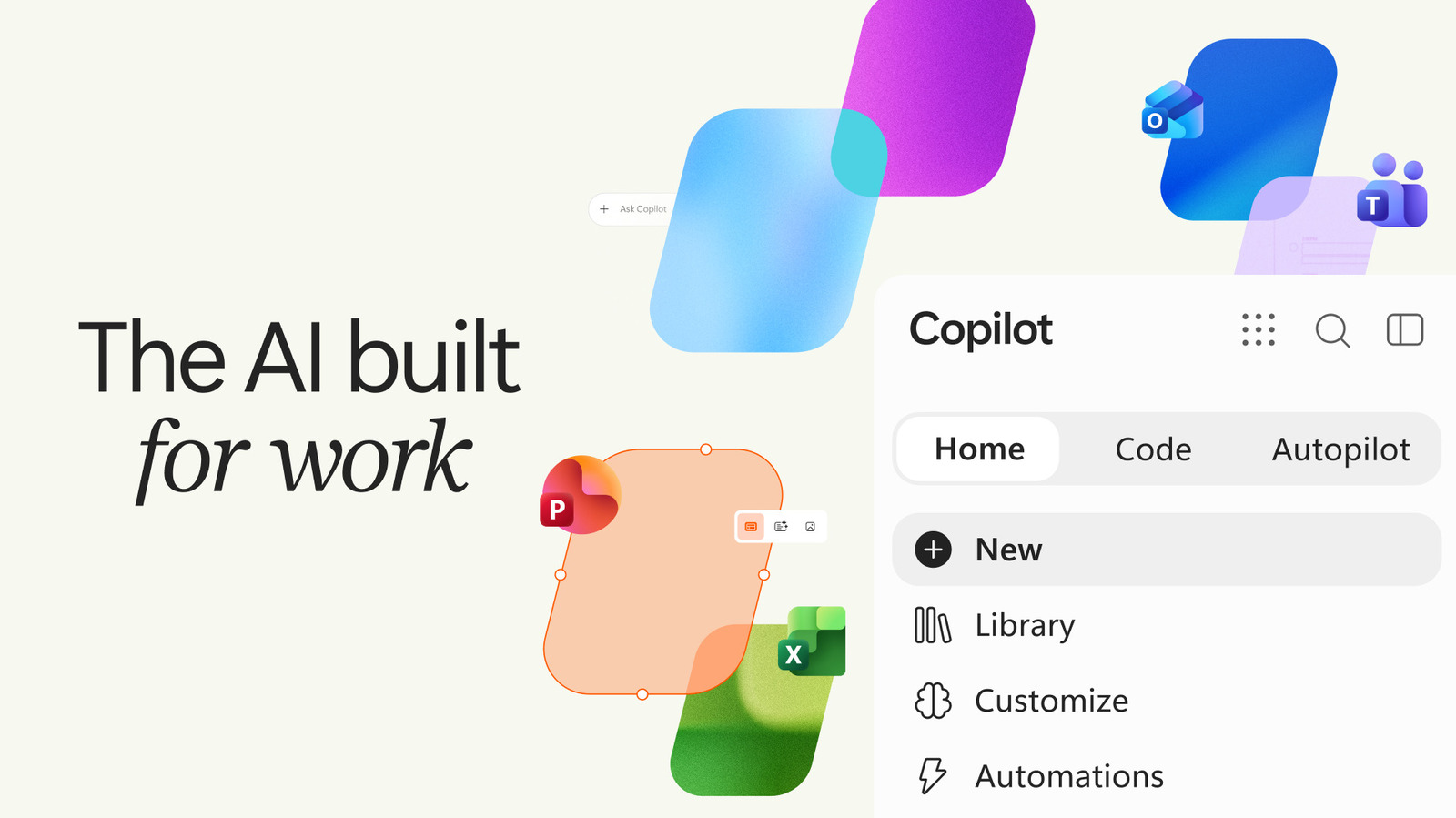
By reorganizing the application around specialized tabs—specifically "Home," "Code," and "Autopilot"—Microsoft is attempting to bridge the gap between casual consumer utility and heavy-duty enterprise productivity. While the market has occasionally questioned the urgency and depth of consumer adoption for standalone generative AI assistants, the enterprise sector presents an entirely different proposition. For corporate environments drowning in data processing, report generation, spreadsheet management, and cross-functional administrative duties, these new features represent a direct assault on routine operational friction.
This comprehensive report examines the architectural redesign of the Copilot app, the technical implications of natural-language coding and agentic workflows, the shifting strategic currents within Microsoft’s AI division, and what these changes mean for the future of enterprise software.
Detailed Chronology: The Road to the Tabbed Copilot Experience
To understand the weight of Microsoft’s latest announcement, it is crucial to place it within the fast-moving timeline of the company’s broader AI rollout over the past 24 months.
The Initial Push and Over-Saturation
When Microsoft first hitched its wagon to OpenAI’s foundational models, the corporate directive was absolute: infuse Copilot into every product, service, and operating system surface imaginable. This resulted in Copilot buttons integrated directly into the Windows taskbar, context menus, and productivity software suites. However, this omnipresent approach met with mixed consumer reception. Many users found the unsolicited integrations intrusive, prompting Microsoft to adjust its strategy. Recently, the company announced it would selectively pull Copilot out of certain native Windows environments, granting users greater control over their taskbars and desktop environments.
The Search for a Cohesive Hub
Realizing that scattering AI across disparate parts of the operating system risked fracturing the user experience, Microsoft pivoted toward building a centralized, dedicated application. Earlier this year, the company debuted a more buttoned-up, refined aesthetic for the Copilot app, moving away from experimental UI iterations toward a reliable, conversational assistant wrapper.
The Modern Redesign: Tabs, Office, and Autopilot
The latest iteration represents the logical conclusion of that centralization effort. Rather than presenting a single, endless chat thread that attempts to be a jack-of-all-trades, the new Copilot application divides its workspace into discrete functional domains.
- The Home Tab: Serving as the central dashboard, the Home tab handles standard conversational queries and day-to-day administrative tasks. Microsoft has built intelligent routing directly into this layer. When a user enters a prompt, the system evaluates the complexity of the request. Simple informational questions remain within standard chat processing, while complex, multi-layered queries automatically trigger specialized Copilot execution modes, seamlessly transitioning the user from ideation to delegation.
- The Code Tab: Breaking down barriers between non-technical workers and software development, this tab empowers users to build functional applications, dashboards, and automated workflows purely through conversational text prompts.
- The Autopilot Tab: Moving past reactive assistance, this tab introduces true agentic AI capabilities. Copilot can take ownership of recurring workflows, monitor communication threads, manage project schedules, and autonomously execute administrative follow-ups without requiring constant user oversight.
Supporting Context & Metrics: Consumer Skepticism vs. Enterprise Appetite
The dual-track strategy driving Microsoft’s AI deployment highlights a stark dichotomy in the current technology market: the differing adoption curves between everyday consumers and institutional enterprise buyers.
The Consumer Adoption Hurdle
Despite aggressive marketing and widespread media coverage, Microsoft has struggled to convince the average consumer that a standalone AI assistant is an indispensable daily tool. For personal use—web browsing summaries, occasional recipe generation, or creative writing prompts—many consumers find that web-based interfaces or integrated search engines satisfy their needs without requiring a dedicated desktop application. Consequently, consumer engagement with standalone AI client apps has often experienced high initial download spikes followed by plateauing retention rates.
The Enterprise Imperative
Conversely, the enterprise landscape tells an entirely different story. Corporate environments are defined by massive volumes of unstructured data, routine reporting, inter-departmental coordination, and administrative overhead. For businesses, the return on investment (ROI) for artificial intelligence is measured in hours saved per employee per week.
According to internal enterprise data and broader industry studies, workers spend upward of 50% of their working hours on "work about work"—attending meetings, searching for information, drafting status updates, and managing email threads. By embedding direct Office app integration and autonomous agents into the Copilot app, Microsoft is directly targeting this operational drag. The integration allows corporate users to pull live data from Excel, summarize long Word documents, draft PowerPoint presentations, and coordinate project management tasks from a single interface, making the Copilot app an essential digital workstation rather than a novelty chat window.
Official Statements & Technical Breakdown
The technological philosophy underpinning the new Copilot features was detailed extensively by company executives during today’s rollout. Jared Spataro, Microsoft’s Chief Marketing Officer of AI at Work, outlined how these tools fundamentally change the nature of human-computer interaction.
Natural Language Coding: Democratizing Software Development
The introduction of the "Code" tab marks a significant step forward in low-code/no-code development, powered entirely by generative AI. Users no longer need to understand Python, JavaScript, or database architecture to build functional digital tools.
"Describe an app, tracker, dashboard, automation, or workflow in natural language, and Copilot chooses an approach and builds it," Spataro explained in a corporate blog post.
Whether an employee needs a simple desktop widget to track personal task completion or an interactive dashboard for monitoring departmental Key Performance Indicators (KPIs), Copilot interprets the parameters and constructs the underlying structure. The AI determines the necessary logic, data schemas, and user interface elements, delivering a working prototype or deployment-ready asset based solely on a conversational prompt.
Agentic AI and the Autopilot Paradigm
Perhaps the most ambitious aspect of the update lies within the "Autopilot" tab. While traditional AI assistants wait for a prompt, process it, and stop, agentic AI systems possess agency—the ability to plan, execute, iterate, and complete multi-step goals autonomously.
Spataro highlighted the practical implications of this capability using a complex corporate scenario:
"It can do things like set up and manage a full supplier review process: building the schedule and workback plan, then handling prep, meetings, and follow-ups on its own, right down to reaching out to stakeholders for updates."
In this operational model, Copilot transitions from being a smart calculator or search assistant to an active digital coworker. It monitors communication channels, parses incoming feedback, adjusts project timelines when bottlenecks occur, and drafts necessary documentation without requiring human micromanagement. This shifts the user’s role from executor to supervisor, allowing knowledge workers to focus on strategic decision-making rather than administrative busywork.
Future Outlook: The Horizon of Enterprise AI Integration
As Microsoft continues to refine the Copilot application, the broader tech industry is watching closely to see how competitors like Google, Apple, and OpenAI respond. The battleground for artificial intelligence has officially shifted from raw model performance—parameter counts and benchmark scores—to application-layer usability and seamless workflow integration.
The Evolution of the Digital Workspace
Over the next several years, the traditional boundaries separating operating systems, productivity suites, and AI assistants will likely dissolve entirely. Rather than opening individual applications (such as opening Word to write a document, Excel to crunch numbers, and Outlook to email a client), users will increasingly interact with an ambient AI layer that orchestrates all underlying software tools invisibly. The tabbed interface introduced in Microsoft’s latest Copilot update is an evolutionary stepping stone toward this unified computing paradigm.
Challenges Ahead: Security, Trust, and Governance
However, as Copilot gains deeper access to Office data, internal corporate files, and autonomous execution rights, the stakes surrounding data privacy, security, and algorithmic governance will skyrocket. Enterprise adoption depends entirely on trust. Microsoft must ensure that its autonomous agents operate within strict compliance boundaries, preventing accidental data leaks, hallucinated scheduling errors, or unauthorized data access across corporate intranets.
Additionally, as natural-language coding tools become more powerful, IT departments will face new challenges regarding shadow IT—employees spinning up unvetted internal databases, widgets, and automation scripts without central oversight. Managing governance while empowering creativity will be one of Microsoft’s primary hurdles as these features roll out globally.
Conclusion
Microsoft’s latest overhaul of the Copilot application demonstrates a pragmatic maturation of its AI strategy. By stepping back from intrusive operating system integrations and focusing instead on a purposeful, tab-based workspace equipped with natural coding and agentic automation, Microsoft is positioning Copilot as an indispensable engine for enterprise productivity. Whether these features can finally unlock widespread, enthusiastic adoption remains to be seen, but the blueprint for the future of work is rapidly coming into focus.