Executive Overview
Electronic waste, or e-waste, has quietly ballooned into one of the most pressing environmental challenges of the 21st century. As consumer electronics evolve at a relentless pace, older hardware is frequently cast aside, ending up in landfills where toxic materials like lead, mercury, and cadmium can leach into the soil and water supply. Among the victims of this rapid upgrade cycle are home video game consoles, most notably the venerable PlayStation family.
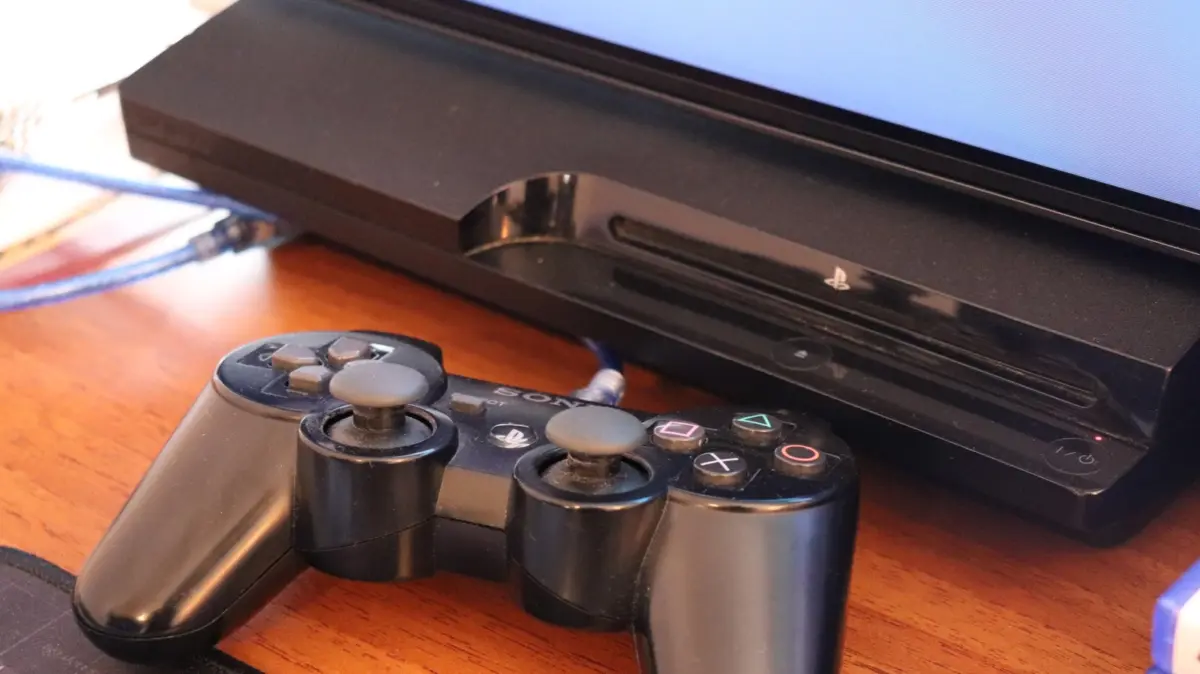
For decades, millions of players have spent countless hours battling formidable bosses, exploring vast digital worlds, and sharing couch co-op experiences on systems like the PlayStation 2, PlayStation 3, and early iterations of the PlayStation 4. Yet, as newer, faster hardware takes center stage, these once-beloved machines inevitably fall into disuse.
Rather than relegating a retired PlayStation to the back of a closet or tossing it into the trash, owners have a multitude of sustainable, practical, and even profitable alternatives. Whether you choose to convert your old console into a dedicated entertainment hub, harvest its valuable components for other tech setups, sell it to recoup some of your initial investment, donate it to a meaningful cause, or recycle it through certified e-waste channels, your old hardware still has plenty of life left to give. This comprehensive guide explores the best strategies for managing your retired PlayStation responsibly and creatively.
Detailed Chronology of PlayStation Evolution and Obsolescence
To understand why so many legacy consoles are currently sitting dormant, it helps to examine the historical trajectory of Sony’s flagship brand and how technological shifts render older hardware obsolete.
The Legacy Era: PS2 and PS3
- PlayStation 2 (2000): As the best-selling video game console of all time, the PS2 introduced millions to the world of DVD playback alongside an enormous library of classic titles. Its sheer ubiquity means millions of units are still tucked away in attics and garages.
- PlayStation 3 (2006): Powered by the notoriously complex Cell Broadband Engine architecture, the PS3 pioneered Blu-ray integration in home gaming and introduced online infrastructure via the PlayStation Network. Today, however, official support has largely dwindled, with many contemporary streaming apps dropping compatibility.
The Modern Transition: PS4 and Beyond
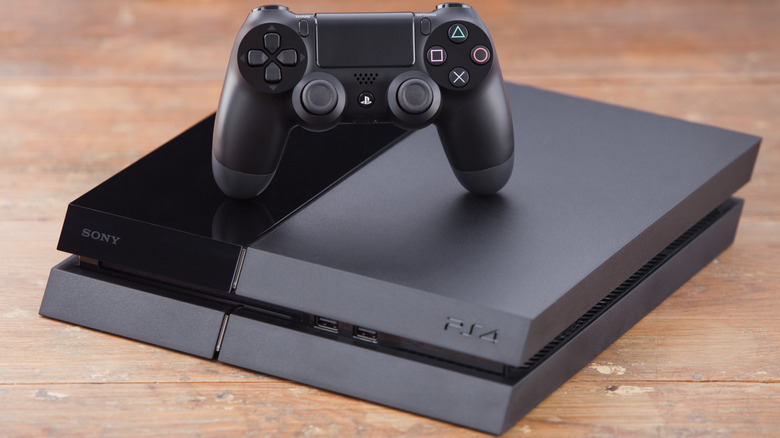
- PlayStation 4 (2013): Ushering in the era of digital storefronts, mid-generation hardware refreshes (the PS4 Pro), and robust media streaming, the PS4 remains a powerhouse of digital content.
- The Shift to Current-Gen: With the widespread adoption of the PlayStation 5, previous-generation hardware is increasingly sidelined. However, because the architectural gap between the PS4 and modern PCs or streaming sticks is relatively narrow, older PlayStation components remain remarkably versatile.
Repurposing Your Hardware: Breathing New Life Into Old Plastic
If you aren’t ready to part ways with your console entirely, a retired PlayStation can easily be transformed to serve a new function in your home ecosystem.
1. Transform Your Console Into a Dedicated Media Center
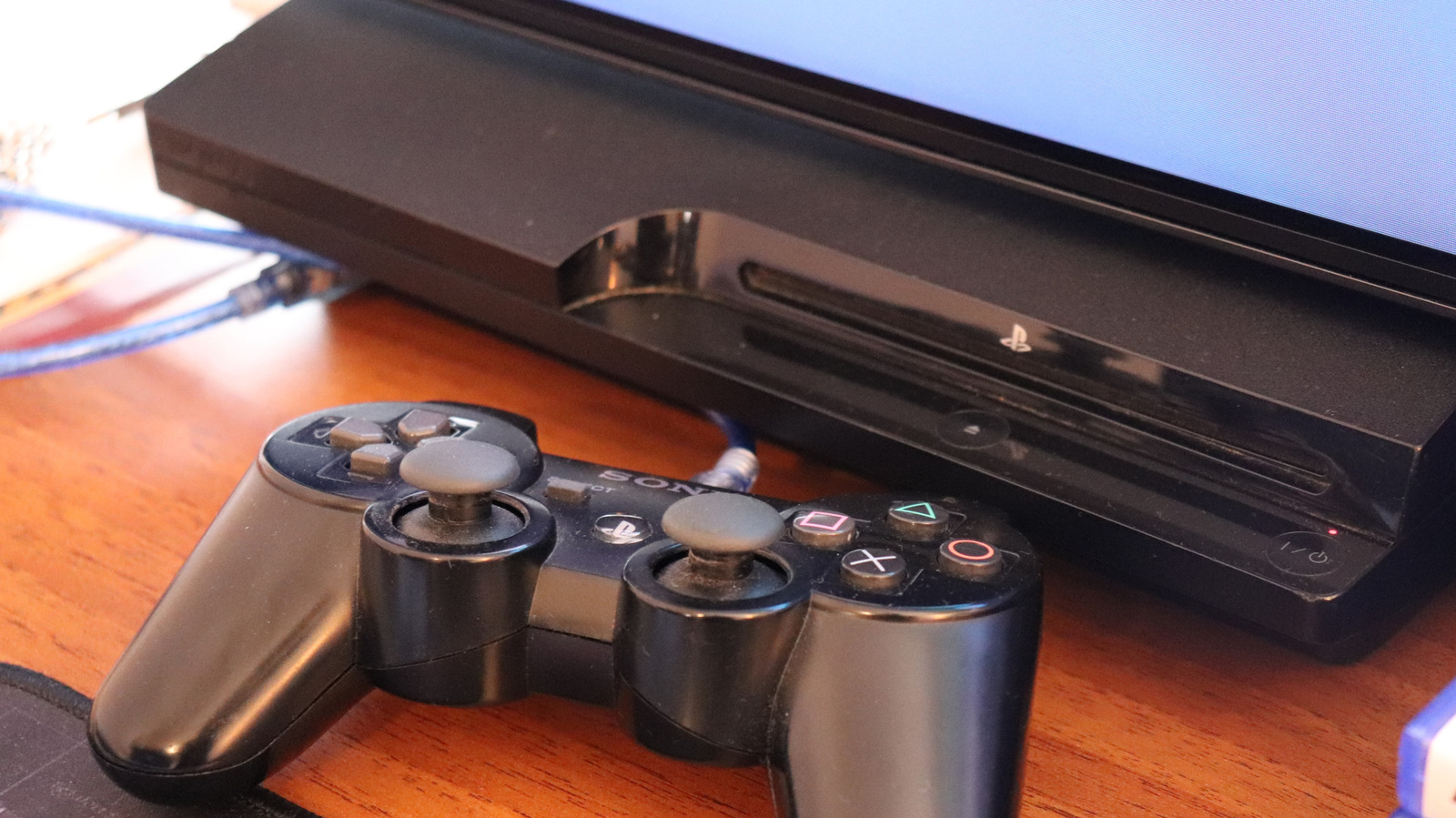
Even if a console can no longer run the latest AAA titles, its internal hardware is more than capable of handling media consumption.
- Streaming Apps: For PS4 owners, the console functions as a fully capable streaming box, supporting major platforms like Netflix, Disney+, Hulu, and YouTube. For PS3 owners, options are more limited as modern applications phase out legacy support, but basic media utility remains.
- Physical Disc Playback: The PlayStation 2 remains a reliable, retro-compatible DVD player. Meanwhile, the PS3 and PS4 double as robust Blu-ray and DVD players, making them ideal additions to a secondary television setup in a bedroom or guest room.
- USB Media Playback: You can easily turn your console into an offline media player using a standard flash drive. To ensure smooth playback, format your USB drive to exFAT (or FAT32 specifically for the PS3). Organize your video, audio, or image files into designated folders. On a PS4, simply download the native Media Player application from the PlayStation Store, plug in the drive, and enjoy your personal media library without relying on internet connectivity.
2. Harvest Valuable Components
If the console’s main motherboard or optical drive has failed, the machine can still be dismantled for valuable spare parts.
- DualShock Controllers: PlayStation controllers—particularly the Bluetooth-enabled DualShock 4—are remarkably versatile. They are natively compatible with a wide range of third-party hardware, including Windows PCs, Android and iOS mobile devices, tablets, and streaming devices like the Amazon Fire TV Stick. You can easily pair a DualShock 4 to a Fire TV Stick for cloud gaming or standard navigation. While DualShock 3 controllers from the PS3 era are slightly more finicky to connect, they can still be utilized with PCs and select retro-gaming setups.
- Internal Hard Drives: Sony designed PlayStation hard drives to be user-accessible and easily replaceable. With a standard Phillips-head screwdriver, you can extract the internal storage drive from a PS4 or PS3. Once formatted and paired with an affordable USB enclosure, this internal drive can be converted into a portable external hard drive for your computer or other devices.
- Cables and Accessories: Before disposing of the console chassis, retain the power cords, HDMI cables, and charging accessories. These universal cables always find a use in a modern tech household.
Financial Recovery: Monetizing Your Retired Console
For those looking to clear out clutter while making a bit of extra cash, the secondary market for used gaming hardware remains surprisingly robust. There are three primary avenues for selling an old PlayStation, each with distinct pros and cons.
+--------------------------+-----------------------+------------------------+
| Selling Method           | Convenience           | Payout Type & Value    |
+--------------------------+-----------------------+------------------------+
| Big-Box Retailers        | Extremely High        | Store Credit (Lowball) |
| Dedicated Buyback Sites  | Moderate              | Cash (Fair Market)     |
| Peer-to-Peer Markets     | Low (Requires Effort) | Cash (Highest Return)  |
+--------------------------+-----------------------+------------------------+
Option A: Big-Box Retailers (Best for Convenience)
Retail giants such as Best Buy, GameStop, and Amazon offer trade-in programs.
- Pros: Drop off the console in person or ship it via a prepaid label; transactions are fast and hassle-free.
- Cons: Payouts are almost exclusively issued as store credit, and trade-in valuations tend to be significantly lower than true market value.
Option B: Dedicated Buyback Sites (The Middle Ground)
Online platforms like Back Market Trade-in specialize in purchasing used consumer electronics directly from consumers.
- Pros: They pay out in actual cash (via direct deposit or PayPal) and generally offer better valuations than major retail chains without the headache of individual customer negotiations.
- Cons: You assume minor shipping risks, and payout processing takes longer than an instant in-store trade.
Option C: Peer-to-Peer Marketplaces (Best for Maximum Return)
Platforms like eBay and Swappa allow you to sell directly to other gamers.
- Pros: You command the highest possible price for your hardware, especially if you bundle it with controllers and popular games.
- Cons: Requires listing the item, taking photographs, communicating with buyers, carefully packaging the hardware, and handling shipping logistics. Furthermore, you must factor in platform seller fees.
Philanthropy and E-Waste Mitigation: Handing Down, Donating, and Recycling
If your primary goal is to declutter responsibly rather than turn a profit, consider passing the console on to someone else or recycling it safely.
Handing Down and Charitable Donations
- Gift to Family or Friends: Passing a legacy console down to a younger relative, sibling, or neighbor is a wonderful way to introduce a new generation to classic gaming titles.
- Donate to Medical and Youth Charities: Organizations like Gamers Outreach accept console donations to build portable recreation kiosks (dubbed "GO Karts") for children receiving hospital care.
- A Word of Caution: Because old PlayStations retain monetary value, always verify the credentials of any organization claiming to be a charity to avoid falling victim to predatory resellers or online scammers.
Certified Electronic Recycling
When a console is physically broken, water-damaged, or otherwise beyond repair, it must never be thrown into standard household garbage. Electronic waste contains hazardous elements—including lead, mercury, and flame retardants—that pose serious environmental and public health risks.
- Retailer Recycling Programs: Major companies like Best Buy and Staples maintain robust, free-to-use e-waste drop-off bins for old consumer electronics.
- Local Municipal Facilities: Utilize directory services like Earth911 to locate certified electronic recycling centers in your local area that guarantee compliant, eco-friendly material processing.
Security Protocol: How to Back Up and Factory Reset Your PlayStation
Before you sell, trade in, donate, or recycle your PlayStation, it is imperative to secure your personal data. Leaving your profile, payment methods, and saved game data intact on a surrendered console opens the door to identity theft and account compromise. Follow these step-by-step instructions to wipe your hardware clean.
Backing Up Your Data
On a PlayStation 4:
- Connect a USB flash drive formatted to FAT32 or exFAT (do not use NTFS).
- Navigate to Settings > Application Saved Data Management > Saved Data in System Storage > Copy to USB Storage Device.
- Select the specific game saves you wish to preserve.
- PlayStation Plus Subscribers: You can bypass the physical USB drive by selecting Upload to Cloud Storage from the same management menu.
On a PlayStation 3:
- Plug in a FAT32-formatted USB flash drive.
- Navigate to Settings > System Settings > Backup Utility > Back Up.
- PlayStation Plus Subscribers: Access game saves via the Saved Data Utility under the Game menu to upload them directly to cloud storage.
Unlinking Your Account (PS4 Exclusive)
Before resetting a PS4, you must deactivate it as your primary system:
- Go to Settings > Account Management > Activate as Your Primary PS4 > Deactivate, and confirm your choice.
Performing a Full Factory Reset (Initialization)
On a PlayStation 4:
- Navigate to Settings > Initialization > Initialize PS4 > Full.
- Note: Choose the "Full" option rather than "Quick" to thoroughly overwrite all data sectors, ensuring your personal files cannot be recovered by forensic software.
On a PlayStation 3:
- Navigate to Settings > System Settings > Restore PS3 System.
- Read the on-screen warning prompts, select Yes, and choose Full Format. Depending on the size of the hard drive, this process can take several hours.
Once the initialization routine concludes, your PlayStation’s software will be restored to its out-of-the-box factory state—completely secure, clean, and ready for its next chapter, wherever that may lead.
Future Outlook
As the global regulatory landscape shifts toward mandatory "Right to Repair" legislation and stricter circular economy models, the technology sector is facing increased pressure to account for the entire lifecycle of its products. Sony and other hardware manufacturers are gradually expanding their internal trade-in and recycling frameworks, but individual consumer responsibility remains the first line of defense against the mounting e-waste crisis.
By treating legacy hardware not as disposable trash, but as a modular resource—capable of streaming media, powering portable emulation setups, funding new gear through resale, or returning safely to the manufacturing loop via certified recycling—gamers can actively reduce their digital footprint. Your old PlayStation gave you countless hours of entertainment; ensuring it exits your home responsibly is the ultimate way to return the favor.