
Executive Overview
Modern home entertainment technology has evolved at a staggering pace. If you were to transport a viewer from three decades ago into a modern living room, the sheer breadth of high-definition content, seamless streaming interfaces, and auditory immersion provided by today’s smart displays would border on the miraculous. Yet, despite these monumental leaps in hardware capability—ranging from OLED panels to Dolby Vision HDR—millions of movie lovers unknowingly consume cinematic masterpieces through a technical filter that distorts the director’s original vision.
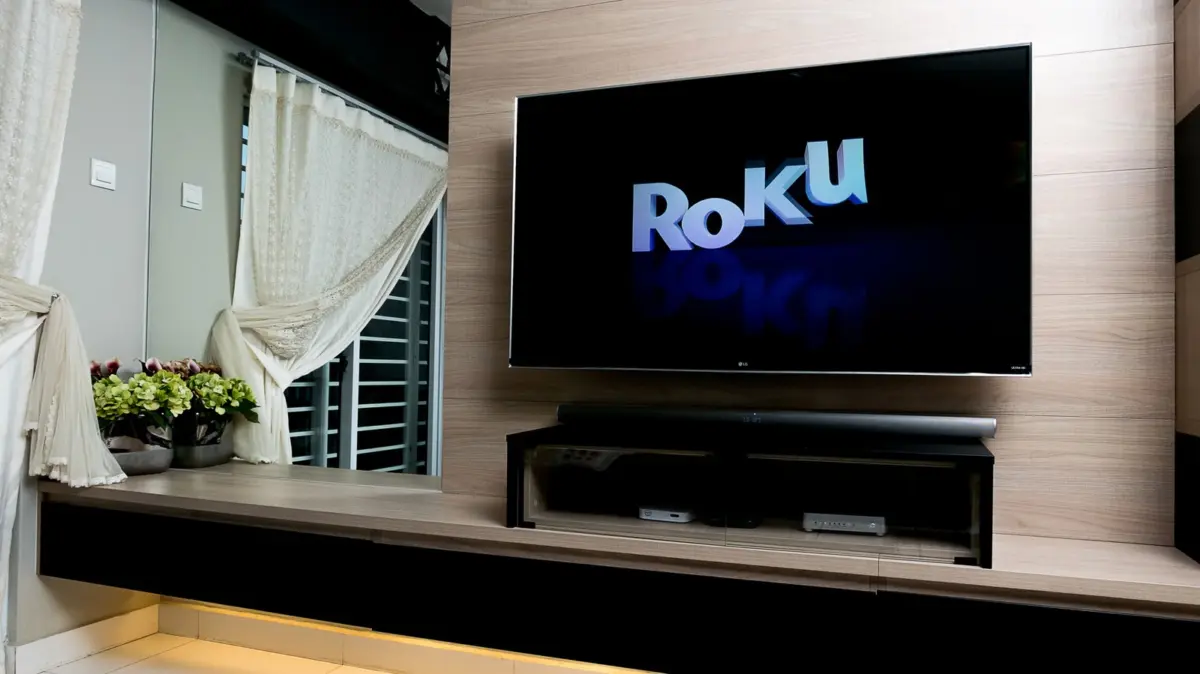
Out of the box, the vast majority of smart televisions, including popular Roku TV models, default to a refresh rate of 60 frames per second (fps). While a 60fps refresh rate is exceptional for high-motion sports broadcasting, live television, and video games, it fundamentally clashes with the foundational medium of narrative filmmaking. For over a century, the cinematic standard has been locked at 24fps.
When a modern television forces a traditional 24fps film to display at 60fps, it triggers a digital workaround known as "3:2 pulldown" or introduces heavy-handed motion interpolation—colloquially referred to as the dreaded "soap opera effect." This processing strips away the natural motion blur and cinematic cadence that audiences subconsciously associate with the silver screen. Fortunately, nestled deep within the menus of your Roku TV lies a simple, toggleable setting that rectifies this issue. By enabling Auto-adjust display refresh rate, viewers can strip away artificial smoothing and experience films exactly as they were captured through the camera lens.
Detailed Chronology: The Evolution of Frame Rates in Cinema and Television
To understand why a simple refresh rate setting matters so much to cinephiles, one must trace the historical and technological divergence between the worlds of cinema and television broadcasting.
The Birth of 24fps (1920s–1930s)
In the late 1920s, the introduction of synchronized sound for motion pictures forced the nascent film industry to standardize a consistent speed for both recording and playback. Before this, silent films were often shot and projected at variable frame rates ranging anywhere from 16 to 22 fps, depending on the operator’s hand-cranking speed.
With the arrival of sound-on-film technology, a steady medium was required to ensure audio synchronization. The industry settled on 24 frames per second as the optimal balance: it was slow enough to keep film stock costs manageable for studios, yet fast enough to eliminate noticeable flicker and create the illusion of smooth, continuous motion to the human eye. This 24fps standard quickly became immutable dogma, shaping the aesthetic language of storytelling for generations of directors, cinematographers, and editors.
The Broadcast Revolution and the Birth of 60Hz (1940s–1950s)
As commercial television emerged in the mid-20th century, engineers faced a completely different set of engineering constraints. Television broadcasts relied on analog signals tied directly to the frequency of electrical grids in North America (60Hz Alternating Current). To prevent interference lines from rolling across household cathode-ray tube (CRT) screens, American television was standardized to 60 interlaced fields per second (effectively 30 frames per second, or 60Hz).
Thus, a structural chasm was formed: Cinema was built for 24fps; television was built for 60Hz (or 50Hz in PAL regions).
The Digital Transition and the Smart TV Era (2000s–Present)
For decades, bridging this gap required clunky hardware processors or resulted in awkward visual judder. When films were broadcast on television or released on standard-definition DVDs, broadcasters utilized a mathematical trick called 3:2 pulldown to cram 24 frames into a 60Hz container by repeating specific frames.
When flat-panel LCD and LED displays replaced bulky CRTs, manufacturers introduced motion smoothing technologies designed to artificially generate intermediate frames, making fast-moving sports look hyper-clear. However, when applied to narrative movies, this technology inadvertently removed the natural cinematic shutter blur. High-budget Hollywood features suddenly looked like cheap daytime soap operas shot on camcorders.
Today, modern streaming platforms and smart TV operating systems like Roku OS have the processing power to recognize native content framerates dynamically. Yet, because of legacy compatibility and default consumer settings, most devices still ship locked into a rigid 60Hz output—leaving it up to the user to unlock true cinematic playback.
Supporting Context & Metrics: The Anatomy of Motion Handling
To fully appreciate the impact of changing your Roku TV’s refresh rate, it is helpful to examine the technical metrics governing how digital displays render motion.
Understanding Refresh Rates vs. Frame Rates
- Frame Rate (fps): The frequency at which consecutive images (frames) are captured or encoded by a camera or digital source file. Standard movies are 24fps; most YouTube videos and TV broadcasts are 30fps or 60fps; modern video games frequently target 60fps or 120fps.
- Refresh Rate (Hz): The physical capability of a television display panel to redraw the entire image on the screen per second. A standard 60Hz display refreshes 60 times every second.
When a 24fps movie is played on a 60Hz display without auto-adjustment, the TV must perform mathematical gymnastics to fit 24 frames into 60 slots. Because 60 is not evenly divisible by 24, the TV repeats certain frames more often than others, resulting in uneven motion pacing known as "judder."
Conversely, if motion smoothing (interpolation) is enabled, the TV’s internal processor analyzes adjacent frames and hallucinates entirely new digital frames to fill the gaps, bringing the output up to 60fps. While this eliminates judder, it destroys the artistic intent of the filmmakers, robbing movies of their organic theatrical cadence.
Key Metrics Impacted by Refresh Rate Adjustments:
| Metric | Standard Default (60Hz Fixed) | Optimized Cinema Setting (Auto-Adjust 24fps) |
|---|---|---|
| Motion Cadence | Uneven (3:2 pulldown judder) or overly smooth ("Soap Opera Effect") | True-to-life, natural motion blur matching theatrical releases |
| Director’s Intent | Altered by software processing | Preserved via native frame-rate matching |
| Visual Artifacts | High risk of motion interpolation halos and tearing | Minimized, as frames are displayed natively without artificial generation |
| Panel Synchronization | Locked to display hardware clock | Dynamically synced to content metadata |
Official Guidelines: How to Configure Your Roku TV for the Ultimate Film Experience
While hardware manufacturers often prioritize out-of-the-box settings that maximize brightness and smoothness for retail store floors, Roku provides advanced users with the tools necessary to achieve calibrated accuracy. Adjusting your Roku TV to respect native frame rates requires navigating just a few layers of the operating system.
Step-by-Step Configuration Guide
- Return to the Home Screen: Press the Home button on your Roku remote to ensure you are at the primary system dashboard.
- Navigate to Settings: Scroll up or down to locate and select the Settings menu icon.
- Access System Settings: Scroll down within the settings menu and select System.
- Open Advanced System Settings: Look for and select Advanced system settings.
- Locate Display Settings: Click on Advanced display settings.
- Enable Auto-Adjustment: Find the option labeled Auto-adjust display refresh rate and toggle it On.
What Happens After You Turn It On?
Once this setting is enabled, your Roku TV ceases its rigid adherence to a constant 60Hz output during video playback. When you launch a film via Netflix, Max, Disney+, Prime Video, or Apple TV+, the Roku operating system handshakes with the media stream, detects its native frame rate (typically 24.000 fps or 23.976 fps), and commands the display panel to synchronize its hardware refresh rate accordingly.
Note: You may notice your TV screen briefly flicker or go blank for a split second when starting a movie or returning to the home menu. This is entirely normal; it represents the display panel actively shifting its refresh rate clock to match the incoming content.
Future Outlook: The Convergence of Smart Displays and Cinematic Authenticity
As streaming technology continues to mature, the boundary between theatrical distribution and in-home consumption has effectively vanished. Major Hollywood blockbusters now premiere on smart TV platforms simultaneously with—or weeks after—their theatrical runs. Consequently, home theater enthusiasts increasingly demand absolute fidelity to the source material.
The Push Toward Automated Calibration
Industry organizations, including the UHD Alliance and various display manufacturers, have long recognized the friction caused by consumer confusion over motion settings. Programs like Filmmaker Mode—developed in collaboration with renowned directors such as Martin Scorsese, Christopher Nolan, Paul Thomas Anderson, and Ryan Coogler—have automated the disabling of motion smoothing, oversharpening, and incorrect aspect ratios on modern displays.
As Roku and other smart TV ecosystems integrate deeper AI-driven content analysis, the manual toggling of advanced display settings may soon become entirely automated by default. Future operating systems will likely profile incoming media packets not just for resolution (4K, HDR, Dolby Vision) and audio formatting (Dolby Atmos, DTS:X), but will seamlessly lock refresh rates to the exact cadence intended by the cinematographer without requiring deep menu navigation.
Conclusion
Technology should serve art, not alter it. While default 60fps refresh rates serve everyday television well, movies deserve to be experienced with the exact pacing, motion blur, and visual rhythm that directors spent months—or years—crafting. By taking two minutes to navigate your Roku TV’s advanced settings and enabling auto-adjust refresh rates, you bridge the gap between your living room couch and the director’s editing suite, unlocking the true cinematic magic hidden within your hardware.