Executive Overview
When shopping for a modern television or desktop monitor, consumers are routinely met with glowing reviews for OLED (Organic Light-Emitting Diode) technology. Revered for delivering unparalleled contrast ratios, pitch-black dark scenes, and breathtaking color vibrancy, OLED has firmly established itself as the gold standard for home entertainment and high-end gaming. However, these visual marvels come paired with a persistent, often misunderstood caveat: permanent image retention, commonly referred to as "burn-in."
While the phrase "burn-in" can strike fear into the hearts of consumers about to drop significant capital on a high-end display, the reality is far more nuanced than internet forums might suggest. Burn-in is not a sudden defect that ruins a TV overnight; rather, it is the cumulative, long-term result of microscopic, uneven pixel degradation. Modern OLED displays are vastly more resilient than their predecessors, equipped with sophisticated software and hardware mitigation tools designed to extend panel life significantly.
Nevertheless, understanding the mechanics of pixel wear, recognizing genuine risk factors, and practicing simple mitigation habits can mean the difference between a television that looks pristine for a decade and one that prematurely develops ghostly artifacts. For households that prioritize peace of mind over absolute contrast perfection, alternatives like modern Mini-LED LCD panels offer compelling sanctuary. This report investigates the mechanics of display degradation, evaluates modern mitigation technologies, and provides an authoritative guide on how to safeguard your display investment.
Detailed Chronology and Technical Evolution of Display Burn-In
To understand how modern displays handle image retention, it is helpful to trace the evolution of display technologies and the physics of how screens produce light.
The CRT Era: The Birth of Phosphor Wear
Long before flat panels dominated living rooms, Cathode-Ray Tube (CRT) televisions and computer monitors suffered from a severe form of burn-in. In a CRT, an electron gun fired a beam of electrons at a phosphor-coated screen, causing the phosphors to glow. Over time, displaying static images—such as the green text terminals of early computers or static arcade game HUDs—bombarded the exact same phosphors continuously. This caused the chemical phosphors to physically burn out, leaving a permanent, indelible ghost image etched into the glass screen. This historical legacy is precisely where the term "burn-in" originated.
The Plasma Transition
As the industry shifted toward flat panels in the late 1990s and 2000s, Plasma displays emerged as the king of home theater contrast. Like CRTs, plasma screens relied on phosphor compounds energized by noble gases. While plasma burn-in was chemically distinct from CRT wear, it was still a major concern. Early plasma buyers had to endure a strict "break-in" period, running slides of solid colors for hundreds of hours to age the pixels evenly before normal viewing could commence.
The Modern OLED Paradigm
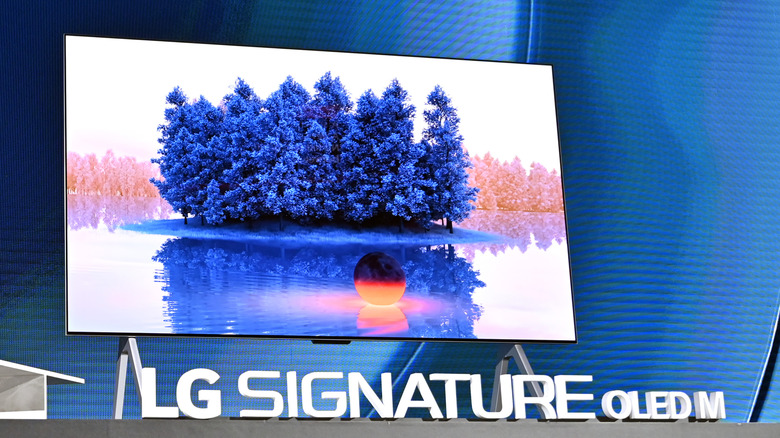
Today, OLED has largely replaced plasma, but the underlying vulnerability to localized wear remains—though the mechanism has evolved. An OLED panel consists of millions of microscopic, self-emissive organic light-emitting diodes. Unlike LCDs, which rely on a centralized backlight shining through liquid crystals, every single pixel on an OLED panel generates its own illumination.
When you watch a movie or play a game, the display continuously varies the electrical current sent to each pixel and sub-pixel (typically structured in red, green, and blue combinations) to reproduce specific colors. Every moment these sub-pixels emit light, they undergo an infinitesimal, irreversible amount of thermal and chemical degradation. Because different content requires different pixels to work harder, some areas of the panel age faster than others.
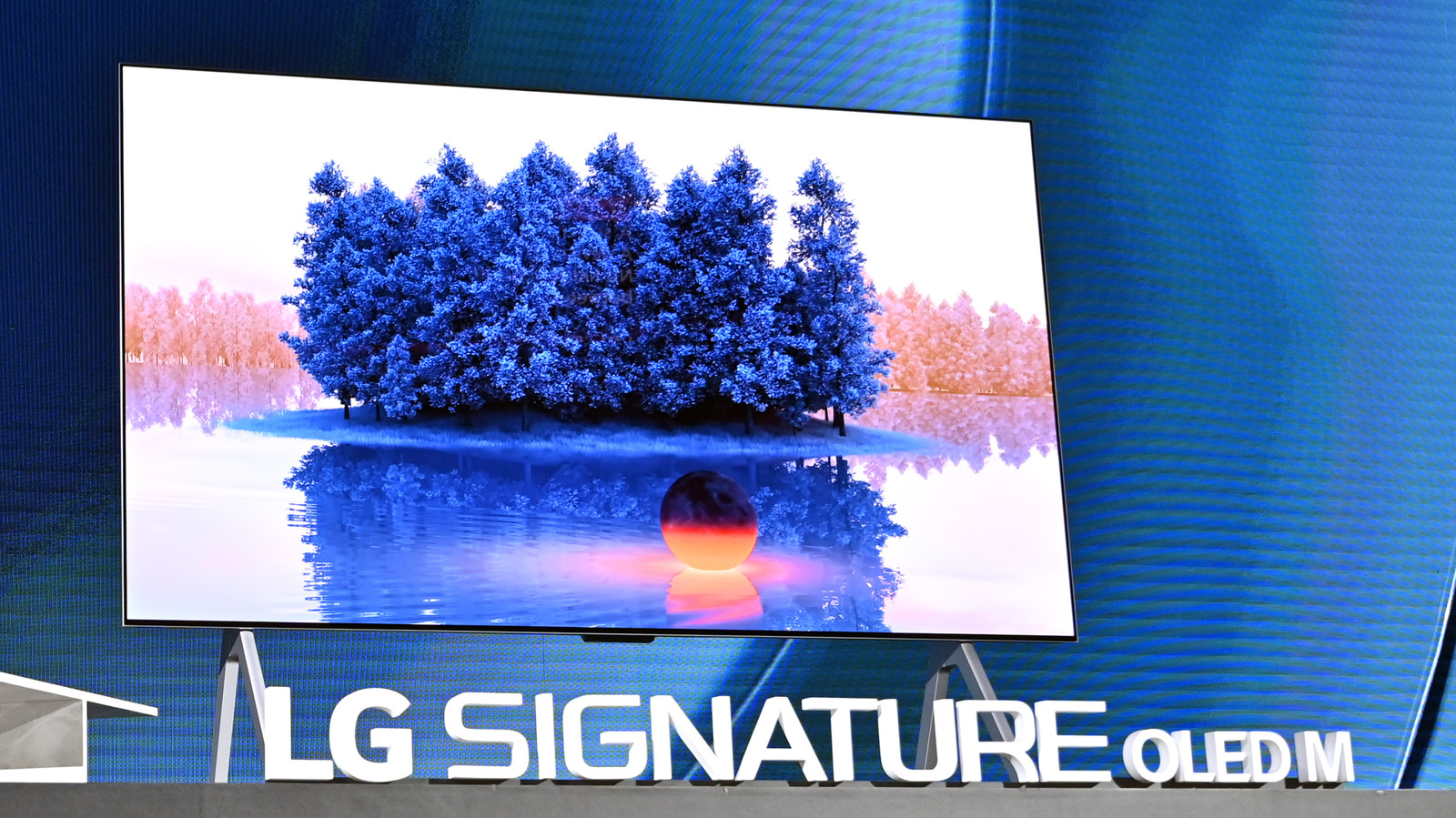
When static elements—such as a persistent news ticker, a broadcast station logo, or a static video game health bar—occupy the exact same screen coordinates for thousands of hours, the sub-pixels in that region degrade faster than their neighbors. When content changes, the worn pixels produce slightly less light than the surrounding fresh pixels, creating the faint, persistent outline we call burn-in.
Supporting Context, Metrics, and Real-World Risk Factors
While organic pixel degradation is an inescapable law of physics for emissive displays, the practical likelihood of experiencing noticeable burn-in depends heavily on usage habits, environmental factors, and engineering advancements.
The Brightness Factor
Among all variables, luminance is the primary accelerator of pixel wear. Driving an OLED panel at maximum brightness forces a higher electrical current through the microscopic diodes, generating increased internal heat. Because organic materials degrade significantly faster when exposed to elevated thermal stress, high brightness levels act as a catalyst for premature aging.
Historically, this forced display manufacturers to artificially cap the peak brightness of OLED panels to preserve longevity. However, aggressive consumer demand for brighter HDR (High Dynamic Range) performance has driven engineers to develop novel panel architectures, such as micro-lens array (MLA) technology and quantum-dot OLED (QD-OLED). While these modern panels can achieve dazzling peak brightness figures, running them at maximum output in sun-drenched rooms will accelerate wear if proper precautions are ignored.
Evaluating Usage Profiles: Who is at Risk?
Not all viewing habits carry the same risk. Consumers can generally categorize their risk profile based on the type of content they consume:
- Low Risk (Mixed Content): Viewers who watch a wide variety of movies, streaming series, documentaries, and varying YouTube content rarely encounter burn-in. Because the visual elements are constantly shifting across the entire panel surface, pixel wear is distributed evenly. Many owners report running high-end OLEDs for five to seven years with zero visible degradation.
- Moderate Risk (Mixed Gaming & General TV): Gamers and casual television watchers fall into a middle tier. While modern games feature diverse color palettes, persistent HUD elements (minimaps, inventory screens, ammo counters) can introduce localized wear if a single title is played obsessively over hundreds of hours.
- High Risk (Static News, Sports, and Productivity Work): Dedicated news junkies who leave cable news networks playing 24/7—complete with static breaking-news banners and bright red channel logos—face the highest risk. Similarly, using an OLED television or monitor as a desktop PC display for hours of daily spreadsheet work, coding, or web browsing (with static taskbars and browser windows) dramatically increases the likelihood of localized sub-pixel burnout.
Official Industry Countermeasures and Mitigation Technology
Recognizing that consumer anxiety over burn-in is a primary barrier to wider OLED adoption, manufacturers have invested heavily in automated countermeasures. Modern OLED displays are practically brimming with sophisticated, behind-the-scenes software and hardware protections designed to counteract sub-pixel degradation.
1. Pixel Shifting
One of the most common and invisible mitigation tools is pixel shifting. The television’s processor subtly, imperceptibly shifts the entire image by a pixel or two every few minutes. This simple mechanical sleight-of-hand prevents static elements like network logos from hammering the exact same row of sub-pixels continuously, spreading the wear footprint over a wider area.
2. Static Logo Detection and Auto-Dimming
Advanced computer vision algorithms integrated into modern TV processors can detect static, unchanging elements on the screen—such as a bright station bug in the corner of a broadcast. Once identified, the processor automatically and subtly dims the luminance of that specific static region without affecting the rest of the vibrant picture. Because the human eye is easily tricked by localized contrast adjustments, viewers rarely notice the dimming taking place, yet the underlying pixels are saved from accelerated wear.
3. Pixel Refresh Cycles and Compensation Bypasses
Every high-end OLED television features automated maintenance cycles. When the TV is put into standby mode (via the remote control, rather than being unplugged from the wall), the internal processor runs a short compensation cycle. This measures the electrical resistance of individual pixels and adjusts the voltage supplied to them, compensating for minor variances in wear across the panel. Longer, more comprehensive pixel refresh cycles run automatically after every few thousand hours of cumulative use to recalibrate the entire panel uniformity.
Future Outlook: The Rise of Mini-LED and Next-Generation Emissive Displays
As display technology continues to advance, the landscape of home entertainment is expanding to offer consumers more choices tailored to their specific lifestyle needs and risk tolerances.
The Modern LCD and Mini-LED Renaissance
For consumers who want absolute peace of mind—such as offices, bright public spaces, or households where televisions remain turned on to static news feeds all day—modern LCD technology, particularly panels utilizing Mini-LED backlighting, represents an exceptional alternative.
Mini-LED technology replaces traditional, bulky backlights with tens of thousands of microscopic LEDs grouped into hundreds or thousands of independently dimmable local dimming zones. While Mini-LED cannot achieve the absolute, pixel-level absolute black of an OLED, high-end models deliver astonishingly deep contrast ratios, eliminate blooming artifacts, and can achieve peak brightness levels that far eclipse organic panels. Because LCDs do not rely on self-emissive organic materials, they are entirely immune to OLED-style burn-in, making them the ultimate "set-and-forget" display technology for bright rooms and heavy static use.
The Horizon of Emissive Tech: MicroLED
Looking further into the future, display engineers are rapidly developing MicroLED technology. MicroLED combines the best attributes of both worlds: it utilizes microscopic, self-emissive inorganic LEDs (similar to OLED’s pixel structure) but builds them out of stable inorganic materials like gallium nitride. This means MicroLED panels will offer pixel-level contrast, extraordinary peak brightness, and complete immunity to organic burn-in. While currently cost-prohibitive and restricted to massive luxury commercial installations, MicroLED represents the ultimate destination for consumer displays in the coming decade.
Actionable Best Practices: How to Protect Your OLED Display
If you own an OLED or are planning to invest in one, you do not need to live in fear of burn-in. By adopting a few sensible, common-sense habits, you can drastically mitigate risk and ensure your display delivers pristine visual performance for years to come:
- Manage Your Peak Brightness: Dive into your TV’s picture settings and calibrate the OLED Light or Brightness setting to an appropriate level for your room’s ambient lighting. Avoid running the display at maximum brightness in a dark room, as this places unnecessary thermal strain on the organic diodes.
- Enable Energy-Saving and Screen-Saver Features: Turn on built-in screen savers and automatic power-saving modes. If you step away to make dinner or answer the door, configure your streaming device or PC to trigger a blank screen saver after a few minutes of inactivity.
- Vary Your Content Consumption: If you spent three hours watching a broadcast network with a heavy, static news ticker, follow it up with a full-screen cinematic movie or a dynamic video game that utilizes the entire canvas of the screen.
- Never Unplug the TV from the Wall: Always power down your OLED television using the remote control rather than yanking the power cord from the electrical outlet. The TV needs to remain plugged into standby power so it can execute its automated pixel-refresh and maintenance cycles in the background.
- Choose the Right Tool for the Job: If your primary use case involves eight hours a day of professional spreadsheet work, text editing, or static dashboard monitoring, purchase a high-end Mini-LED LCD monitor. Reserve your OLED display for the cinematic experiences, immersive gaming, and varied media consumption where it truly shines.