Executive Overview
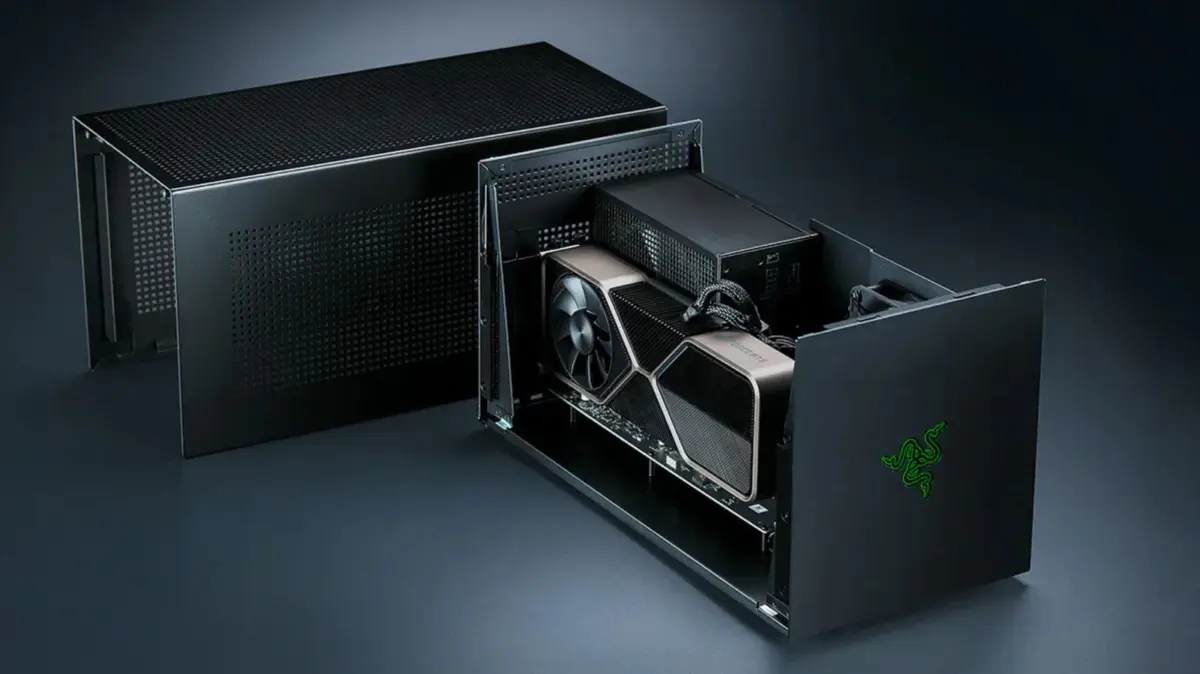
For years, the external graphics processor (eGPU) has hovered in a fascinating technological purgatory. Positioned as the ultimate compromise for laptop users, creative professionals, and mobile gamers, an eGPU promises the raw visual horsepower of a desktop-class graphics card paired with the portability of a thin-and-light notebook or gaming handheld. By housing a standalone desktop GPU within an external enclosure and connecting it via high-speed interfaces like Thunderbolt or USB4, users can ostensibly transform an underpowered machine into a high-end rendering and gaming rig.
Yet, despite a recent resurgence in eGPU hardware development—highlighted by high-profile launches from industry staples like Razer and modular laptop pioneers Framework—the fundamental mathematics and economics of external graphics remain deeply flawed. While eGPUs undeniably work, they are hamstrung by severe physical limitations.
Bandwidth throttling, staggering hardware costs, severe compatibility barriers across operating systems, and architectural bottlenecks severely diminish their practical value. When all is said and done—factoring in the price of the enclosure, a dedicated power supply, input/output docks, and the graphics card itself—consumers are often left with a sobering realization: you are almost always better off simply investing in a dedicated entry-level gaming PC.
Detailed Chronology & Evolution of the eGPU Market
The concept of externalizing graphics processing power is not new, but its viability has fluctuated dramatically over the past decade alongside advancements in interconnect technology.
The Early Thunderbolt Era (2016–2020)
The modern eGPU landscape truly took shape with the widespread adoption of Thunderbolt 3, which offered 40 Gbps of bi-directional bandwidth. Companies like Razer, PowerColor, and Sonnet introduced desktop-grade enclosures designed to liberate thin laptops from integrated graphics limitations. During this window, eGPUs carved out a dedicated niche. Gamers and video editors with MacBook Pros—which still ran on Intel processors at the time—could plug in an external AMD or Nvidia card to drastically accelerate creative workflows and play AAA titles.
The Apple Silicon Shift and the Dark Ages (2020–2024)
The eGPU market suffered a massive blow in late 2020 when Apple abandoned Intel processors in favor of its proprietary Apple Silicon architecture (M1, M2, and later M3/M4 chips). Because Apple’s system-on-a-chip (SoC) design integrates unified memory and custom graphics pipelines directly onto the die, macOS dropped official support for external GPUs. For years, Mac users were entirely locked out of the eGPU ecosystem. Simultaneously, PC-focused eGPU innovation stagnated as laptop manufacturers poured resources into creating thinner, more thermally efficient internal hardware, leaving external enclosures as expensive, niche accessories.
The Modern Revival: Thunderbolt 5 and OCuLink (2025–Present)
The landscape began to shift again as bandwidth constraints threatened to choke modern, ultra-powerful graphics cards. In mid-2025, Razer breathed new life into the stagnant market by reviving its iconic eGPU lineup with a Thunderbolt 5-enabled dock. Concurrently, modular hardware innovators like Framework began designing specialized eGPU kits tailored to their open-source ecosystem, leveraging alternative connection protocols like OCuLink to bypass traditional bottlenecks. Today, eGPU hardware is structurally more sophisticated than ever, yet the underlying physics of external data transfer continue to present formidable hurdles.
Supporting Context & Metrics: Performance, Cost, and Architecture
To understand why eGPUs fail to deliver a seamless desktop experience, one must examine the intricate mechanics of data transmission, hardware pricing, and platform compatibility.
The Bandwidth Bottleneck: Thunderbolt vs. PCIe
Inside a traditional desktop computer, a graphics card sits directly on the motherboard, communicating via a dedicated PCIe 4.0 or PCIe 5.0 x16 slot. A PCIe 4.0 x16 slot delivers a massive bandwidth pool of roughly 256 Gbps.
By contrast, a Thunderbolt 4 port operates at a total throughput of 40 Gbps, with Intel’s specification allocating a maximum of 32 Gbps specifically for PCIe data. This equates to roughly one-eighth of the bandwidth available in a standard desktop setup.
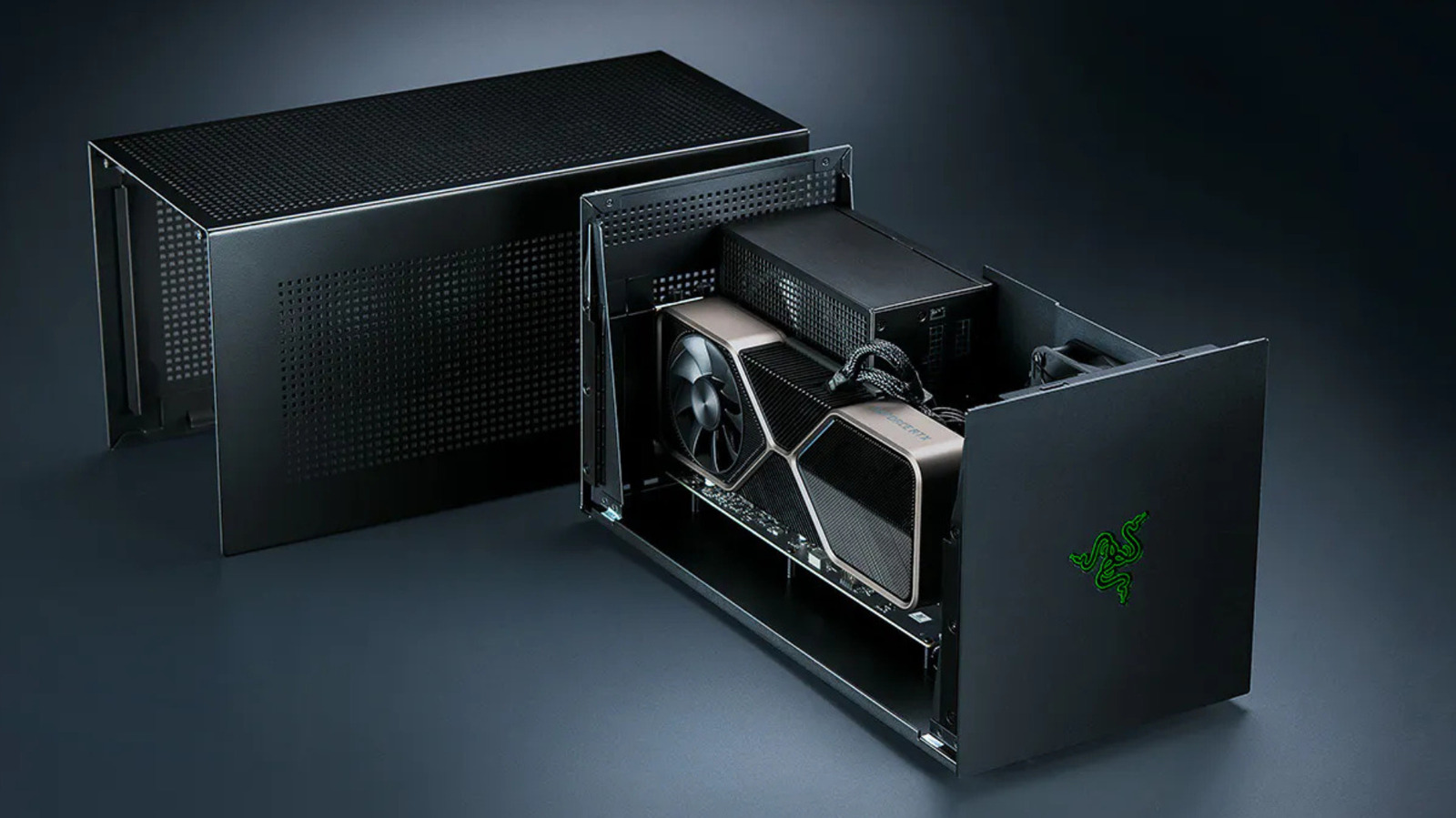
Even with the advent of Thunderbolt 5, which doubles total connection bandwidth to 80 Gbps, enclosures like Razer’s $350 Core X V2 typically route the GPU through a PCIe 4.0 x4 interface—providing just four lanes instead of the sixteen found on a desktop motherboard.
How Much Performance Do You Actually Lose?
Because textures and shaders are loaded into a graphics card’s VRAM once and remain cached there, a game does not constantly saturate the Thunderbolt cable. Bandwidth demands spike primarily when a game streams in new assets on the fly or sends fully rendered frames back to the laptop’s built-in display.
Independent testing by hardware publications paints a revealing picture:
- The Notebookcheck Study: Testing an RTX 2080 Ti enclosure, researchers discovered performance deficits ranging from 7% to 32% compared to the same card running natively in a desktop. While performance loss narrowed to single digits when outputting to an external 4K monitor, rendering frames back to an integrated laptop display introduced additional latency because finished frames had to travel backward down the exact same bandwidth-constrained cable.
- The PC Gamer Analysis: Benchmarking modern cards like the RTX 4070 Ti and RTX 4090 across Thunderbolt, OCuLink, and desktop PCIe slots, testers found that an RTX 4070 Ti ran roughly 25% slower over Thunderbolt than it did via OCuLink in 1440p gaming scenarios. Furthermore, users experienced noticeable stuttering and degraded "1% low" frame rates.
Crucially, benchmarks revealed that scaling up to ultra-high-end hardware yielded diminishing returns. Upgrading from an RTX 4070 Ti to an absolute powerhouse like the RTX 4090 provided vastly smaller performance gains over Thunderbolt or OCuLink than it would in a desktop. The faster the graphics card, the more severely the external connection throttles its true potential, making mid-range GPUs the only economically sensible choice for an enclosure.
The OCuLink Alternative
To escape the bandwidth limitations of Thunderbolt, some hardware enthusiasts and manufacturers have turned to OCuLink (Optical Copper Link). OCuLink bypasses traditional USB protocols by routing bare PCIe signals directly over a dedicated cable.
Framework’s approach with its Laptop 16 highlights this methodology, utilizing an OCuLink Dev Kit that exposes an eight-lane PCIe connection capable of up to 128 Gbps. However, this performance leap comes at a severe cost to user convenience: OCuLink cables cannot supply power to the host laptop, eliminating the clean "one-cable plug-and-play" dock experience that makes Thunderbolt setups appealing in the first place.
The Cost-to-Value Catastrophe
Beyond performance penalties, the financial investment required to build an eGPU setup defies logic for most consumers. Consider the component checklist for a modern Thunderbolt 5 eGPU setup:
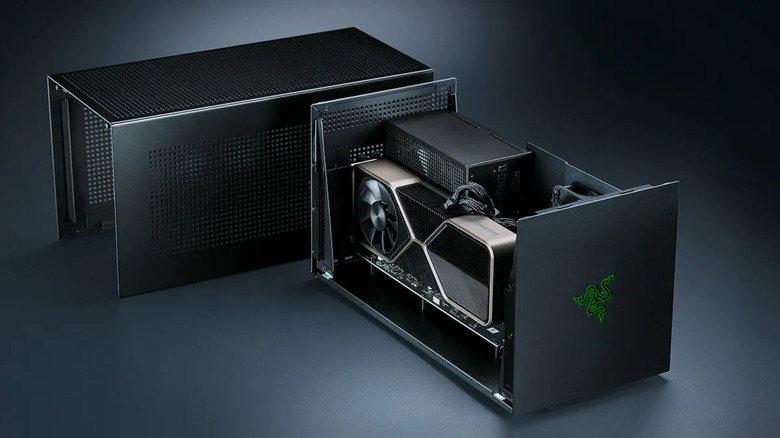
- The Enclosure: Razer’s Core X V2 enclosure starts at roughly $350.
- The Power Supply: The enclosure frequently ships as an empty shell, requiring users to purchase a separate ATX Power Supply Unit (PSU).
- Connectivity Add-ons: Modern enclosures often lack built-in I/O ports, requiring users to purchase supplementary expansion hubs, such as Razer’s Thunderbolt 5 dock, which starts at $390 for the Mercury edition.
- The Graphics Card: A capable modern GPU will easily cost anywhere from $400 to over $1,000.
When you aggregate the cost of the enclosure, PSU, docking accessories, and the GPU itself, you easily surpass $1,000 to $1,500. For that exact budget, a consumer can purchase a fully integrated, entry-to-mid-range desktop gaming PC that avoids external bandwidth limits entirely, features dedicated cooling, and suffers zero performance penalties. Furthermore, finding a laptop equipped with a cutting-edge Thunderbolt 5 port outside of exorbitantly expensive mobile workstations and premium gaming rigs remains exceedingly rare.
Operating System Fragmentation and Compatibility
Hardware hurdles are only half the battle; software ecosystem support remains a massive hurdle for prospective eGPU buyers.
The Mac Ecosystem Divide
Since Apple’s transition away from Intel architecture in 2020, macOS has completely lacked native support for external graphics acceleration. Apple Silicon unified memory architecture does not support eGPU passthrough for gaming or general creative rendering.
While the open-source community achieved a minor breakthrough when Apple approved TinyGPU—a driver extension from the tinygrad project enabling newer AMD and Nvidia cards to communicate over Thunderbolt or USB4—this workaround is strictly restricted to AI workloads. Because TinyGPU lacks display output capabilities, it is entirely useless for gamers or creative professionals looking to drive external monitors.
Windows and Handheld Constraints
While Windows offers plug-and-play driver support for Thunderbolt and USB4 eGPUs, the user experience is far from frictionless. Hot-plugging an eGPU while intensive applications are running frequently leads to system instability, driver conflicts, or application crashes. For users of gaming handhelds (such as the ASUS ROG Ally or Lenovo Legion Go), proprietary connection ports (like ASUS’s ROG XG Mobile ecosystem) lock consumers into single-brand hardware vendor ecosystems, rendering upgrades nearly impossible.
Future Outlook: A Niche Tool for a Dedicated Few
As the PC hardware market navigates ongoing supply chain pressures and fluctuating component pricing, the eGPU remains a masterclass in engineering compromise.
Technological advancements like Thunderbolt 5 and OCuLink prove that external graphics are theoretically viable, yet the economic reality makes them difficult to justify. When accounting for performance throttling, the staggering total cost of enclosures, power supplies, and docks, and the persistent fragmentation of operating system support, the eGPU is firmly relegated to a niche enthusiast product.
For the vast majority of consumers seeking higher frame rates and superior graphical fidelity, the most pragmatic advice remains unchanged: skip the complex external enclosure, bypass the bandwidth bottlenecks, and simply invest in a dedicated basic gaming PC.