Executive Overview
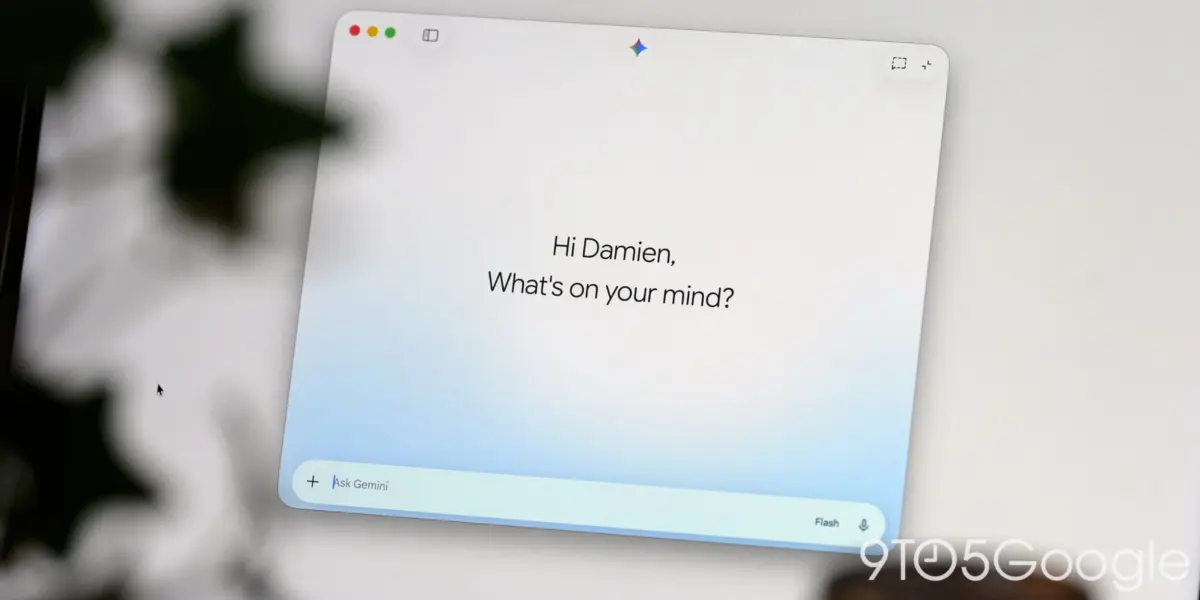
Google continues to aggressively close the feature and platform parity gap between its flagship artificial intelligence assistant and the dominant desktop ecosystems. Hot on the heels of the recent rollout of the Gemini application for Windows, Google has released a substantial update for the macOS version of its AI assistant, laying the foundational framework for deep, native local integration with Apple Messages (iMessage).
Spotted in version 1.116.5.889 of the Gemini app for macOS, this new capability introduces the @messages Connected App. Designed to allow users to seamlessly read, search, and send messages directly through Apple’s proprietary messaging service using natural language prompts, the feature represents a significant step forward in contextual, cross-application AI workflow automation. However, while the code and UI toggles are present in the latest client-side build, full functionality remains locked behind an anticipated server-side activation.
This development is part of a broader, aggressive push by Google to turn Gemini from a simple web-wrapper chatbot into a deeply integrated desktop operating system companion. By marrying its advanced large language models (LLMs) with local macOS frameworks—such as the recent Finder integration via File Providers and expanded side-panel utilities—Google is aiming to make Gemini an indispensable tool for Mac users. This comprehensive report explores the mechanics of the impending iMessage integration, its capabilities, known limitations, surrounding macOS features, and what this signals for the broader desktop AI landscape.
Detailed Chronology: Building the Modern Gemini Desktop Experience
The journey toward a robust desktop application ecosystem for Gemini has accelerated dramatically over the past several months. Understanding the trajectory of the macOS app helps contextualize why an iMessage integration is both a logical next step and a technically intricate milestone.
The Evolution of Gemini on Desktop
For years, interacting with Google’s premier AI model on desktop meant navigating to a web browser tab (gemini.google.com). While functional, this approach isolated the AI from the user’s local file system, notifications, and native applications. Recognizing the productivity gains offered by dedicated desktop clients—a path pioneered by competitors like OpenAI’s ChatGPT desktop app and Microsoft’s Copilot integration—Google began developing native standalone applications.
The macOS application received early praise for its slick design, quick-invocation keyboard shortcuts, and floating window interface. However, it initially lacked the deep system-level hooks required to truly leverage the unique environment of a Mac.
This began to change rapidly in the autumn of 2026. Last week, Google officially brought the Gemini app to the Windows ecosystem, introducing cross-platform parity in terms of general UI and feature availability. Almost simultaneously, Google rolled out a series of powerful updates specifically tailored for macOS users:
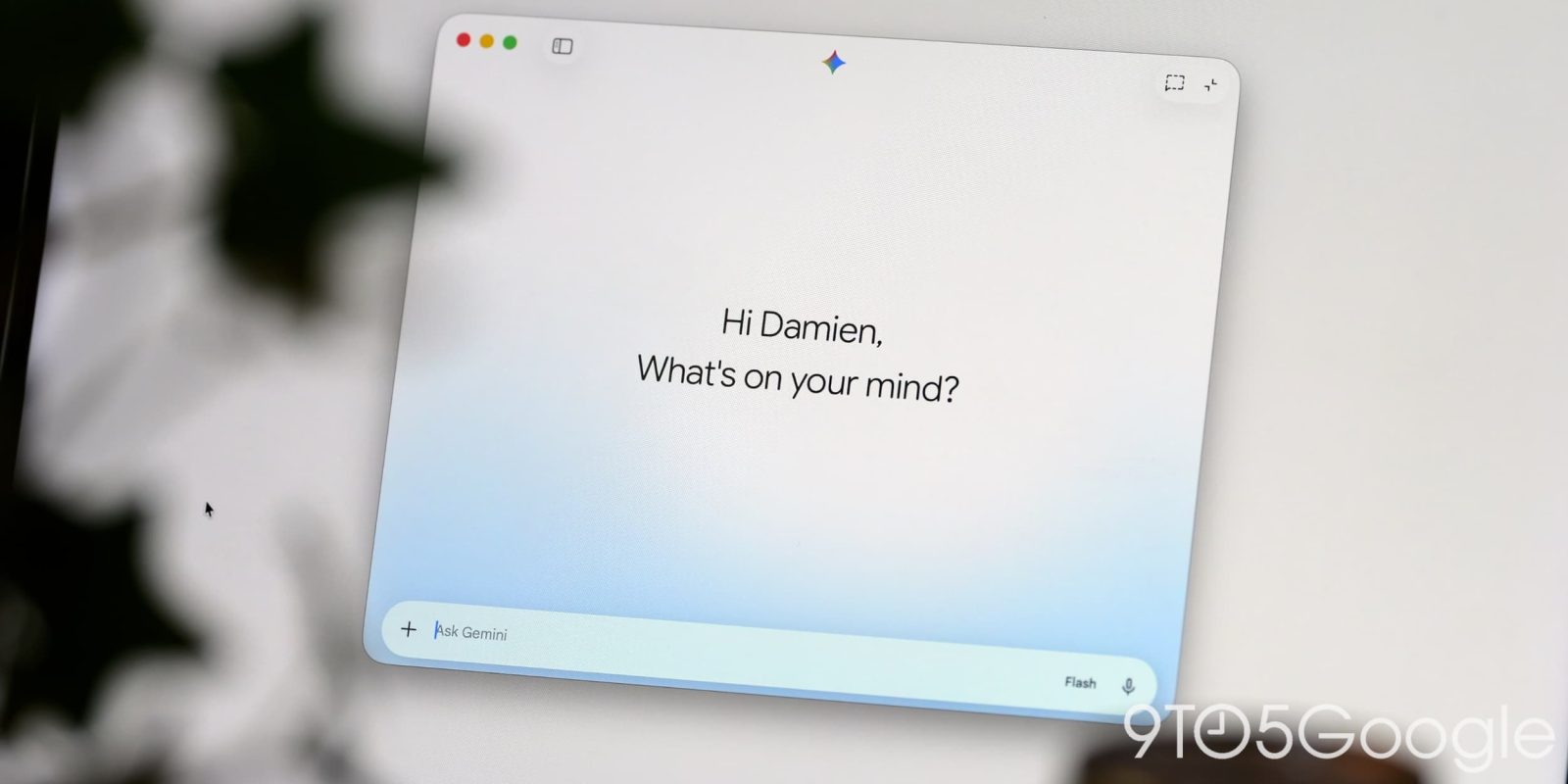
- The File Providers Extension: Google introduced a native Finder integration allowing users to right-click any document, image, or media file on their Mac and select an "Add to Gemini" option. This instantly pipes the file directly into the prompt box, bypassing tedious drag-and-drop or manual upload workflows.
- Expanded Side-Panel Utilities: Google bolstered the macOS app’s side panel, integrating dedicated shortcuts and tools for Images, Videos, and a personalized "Daily Brief" to aggregate information at the start of a workday.
- The iMessage Framework (Version 1.116.5.889): The latest software update introduces the backend hooks for the
@messagesConnected App, signaling Google’s intent to bridge the gap between its cloud-based AI and Apple’s walled-garden messaging ecosystem.
Anatomy of the Update: The @messages Connected App
In version 1.116.5.889 of Gemini for macOS, users who navigate to Settings > Connected Apps will find a new entry waiting at the very bottom of the list: @messages.
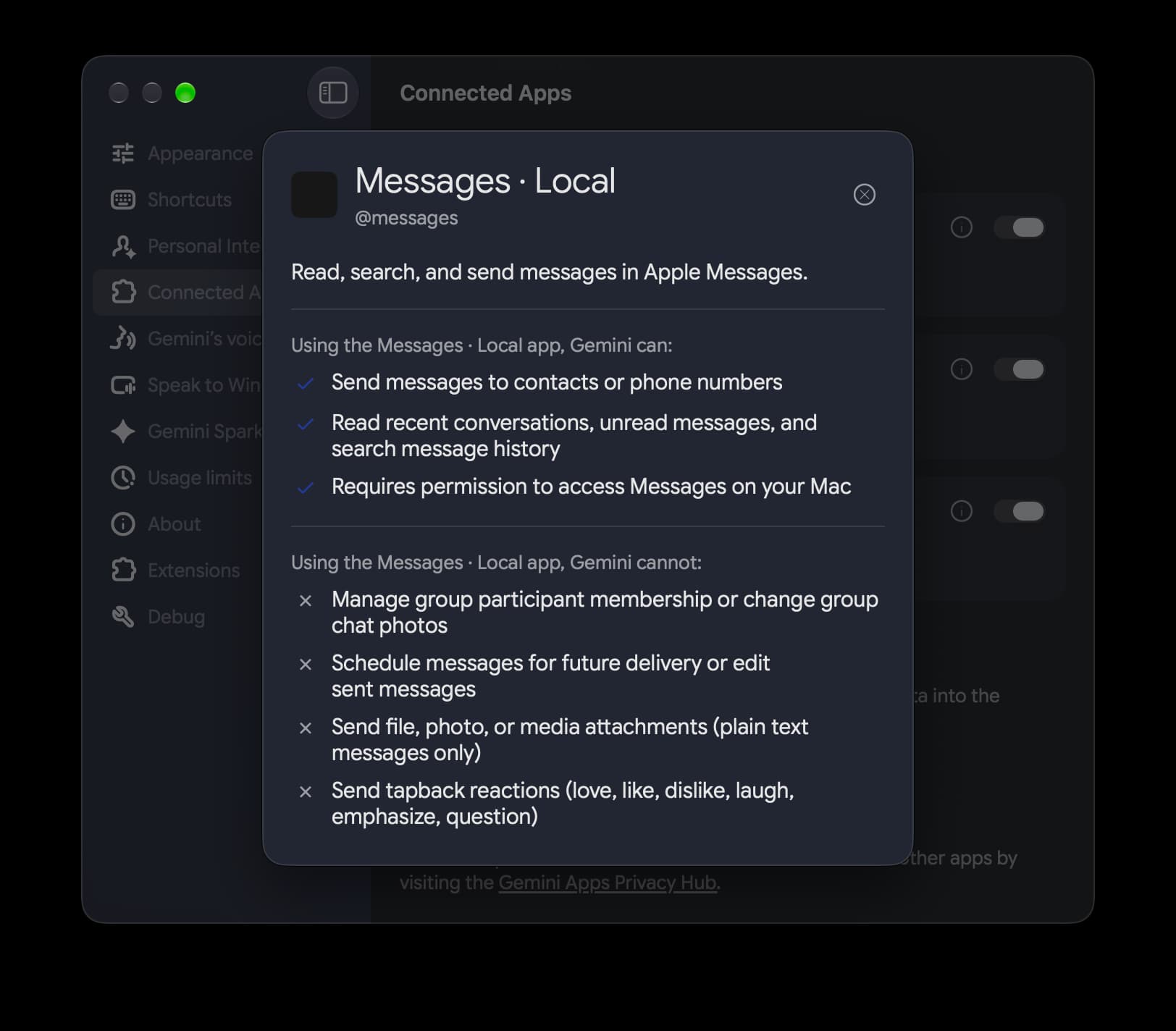
According to the accompanying documentation within the application, this integration is built to "Read, search, and send messages in Apple Messages." By typing the @messages handle into the Gemini prompt box, users will theoretically be able to harness the conversational history stored locally in their macOS Messages database to fetch context, summarize past interactions, and draft or dispatch new texts without ever leaving the Gemini interface.
Despite the client-side code being fully embedded in the 1.116.5.889 update, full activation has not yet occurred. As of this afternoon, testing reveals that typing @messages into the prompt box does not yet trigger the contextual tag, indicating that Google is waiting to flip a server-side switch to enable the feature globally.
Supporting Context & Capabilities: What the iMessage Integration Will (and Won’t) Do
Integrating an AI model with a secure, encrypted messaging platform like iMessage is a delicate balancing act. Apple’s ecosystem is notoriously protective of user data, and local databases like chat.db on macOS require specific permissions to access. Google’s approach relies on local macOS integration to read and interact with these message threads safely.
Envisioned Use Cases and Contextual Prompts
The primary advantage of connecting Gemini directly to Apple Messages is the profound boost in contextual awareness. Large Language Models thrive on context; being able to reference specific threads, dates, or pieces of information shared by contacts transforms Gemini from a generic query engine into a personalized assistant.
While Google’s rollout is still pending server-side activation, the underlying architecture is designed to support prompts such as:
- “Find the restaurant recommendation that Sarah sent me in our chat last week and add it to my notes.”
- “Summarize the logistics discussed in my text thread with the design team regarding the Friday deadline.”
- “Draft a text reply to Mom letting her know I’ll be running 15 minutes late, and send it.”
- “Search my messages for the flight confirmation number Dave sent over.”
By bridging local iMessage archives with Gemini’s reasoning capabilities, users can unearth buried information across hundreds of message threads instantly—a task that historically required manual scrolling through the macOS Messages application’s search bar.
Current Limitations and Boundaries
As with any early-stage software integration, Gemini’s iMessage capabilities will launch with notable constraints. Based on the framework identified in the latest build, Gemini will not initially support several advanced messaging features. While Google has not published an exhaustive official list of unsupported actions, developers examining the app package note that the integration is currently scoped strictly to basic read, search, and send functions for standard text-based threads.
Complex actions—such as managing group chat administrative settings, interacting with third-party iMessage extensions, sending Apple Cash, or manipulating tapbacks and rich reactions in real-time—are expected to be restricted in the initial iterations. Furthermore, because the integration relies on local macOS databases and permissions, users will likely need to grant explicit Full Disk Access or specific automation permissions within macOS System Settings for the feature to function properly once activated.
Official Statements & Industry Impact
Google has positioned the expansion of Gemini’s desktop capabilities as a cornerstone of its strategy to make artificial intelligence a ubiquitous, friction-free layer across all major operating systems. While Google representatives have not yet issued a dedicated press release specifically detailing the iMessage integration timeline, the rapid cadence of updates across both Windows and macOS underscores a unified corporate directive: meet the user wherever their workflow resides.
Industry analysts view this move as a direct challenge to both native platform assistants (like Apple’s own Apple Intelligence and Siri) and cross-platform competitors.
The Battle for Desktop Real Estate
For years, Apple has tightly controlled how third-party applications interact with native utilities like iMessage. With the advent of macOS extensibility frameworks and Apple’s own tentative steps toward opening up select APIs for AI integration, third-party developers are finding new avenues to bridge services.
However, Google bringing an iMessage connector to Gemini—a direct competitor to Apple’s AI ambitions—is particularly bold. By building a local connector that reads the macOS chat.db, Google is effectively offering a powerful alternative productivity layer on Apple’s own hardware. This places pressure on Apple to accelerate the deployment and capability of its own Siri and Apple Intelligence rollouts, ensuring that Mac users do not migrate their primary AI interactions to third-party tools like Gemini or ChatGPT.
At the same time, this update highlights the blurring lines between operating system features and third-party application layers. When an AI assistant can seamlessly read your local files via Finder extensions, pull documents from cloud storage, and read/write your personal text messages, it ceases to be just a "chat app" and functionally becomes an overarching operating system middleware.

Future Outlook: What’s Next for Gemini on macOS?
As we look toward the remainder of 2026 and into 2027, the trajectory of Gemini on macOS points toward even deeper system integration, enhanced multimodal capabilities, and tighter security controls.
1. Imminent Server-Side Activation
The immediate next milestone for users is the activation of the @messages feature. Once Google flips the server-side switch for version 1.116.5.889 (or a subsequent minor patch), Mac users will be able to test the real-world utility of iMessage parsing. Feedback from these early adopters will likely dictate how quickly Google expands the feature set to include richer media handling, automated scheduling, and advanced group chat management.
2. Expanded Local App Ecosystem
Following the integration of Finder (via File Providers) and Apple Messages, industry observers anticipate that Google will target other core macOS applications. Potential candidates for future Connected Apps include:
- Apple Calendar & Reminders: Allowing Gemini to cross-reference text messages with calendar events and task lists.
- Apple Mail: Providing deep contextual search and drafting capabilities within the native macOS Mail client.
- Notes & Safari: Enhancing research workflows by pulling open browser tabs and local notes directly into the AI context window.
3. Privacy and Security Scrutiny
With great power comes heightened scrutiny, particularly regarding privacy. Allowing an AI assistant—especially one backed by a cloud infrastructure giant like Google—to read local iMessage databases and Finder files will undoubtedly raise red flags for privacy-conscious consumers and enterprise security teams.
Google will need to be exceptionally transparent about how data processed through these local extensions is handled. Questions surrounding whether message content is used to train foundational models, how local encryption keys are respected, and what data is stored server-side versus locally on the Mac will dominate discussions as the feature matures. Users should expect robust permission prompts within macOS System Settings, giving them granular control over which apps and data sources Gemini is permitted to touch.
Conclusion
Google’s stealthy addition of local iMessage integration infrastructure in the latest Gemini for macOS update marks a pivotal moment in the evolution of desktop AI. By weaving together Finder file management, side-panel utilities, and now Apple Messages, Google is methodically dismantling the walls that once separated web-based AI chatbots from local desktop operating systems.
While users await the final server-side toggle to bring @messages to life, the writing is on the wall: the future of AI isn’t a browser tab you visit—it’s an omnipresent layer living directly inside your desktop environment, reading your files, understanding your conversations, and anticipating your needs.