Executive Overview
In an unexpected and swift software deployment, Apple has officially begun rolling out watchOS 27.0.1 to users worldwide. This targeted maintenance update comes on the heels of mounting user frustration and addresses a critical bug causing select high-end wearable units to experience spontaneous and recurrent system reboots.
Exclusively deployed for the Apple Watch Series 12 and the rugged Apple Watch Ultra 4, the newly released firmware aims to stabilize devices that have been plagued by random crashes multiple times a day. While the issue did not impact the entire active user base of these next-generation wearables, a vocal segment of early adopters took to online developer forums and social media channels to document the disruptive glitch.
With watchOS 27.0.1, Apple hopes to restore hardware reliability to its flagship smartwatches. This comprehensive report explores the genesis of the bug, user-reported symptoms across various online communities, the official release notes, and the broader implications for Apple’s annual software and hardware deployment cycles.
Detailed Chronology: From Launch Day Buzz to the Reboot Bug
The timeline of the watchOS 27.0.1 release highlights how quickly hardware-software integration problems can manifest and demand immediate triage by engineering teams.
The Honeymoon Phase and the First Glitches
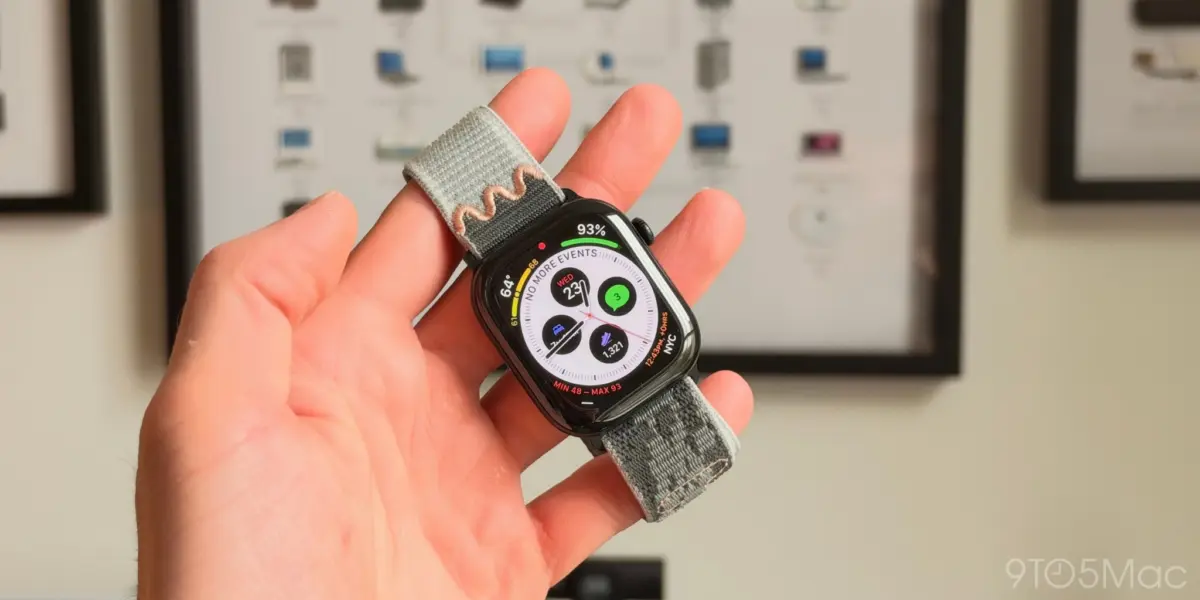
Following the global launch of the Apple Watch Series 12 and Apple Watch Ultra 4, millions of consumers rushed to unbox and configure their new devices. Sporting advanced health sensors, brighter micro-LED displays, and enhanced processing architecture, the devices initially received universal acclaim from tech reviewers and everyday consumers alike.
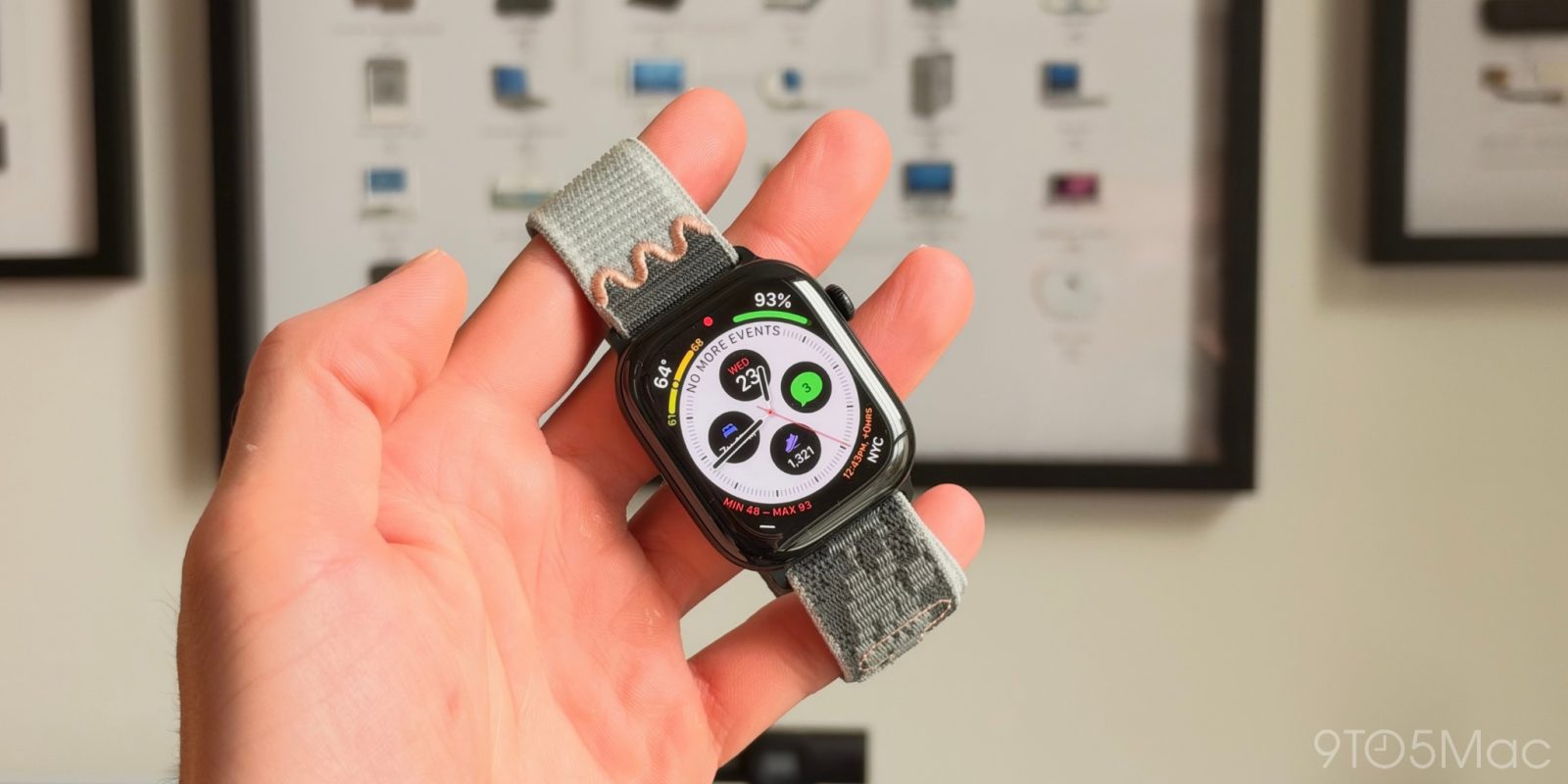
However, within days of activation, early adopters began noticing irregularities. Unlike standard software hangs that temporarily freeze the user interface, this specific defect plunged users directly into a sudden black screen bearing the Apple logo, indicating a complete kernel panic and forced system reboot.
Escalation on Social Media and Community Forums
By the end of the second week, community boards such as Reddit’s r/AppleWatch and r/applewatchultra were flooded with troubleshooting threads. Threads detailing titles such as "Series 12 Aluminium keeps restarting" and "Ultra 4 users, is your watch rebooting? I’ve read so" quickly gained traction.
Affected users reported that their watches were rebooting anywhere from two to upwards of six times per day. Crucially, the reboots appeared entirely arbitrary: some users experienced crashes while tracking workouts via the Fitness app, while others noted that their watches rebooted while sitting idle on a nightstand or during passive heart rate monitoring.
Swift Remediation by Apple Engineering
Recognizing the potential reputational and functional damage to its premier wearable lineup, Apple’s software engineering division fast-tracked a patch. Rather than waiting for a broader point release (such as watchOS 27.1), the company opted for a targeted emergency deployment. watchOS build 27.0.1 was pushed directly to the Apple Watch Series 12 and Apple Watch Ultra 4, bypassing older device lineages that were unaffected by the root cause of the bug.
Technical Context & Impact Assessment
To understand why watchOS 27.0.1 was necessary, it is helpful to examine the architecture of modern watchOS deployments and the specific hardware profiles of the Apple Watch Series 12 and Ultra 4.
Isolating the Affected Hardware
The restriction of watchOS 27.0.1 exclusively to the Series 12 and Ultra 4 models strongly indicates that the bug was tied to hardware-specific driver optimizations or new system-on-chip (SoC) power management routines. Both the Series 12 and the Ultra 4 introduced updated processing silicon designed to handle machine learning-driven health analytics and advanced display refresh rates on the fly.
When these high-performance cores dynamically shifted power states, an underlying memory handling conflict or interrupt request (IRQ) timeout occasionally triggered a kernel safeguard, forcing an immediate hardware reboot to prevent data corruption.
Official Release Notes Breakdown
Apple’s official documentation accompanying the watchOS 27.0.1 update remains characteristically concise, adhering to the company’s standard security and bug-fix disclosure style:
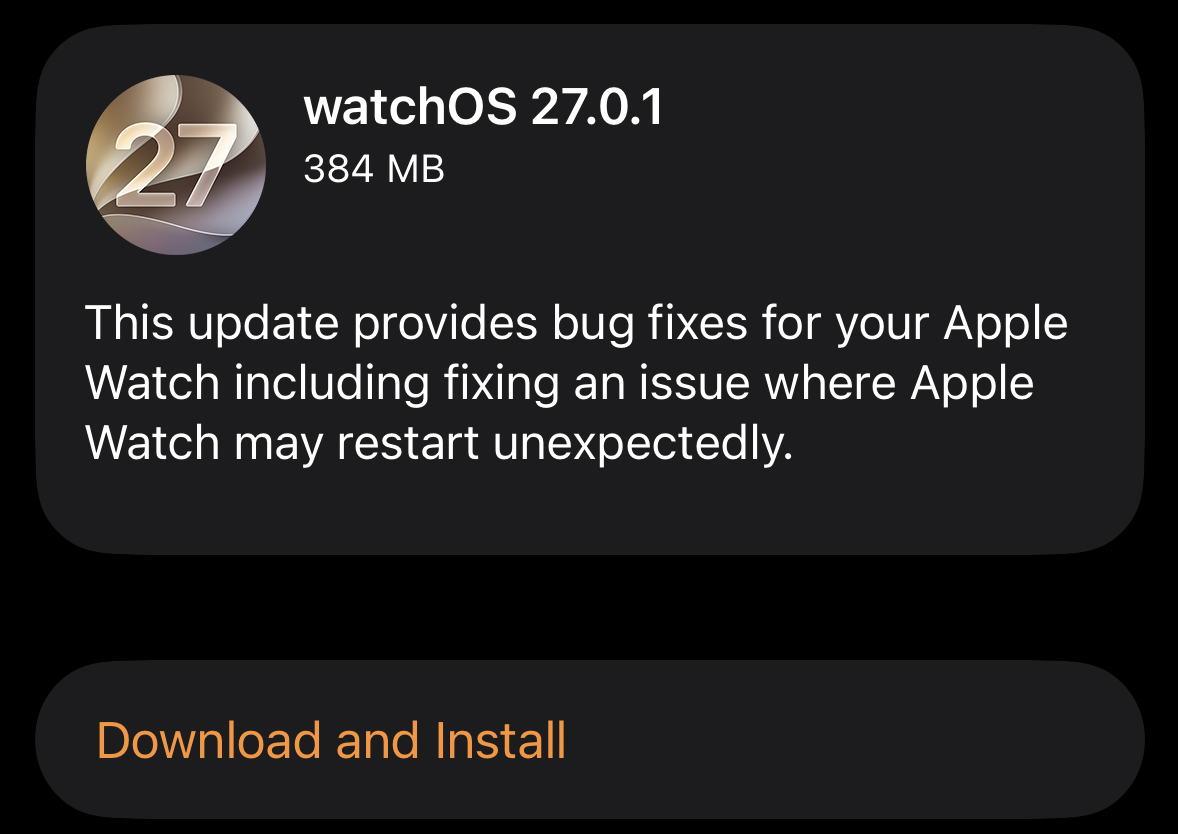
"This update provides bug fixes for your Apple Watch including fixing an issue where Apple Watch may restart unexpectedly."
Though sparse in technical minutiae, the note directly addresses the core complaint registered by the community.

User Experience and Performance Restoration
Early telemetry and community feedback following the installation of watchOS 27.0.1 indicate a high success rate. Users who previously suffered multiple unexpected reboots daily have reported absolute stability post-update. Furthermore, preliminary battery drain tests—which often spike when a device is continuously booting up and re-establishing Bluetooth connections with a host iPhone—have returned to baseline expected parameters.
Industry Implications & Quality Control
The emergence and rapid patching of a critical reboot bug in newly launched hardware once again sparks conversations regarding the pressures of annual tech product release cadences.
The Challenge of Annual Hardware-Software Synchronization
Apple operates on a notoriously rigorous schedule. Every autumn, the company is expected to debut completely overhauled hardware lines running major new iterations of iOS, watchOS, macOS, and iPadOS. Coordinating millions of lines of code across heterogeneous hardware configurations—from base aluminum models to titanium extreme-sport variants—presents an astronomical QA (Quality Assurance) challenge.
While automated testing protocols catch the vast majority of regressions, edge-case bugs triggered by complex user workflows (such as simultaneous GPS tracking, cellular streaming, and background health metrics polling) occasionally slip past internal build rings into consumer hands.
Consumer Confidence and Enterprise Support
For everyday consumers, a restarting watch is an annoyance; however, for enterprise users and athletes who rely on the Apple Watch Ultra 4 for continuous physiological monitoring, safety tracking, and logistical timekeeping, an unstable OS can be a severe liability. Swift patches like watchOS 27.0.1 are critical for maintaining brand loyalty and reassuring enterprise ecosystems that Apple stands by the reliability of its tier-one hardware.

Future Outlook
As the dust settles on the watchOS 27.0.1 deployment, the focus for Apple’s development teams shifts back to long-term feature optimization and the preparation of upcoming seasonal feature drops.
- Broader System Updates: With the emergency patch out of the way, engineers can resume full dedication to watchOS 27.1, which is expected to introduce deeper integrations with upcoming health APIs and expanded workout metrics.
- Enhanced QA Protocols: Industry analysts anticipate that Apple may refine its internal pre-release validation pipelines for next autumn’s hardware cycle, aiming to mitigate the risk of launch-window kernel panics on newly minted silicon.
- Continuous Monitoring: Support forums will continue to be monitored by community managers to ensure that no secondary regressions emerged as a side effect of the quick-turnaround 27.0.1 patch.
How to Update Your Apple Watch
If you are currently experiencing unexpected reboots on your Apple Watch Series 12 or Apple Watch Ultra 4, you can pull the update manually by following these steps:
- Ensure your paired iPhone is connected to Wi-Fi and updated to the latest iOS software.
- Place your Apple Watch on its magnetic charging puck and ensure it has at least 50% battery charge.
- Open the Watch app on your iPhone.
- Navigate to General > Software Update.
- Tap Download and Install, and enter your passcode when prompted.
Have you experienced unexpected reboots on your Apple Watch Series 12 or Apple Watch Ultra 4? Did watchOS 27.0.1 resolve the issue for you? Let us know your experience in the comments below.