
Executive Overview
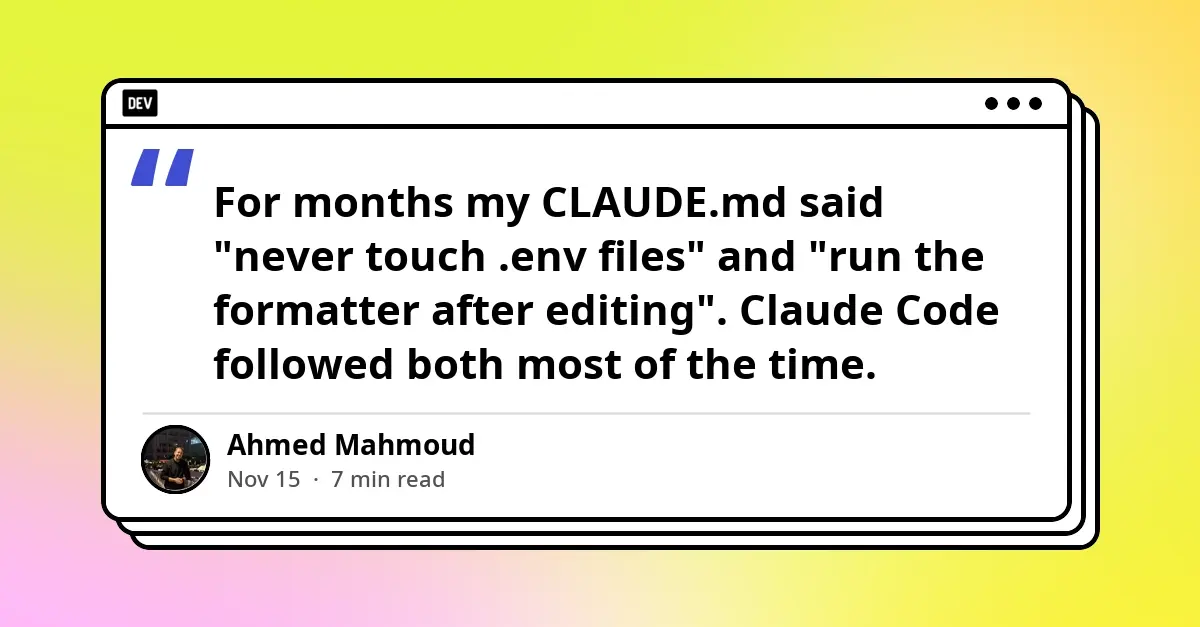
For software engineers leveraging autonomous coding agents, the distinction between preference and policy represents a critical dividing line in workflow reliability. For months, standard developer practice relied heavily on context files—such as a project’s CLAUDE.md—to dictate operational rules to AI agents. Instructions like "never touch .env files" or "always run the code formatter after making edits" were common. Yet, these prompt-based guardrails operated on probabilistic compliance: the model would follow them most of the time, but occasionally fail when context lengths drifted or attention weights shifted.
In professional software development, "most of the time" is an unacceptable standard for security barriers and build integrity.
This article explores the architectural evolution from probabilistic prompt instructions to deterministic runtime enforcement using Claude Code hooks. By migrating critical logic out of context files and into code-level handlers managed directly by the execution harness, development teams can guarantee that essential guardrails—such as blocking secret exposure, formatting edited code, and gating completions against failing type-checks—are executed every single time a lifecycle event fires.
Detailed Chronology & Architectural Shift
The realization that prompt-based constraints were insufficient for production environments sparked an architectural pivot among early adopters of advanced AI harnesses. The core limitation of files like CLAUDE.md is their fundamental nature: they are simply text injected into the model’s context window. Compliance is mediated entirely by the LLM’s probabilistic inference engine on a turn-by-turn basis.
The Three-Layer Rule Hierarchy
To systematically address this, engineers have categorized every operational rule into a clear three-layer hierarchy:
-
CLAUDE.md(Probabilistic Enforcement)- Who enforces it: The model.
- Best for: Conventions, architectural notes, tone preferences, and heuristic guidelines (e.g., "prefer functional patterns over class-based structures").
-
Permission Rules (Harness Pattern Matching)
- Who enforces it: The harness via pattern configuration (
allow/denysettings). - Best for: Hard allow or deny parameters on specific tools and CLI commands.
- Who enforces it: The harness via pattern configuration (
-
Hooks (Deterministic Code Execution)
- Who enforces it: The harness by executing local scripts.
- Best for: Complex rules requiring programmatic logic—inspecting file contents, executing formatters, validating states, and gating completion.
What is a Claude Code Hook, and How Does It Differ from CLAUDE.md?
A Claude Code hook is an external script or handler invoked directly by the Claude Code execution harness—independent of the underlying language model—whenever a specific lifecycle event occurs.
When an event triggers, the harness passes a JSON payload containing contextual metadata (such as the tool name, its input parameters, and the session ID) to the handler via standard input (stdin). The script inspects this payload, executes arbitrary logic, and returns a decisive exit code or structured JSON response.
Core Lifecycle Events
Engineers can tap into several key execution phases:
SessionStart: Fires when a session begins or is resumed.PreToolUse: Fires before a tool call is executed; capable of intercepting and blocking the action.PostToolUse: Fires after a tool call successfully completes.Stop: Fires when Claude attempts to conclude its response, allowing for validation gates before finishing.
Where Hooks Live and How Matchers Select Them
Claude Code loads configuration hooks hierarchically from multiple settings sources:
- Global Configuration:
~/.claude/settings.json(applies globally across all projects on the host machine). - Shared Project Configuration:
.claude/settings.json(committed directly to version control for team-wide consistency). - Local Project Configuration:
.claude/settings.local.json(retained locally per developer checkout).
Hook entries from these various layers merge rather than overwrite one another, while plugins, skills, and subagents can dynamically register their own handlers.
Precision Targeting via Matchers
Matchers evaluate incoming tool names to determine hook applicability. Simple alphanumeric strings and pipe characters (|) establish exact matches or multi-match lists (e.g., "Edit|Write" targets file editing and writing tools explicitly). Conversely, introducing regular expression characters alters the matcher into an unanchored JavaScript regex, requiring strict anchoring (such as ^Edit$) to prevent accidental broad-spectrum triggers like matching NotebookEdit.
Implementing Deterministic Guardrails: Practical Field Applications
1. Blocking Dangerous Tool Calls (PreToolUse)
To prevent the model from inadvertently reading or modifying sensitive configuration and cryptographic keys, a PreToolUse hook intercepts file-access patterns.
#!/usr/bin/env bash
# .claude/hooks/protect-secrets.sh – refuse to read or edit env files and keys
input=$(cat)
path=$(jq -r '.tool_input.file_path // empty' <<<"$input")

case "$path" in
  *.env|*.env.*|*.pem|*.key)
    [[ "$path" == *.env.example ]] && exit 0
    echo "Blocked: $path may contain secrets. Use .env.example instead." >&2
    exit 2
    ;;
esac
exit 0
Critical Debugging Insight: A frequent pitfall during implementation involves exiting with code 1 upon a blocked action. Claude Code treats any non-zero exit code other than 2 as a non-blocking execution error, allowing the underlying tool call to proceed. Only an explicit exit code of 2—or a JSON response returning a permissionDecision of "deny"—halts the operation.
2. Automated Formatting After Edits (PostToolUse)
Rather than relying on the model to remember formatting commands, a PostToolUse hook targets successful file modifications to invoke formatters scoped strictly to the modified file.
#!/usr/bin/env bash
# .claude/hooks/format-edited.sh
path=$(jq -r '.tool_input.file_path // empty')
case "$path" in
  *.ts|*.tsx|*.js|*.jsx|*.json|*.css)
    npx --no-install biome format --write "$path" >/dev/null 2>&1 || true
    ;;
esac
exit 0
3. Type-Checking Completion Gates (Stop)
To ensure Claude never concludes a task while type errors persist, a Stop hook evaluates the compiler output and returns a blocking decision with diagnostic feedback.
#!/usr/bin/env bash
# .claude/hooks/typecheck-gate.sh
input=$(cat)
[[ "$(jq -r '.stop_hook_active' <<<"$input")" == "true" ]] && exit 0

if ! out=$(npx --no-install tsc --noEmit 2>&1); then
  jq -n --arg r "Type-check failed. Fix these errors before finishing:
$(tail -n 30 <<<"$out")" 'decision: "block", reason: $r'
fi
exit 0
Security Considerations & Workspace Trust
Because Claude Code command hooks execute directly within the host environment under the developer’s full user permissions, they carry inherent security implications. Hook scripts must be treated with the same rigor as production code: variables should always be quoted, file paths must be sanitized against directory traversal attempts (..), and scripts should be referenced via absolute paths utilizing environment variables like $CLAUDE_PROJECT_DIR.
Furthermore, teams must account for workspace trust models. During interactive sessions, Claude Code prompts users to authorize settings-file hooks upon opening a directory. However, in non-interactive environments—such as claude -p headless runs or via the Agent SDK—this confirmation dialog is bypassed, and repositories are treated as implicitly trusted. Consequently, hooks included within a cloned repository’s .claude/settings.json will execute immediately. Developers executing automated workflows across unverified codebases must inspect the .claude/ directory beforehand or explicitly pass --settings '"disableAllHooks": true'.
Future Outlook
The evolution of agentic coding harnesses points toward increasingly deterministic boundaries between human intent and machine execution. As AI models scale in autonomy, probabilistic prompt engineering alone will remain insufficient for enterprise compliance, security, and build stability.
The adoption of harness-level hooks establishes a robust design pattern: letting probabilistic models handle creative reasoning and context generation, while deterministic code hooks govern safety, formatting, and structural validation. This hybrid paradigm ensures that AI-driven development can scale safely within strict enterprise parameters without sacrificing velocity.
Frequently Asked Questions (FAQ)
- Q: Do Claude Code hooks replace
CLAUDE.mdentirely?- A: No. Hooks enforce strict, non-negotiable operational rules, whereas
CLAUDE.mdprovides architectural context, style conventions, and heuristic guidance. Most complex engineering projects require a combination of both mechanisms.
- A: No. Hooks enforce strict, non-negotiable operational rules, whereas
- Q: Why is my
PreToolUsehook failing to block unauthorized file reads?- A: The most common cause is exiting with code
1instead of2. Claude Code treats any exit code other than0and2as a non-blocking warning, allowing the tool call to proceed. Ensure your script exits with2or returns a JSON deny payload.
- A: The most common cause is exiting with code
- Q: Can a
PostToolUsehook automatically roll back a flawed file edit?- A: No.
PostToolUseexecutes after the file modification has already occurred. To intercept and prevent unwanted edits, developers must usePreToolUsehooks or strict permission rules.
- A: No.
- Q: Are hooks executed within subagents during complex task decomposition?
- A: Yes. Hooks defined in global settings, project configurations, and plugins automatically fire on subagent tool calls. The hook payload includes metadata fields like
agent_idandagent_typeto enable context-aware script logic.
- A: Yes. Hooks defined in global settings, project configurations, and plugins automatically fire on subagent tool calls. The hook payload includes metadata fields like
- Q: Is it safe to commit hook configurations into shared team repositories?
- A: Yes. Committing
.claude/settings.jsonensures uniform security and formatting guardrails across the entire engineering team. However, because these scripts execute with local user permissions, they must undergo rigorous code review before being committed.
- A: Yes. Committing