Executive Overview
The landscape of digital content creation is undergoing a seismic shift. For years, independent creators, small-business owners, and marketing agencies faced a rigid dichotomy: either invest heavily in a dedicated video production crew, professional equipment, and time-consuming editing software, or settle for low-fidelity content that struggled to stand out in increasingly saturated social media feeds.
Today, that barrier to entry is crumbling. Google’s latest breakthrough in artificial intelligence video generation—Gemini Omni (officially known as OmniFlash)—promises professional-quality, hyper-realistic video production directly from natural language prompts. Built upon Google’s pioneering world models and trained on YouTube’s massive video repository, Gemini Omni possesses an intuitive, native understanding of physical movement, environmental lighting, human speech inflections, and complex cinematic staging.
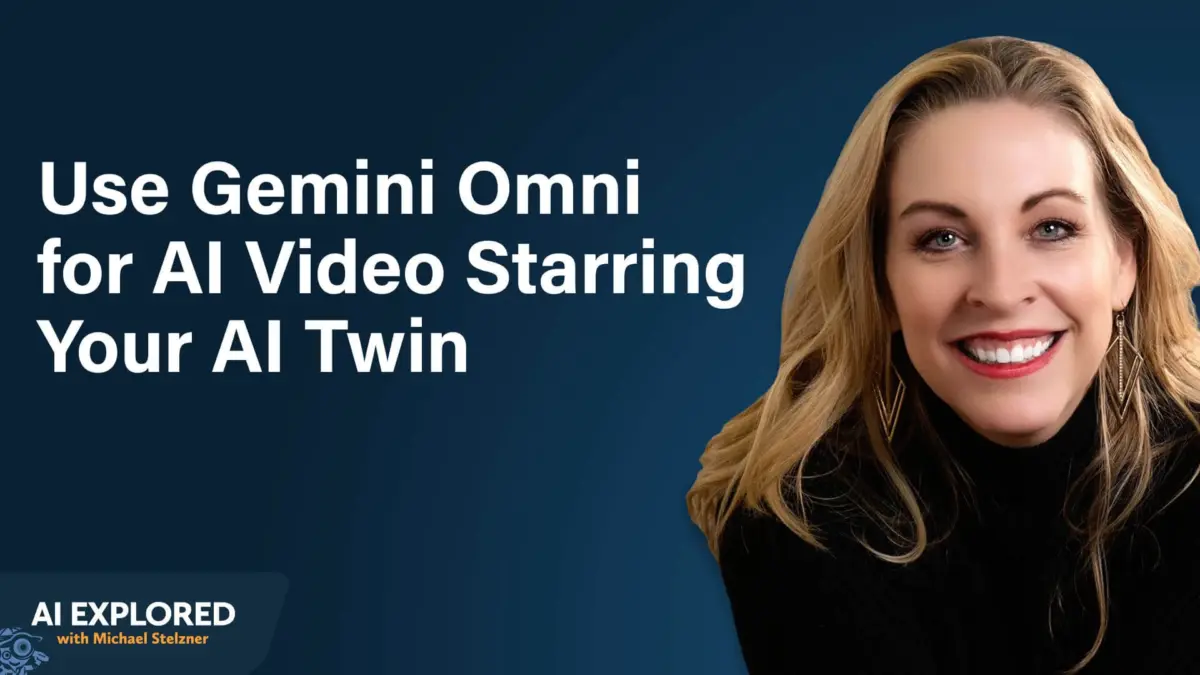
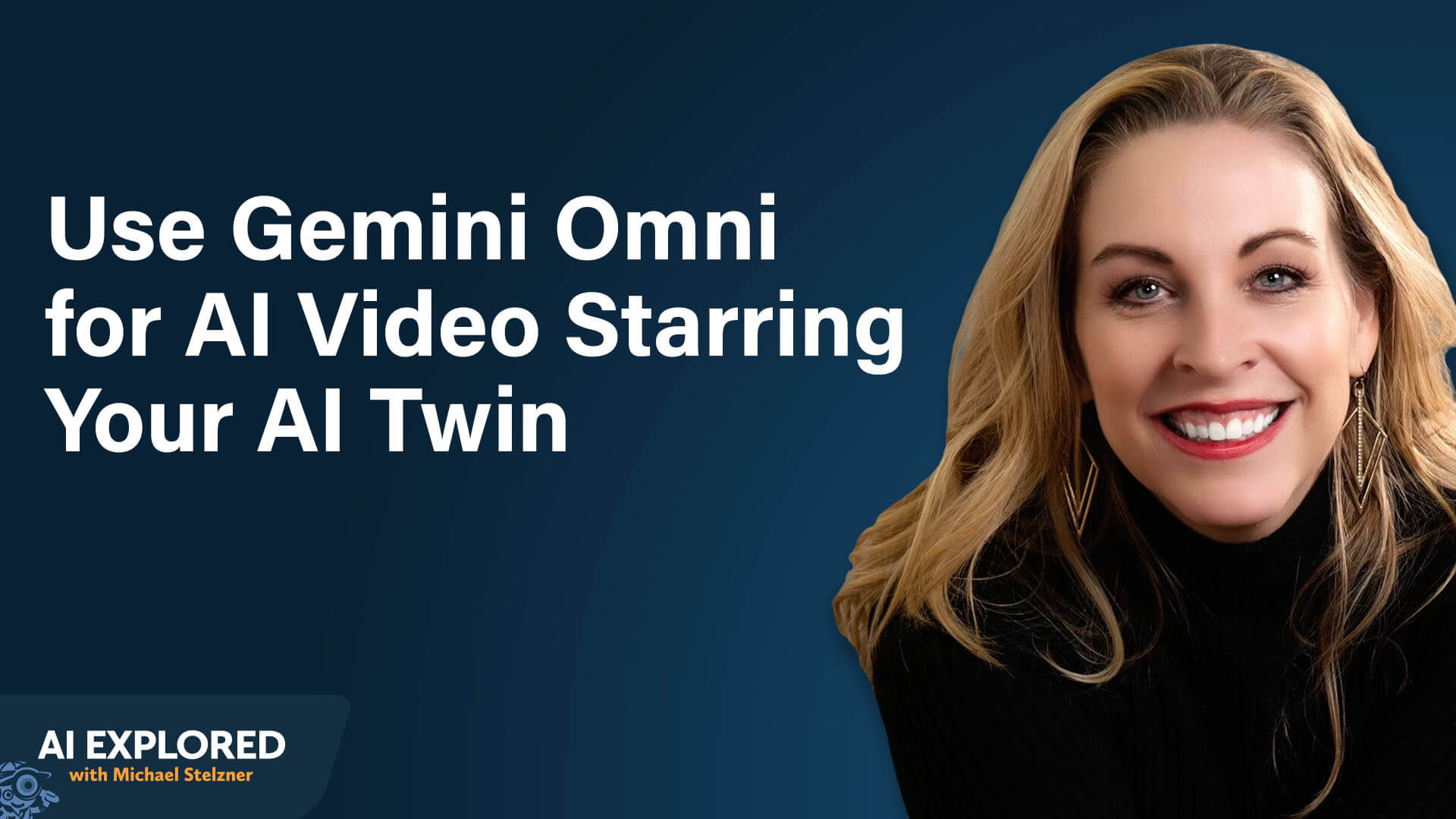
Co-created by AI video strategist Eve Whitaker and Michael Stelzner, this emerging paradigm allows creators to generate personalized "AI twins," produce scroll-stopping 2-to-3-second hooks, modify existing footage with text commands, and piece together multi-clip narratives without ever picking up a physical camera.
This comprehensive report explores the architectural core of Gemini Omni, breaks down practical frameworks for avatar creation and four-element prompting, outlines advanced editing strategies, and offers a strategic blueprint for integrating AI-generated video into modern social media marketing workflows.
Detailed Chronology & Evolution: From Veo3 to Gemini Omni
To understand the capabilities of Gemini Omni, one must trace the rapid technological lineage of Google’s video generation models.
The Generational Leap
Google’s initial foray into high-end generative video, Veo3, demonstrated impressive text-to-video capabilities but remained limited in temporal consistency and contextual awareness. Gemini Omni represents the structural successor to Veo3. Crucially, Omni is anchored in Google’s proprietary "world models." Unlike early-generation tools that simply stitched pixels together based on statistical probability, Omni’s training data—derived from YouTube’s vast ecological library of human interaction, spatial dynamics, and motion physics—gives it a deep, physical comprehension of the world.
When Omni renders a person walking down a street, a dog running across a park, or rain falling from an overcast sky, it simulates the underlying physics: gravity, momentum, light refraction, and sound sync.
Accessibility Ecosystem
Google has strategically deployed Gemini Omni across multiple tiers of accessibility to cater to both casual experimenters and enterprise-level production teams:
- The Gemini App: Available on both desktop and mobile platforms, this is the simplest entry point. Users tap the plus icon within the standard chat interface and select the "Video" option, which executes Omni routines in the background.
- Google Labs: Designed for advanced creators, Google Labs unlocks the full suite of granular video manipulation and editing features not natively exposed within the basic app environment.
- Third-Party Aggregators: Platforms such as Open Art and Higgs Field bundle Omni alongside other leading AI foundational models into unified multi-model dashboards, giving power users centralized control over their generation pipelines.
Industry experts recommend a tiered financial approach: beginning with the standard Gemini app subscription ($20/month) to master foundational prompt dynamics, then expanding to direct Google Labs access or specialized aggregators only as production requirements demand. Because generation credits are consumed per render—with higher resolutions (1080p vs. 720p) and longer runtimes depleting balances faster—starting conservatively helps manage operational overhead.
Technical Mechanics: Constructing and Customizing Your "AI Twin"
One of Gemini Omni’s most potent features is its ability to generate digital avatars. However, industry terminology is important here: unlike traditional AI video clones (such as those generated via HeyGen) which ingest a static script and render a talking-head video in a single pass, Omni builds an AI twin—a persistent digital representation of a real human being that can be transported via text prompts into any fantasy scene, geographic location, or narrative scenario.
Step-by-Step Avatar Setup
Building an avatar via the mobile Gemini app takes roughly five minutes:
- Open the mobile Gemini app, tap the plus sign (+) menu, and select Avatar.
- Follow the Face ID-style capture sequence, turning your head left, right, up, and down as prompted.
- Read aloud a series of deliberately nonsensical sentences. (This strange textual design is intentional: it captures natural, uninflected vocal patterns without allowing the speaker to overthink their delivery).
- Name and save the avatar. Once finalized, the avatar syncs across platforms, allowing you to summon it instantly on desktop via Google Labs simply by typing the
@symbol followed by the avatar’s name (e.g.,@EveWhitaker).
Critical Rules for High-Fidelity Capture
Omni’s underlying AI will not reject a sub-optimal recording environment. If your lighting is poor or your microphone picks up background noise, the system will simply hallucinate missing visual and audio data, resulting in distorted outputs. To ensure production-grade results:
- Lighting: Position yourself facing or sidelit by a natural window. Avoid backlighting, which casts a heavy silhouette and confuses the facial capture matrix.
- Audio Discipline: Record in an acoustically deadened space. Clean voice capture is paramount; if Omni cannot decipher your voice clearly during setup, it will fabricate vocal frequencies during generation.
- Default Wardrobe: Your shirt, jewelry, and accessories worn during the capture process become the avatar’s immutable default state. Choose a neutral, versatile outfit. While you can prompt Omni to change outfits later, the default will persist if unspecified.
- Hats and Glasses: Avoid wearing hats or heavy eyewear during setup. Because the AI cannot map facial architecture hidden beneath a brim, removing a hat via text prompt later yields unpredictable anomalies. Instead, record bare-headed, then upload reference photos of desired accessories in subsequent prompts.
- Vocal Energy: Maintain a calm, conversational tone. If you speak with exaggerated theatricality during setup, your avatar will default to that high-energy state in every future prompt, making it difficult to generate subtle or serious deliveries.
Supporting Context & Methodologies: The Four-Element Prompting Formula
Gone are the days of rigid, coded JSON schemas or complex technical syntax. Gemini Omni processes natural language with remarkable fidelity. To maximize consistency and minimize render waste, Eve Whitaker advocates for the Four-Element Prompting Formula: Subject + Action + Environment + Camera.
1. Subject
Defines who or what anchors the video. When utilizing an AI twin, invoke the avatar using the @ symbol paired with its designated name.
2. Action
Describes the physical mechanics or performance taking place: walking, dancing, talking directly to the camera, or parachuting onto a suburban lawn.
3. Environment
Establishes the geographical and atmospheric backdrop: a bustling metropolitan street, a sun-drenched beach in Mexico, a minimalist kitchen countertop, or an urban dog park.
4. Camera
Directs spatial positioning, framing, and kinetic movement relative to the subject.
Example of a Fully Formulated Prompt:
@Eve Whitaker is dancing in the street. It is raining tennis balls. A pack of golden retrievers circles her feet. She steps forward into a close-up frame and says, ‘Did that get your attention?’
Scripting and Dialogue Management
Omni natively generates 10-second clips. When scripting dialogue, users must ensure their text matches this temporal constraint. If you feed Omni a 30-second monologue for a single-pass generation, the AI will not truncate the speech; instead, it will aggressively compress the dialogue into the 10-second window, producing garbled, high-speed audio.
To bypass this limitation, creators utilize Large Language Models (LLMs) like ChatGPT or Claude as pre-production assistants. By prompting an LLM with constraints ("I am producing a multi-clip commercial in Gemini Omni where each segment maxes out at 10 seconds. Help me break this 40-second script down into actionable, bite-sized dialogue chunks"), creators can systematically script multi-part narratives without compromising vocal pacing.

Strategic Applications: Scroll-Stopping Social Media Hooks
In the modern attention economy, the first two to three seconds of a short-form video dictate its algorithmic fate. Traditional talking-head introductions frequently suffer from high drop-off rates.
The Hybrid Hook Workflow
The primary high-ROI use case for Gemini Omni is generating hyper-visual, surreal hooks to preface traditional, human-shot talking-head videos across TikTok, Instagram Reels, and YouTube Shorts.
- The Concept: Film your core educational or promotional video via traditional camera setups.
- The AI Hook: Use Omni to generate a visually arresting 3-second hook (e.g., your avatar getting Nickelodeon slime dumped on its head, emerging from a surreal landscape, or walking across a miniature kitchen counter).
- The Stitch: Assemble the AI hook and the traditional footage using mobile editors like CapCut or Instagram’s native editing suite.
The "Captain Obvious" Brainstorming Technique
When prompting an LLM to generate creative hooks, initial suggestions are frequently derivative (e.g., a person sitting at a desk with overloaded browser tabs to represent "digital stress"). Whitaker utilizes the "Captain Obvious" technique—borrowed from traditional television writers’ rooms—to redirect AI outputs.
When an LLM provides a cliché visual proposal, the creator responds: "That’s Captain Obvious. Think outside the box. Use unexpected metaphors and visual analogies." This tactical pivot reliably forces the AI to generate distinctive, disruptive concepts that instantly stop the social media scroll.
Advanced Manipulation: Editing Real Video and Assembling Long-Form Content
Gemini Omni is not limited to text-to-video generation; its editing capabilities allow creators to transform pre-existing, traditionally shot footage using simple natural language commands.
Transforming Real Footage via Text Prompts
By uploading real video clips (pre-cropped to 10 seconds or less) into Google Labs or aggregator platforms, users can execute complex post-production tasks with text instructions:
- Environmental Conversions: Instantly transform a summer park scene into a winter wonderland while preserving the subject’s exact shoes, clothing, and gait.
- Motion Graphics Integration: Prompt the addition of clean, animated lower-thirds and text callouts that track seamlessly across cooking demonstrations or product reviews.
- Object Removal and Wardrobe Swaps: Erase unwanted background distractions or modify clothing colors without requiring manual rotoscoping or keyframing.
Constructing Multi-Clip Long-Form Narratives
Because Omni restricts single generations to 10-second intervals, building a 60- to 90-second video requires meticulous pre-production planning.
- Storyboard Mapping: Partner with an LLM to outline a multi-part sequence, mapping out precisely how the final frame of Clip A transitions logically into the opening frame of Clip B.
- Independent Generation: Generate each 10-second segment independently at 720p resolution (saving valuable credits while maintaining social media fidelity).
- Third-Party Assembly: Stitch the disparate clips together in a non-linear editor like CapCut, ensuring seamless audio and visual continuity. Upscaling to 1080p or 4K can be executed during final export if required for large-screen presentation.
Future Outlook
Google’s Gemini Omni represents a watershed moment in the democratization of digital media production. By bridging the gap between natural language processing and advanced world-model video generation, tools like Omni eliminate the technical gatekeeping that has historically restricted high-end visual effects and professional video creation to well-funded studios.
As these foundational models continue to evolve—lengthening generation windows, improving temporal consistency, and expanding cross-platform integration—the role of the creator is shifting from manual execution to high-level conceptual direction. Creators who master the nuances of multi-element prompting, avatar management, and hybrid editing workflows will find themselves uniquely positioned to dominate the digital content economy of tomorrow.