Executive Overview
In an era defined by persistent hardware price inflation—where upgrading RAM and storage on brand-new machines often demands a steep financial penalty—the secondary laptop market has never looked more appealing. For budget-conscious consumers, creative professionals, and students alike, scouring the market for a pre-owned or refurbished laptop has become a primary strategy for avoiding exorbitant retail costs. However, navigating this space requires a careful, strategic approach.
When evaluating whether an older MacBook is still worth your hard-earned money, the metric of success should never merely be its low price tag. Instead, buyers must evaluate how a machine’s architectural capabilities, ongoing software support, and operational longevity justify its upfront cost.
As the computing landscape settles into 2026, a hard dividing line has been drawn across Apple’s laptop ecosystem. On one side are the Apple Silicon-powered MacBooks, stretching all the way back to the watershed 2020 transition. These machines continue to demonstrate remarkable vitality, handling modern workloads with ease and remaining fully integrated into Apple’s latest software pipelines. On the other side lie the legacy Intel-based MacBooks. Once the gold standard of portable computing, these machines now face a precipitous decline in software relevance, marked by the arrival of macOS 27, which completely shuts Intel out of the upgrade cycle.
For prospective buyers, understanding this architectural chasm is critical. Choosing the right machine means balancing immediate financial savings against long-term utility, security updates, and software compatibility. This report provides an authoritative guide on how to approach the used MacBook market, what to avoid, and how to secure a machine that will deliver peak value.
Detailed Chronology: The Architectural Split That Changed Everything
To understand why certain older MacBooks remain viable while others are rapidly approaching obsolescence, it is necessary to examine the timeline of Apple’s recent hardware evolution.
The 2020 Pivot: The Birth of Apple Silicon
In November 2020, Apple fundamentally disrupted the personal computer industry by introducing its proprietary M1 chip, marking the beginning of the end for its long-standing partnership with Intel. This transition was not merely a change in branding; it was a paradigm shift in performance-per-watt efficiency, thermal management, and unified memory architecture.
Apple’s custom silicon integrated the CPU, GPU, and unified memory onto a single die, allowing data to be shared seamlessly across components without the latency bottlenecks inherent in traditional x86 motherboard designs. Devices like the entry-level M1 MacBook Air and the 13-inch M1 MacBook Pro immediately disrupted the market. They offered fanless, silent operation, unprecedented battery life stretching well past 15 hours under normal use, and performance that shocked industry analysts.
The Phasing Out of Intel (2020–2021)
Following the initial rollout of the M1 architecture, Apple rapidly transitioned its remaining portable computer lines. Throughout 2021, the company released high-end 14-inch and 16-inch MacBook Pros powered by the M1 Pro and M1 Max chips, effectively sealing the fate of its Intel inventory. By the end of 2021, Apple ceased selling Intel-based MacBooks entirely, abruptly cutting short the sales life of processors that had powered its ecosystem for well over a decade.
Despite the abrupt halt in retail availability, millions of Intel-based MacBooks remained in active service among consumers and enterprise environments. For years, Apple maintained a robust software bridge, issuing macOS updates that supported both architectures concurrently. However, industry insiders and developers long anticipated the inevitable cutoff point where the sheer architectural gulf between x86 and ARM would force Apple to sever ties with Intel.
The 2026 Watershed: macOS 27 and the Intel Cutoff
That anticipated cutoff has officially arrived. The release of the macOS 27 Golden Gate developer builds and the subsequent public rollout established a definitive boundary: macOS 27 is exclusively designed for Apple Silicon.
Machines powered by Intel processors are officially barred from the compatibility list. For owners of pre-2020 MacBooks, this milestone means their devices have officially entered a sunset phase. While Apple will continue to push critical security patches to the final supported versions of older macOS iterations for a limited window, the era of feature updates, new functional capabilities, and long-term OS support for Intel Macs has effectively closed.
Supporting Context & Metrics: Hardware Lifespans and Software Longevity
When shopping for an older computer, software support and system security should always take precedence over chronological age. A computer’s worth is measured not by the calendar year it was manufactured, but by how long it can safely interact with the modern internet and run up-to-date applications.
The macOS 27 Compatibility Window
Apple’s software support lifecycle for Apple Silicon has proven remarkably generous. The compatibility list for macOS 27 encompasses MacBook Air and MacBook Pro models dating back nearly six years, beginning with the initial wave of M-series hardware launched in late 2020.
This means that a baseline, entry-level M1 MacBook Air—a machine that can now be found on the secondary market at heavily discounted rates—is still fully supported by Apple’s cutting-edge operating system. It will continue to receive interface improvements, productivity features, and, most importantly, vital security patches for years to come.
Conversely, purchasing a MacBook that has already been pushed off the latest OS compatibility cliff introduces significant operational risk. While an Intel MacBook from 2019 or 2020 may still boot up and handle basic web browsing today, the window of viability is shrinking rapidly. Modern applications, productivity suites, and web standards are increasingly optimized for ARM-based architectures and modern operating system frameworks. Over the next few years, software developers will gradually phase out support for legacy OS versions, leaving Intel Mac owners stranded with incompatible app updates and unpatched vulnerabilities.
The Linux Exception: Extending Intel Lifespans
There is, admittedly, one notable caveat for hardware enthusiasts determined to squeeze extra utility out of legacy Intel machines: alternative operating systems.
For tech-savvy users who possess advanced knowledge of Linux distributions, older Intel-based MacBooks—particularly the 2018 to 2020 models equipped with Apple’s T2 security chip—can be repurposed. By stripping away macOS entirely and installing a specialized Linux distribution configured to handle the T2 chip’s unique hardware quirks (such as its specific FaceTime camera drivers and storage encryption controllers), users can bypass Apple’s software deprecation entirely.
However, this path is strictly for power users. For the average consumer looking for a reliable, plug-and-play daily driver, wrestling with Linux drivers and losing native macOS ecosystem integration is rarely a practical solution.
Official Statements and Industry Insights
Industry analysts and hardware experts overwhelmingly point to the secondary market as a sanctuary against rising tech costs, provided buyers exercise strategic discipline.
Hardware economists note that the inflation of component costs—specifically global market pressures affecting RAM and solid-state storage pricing—has driven retail prices for brand-new laptops upward. Consequently, the value proposition of a well-maintained, previous-generation machine has skyrocketed.
"The smartest buyers in the current market are not looking at the absolute cheapest machine they can find on a clearance rack," notes market research compiled on contemporary tech acquisitions. "Instead, they are targeting the sweet spot of previous-generation Apple Silicon. A machine that is two or three generations old still possesses an immense performance headroom that easily eclipses most basic consumer needs, while shielding the buyer from the steep depreciation hit taken by the original owner."
Furthermore, consumer protection advocates emphasize the necessity of strict verification processes when purchasing pre-owned tech. Buying a used machine without inspecting its physical state or verifying its cryptographic status can quickly turn a bargain into a costly mistake.
Future Outlook: How to Choose and Inspect Your Next Used MacBook
If you have decided that an older, pre-owned MacBook is the right path for your workflow, executing the purchase requires careful attention to detail. Whether you are shopping through certified refurbishment programs or local peer-to-peer marketplaces, the following framework will help ensure you get a machine built to last.
1. Match the Model to Your Real-World Needs
- For Basic Users (Web Browsing, Streaming, Document Editing, Email): An entry-level M1 or M2 MacBook Air remains an exceptional investment. These machines run cool, feature gorgeous Retina displays, offer stellar battery life, and will comfortably handle daily administrative tasks without stuttering.
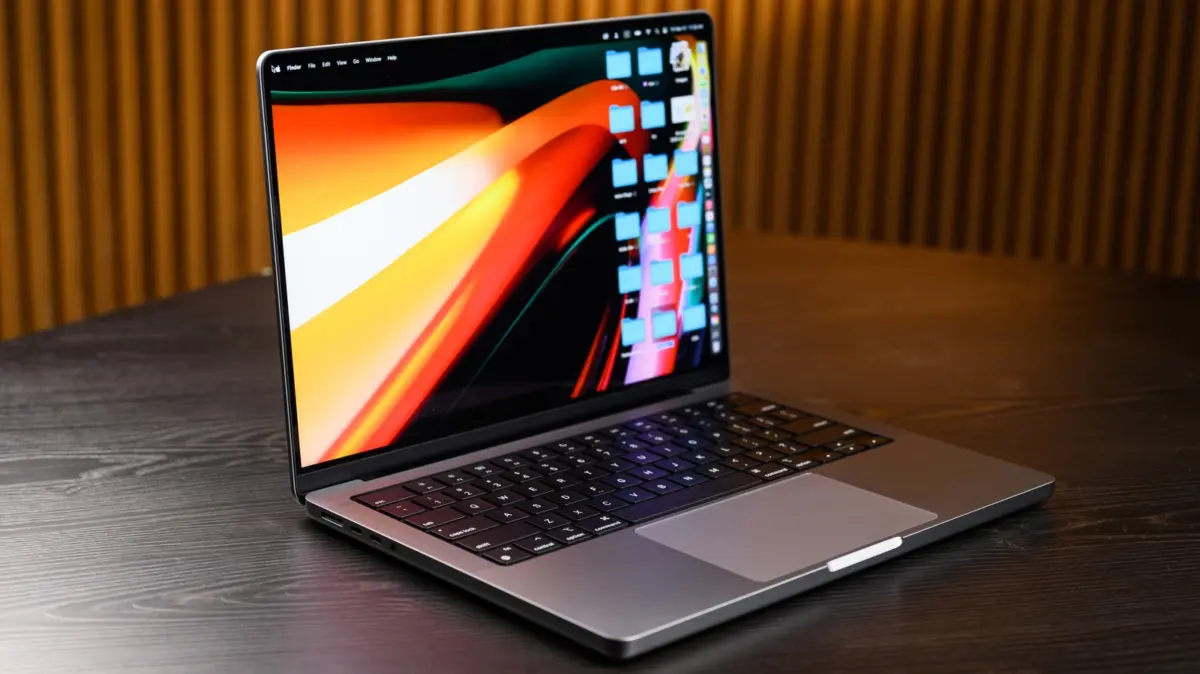
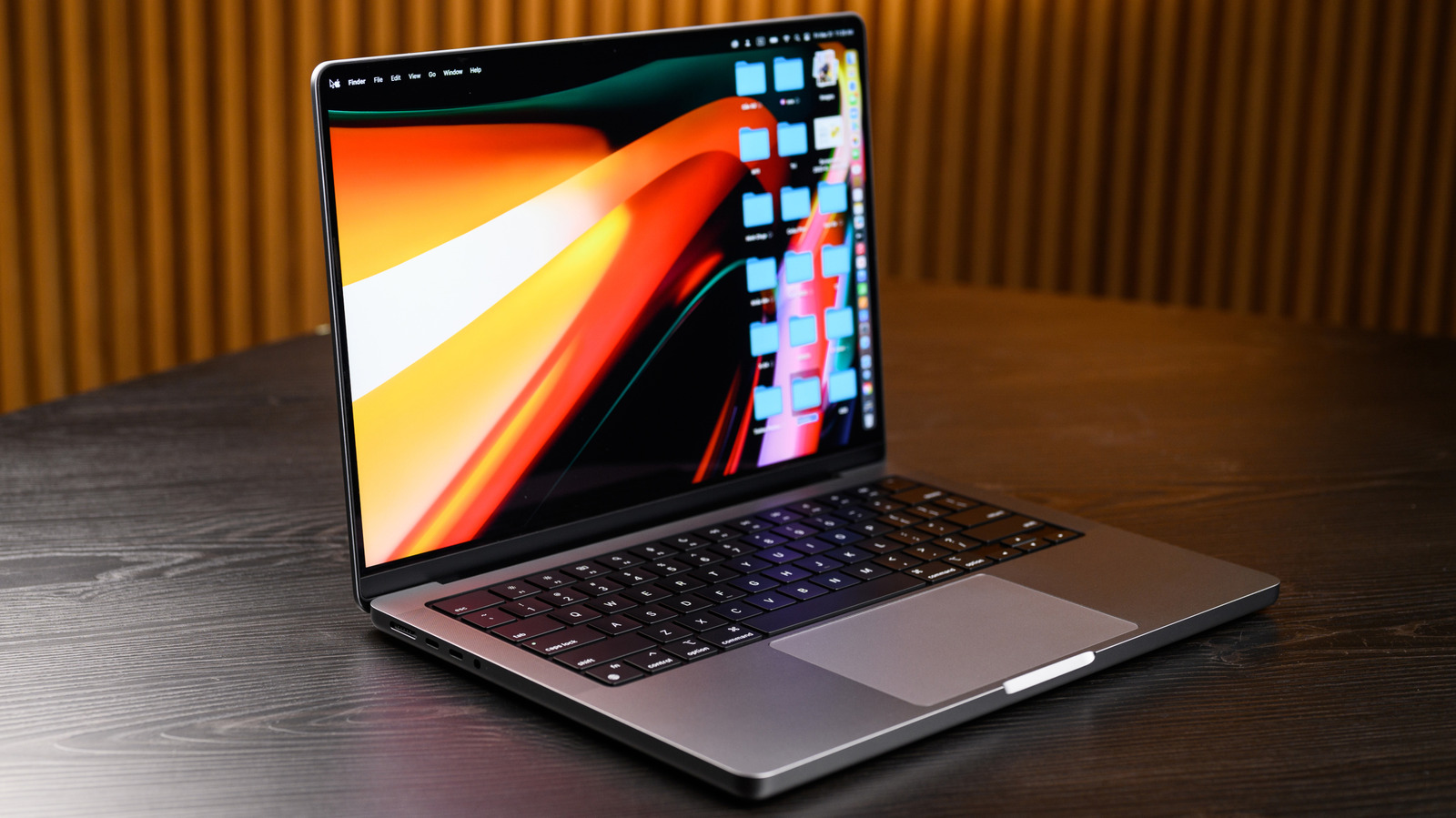
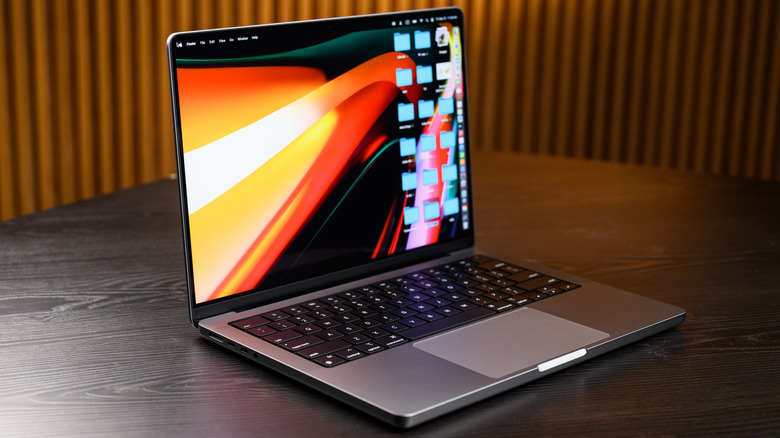
- For Power Users & Creatives (Video Editing, Code Compilation, Heavy Multitasking): Avoid the absolute baseline configurations. Instead, look for a lightly used MacBook Pro (14-inch or 16-inch) equipped with an M1 Pro, M1 Max, or M2 Pro chip, coupled with expanded unified memory (16GB or higher) and a larger SSD. These machines offer professional-grade performance at a fraction of their original retail cost, saving you hundreds of dollars while delivering robust computational power.
2. Prioritize Certified Refurbished Over Risky Private Sales
Whenever possible, purchase hardware through Apple Certified Refurbished channels or from reputable, established third-party retailers that clearly list their grading criteria, return windows, and warranty terms.
- Apple Certified Refurbished: These units undergo rigorous testing, include genuine replacement parts (where necessary), feature brand-new outer shells and batteries, and come with a standard one-year warranty matching a brand-new device. They typically offer savings of up to 15% off retail.
- Reputable Third-Party Retailers: Ensure the seller provides a clear grading system (e.g., "Excellent," "Good") and a minimum 30-day return policy or warranty.
- Private Peer-to-Peer Listings: While local classifieds or online auction sites can yield deeper discounts, the risk profile is significantly elevated. If you buy locally, always meet in a safe, public space to thoroughly inspect the hardware.
3. The Pre-Purchase Checklist
Before handing over payment for a used MacBook, perform a comprehensive physical and software audit:
- Verify the Model Identifier & Serial Number: Check the system information menu to ensure the hardware matches the seller’s claims and that the machine is eligible for current and near-future macOS updates. Ensure that "Find My Mac" is completely disabled and that the previous owner has signed out of their iCloud account.
- Inspect the Battery Health: Check the battery’s cycle count and overall service recommendation in System Information. A battery with an excessively high cycle count or a "Service Recommended" status will require an expensive replacement soon, negating your initial savings.
- Test All Physical Components: Test every key on the keyboard, check the trackpad’s haptic response, plug peripherals into all Thunderbolt/USB-C ports to verify data transfer and charging, test the built-in webcam and microphones, and stream audio to check the speakers. Finally, connect to a Wi-Fi network to ensure the wireless antennas are fully functional.
Final Verdict
The used MacBook market in 2026 offers tremendous opportunities for savvy shoppers, provided you adhere to one golden rule: steer clear of Intel. By locking your search into Apple Silicon models—ranging from the humble M1 MacBook Air up to high-performance M-series Pro and Max configurations—you secure a machine backed by modern software support, outstanding efficiency, and reliable security. Choose wisely, inspect thoroughly, and enjoy premium computing performance without paying premium retail prices.