Executive Overview
As smart eyewear rapidly transitions from a speculative futuristic concept into a mainstream consumer reality, tech conglomerates are racing to redefine how we interact with digital information. In 2025, smart glasses have officially cemented their place as the next major computing frontier. Users increasingly rely on these lightweight wearables to effortlessly triage notifications, snap spontaneous photos, interact with artificial intelligence, and manage phone calls without ever reaching into their pockets.
However, this relentless drive toward ambient connectivity introduces significant safety challenges—none more critical than operating a motor vehicle. When wearable tech features built-in visual displays, the convenience of constant access can quickly degenerate into a hazardous distraction behind the wheel.
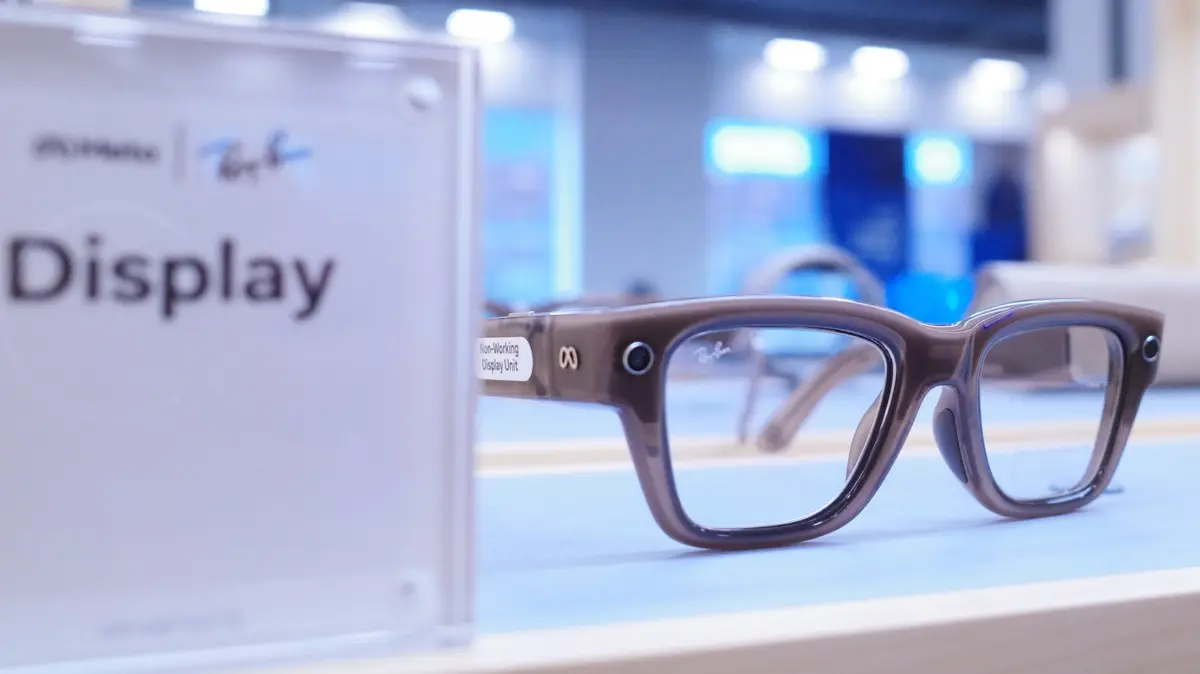
Recognizing this critical vulnerability, Meta has introduced an innovative, safety-centric feature for its Meta Ray-Ban Display glasses: Audio Only mode paired with automated Driving Detection. Rather than forcing users to manually strip off their eyewear every time they buckle up, Meta’s software solution intelligently detects vehicular motion, completely powering down the integrated display while retaining essential hands-free audio capabilities.
This comprehensive report examines the mechanics of Meta’s driving detection feature, explores the inherent limitations of current wearable hardware regarding vehicular navigation, and analyzes the broader implications of balancing augmented reality (AR) convenience with uncompromising road safety.
Detailed Chronology: The Evolution of Smart Glasses and Safety Protocols
To understand the necessity of Meta’s latest software update, it is crucial to trace the rapid technological trajectory that brought smart glasses into the mainstream and highlighted the urgent need for context-aware safety measures.
Phase 1: The Audio-First Foundation
When Meta first introduced its collaborative smart glasses line with Ray-Ban, the hardware relied exclusively on open-ear audio speakers and a camera. These early iterations functioned smoothly as extensions of a smartphone. Users could listen to podcasts, take phone calls, and ask Meta AI questions while maintaining complete, unobstructed environmental awareness. Because there was no visual display projecting digital elements directly into the user’s field of vision, the cognitive load was minimal, making them relatively safe for various everyday activities, including driving.
Phase 2: The Introduction of Visual Displays
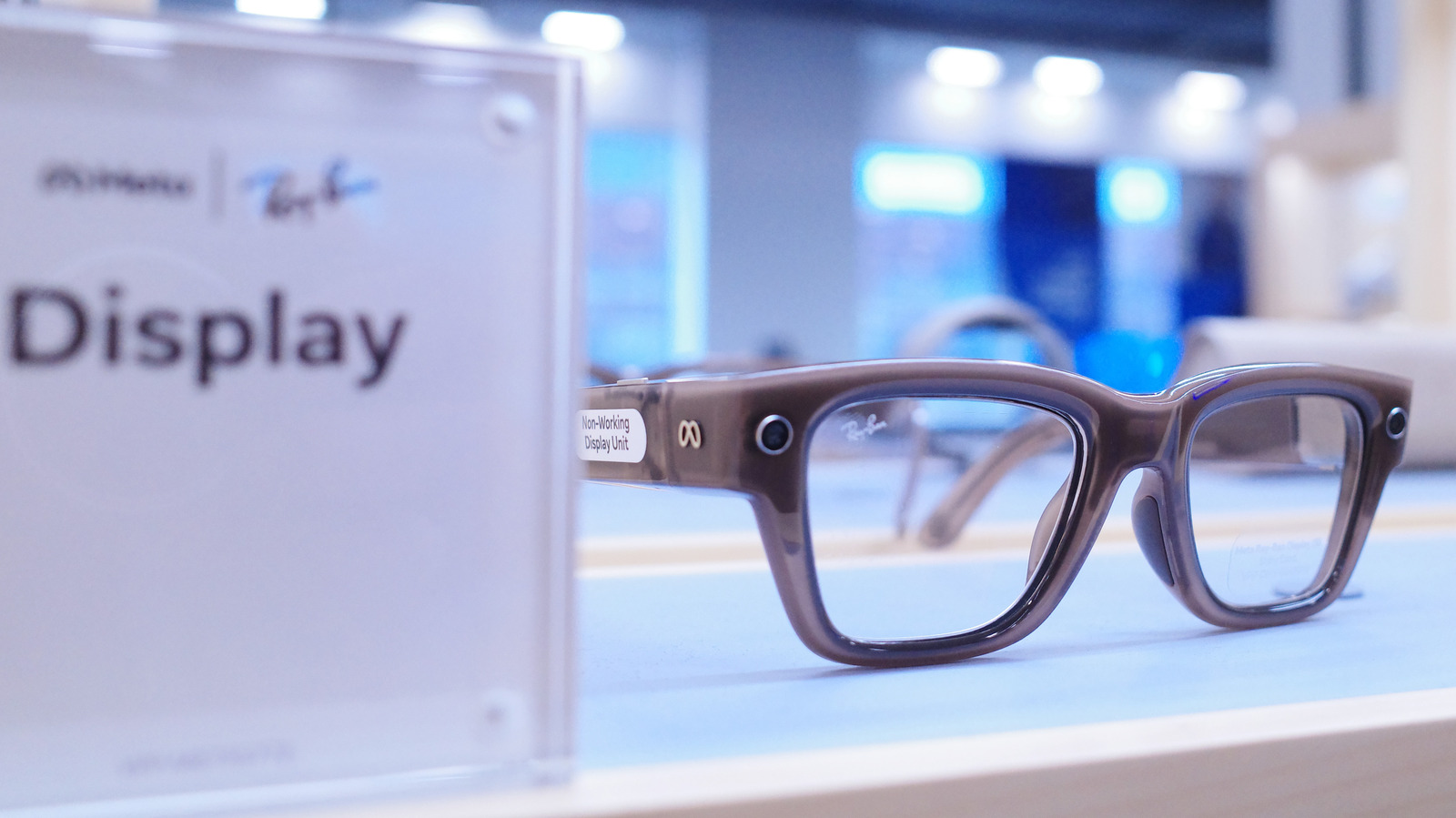
The technological landscape shifted dramatically with the rollout of Meta Display glasses. By integrating a discrete visual interface into the frames, Meta unlocked a new tier of functionality. Users could suddenly read incoming text messages, view calendar alerts, and interact with contextual AI overlays without glancing at a phone. However, this visual utility immediately raised red flags among safety advocates and regulatory bodies. Heads-up displays (HUDs) in automobiles have long been scrutinized for causing visual and cognitive distraction; introducing similar technology directly onto the driver’s face presented an even greater hazard.
Phase 3: The Deployment of Driving Detection and Audio Only Mode
To preemptively address regulatory pushback and user safety concerns, Meta engineered a software safeguard. Rather than requiring users to manually toggle settings or remove their glasses upon entering a vehicle, engineers integrated an automated sensor-fusion pipeline into the Meta AI companion application.
By leveraging the internal inertial measurement units (IMUs) of the glasses and synchronizing with the smartphone’s location and velocity sensors, the system can autonomously recognize when a user transitions from pedestrian speeds to vehicular transit. Upon confirmation, the software initiates a seamless transition into "Audio Only" mode, extinguishing the display entirely and returning the hardware to a state functionally identical to its non-display predecessors.
Supporting Context & Metrics: Distraction, Utility, and Battery Conservation
The integration of smart glasses into driving routines requires a careful evaluation of human-computer interaction (HCI) metrics, cognitive distraction research, and hardware efficiency.
Quantifying the Danger of Visual Distractions
According to transportation safety authorities globally, driver distraction remains a leading cause of traffic collisions, injuries, and fatalities. Distractions are generally categorized into three distinct types:
- Manual Distractions: Taking your hands off the steering wheel.
- Visual Distractions: Taking your eyes off the road.
- Cognitive Distractions: Taking your mind off the primary task of driving.
While smart glasses inherently reduce manual distraction compared to holding a smartphone, a wearable visual display actually amplifies visual distraction. Because the screen sits inches from the user’s eye, any text or graphical notification draws focal attention away from the highway. Meta’s Audio Only mode successfully eliminates the visual component, neutralizing the primary hazard while preserving the acceptable hands-free auditory channel.
Beyond Safety: Secondary Benefits of Audio Only Mode
While accident prevention serves as the primary justification for the feature, turning off the display during transit yields notable secondary advantages:
- Battery Longevity: Powering micro-LED or waveguide display systems consumes a disproportionate amount of energy. Disabling the display while driving preserves valuable battery life, ensuring the glasses are fully powered for high-utility tasks once the user reaches their destination.
- Cognitive Relief: In an era characterized by relentless digital saturation, forced screen breaks are increasingly valued by consumers. Transitioning to an audio-only paradigm while commuting allows drivers to decompress from visual stimuli.
- Thermal Management: Continuous projection and high-processing tasks can cause wearable frames to generate localized heat. Shutting down the display optimization lowers thermal output during extended drives.
Step-by-Step Configuration: Enabling Driving Detection
For users eager to secure their driving experience without sacrificing the daily convenience of their wearable technology, setting up the automated feature is a streamlined process within the Meta ecosystem.
Prerequisites
- A pair of Meta Ray-Ban Display glasses running the latest firmware update.
- A smartphone (iOS or Android) with the Meta AI app installed.
- Necessary permissions granted to the Meta AI application to access location services and device motion sensors.
Configuration Protocol
- Launch the Companion App: Open the Meta AI application on your primary mobile device.
- Access Device Preferences: Navigate to the main menu, select Settings, choose your connected glasses from the device list, and tap on Device Settings.
- Activate Audio Only & Driving Detection: Locate the toggle for Audio Only and switch it to active. Directly beneath or adjacent, enable the Driving Detection toggle.
- Grant Sensor Permissions: If prompted by your operating system, allow the Meta AI app background access to your phone’s motion and speed sensors. This ensures the app can accurately gauge when you are operating a vehicle.
- Verify Automation: Once configured, the system operates autonomously. When you enter a car and begin driving, the glasses will automatically disable the visual interface. Upon arrival at your destination, stepping out of the vehicle prompts the system to restore full display functionality.
Note: For users who prefer manual control over automation, the feature can also be toggled instantly using voice commands simply by stating, "Hey Meta, turn on/off audio only."*
Future Outlook: The Horizon of Wearable Navigation and Automotive Integration
As we look toward the future of augmented reality and wearable technology, the relationship between smart eyewear and automotive transit will continue to evolve.
The Current Limitations of Pedestrian Navigation
It is vital for consumers to understand that Meta Display glasses are fundamentally engineered for pedestrian use. They lack the complex infrastructural mapping, high-speed lane guidance, and real-time dynamic traffic routing required for highway navigation. Attempting to navigate complex highway interchanges using early-generation wearable displays would be dangerously impractical. Consequently, drivers must continue relying on dashboard infotainment units or dedicated smartphone GPS mounts for route guidance.
What Lies Ahead: AR Head-Up Displays and Vehicle-to-Wearable Communication
Looking forward, industry analysts predict deeper convergence between personal wearables and smart vehicles. Rather than treating smart glasses as a distraction to be actively suppressed while driving, future automotive ecosystems may natively interface with AR eyewear. Imagine a near-future scenario where your vehicle’s telemetry, speed, and turn-by-turn navigation arrows are safely and transparently projected onto your smart glasses only when authorized by the car’s computer system, blending seamlessly with the vehicle’s own HUD architecture.
Until that level of vehicular integration and regulatory standardization is achieved, automated software safeguards like Meta’s Audio Only driving detection represent a critical stepping stone. By prioritizing road safety over constant connectivity, Meta has set an important industry precedent, proving that the future of wearable technology depends as much on knowing when to turn off as it does on knowing what to display.