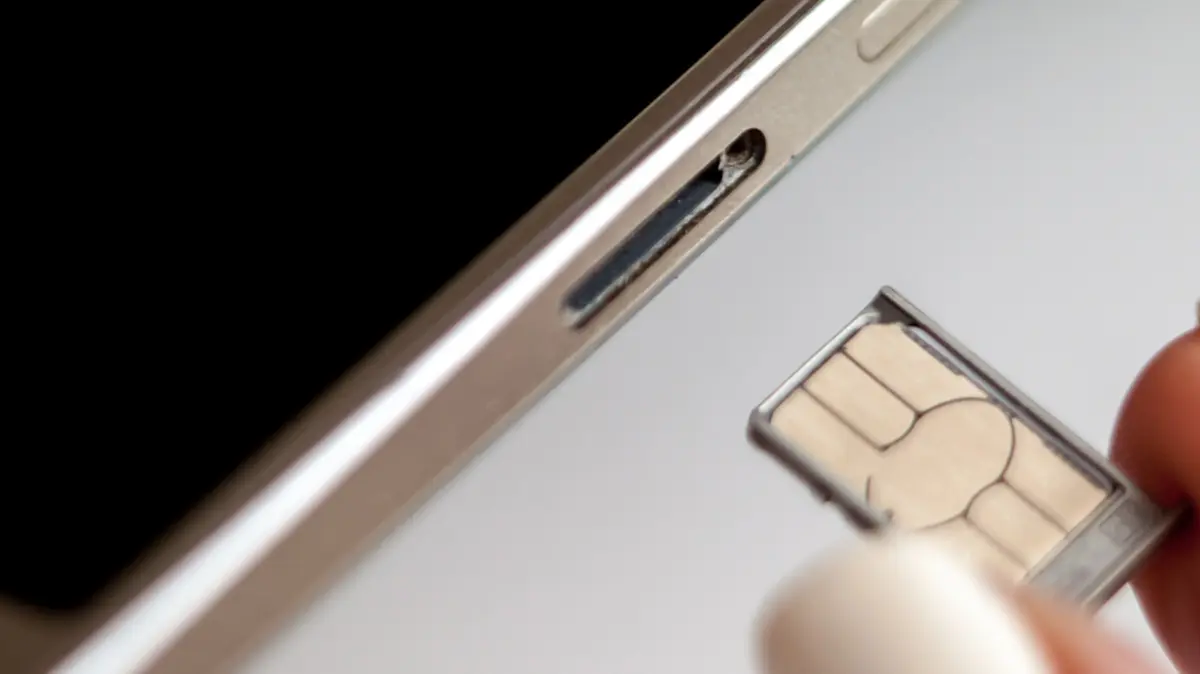
In an era defined by seamless digital connectivity, the physical components that tether our mobile devices to global networks often go unnoticed until a sudden transition is required. Whether consumers are migrating to Mobile Virtual Network Operators (MVNOs) to shave down monthly bills, deploying local carrier SIMs during international travel, or replacing a damaged subscriber identity module, the process of swapping a physical SIM card is a routine chore.
Contemporary smartphones are engineered with "hot-swappable" capabilities, meaning users rarely feel compelled to power down their devices before ejecting a SIM tray. Yet, a longstanding debate persists among tech enthusiasts, mobile engineers, and casual users: Should you turn off your phone before swapping a SIM card?
While modern mobile operating systems and cellular basebands can dynamically recognize and register new hardware without a system reboot, powering down your device—or at the very least toggling Airplane Mode—remains a prudent, risk-mitigating best practice. A simple, five-second shutdown eliminates lingering software glitches, accelerates network registration, and prevents minor cryptographic or cache-related hiccups. Furthermore, with the physical architecture of smartphones evolving to accommodate hybrid SIM and microSD trays, understanding the nuances of card replacement has never been more critical to safeguarding data integrity and preventing hardware wear.
Detailed Chronology: From Removable Batteries to Modern External SIM Trays
To understand why powering down a phone during a SIM swap was once mandatory and remains conditionally recommended today, one must examine the chronological evolution of mobile device architecture.
The Era of Internal Compartments (Pre-2010s)
In the early days of mobile telephony and throughout the feature phone era into the late 2000s, SIM slots were internal components safely tucked away underneath removable lithium-ion batteries. Accessing the SIM card required a deliberate, multi-step physical intervention:
- Powering down the device completely to prevent electrical short circuits or corrupted memory reads.
- Removing the plastic back cover of the device.
- Lifting out the battery pack, which instantly severed all power to the phone’s motherboard.
- Sliding or clicking the SIM card into a metal or plastic housing beneath the battery.
During this period, the question of whether to turn off the phone was rendered moot by the hardware design; you physically could not access the SIM without turning the device off, as the battery itself acted as the internal bulkhead blocking the slot.
The Shift to External Trays and "Hot-Swappable" Tech
As smartphone designs pivoted toward sleek, unibody aluminum and glass constructions—largely popularized by Apple’s iPhone and rapidly adopted across the Android ecosystem—manufacturers abandoned removable batteries in favor of internal power cells sealed within waterproof and dust-resistant chassis.
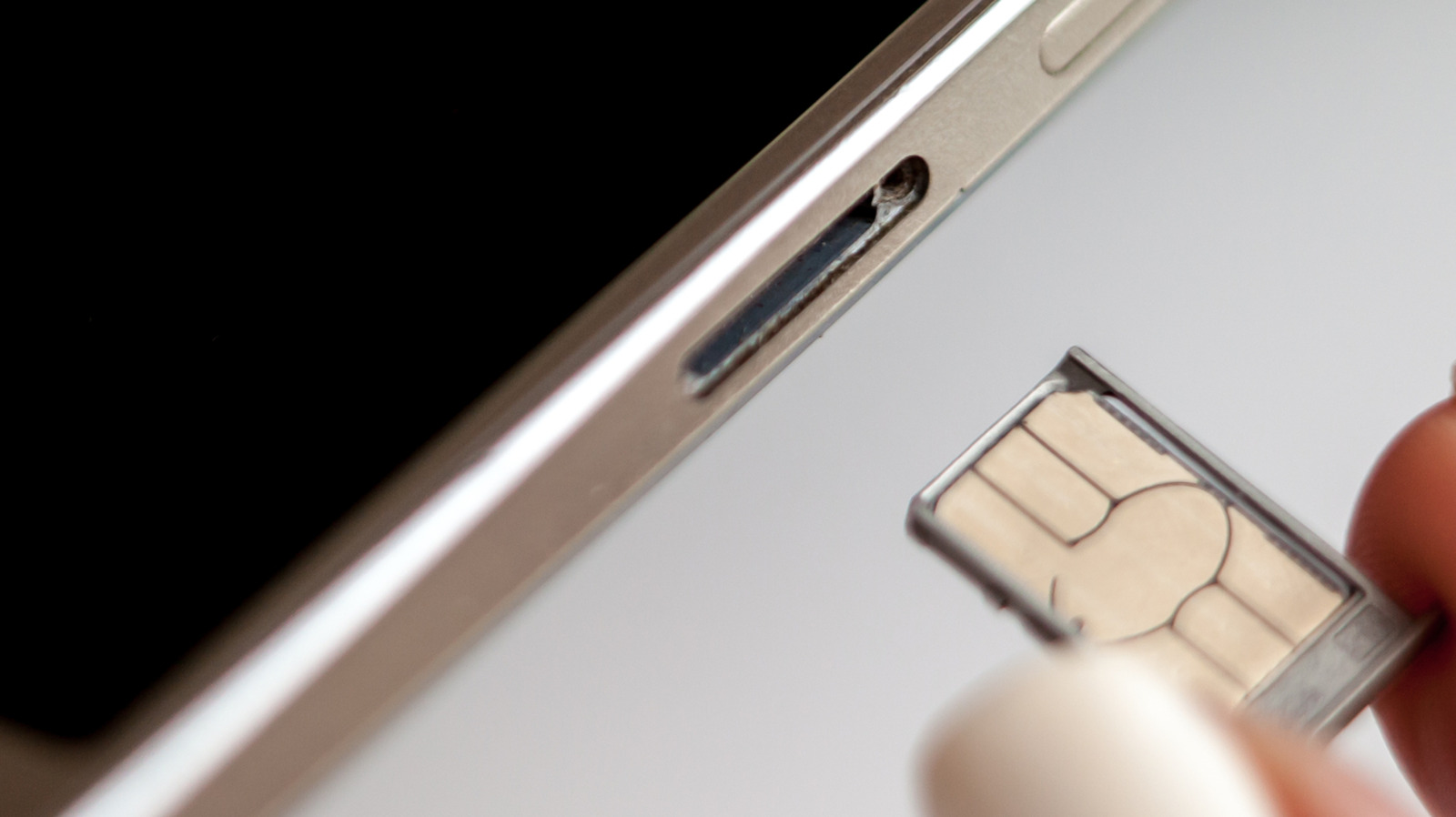
To maintain user access to cellular networks, engineers relocated the SIM card slot to the exterior frame of the device, accessible via a tiny pinhole ejector mechanism. Early generations of these external-tray smartphones occasionally struggled with immediate network handshakes. Swapping a SIM while the device remained powered on could trigger persistent network connection errors, requiring manual reboots anyway.
However, advancements in baseband firmware and operating system architecture quickly transformed these trays into "hot-swappable" ports. Modern operating systems—iOS and Android alike—can now query a freshly inserted SIM card on the fly, reading its Integrated Circuit Card Identifier (ICCID) and authenticating with local cell towers without requiring a full system restart. Despite this technical achievement, the legacy habit of powering down persists for valid technical reasons.
Supporting Context & Metrics: Risks, Mechanics, and Best Practices
While modern operating systems handle live SIM swaps gracefully, understanding the underlying mechanics reveals why taking a few extra seconds to power down—or engage Airplane Mode—can save users from technical troubleshooting.
The Software Perspective: Why a Reboot Helps
When a physical SIM card is swapped while a phone is fully powered on, the device’s baseband processor must instantly drop communication with the old carrier profile and initialize a handshake with the new one.
- The Cache Dilemma: Mobile operating systems cache various carrier settings, APN (Access Point Name) configurations, and roaming parameters. A live swap occasionally results in the operating system failing to purge these legacy caches immediately.
- The Network Error Loop: When cached data conflicts with the new SIM card’s cryptographic keys, the phone may become trapped in an endless loop of trying and failing to establish a network connection. This constant polling can rapidly drain the battery and cause the device to overheat.
- The Solution: Powering down the device forces a cold boot of the baseband firmware, ensuring that the system reads the fresh carrier parameters on initialization and registers cleanly with the new network on the first attempt.
The Alternative: The Airplane Mode Workaround
For users who find a full system restart inconvenient, there is a reliable software alternative that mimics the benefits of a shutdown without the wait:
- Enable Airplane Mode on your device to sever all radio frequencies and cellular handshakes.
- Wait approximately 30 seconds to allow background network processes to idle.
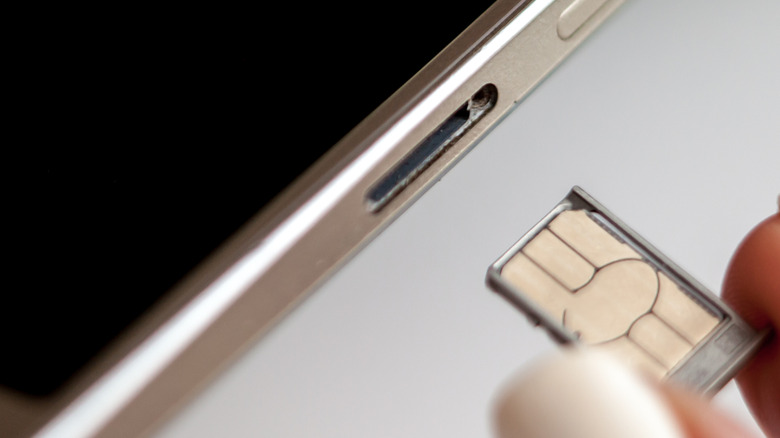
- Eject the SIM tray and swap your physical cards.
- Re-insert the tray and disable Airplane Mode.
This brief pause forces the device to re-initialize its radio transmitters after the new hardware is seated, achieving a smooth network transition without a full reboot.
Physical Hazards of SIM and microSD Replacement
Beyond software considerations, physical SIM card replacement introduces mechanical risks that are exacerbated when a device is actively powered on or handled carelessly:
- Debris and Moisture Intrusion: Opening the SIM tray exposes the interior cavity of your phone to ambient dust, pocket lint, and moisture.
- Tray Alignment and Card Damage: Forcing a micro-SIM or nano-SIM incorrectly into a tray, or bending the delicate metal pins inside the phone’s housing, can permanently disable cellular functionality.
- The microSD Card Trap: Unlike Apple’s iPhone lineup, numerous Android devices continue to feature expandable storage via microSD card slots—frequently integrated into a hybrid SIM/microSD tray. Just as one must properly unmount an external hard drive on a computer, failing to unmount a microSD card before pulling a hybrid tray can result in catastrophic data corruption or file loss.
- Procedure for Android/Samsung Users: Navigate to the My Files application, locate the SD Card storage category, tap the three-dot options menu, and select Unmount before physical ejection.
Comparative Analysis: Physical SIMs vs. eSIMs
The ongoing debate surrounding SIM replacement naturally intersects with the broader industry shift toward embedded SIM (eSIM) technology.
| Feature | Physical SIM Card | eSIM (Embedded SIM) |
|---|---|---|
| Hardware Presence | Removable plastic card with gold contact pins. | Permanently soldered chip inside the phone’s logic board. |
| Flexibility | Easily swapped between multiple devices instantly. | Requires carrier activation, QR codes, or digital transfers. |
| Security & Privacy | High physical privacy; can be removed entirely to go dark. | Bound to device software; cannot be physically removed. |
| Travel Convenience | Requires purchasing local cards or swapping physical trays. | Can pre-download local carrier profiles before landing abroad. |
| Failure Points | Prone to physical wear, misplacement, and tray damage. | Zero moving mechanical parts; failure requires board-level repair. |
While industry advocates argue that eSIM represents the apex of mobile connectivity due to its elimination of moving parts and multi-profile storage capabilities, physical SIM cards retain a fiercely loyal following. Their tangible nature guarantees straightforward, over-the-counter pay-as-you-go provisioning, absolute privacy control (allowing users to physically sever cellular tracking by removing the card), and universal device compatibility.
Future Outlook: The Complete Phasing Out of the Physical Tray
As mobile architecture continues to mature, the trajectory of SIM card technology points unequivocally toward a completely digital horizon. Apple’s aggressive elimination of physical SIM trays in US-market iPhone models signals an industry-wide pivot that major Android manufacturers are expected to follow over the next decade.
What Lies Ahead for Mobile Connectivity?
- Universal eSIM Adoption: Within the next five to ten years, physical SIM trays are projected to vanish entirely from flagship smartphones worldwide. This will free up precious internal real estate for larger battery capacities, advanced cooling systems, and enhanced structural water resistance.
- Advanced Remote Provisioning: Future mobile operating systems will feature increasingly automated carrier migration tools, allowing users to transfer cellular plans between disparate operating systems and manufacturers via Bluetooth proximity or decentralized cryptographic handshakes.
- The End of Hardware Vulnerabilities: As physical slots disappear, the mechanical risks associated with SIM tray misalignment, internal dust contamination, and microSD data corruption will become historical anomalies.
Until that fully digital future arrives, however, millions of consumers will continue to rely on physical SIM cards. For these users, adhering to best practices—powering down the device or utilizing the Airplane Mode workaround, carefully handling hybrid storage trays, and unmounting microSD cards—remains the gold standard for maintaining a healthy, error-free mobile experience.