Executive Overview
In an era defined by hyper-connectivity, the smartphone has evolved into an extension of the human self. It holds our financial records, intimate communications, professional documents, and personal memories. However, this hyper-utility has also turned mobile devices into prime targets for sophisticated digital adversaries. Among the most pernicious threats facing modern high-profile mobile users are state-sponsored commercial spyware suites, such as the notorious Pegasus software developed by the NSO Group.
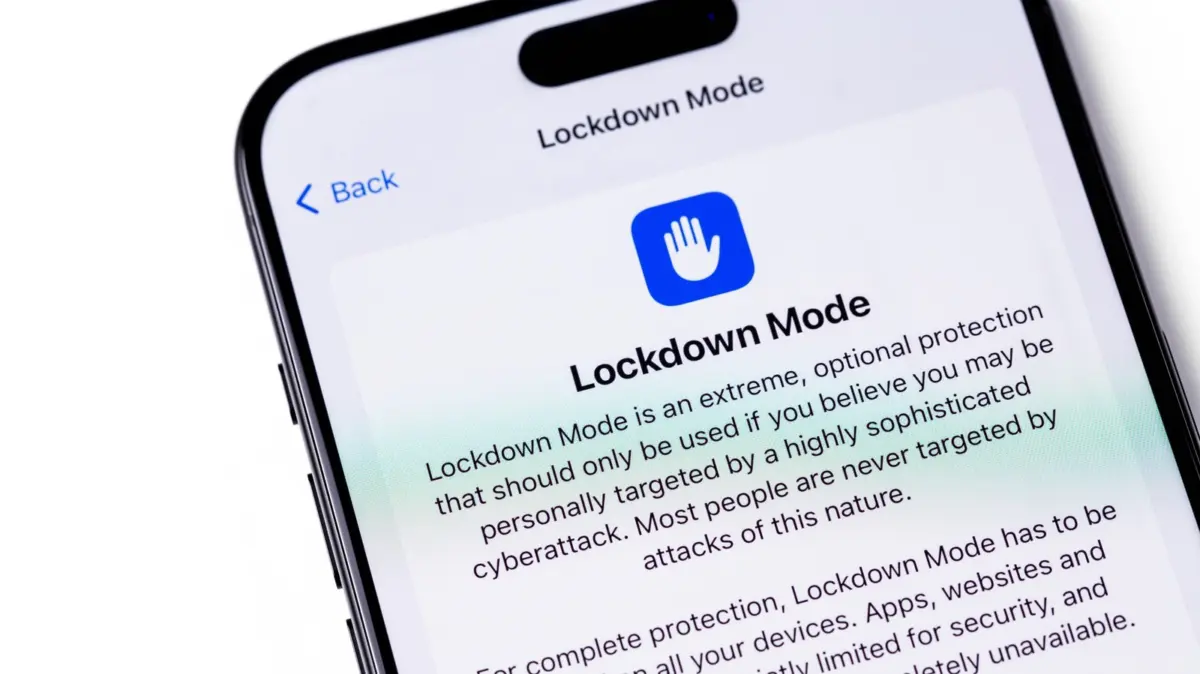
To counter these elite, zero-click cyber-weapons, Apple introduced a radical, highly specialized security feature in 2022: Lockdown Mode.
Hidden deep within the operating system settings across iOS, iPadOS, watchOS, and macOS, Lockdown Mode is not designed for the average consumer. Instead, it serves as a digital panic room—an extreme, uncompromising defense mechanism built to protect journalists, human rights defenders, dissidents, politicians, and high-ranking executives who face targeted state surveillance. While turning on Lockdown Mode renders an iPhone virtually impenetrable to advanced mercenary spyware, it does so by aggressively sacrificing everyday conveniences, restricting core features like messaging attachments, web rendering engines, FaceTime calls, and wireless connectivity protocols.
This report offers an exhaustive analysis of iPhone Lockdown Mode. We will explore how it works beneath the hood, the specific system functions it disables, its proven track record against real-world exploits like "Blastpass," and a pragmatic assessment of whether you should—or realistically, should not—enable it on your personal device.
Detailed Chronology: The Evolution of Apple’s Extreme Security
To fully understand the necessity and mechanics of Lockdown Mode, one must trace the timeline of mobile espionage and Apple’s escalating countermeasures against advanced persistent threats (APTs).
The Pre-Lockdown Era: The Shadow War on Mobile Devices
For years, the mainstream narrative surrounding mobile security focused on conventional malware, phishing scams, and opportunistic credential theft. However, behind closed doors, a booming industry of commercial surveillance vendors was quietly engineering weapons-grade exploits. These firms developed zero-day vulnerabilities—previously unknown flaws in software code—that allowed remote operators to compromise iPhones silently, without requiring the user to click a malicious link or download an infected file.
The most infamous catalyst for modern mobile defense policy was the exposure of the Pegasus spyware in 2021 by organizations like Amnesty International and Citizen Lab. Pegasus demonstrated that state actors could silently hijack an individual’s microphone, camera, location data, and encrypted messages simply by exploiting a flaw in software parsing engines. Apple realized that traditional software patching, while vital, was insufficient to protect high-risk individuals targeted by well-funded intelligence agencies.
2022: The Debut of iOS 16 and Lockdown Mode
Recognizing the asymmetric nature of targeted cyberattacks, Apple fundamentally shifted its security paradigm. Alongside the release of iOS 16, iPadOS 16, and macOS Ventura in late 2022, Apple debuted Lockdown Mode.
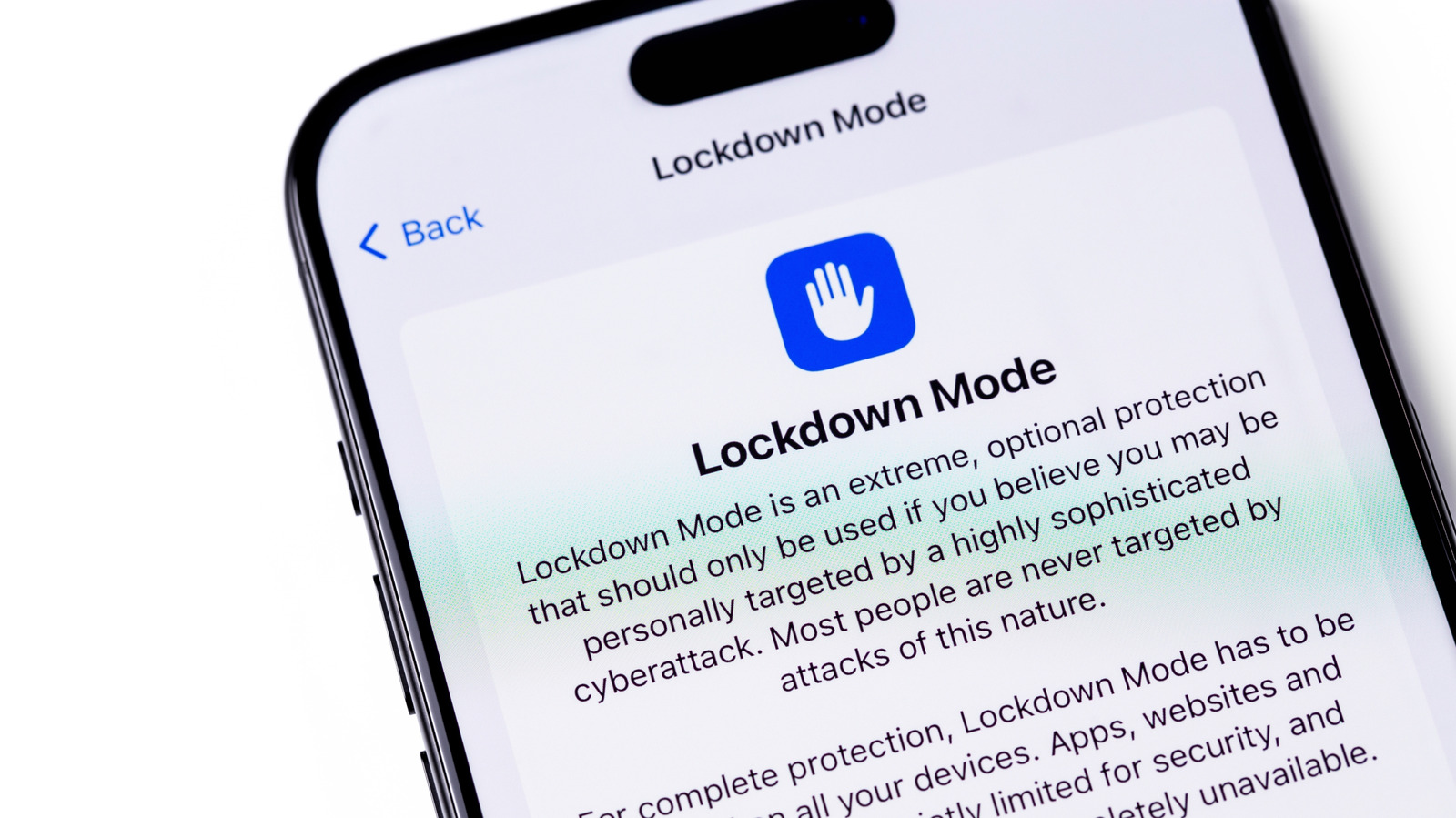
Unlike standard security settings designed to protect against broad malware, Lockdown Mode was built on a philosophy of "reduction of attack surface." By proactively disabling complex processing engines and network protocols that hackers frequently abuse, Apple created a state where even if a zero-day exploit existed, it would fail because the vulnerable code paths had been entirely turned off.
2023: The "Blastpass" Triumph and the $2 Million Challenge
The true empirical validation of Lockdown Mode came in late 2023 when researchers discovered "Blastpass," an exceptionally sophisticated zero-click exploit chain that leveraged iMessage to silently install Pegasus spyware on Apple devices.
While unmitigated devices were completely vulnerable to the Blastpass attack, security researchers and Apple engineers confirmed a crucial fact: Devices running Lockdown Mode were completely immune. The exploit failed because the specific message-handling pathways targeted by Blastpass were disabled under Lockdown Mode.
To further stress-test and validate the feature, Apple doubled down on its commitment to vulnerability research. The company supercharged its Security Bounty program, offering a staggering 100% bonus—reaching up to $2 million—to any security researcher who could successfully bypass Lockdown Mode. To date, this bounty remains largely unclaimed, cementing Lockdown Mode’s reputation as the gold standard in consumer device hardening.
What Happens When You Enable Lockdown Mode?
Enabling Lockdown Mode is remarkably simple from a user-interface perspective, but its operational footprint is profound. When activated, the operating system undergoes a sweeping transformation, deliberately neutering several core iOS functionalities to eliminate potential vector entry points for spyware.
[User Activates Lockdown Mode]
       │
       ├─► Messages: Blocks non-image attachments, link previews disabled.
       ├─► Web Browsing: Restricts complex JavaScript & JIT compilation.
       ├─► FaceTime: Incoming calls blocked unless user recently called them.
       ├─► Connectivity: Wired USB accessories blocked when locked; 2G/3G disabled.
       ├─► Device Management: Configuration profiles blocked.
       └─► Ecosystem: Shared albums removed; HomeKit & Game Center restricted.
1. Messages: The Frontline Defense
Because iMessage has historically been a prime vector for zero-click exploits (such as those involving malicious PDF or image parsing), Lockdown Mode enforces strict limitations here:
- Attachment Restrictions: Most message attachments—other than certain images, video, and audio files—are blocked entirely. Link previews are disabled to prevent background fetching of malicious payloads.
- Shared Content: Links and rich previews that could execute hidden code scripts are stripped of their complex rendering capabilities.
2. Web Browsing and JavaScript Restrictions
Web browsers are complex engines that process untrusted code from millions of websites every day. Lockdown Mode introduces severe constraints on Safari and other web engines:
- Just-In-Time (JIT) JavaScript Compilation: JIT compilation is vital for fast web performance, but it is frequently exploited by attackers to execute arbitrary code in device memory. Lockdown Mode disables JIT for most websites unless the user explicitly excludes a trusted site.
- Slow or Broken Pages: As a direct consequence of restricted web technologies, users will notice that certain websites load significantly slower, or fail to render interactive elements properly.
3. Communication and FaceTime Limitations
- FaceTime Filtering: Incoming FaceTime calls are completely blocked unless the caller is already present in your contacts list or you have previously initiated a call to them. This stops automated surveillance tools from establishing real-time audio/video links.
4. Hardware, Peripherals, and Network Security
- Wired Connections: When your iPhone is locked in Lockdown Mode, all wired data connections with computers or accessories are cut off. You cannot sync your phone or connect data peripherals via USB without first unlocking the device with your passcode.
- Cellular Network Restrictions: The device automatically rejects connections to unsecured wireless networks. Furthermore, legacy cellular protocols like 2G and 3G are entirely disabled, shutting down potential eavesdropping via false cell towers (IMSI-catchers / Stingrays).
5. Ecosystem and Profile Barriers
- Configuration Profiles: You cannot install enterprise or school configuration profiles while Lockdown Mode is active. This prevents institutions (or malicious actors masquerading as them) from installing system-wide root certificates or management tools.
- Apple Ecosystem Restrictions: Shared photo albums are removed from the Photos app. Home app invitations are blocked, and Game Center functionality is heavily curtailed. Notifications for incoming phone calls will not mirror onto paired Apple Watches.
Technical Specifications and User Management
For those who genuinely require Lockdown Mode, Apple has integrated mechanisms to fine-tune the experience without entirely sacrificing usability.
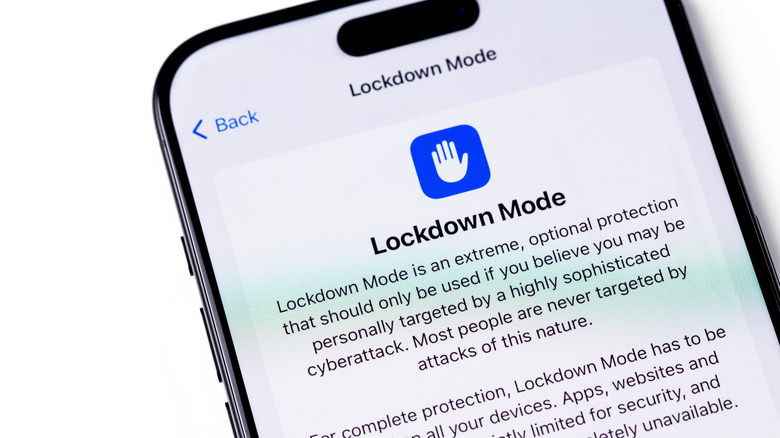
How to Enable Lockdown Mode
The feature is universally accessible across supported hardware running iOS 16+, iPadOS 16+, watchOS 10+, and macOS Ventura+:
- Open the Settings app on your iPhone.
- Scroll down and tap on Privacy & Security.
- Scroll to the bottom of the menu and select Lockdown Mode.
- Tap Turn On & Restrat.
- Authenticate your choice by entering your device passcode. Your device will automatically reboot into hardened mode.
Customization and Exceptions
Recognizing that absolute lockdown can impede legitimate day-to-day operations even for high-risk individuals, Apple allows users to tailor specific exclusions:
- Contact Exceptions: You can whitelist specific family members or colleagues so that they can continue sending rich media attachments via Messages.
- Web Site Exclusions: Trusted news portals or professional tools can be exempted from JavaScript restrictions, though security experts warn that every exception slightly widens the potential attack surface.
Official Statements and Industry Metrics
The cybersecurity community and Apple executives have consistently emphasized both the efficacy and the specialized nature of Lockdown Mode.
In statements accompanying the rollout of iOS security updates, Apple’s security engineering teams have repeatedly highlighted that commercial spyware is among the most expensive and sophisticated threats in existence. Because these tools are deployed almost exclusively by nation-states against specific targets, traditional signature-based antivirus solutions are rendered obsolete.
"Lockdown Mode is a groundbreaking capability that reflects our unwavering commitment to protecting users from rare and highly sophisticated cyberattacks," noted an Apple engineering briefing on zero-day mitigations. "While the vast majority of our users will never be targeted by mercenary spyware, we will never stop working to protect the safety and privacy of all our users."
Independent security audits conducted by organizations such as Citizen Lab have consistently verified that devices operating in Lockdown Mode successfully thwart memory corruption exploits, browser-based sandbox escapes, and remote code execution attempts orchestrated by intelligence-grade software packages.
Future Outlook: The Ongoing Arms Race in Mobile Security
As mobile operating systems become increasingly hardened, the nature of digital espionage is evolving in parallel.
1. The Shift to Hardware and Radio-Frequency Exploits
As software-based zero-click vectors like iMessage and browser engines become heavily fortified by features like Lockdown Mode, attackers are shifting their focus toward hardware-adjacent vulnerabilities. Researchers note an increasing interest in Wi-Fi chipsets, Bluetooth controllers, and baseband processors—components that operate below the standard operating system kernel and are harder to isolate through software restrictions alone.
2. Expanded Ecosystem Hardening
Looking ahead, we can expect Apple and other major tech conglomerates (such as Google with Android’s equivalent advanced protection modes) to integrate context-aware security layers. Future iterations of Lockdown Mode may dynamically adjust based on behavioral anomalies, geographical location risk assessments, or proximity to known hostile network environments.
3. The Democratization of Advanced Threat Intelligence
Historically, warnings regarding mercenary spyware attacks were delivered exclusively by third-party research groups. Today, Apple actively utilizes threat notification systems to alert users worldwide when they detect that an Apple ID has been individually targeted by a state-sponsored mercenary spyware attack. These notifications serve as the primary trigger for users to evaluate and enable Lockdown Mode.
Conclusion: Should You Use Lockdown Mode?
The definitive answer for 99.9% of smartphone users is no.
Lockdown Mode is an exercise in extreme compromise. By disabling link previews, restricting JavaScript rendering, breaking standard messaging workflows, and cutting off seamless accessory connectivity, it transforms a fluid, highly responsive consumer device into a rigid, austere communication tool.
However, for the fraction of a percent of users who live under the shadow of state surveillance—investigative journalists exposing corruption, political dissidents organizing against authoritarian regimes, human rights advocates documenting atrocities, and high-profile diplomats—Lockdown Mode is nothing short of a digital digital armor plate.
If you receive an official threat notification from Apple, or if your professional life places you directly in the crosshairs of sophisticated cyber-espionage syndicates, enabling Lockdown Mode is an essential, life-preserving precaution. For everyone else, standard iOS security architecture—combined with strong passcodes, two-factor authentication, and basic digital hygiene—remains more than sufficient to keep your digital life secure.