
Executive Overview
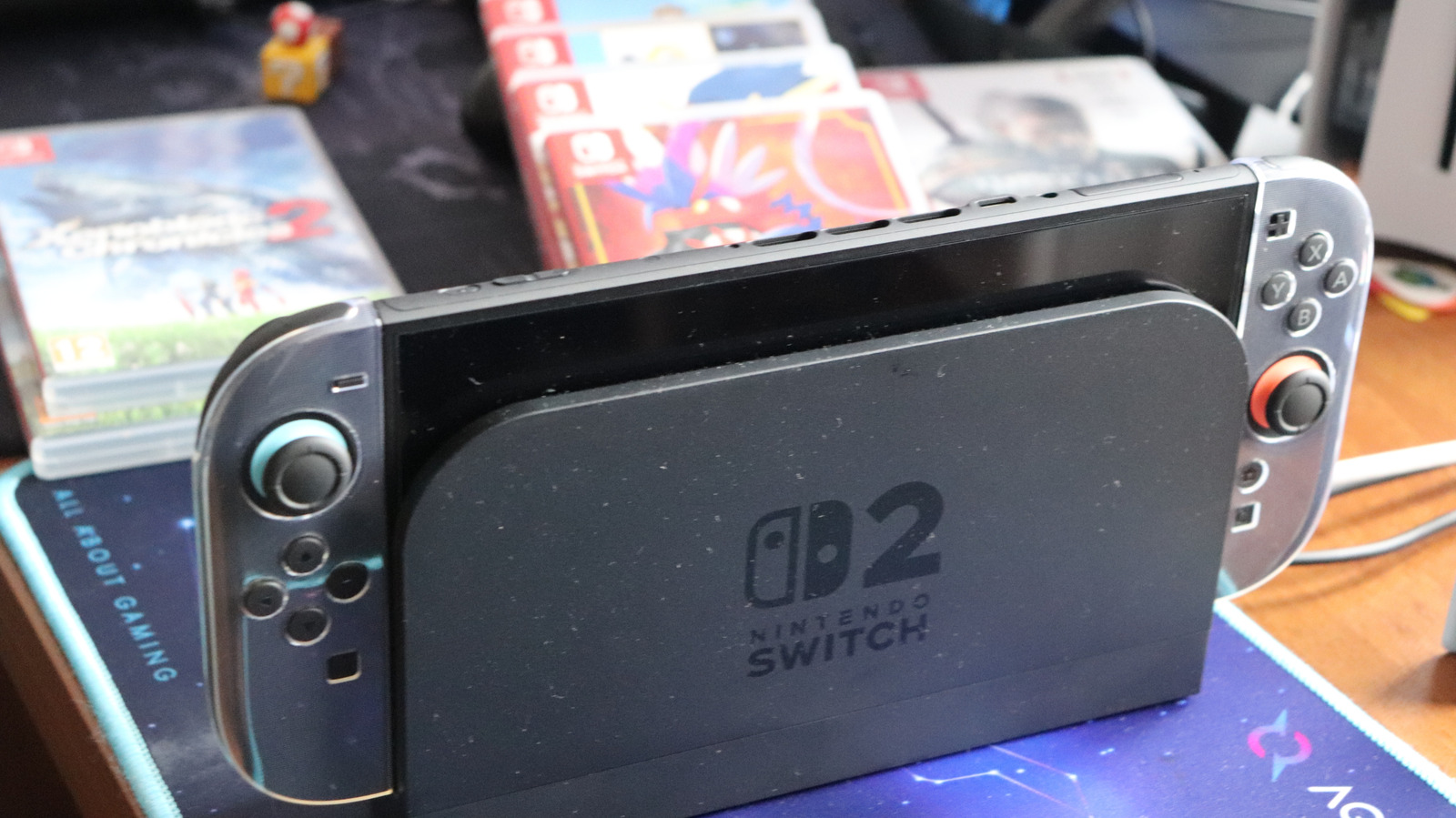
The arrival of a new generation of hardware from Nintendo always brings a mix of excitement, technological evolution, and practical hurdles for consumers. With the release of the Nintendo Switch 2, Nintendo has made significant strides in hardware capability, addressing many performance bottlenecks that plagued the original console. Among the most notable hardware upgrades is the expansion of internal storage capacity, bumping the baseline up to 256GB (with roughly 249GB available to the user after accounting for essential system software).
On paper, 256GB represents a massive leap forward from the modest 32GB baseline of the original 2017 Nintendo Switch. However, in the context of modern AAA gaming, high-resolution textures, expansive open worlds, and heavy reliance on digital distribution, this increased capacity fills up faster than many players might anticipate. Compounding this issue, Nintendo’s pricing structure for first-party titles now sees physical cartridges costing more than their digital counterparts, gently nudging consumers toward digital libraries—a shift that places even greater demand on console storage.
To mitigate storage anxiety, players must look beyond standard memory cards and invest in specialized hardware: microSD Express cards. This comprehensive report examines why standard storage solutions fall short, how modern file sizes dictate hardware choices, the technological differences between legacy cards and microSD Express, and practical strategies for managing your Nintendo Switch 2 game library efficiently.
Detailed Chronology: The Evolution of Nintendo Storage and Hardware Demands
To understand why the Nintendo Switch 2 requires a specialized storage solution, one must look at how gaming data footprints have evolved over the past decade.
The 2017 Baseline: A Different Era of Game Development
When the original Nintendo Switch launched in March 2017, game sizes were vastly different. Many first-party titles, such as The Legend of Zelda: Breath of the Wild, managed to pack massive adventures into remarkably small packages (around 13GB to 14GB). The console’s 32GB internal storage, while tight, was serviceable for players who mixed physical cartridges with a modest selection of indie titles or downloadable content. Standard microSD, microSDHC, and microSDXC cards were more than capable of handling expansions as libraries grew.
The Shift Toward Digital Distribution and AAA Ambitions
As the lifecycle of the original Switch progressed, the gaming industry underwent a fundamental shift. Developers pushed hardware to its absolute limits, resulting in massive file sizes driven by uncompressed audio, high-definition art assets, and sprawling digital landscapes. While the original Switch could handle scaled-down ports like The Witcher 3 or Doom (2016) through clever optimization, players frequently had to manage a delicate balancing act of archiving and downloading games.
With the advent of the Nintendo Switch 2, Nintendo has positioned the system to handle much more ambitious, current-generation software. However, this leap in graphical fidelity and processing power comes with a direct cost to storage. Modern AAA third-party and first-party titles routinely dwarf the capacities of past generations.
Consider the storage requirements of prominent titles slated for or compatible with the ecosystem:
- Final Fantasy VII Remake Intergrade demands a staggering 90.4GB.
- Assassin’s Creed Shadows requires 69GB of space.
- Split Fiction takes up 69.2GB.
- Resident Evil Requiem comes in at nearly 29GB.
When evaluated against the console’s usable 249GB of internal storage, it becomes immediately apparent that a player cannot keep more than a handful of modern blockbuster titles installed simultaneously without running out of room. Furthermore, the introduction of "Game-Key Cards"—physical releases that require downloading the core game data rather than running it directly from the cartridge—means that even physical media buyers are no longer immune to storage constraints.
Supporting Context & Metrics: Choosing the Right Capacity and Understanding the Cost
Expanding your Nintendo Switch 2 storage is not a one-size-fits-all endeavor. The right choice depends heavily on individual gaming habits, financial considerations, and market conditions.
Sizing Your Library: Capacity vs. Value
When shopping for a microSD Express card, consumers are often tempted to either buy the cheapest entry-level card or immediately seek out the absolute maximum capacity available on the market. Both approaches carry distinct pitfalls.
If you purchase a 128GB card and download a single modern title like Split Fiction (69.2GB), more than half of your newly acquired storage vanishes instantly. Upgrading later, moving data, and dealing with fragmented libraries is both tedious and economically inefficient. Conversely, purchasing the largest available cards requires navigating a volatile hardware market.
| Card Capacity | Estimated Market Price | Practical Utility & Recommendation |
|---|---|---|
| 128GB | Budget-friendly | Best for casual players or those who stick strictly to indie games and physical cartridges. |
| 256GB | ~$60 USD | The ideal "sweet spot" for most users, effectively doubling the console’s native storage. |
| 512GB – 1TB | Several hundred USD | Essential for "digital-first" enthusiasts who want a vast library installed simultaneously. |
The Impact of Global Hardware Shortages
Purchasing high-capacity memory solutions is further complicated by broader economic factors, including ongoing RAM and semiconductor shortages. Specialized high-speed storage formats like microSD Express command a significant premium over older memory standards. Expect to invest around $60 for a reliable 256GB card, while stepping up to the bleeding-edge 1TB options can easily run into several hundred dollars.
Fortunately, performance benchmarks across reputable manufacturers—such as SanDisk, Lexar, and Samsung—show minimal variance in real-world gaming applications. The primary goal of upgrading is capacity and the convenience of keeping your games installed, rather than chasing marginal load-time improvements over the console’s internal flash memory.
Official Guidelines: Why Legacy Cards Won’t Work
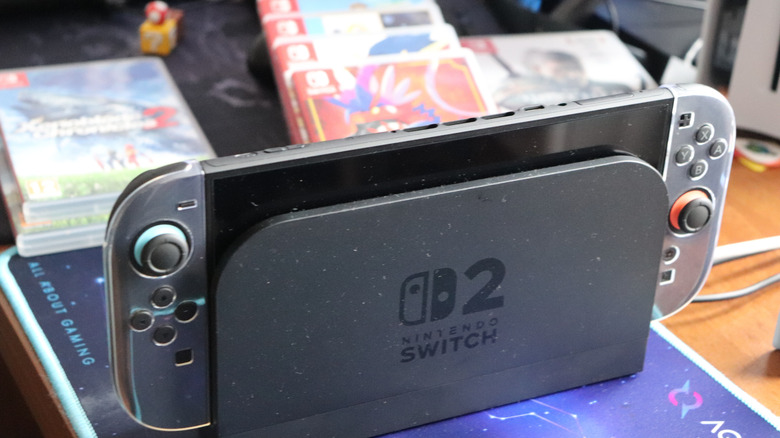
One of the most critical technical hurdles facing upgraders is backward compatibility regarding physical accessories. Owners of the original Nintendo Switch might naturally assume they can simply eject the microSD card from their legacy hardware and insert it into the Switch 2.
Unfortunately, this is not possible.
The Technical Necessity of microSD Express
The Nintendo Switch 2 requires a specific, advanced tier of memory known as microSD Express.
- What to look for: Consumers must verify that prospective purchases explicitly feature the word "Express" and/or the official "EX" logo on the packaging or product specifications.
- A Crucial Warning: Buyers must exercise caution not to confuse "Express" with SanDisk’s popular "Extreme" branding. While "Extreme" cards offer high speeds for standard UHS-I applications, they do not utilize the PCIe/NVMe-based microSD Express architecture required by the new console.
The sole utility for a legacy microSD card from an original Switch is transferring saved screenshots and video captures to the Switch 2’s internal memory during the initial setup migration. Old cards cannot be used to store games, application data, or save files on the new hardware.
Management Best Practices and System Restrictions
Nintendo has implemented specific software architectures regarding how data is handled on the Switch 2:
- Save Data Isolation: Game save data remains strictly housed within the Switch 2’s internal memory. It cannot be copied, moved, or stored directly onto a microSD Express card.
- Single-Card Philosophy: Nintendo strongly recommends utilizing a single, high-capacity microSD Express card rather than swapping multiple cards in and out. Software data stored across multiple separate cards cannot later be combined into a single repository.
- Future-Proofing Upgrades: While you can easily migrate all data from a smaller card to a larger one using a computer or transfer utility down the line, the system architecture is deliberately designed to discourage the constant hot-swapping of memory cards.
Future Outlook: The Digital Frontier for Nintendo Players
As the gaming industry marches deeper into an era dominated by digital distribution, patch culture, and massive content updates, storage management has transitioned from an administrative footnote into a core component of the user experience.
The Nintendo Switch 2 bridges the gap between traditional console gaming and modern high-end performance, but it forces players to confront the physical realities of data density. While Nintendo’s first-party titles remain marvels of compression and optimization, the reliance on third-party AAA multi-platform releases ensures that internal storage limits will be tested early and often.
For the modern Switch 2 owner, investing in a high-quality, appropriately sized microSD Express card is no longer an optional accessory for power users—it is an essential foundational purchase. By carefully evaluating personal gaming habits—balancing physical versus digital preferences and sizing up libraries before buying—players can future-proof their hardware and ensure that the transition into Nintendo’s next generation remains seamless, uninterrupted, and fully immersive.