Executive Overview
For millions of commuters worldwide, the daily routine begins with a familiar ritual: turning the ignition key, waiting for the dashboard electronics to boot up, and bracing for an unexpected sonic ambush. Whether it is an abruptly resumed true-crime podcast, a jarringly loud death metal track, or an embarrassing audiobook playing at full blast before the vehicle even leaves the driveway, Android Auto’s aggressive autoplay feature has long been a source of universal frustration.
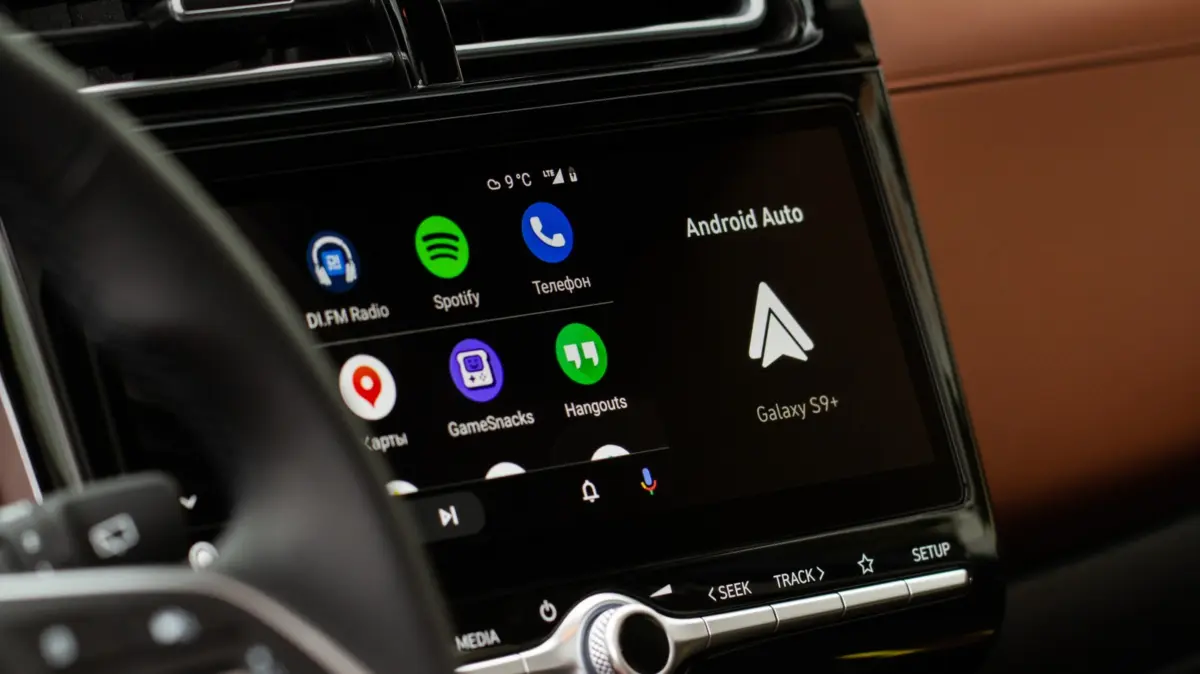
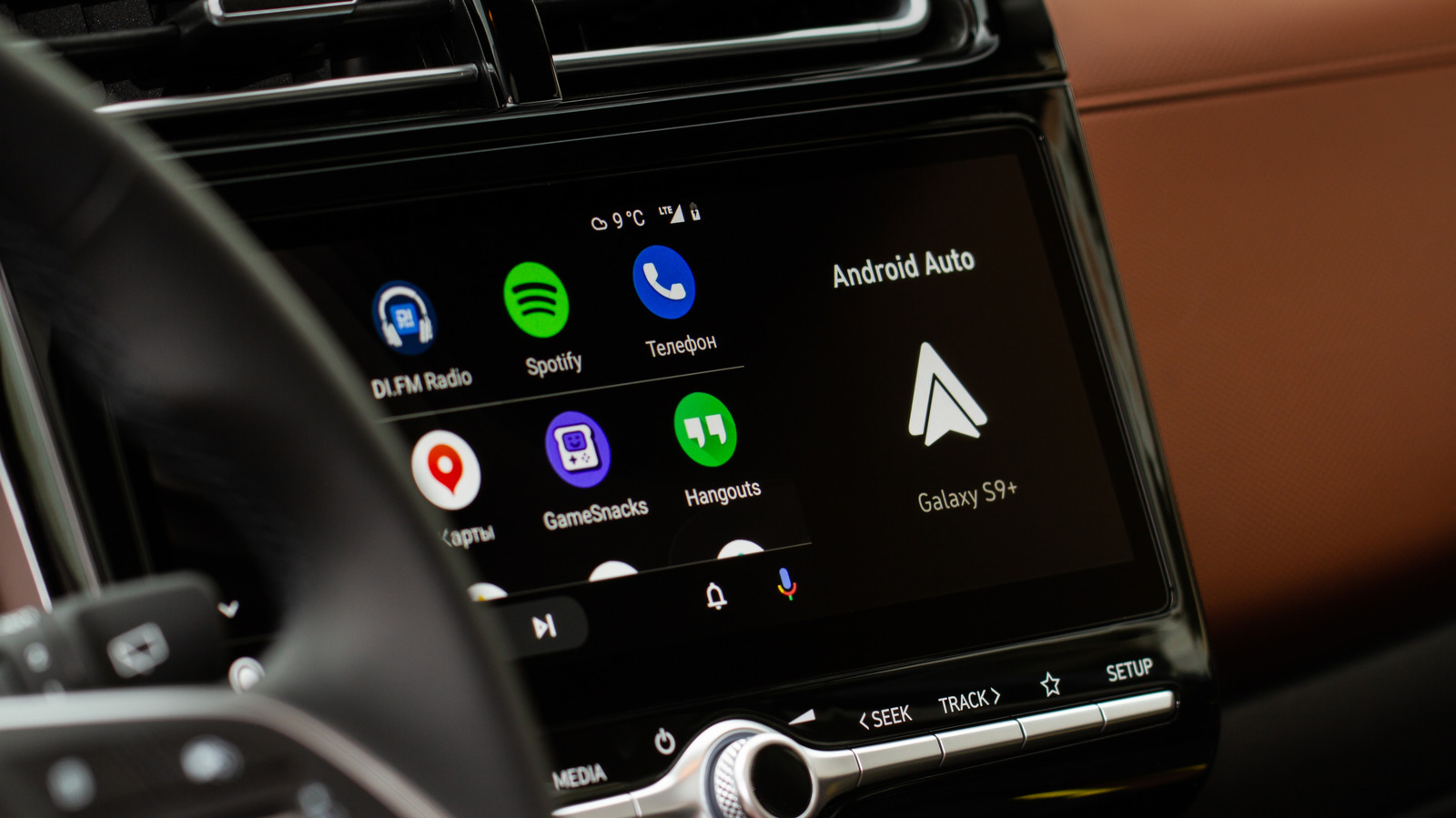
The moment a smartphone establishes a connection with a vehicle’s infotainment system—via a direct USB cable or a seamless wireless handshake—the platform historically defaults to reviving the last active media session. For years, silencing this unsolicited audio required an annoying combination of workaround apps, third-party settings adjustments, and endless troubleshooting. While Google has since introduced native controls to streamline the process, a complex web of Bluetooth protocols, third-party app behaviors (most notably from streaming giant Spotify), and fragmented hardware ecosystems means that the issue continues to plague drivers.
This investigative report examines the root causes behind Android Auto’s autoplay behavior, provides a definitive, step-by-step methodology for reclaiming control of your vehicle’s audio environment, and explores why modern in-car connectivity remains plagued by persistent software glitches.
Detailed Chronology: The Evolution of In-Car Autoplay and User Frustration
To understand why unwanted music playback continues to haunt drivers, one must examine the evolution of connected car ecosystems over the last decade.
The Early Days of Smartphone-to-Dash Integration
When smartphone projection systems like Android Auto and Apple CarPlay first emerged, they were designed to mirror the mobile experience as closely as possible. The prevailing philosophy among software developers at the time was continuity: if a user was listening to a track on their headphones while walking to their car, the system assumed they wanted that exact listening experience to seamlessly transition to the vehicle’s high-fidelity speakers.
However, this design philosophy failed to account for real-world nuances. Unlike a pair of Bluetooth headphones—where putting them on implies an immediate readiness for audio—stepping into a vehicle often involves passengers, children, phone calls, or simply a desire for a few moments of silent reflection before navigating heavy traffic.
The Rise of Community Backlash (2022–Present)
By 2022, support forums hosted by Google, Reddit, and Spotify were inundated with complaints regarding forced media resumption. Threads concerning Spotify auto-launching upon vehicle startup grew exponentially, with thousands of users reporting that disabling generic device settings yielded zero results.
For years, the absence of a dedicated native toggle within Android Auto forced tech-savvy users to deploy aggressive workarounds. Some resorted to creating automated routines via apps like Tasker to kill audio streams upon Bluetooth connection. Others uninstalled media apps entirely or resorted to launching silent, placeholder audio files every time they started their vehicles.
The Introduction of Native Fixes
Recognizing the scale of the user friction, Google eventually introduced a dedicated setting designed to give drivers granular control over startup behavior. However, because the update rolled out gradually across different regions, Android versions, and OEM infotainment skins—ranging from Ford’s SYNC to Hyundai’s BlueLink—many users remained unaware that a solution was finally available within their device parameters.
Supporting Context & Metrics: The Mechanics of Modern Car Audio
Why is autoplay such a stubbornly difficult problem to solve? The answer lies in the intricate, often fragmented communication layers operating beneath the hood of modern vehicle technology.
[ Smartphone OS ]
       │
       ├─► Bluetooth Protocol (Initial Handshake & Call Routing)
       │
       ├─► Wi-Fi Direct (Wireless Android Auto Data Stream)
       │
       └─► Media Session API (Triggers Play/Resume Commands via Spotify, etc.)
The Dual-Nature of Wireless Connectivity
Modern wireless Android Auto does not rely on a single connection type. Instead, it utilizes a dual-layered approach:
- Bluetooth: Used primarily for the initial "handshake" between the phone and the vehicle, device pairing, and hands-free phone call routing.
- Wi-Fi: A high-bandwidth Wi-Fi Direct connection is spun up automatically to handle heavy data streaming, mapping, and UI projection.
Because Bluetooth remains active in the background for call management, it frequently transmits device status updates and "media button" commands. When a car stereo powers on, it may inadvertently broadcast a global KEY_MEDIA_PLAY or resume command to the connected smartphone, triggering whichever media application was last in focus.
The Spotify Factor
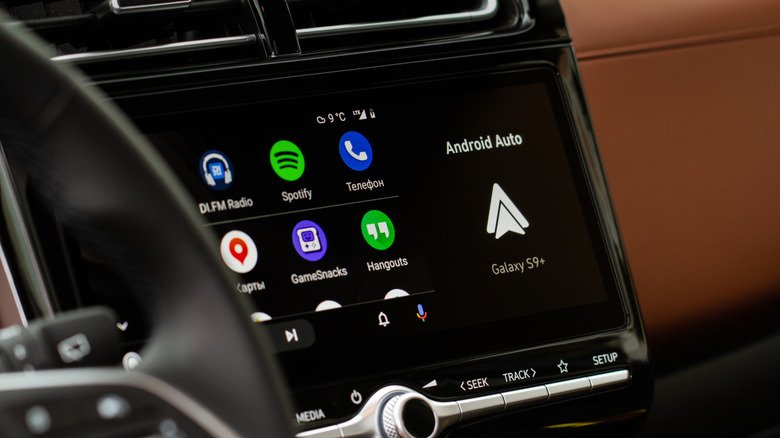
Among third-party applications, Spotify has historically been the primary offender in unsolicited autoplay reports. According to insights from audio app developers, Spotify’s API is engineered to maintain persistent background sessions across thousands of diverse hardware combinations—ranging from smartwatches and home speakers to automotive dashboards.
When Spotify receives an initialization trigger from an external accessory, its architecture often prioritizes immediate playback resumption unless explicitly blocked by system-level restrictions. Consequently, even when Android Auto is told to behave, Spotify’s internal design logic can sometimes override the command, leading to the frustrating phenomenon where music begins playing despite the user’s best preventive efforts.
Official Guidelines & Troubleshooting Methodology
Fortunately, resolving the autoplay issue has become significantly easier. Drivers dealing with unexpected audio blasts can follow a structured, multi-tier troubleshooting protocol to permanently silence the noise.
Step 1: Adjusting Android Auto’s Native Startup Settings
The most direct and effective fix is located within the core parameters of the Android Auto application itself.
- Unlock your Android smartphone and open your device Settings.
- Navigate to Connected devices (on some devices, this may be labeled Google Services or Advanced features depending on the manufacturer).
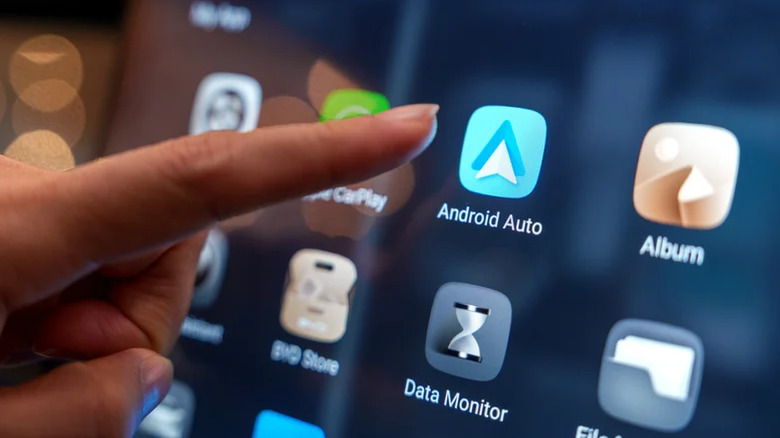
- Tap on Android Auto to open the platform’s dedicated configuration menu.
- Scroll down to locate the Startup section.
- Locate the toggle switch for Start music automatically.
- Switch this toggle to the Off position.
Note: If you cannot readily locate the menu through the standard settings path, simply open your device settings and type "Android Auto" into the universal search bar at the top of the screen.
For a vast majority of motorists, disabling this single toggle puts an immediate end to automated media resumption.
Step 2: Untangling Bluetooth Interference
If disabling the startup toggle fails to stop the audio, the root cause may lie at the hardware-to-Bluetooth interaction level rather than within Android Auto’s software layer.
Because vehicles often retain multiple Bluetooth profiles for a single smartphone (separating media audio from phone calls), ghost play commands can still pass through the legacy Bluetooth channel.
- The USB-Only Test: Remove your smartphone entirely from your car’s saved Bluetooth device list. If your vehicle and phone support a stable connection via a direct USB cable, test driving in a USB-only configuration can eliminate Bluetooth-based playback triggers.
- Clear Cache and Reset: Clearing the cache of both Android Auto and your primary streaming application (such as Spotify, YouTube Music, or Audible) can clear out corrupted session tokens that constantly request playback resumption.
Step 3: Managing App-Level Permissions and Removing Integrations
If all else fails, users must weigh convenience against annoyance regarding specific apps.
- Revoke Background Activity: Restricting background data and battery usage for streaming apps via your phone’s app info settings can prevent them from waking up in anticipation of a drive.
- The Nuclear Option: If a specific application refuses to cooperate, you can remove it from your Android Auto app launcher entirely. While this means you will no longer be able to control that specific app directly from your dashboard touchscreen, it guarantees that the app cannot hijack your vehicle’s audio system upon ignition.
Future Outlook: What Lies Ahead for In-Car UX
As automotive software continues to mature, the promise of a truly seamless, non-intrusive user experience remains a primary goal for tech giants and automakers alike.
Google, Apple, and automotive manufacturers are heavily investing in next-generation infotainment architectures—such as Android Automotive OS (embedded directly into the vehicle’s hardware rather than projected from a phone)—which aim to provide deeper, more unified control over cabin environments. These advanced systems promise finer management of audio focus, allowing navigation prompts, phone calls, and media streams to coexist without fighting for auditory dominance.
Until these deeply integrated architectures become standard across all vehicle tiers, however, drivers will continue to navigate a fragmented landscape of smartphone-to-dashboard connectivity. By taking advantage of newly introduced native toggles and understanding the underlying mechanics of Bluetooth and app APIs, motorists can finally take back control of their morning commutes—ensuring that the only sound when starting the engine is the quiet hum of the road ahead.