Executive Overview
Apple’s AirPods have long reigned supreme as one of the most culturally ubiquitous and technically refined lines of wireless earbuds on the market. From the original white stems that flooded city streets to the advanced, health-focused capabilities of modern iterations, AirPods are designed to offer a masterclass in frictionless hardware integration. However, that magic is strictly conditional.
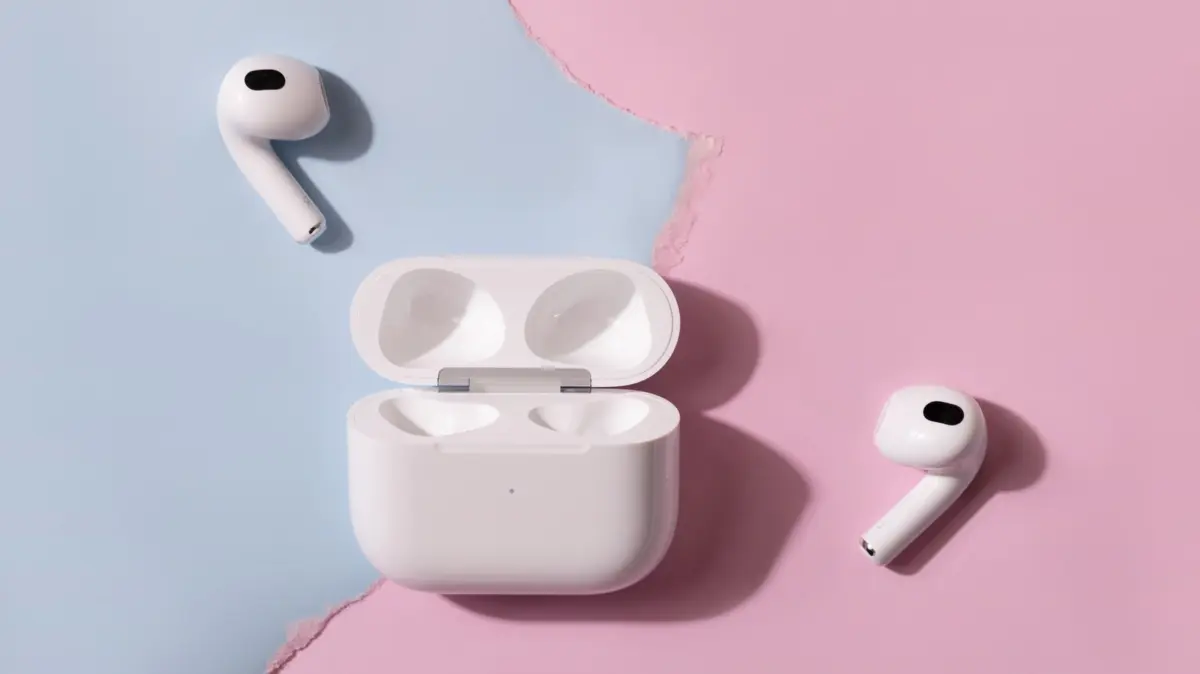
When you flip open an AirPods charging case next to an iPhone, a sleek card instantly slides onto the screen, displaying real-time battery levels for both the individual earbuds and the case itself, ready to pair with a single tap. Try that exact same gesture next to a flagship Samsung Galaxy device, and you are met with total silence. No pop-up cards, no automatic handshakes, and no immediate configuration menus.
While AirPods can technically pair with any Android phone, tablet, or laptop just like any standard Bluetooth peripheral, doing so strips the earbuds of the very intelligence that justifies their premium price tag. At $249, flagship models like the AirPods Pro cost the exact same as native ecosystem alternatives like Samsung’s Galaxy Buds Pro series. Yet, pairing Apple’s flagship hardware with an Android operating system reduces sophisticated, computational audio gear to little more than a basic pair of wireless drivers.
This deep-dive investigation examines the severe feature degradation users face when crossing ecosystem lines, why Apple’s proprietary software lock-in runs deeper than simple hardware incompatibility, the workarounds available to Android die-hards, and whether buying Apple earbuds for a non-Apple phone makes any economic or technical sense.
Detailed Chronology: The Evolution of Ecosystem Isolation
To understand how AirPods became so deeply intertwined with Apple’s hardware ecosystem, it is helpful to look back at how the product category evolved from a simple convenience accessory into a tightly integrated sensory platform.
Phase One: The Genesis of W1 and H1 Integration (2016–2019)
When Apple introduced the original AirPods alongside the iPhone 7, the removal of the headphone jack was met with widespread skepticism. Apple countered this consumer friction by introducing the W1 chip (later succeeded by the H1 chip). This proprietary silicon was engineered to solve the historical headaches of Bluetooth pairing. By moving the pairing handshake from the host device’s standard Bluetooth stack to a proprietary iCloud-linked protocol, Apple eliminated the need to hunt through menus.
However, this architecture fundamentally tied the earbuds to Apple’s iCloud accounts. On Android devices, the H1 chip’s advanced features—such as fast-switching between an iPad and a Mac—were rendered entirely inert. Users were forced to treat the AirPods as generic Class 2 Bluetooth devices, completely bypassing the proprietary handshake protocols.
Phase Two: The Feature Expansion Era (2020–2023)
As Apple expanded the AirPods lineup to include the AirPods Max and successive generations of the AirPods Pro, the feature set evolved far beyond basic audio playback. The introduction of Spatial Audio with dynamic head tracking, adaptive noise cancellation, conversation awareness, and automatic ear detection shifted AirPods from passive listening devices into active, sensor-laden wearables.
Crucially, Apple tethered all of these processing-heavy features to the host device’s operating system. Spatial Audio calculations, for instance, rely heavily on the sensor data transmitted between the iPhone’s gyroscope and the earbud’s internal accelerometers. Without iOS managing that telemetry data stream, the feature simply cannot function.
Phase Three: Health, AI, and Modern Barriers (2024–Present)
In recent generations, AirPods have crossed the threshold from audio gear into personal health devices. Modern models feature clinical-grade hearing tests, built-in hearing aid capabilities, continuous heart rate monitoring, and AI-driven Live Translation processing powered by Apple Intelligence.
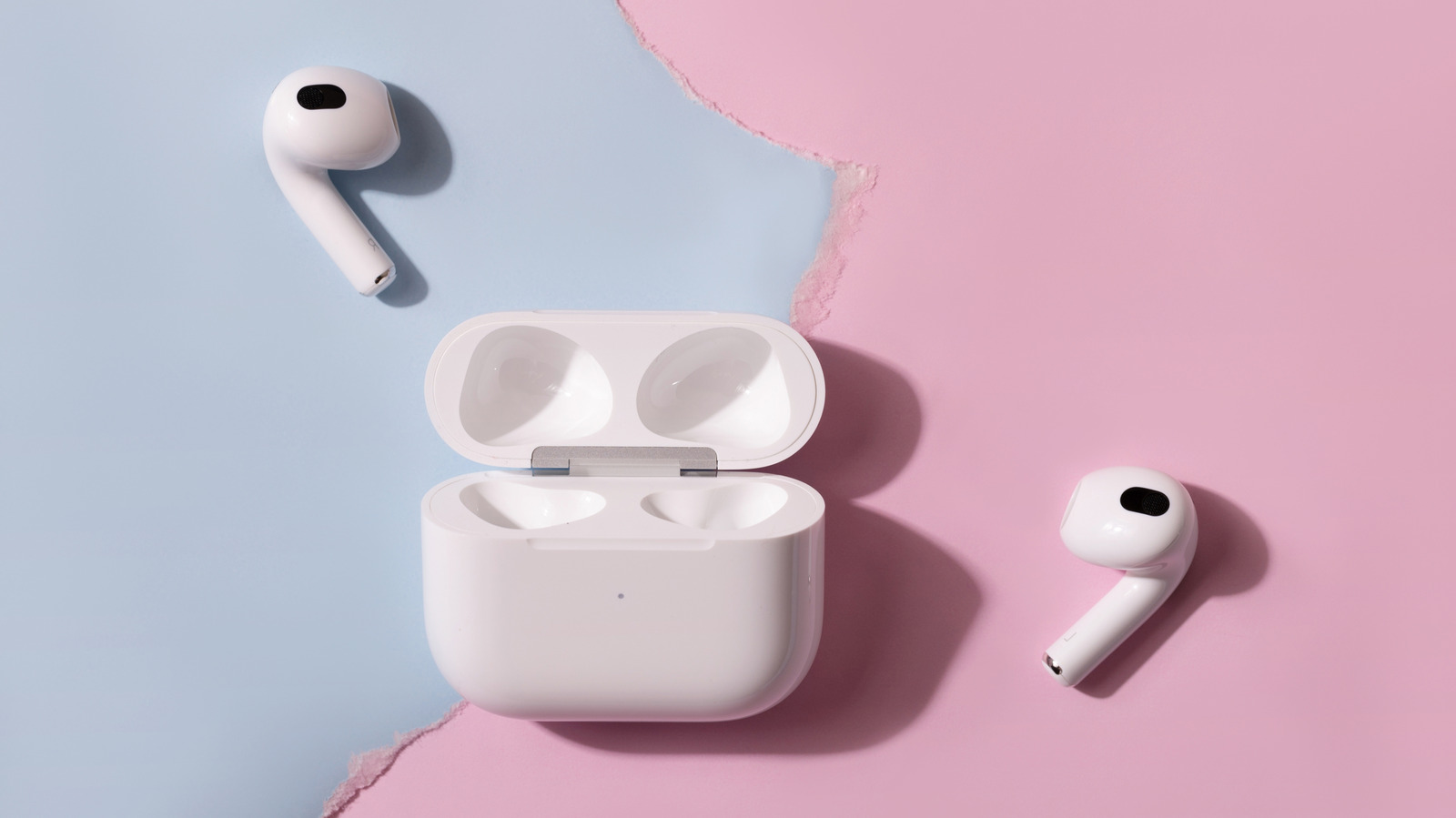
These advanced tools require massive computational overhead and direct integration with software frameworks like Apple Health and Apple Intelligence. Consequently, using modern AirPods with a Samsung Galaxy or Google Pixel phone today means missing out on the very innovations that separate these high-end earbuds from budget alternatives.
Supporting Context & Metrics: The Anatomy of a Compromise
When an Android user pairs an Apple AirPods case to their phone via standard Bluetooth settings, a precise cascade of lost functionality occurs. The gap between an iOS experience and an Android experience can be categorized across core performance metrics: connectivity, acoustic customization, firmware maintenance, and device tracking.
1. Connectivity and the Multi-Point Mirage
One of the most frustrating compromises for Android users is the loss of Apple’s seamless device switching. Apple achieves this by tying the AirPods to your Apple Account (formerly Apple ID). If you are listening to music on your Mac and a call comes in on your iPhone, the AirPods seamlessly switch audio sources.
Android users have no equivalent ecosystem-wide routing unless they rely on third-party apps with mixed reliability. Furthermore, because Apple utilizes its proprietary account-syncing architecture rather than standard Bluetooth Multipoint, AirPods cannot maintain simultaneous, active dual-connections to non-Apple hardware. If you are connected to your Windows laptop and want to answer a call on your Samsung phone, you must manually disconnect and reconnect via the Bluetooth settings menu.
2. Audio Codec Bottlenecks and Sound Quality
Sound quality is another area of uncertainty. AirPods stream audio over Bluetooth using the Advanced Audio Coding (AAC) codec. While iOS devices are heavily optimized to encode and transmit AAC efficiently, many Android operating systems historically struggled with AAC implementation, leading to higher latency and degraded audio fidelity compared to using the same earbuds with an iPhone. While modern Android builds have largely improved their handling of AAC, they still cannot leverage high-resolution, proprietary codecs like Samsung’s Scalable Codec or Sony’s LDAC, which are natively supported by competing earbuds.
3. Feature Loss Matrix
| Feature | Functionality on iOS / Apple Device | Functionality on Android (Out of the Box) |
|---|---|---|
| Initial Pairing & Battery Pop-Up | Instant graphical card with case/earbud levels | None (Manual Bluetooth discovery required) |
| Customizing Stem Controls | Fully configurable via native Settings menu | Completely unavailable (Default settings only) |
| Ear Detection (Auto Pause/Play) | Instantaneous and reliable | Non-functional |
| Spatial Audio & Head Tracking | Fully supported with dynamic adjustments | Inactive |
| Adaptive Audio & Transparency Modes | Managed via control center / settings | Retains last-used hardware state (Noise cancellation usually works, but cannot be fine-tuned) |
| Health Features (Hearing Test, Heart Rate) | Fully integrated into Apple Health / Fitness | Inaccessible |
| AI Processing (Live Translation) | Supported via Apple Intelligence (iPhone 15 Pro+) | Inaccessible |
| Firmware Updates | Automatic via Wi-Fi connected Apple devices | Requires an Apple device or physical trip to an Apple Store |
| Find My Network Integration | Full global tracking and location pinging | Limited to basic web browser pings (if previously paired) |
Official Statements and Industry Insights
The deliberate friction between Apple’s accessories and third-party operating systems has long been a subject of scrutiny within the tech industry.
Apple’s official documentation acknowledges these limitations with stark simplicity, routinely noting that while users can "listen and talk" with non-Apple devices, advanced configuration options require an Apple ecosystem host. Apple representatives have consistently framed these software-locked capabilities not as artificial restrictions, but as necessary architectural dependencies required to achieve ultra-low latency, seamless handoff, and secure biometric health data processing.
Audio engineers and testing organizations, however, view the situation through a more pragmatic lens. SoundGuys, a prominent audio testing publication, has extensively evaluated AirPods operating outside the iOS ecosystem. Their testing confirms that while baseline acoustic performance—such as frequency response and active noise cancellation (ANC) strength—remains largely consistent because the core DSP (Digital Signal Processing) hardware lives inside the earbuds themselves, the user experience is fundamentally hobbled.
Conversely, industry competitors are quick to point out the advantages of staying within a unified hardware family. Samsung executives have frequently emphasized that their own flagship audio products, such as the Galaxy Buds Pro line, achieve their "full potential" only when paired with a Galaxy smartphone. Samsung’s ecosystem offers high-bitrate 24-bit audio, custom low-latency codecs, and seamless auto-switching—benefits that mirror Apple’s strategy of incentivizing brand loyalty through hardware synergy.
The Android Counter-Offensive: Third-Party Workarounds
Android users who find themselves gifted a pair of AirPods—or who simply prefer the physical design of Apple’s hardware over competing options—are not entirely without recourse. Over the years, the Android developer community has engineered clever software workarounds to claw back some lost functionality.
Bridging the Gap: CAPod and LibrePods
Free and open-source applications available on the Google Play Store have transformed how AirPods interact with Android operating systems:
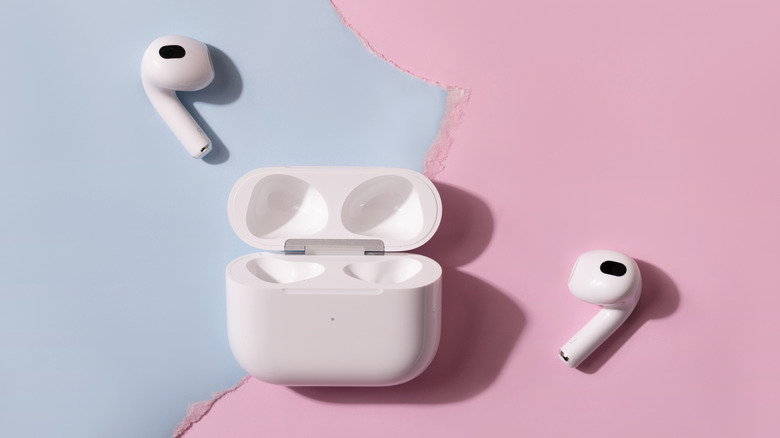
- CAPod: This utility brings a semblance of the iconic Apple battery pop-up animation to Android screens. By leveraging Bluetooth Low Energy (BLE) beacon broadcasts from the AirPods case, CAPod can display individual battery percentages for the left bud, right bud, and charging case whenever the lid is opened. It can also emulate automatic ear detection to pause or resume media playback.
- LibrePods: An advanced open-source project that pushes Android-AirPods integration even further. LibrePods unlocks deep customization options, allowing users to toggle noise control modes, configure conversation awareness, adjust head gestures, and modify long-press stem actions. While early iterations of these apps required deep system-level modifications (rooting the phone), recent updates to Android operating system permissions have allowed these tools to run smoothly on modern flagship hardware running recent One UI software updates.
The Firmware Trap
Despite these impressive software band-aids, one insurmountable hurdle remains: firmware updates.
Apple delivers firmware updates to AirPods silently and automatically in the background, but only while the earbuds are charging and within Bluetooth and Wi-Fi range of an active Apple host device (iPhone, iPad, or Mac).
Apple maintains an Android companion app for its Beats headphone lineup—allowing Android users to update firmware and customize settings for Beats-branded hardware—yet no such application exists for AirPods. If an AirPods model ships with outdated firmware containing critical security patches or audio calibration fixes, an Android-exclusive user has no digital mechanism to update them. Apple’s official troubleshooting guidance for this scenario is remarkably blunt: users without an Apple device must visit an Apple Store or an Apple Authorized Service Provider in person to have their earbuds updated by a technician.
Future Outlook: Will Ecosystem Walls Crumble?
As global regulators increasingly scrutinize big tech ecosystems for anti-competitive behavior, the walled gardens surrounding consumer hardware are facing mounting pressure. Antitrust investigations in the European Union and the United States are actively examining how dominant tech platforms leverage proprietary software hooks to disadvantage competing hardware.
However, true interoperability between AirPods and Android remains unlikely in the near term. The deep integration of artificial intelligence processing (such as on-device translation models) and biometric sensor data (heart rate tracking and clinical hearing aids) requires rigorous security frameworks and proprietary software pipelines that Apple is unlikely to open source for rival platforms.
For the average consumer shopping for a new audio setup, the calculus is clear: buying a $249 pair of AirPods to use exclusively with a Samsung Galaxy or Google Pixel phone is an exercise in compromise. You pay top-tier flagship prices while forfeiting half the feature set, sacrificing firmware longevity, and abandoning seamless device management.
Ultimately, while third-party apps can bandage the user experience, AirPods remain fundamentally optimized as an extension of the iPhone. If you live in the Android ecosystem, your money is undeniably better spent on native alternatives that treat your phone as the primary hub rather than an unwelcome guest.