Executive Overview
In an era where the gaming monitor market is increasingly dominated by ultra-expensive, spec-sheet-padding flagships laden with unnecessary RGB lighting, massive power draws, and eye-watering price tags, Gigabyte is pivoting toward minimalism. The Gigabyte GO27Q24A represents a concerted effort to strip away the expensive, under-utilized bells and whistles—such as integrated KVM switches, complex USB hubs, and ostentatious "gamer-centric" plastic shrouds—to focus entirely on what matters most: raw visual performance and responsiveness.
Priced competitively at an MSRP of $450 (with aggressive promotional windows dropping it as low as $299 on platforms like Newegg), this 27-inch display utilizes a cutting-edge Samsung QD-OLED panel. It offers a 1440p resolution, a blazing-fast 240Hz refresh rate, and an instantaneous 0.03ms pixel response time. Yet, achieving this price point requires strategic compromises. Peak fullscreen brightness tops out at a modest 200 nits (reaching up to 400 nits in peak HDR windows), text clarity suffers slightly under prolonged office workflows due to subpixel layouts, and peripheral connection options are sparse.
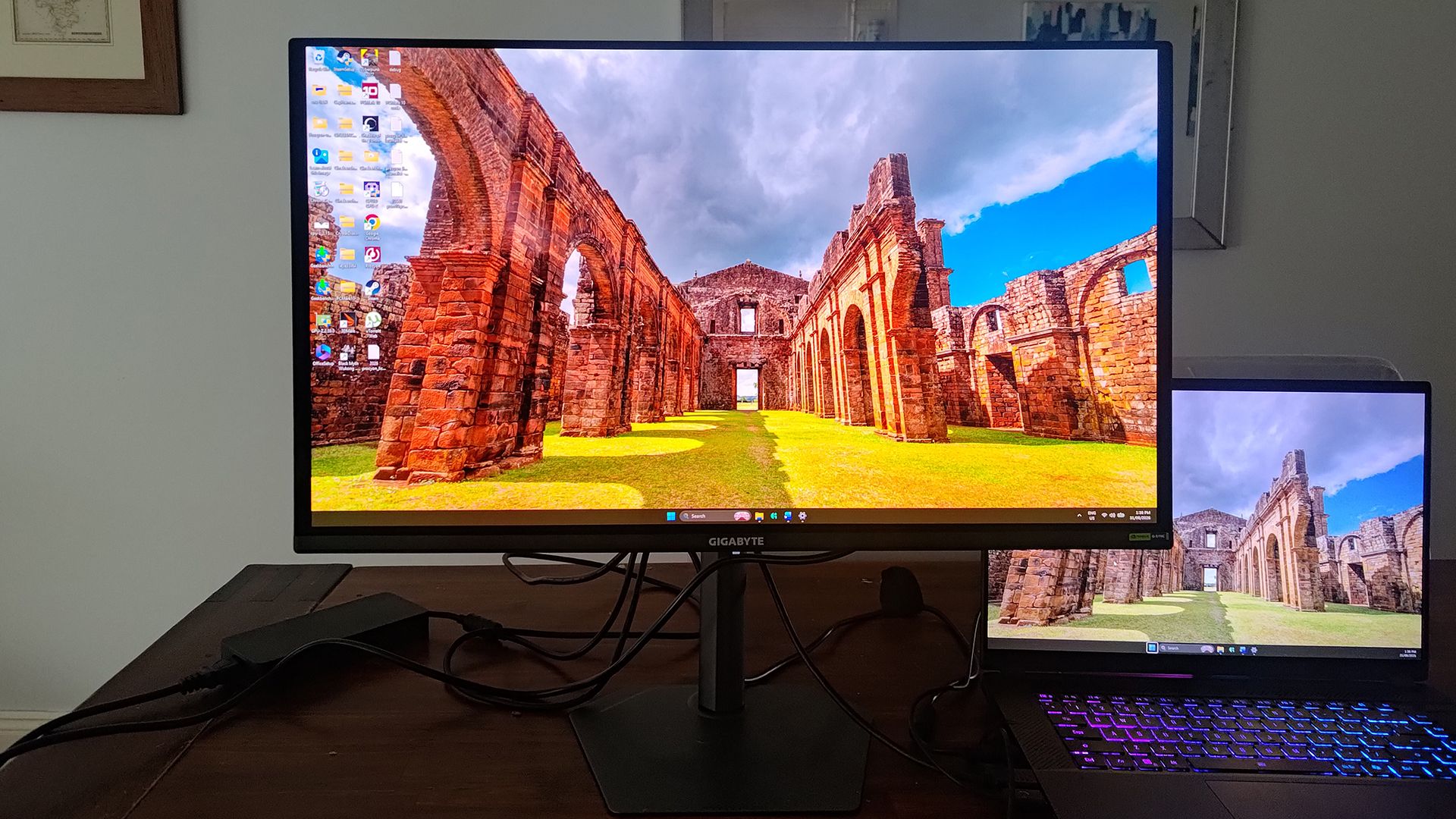
For purist gamers seeking true-black contrast, vibrant DCI-P3 color reproduction, and buttery-smooth motion handling without breaking the bank, the GO27Q24A is a compelling proposition. However, office workers and spreadsheet-heavy multitaskers will find its compromises a bridge too far.
Detailed Chronology & Hardware Anatomy
Design Philosophy: Form Follows Function
Unboxing and assembling the GO27Q24A immediately reveals Gigabyte’s cost-containment strategy, paired with surprisingly premium ergonomic inheritances. The packaging is utilitarian, containing only a basic cable-management clip, a power brick, and a DisplayPort 1.4 cable—though one could argue that an HDMI 2.1 cable would offer more universal utility out of the box.
Assembly is entirely tool-free. The metal stem securely clips onto the rear of the chassis, while the base secures via a single captive thumbscrew. Notably, Gigabyte has reused the solid, small-footprint stand and fully articulated stem found on its much more expensive sibling models. This means users do not sacrifice physical adjustability for a lower price point. The monitor grants:
- Tilt: -5° to +21°
- Swivel: ±15°
- Pivot: 90° (allowing vertical orientation)
- Height Adjustment: 13 cm of vertical travel
The small footprint is particularly beneficial for competitive players who prefer to sit exceptionally close to the glass, granting ample desk space for sweeping mouse and keyboard movements.
Connectivity and the Cost-Cutting Measures
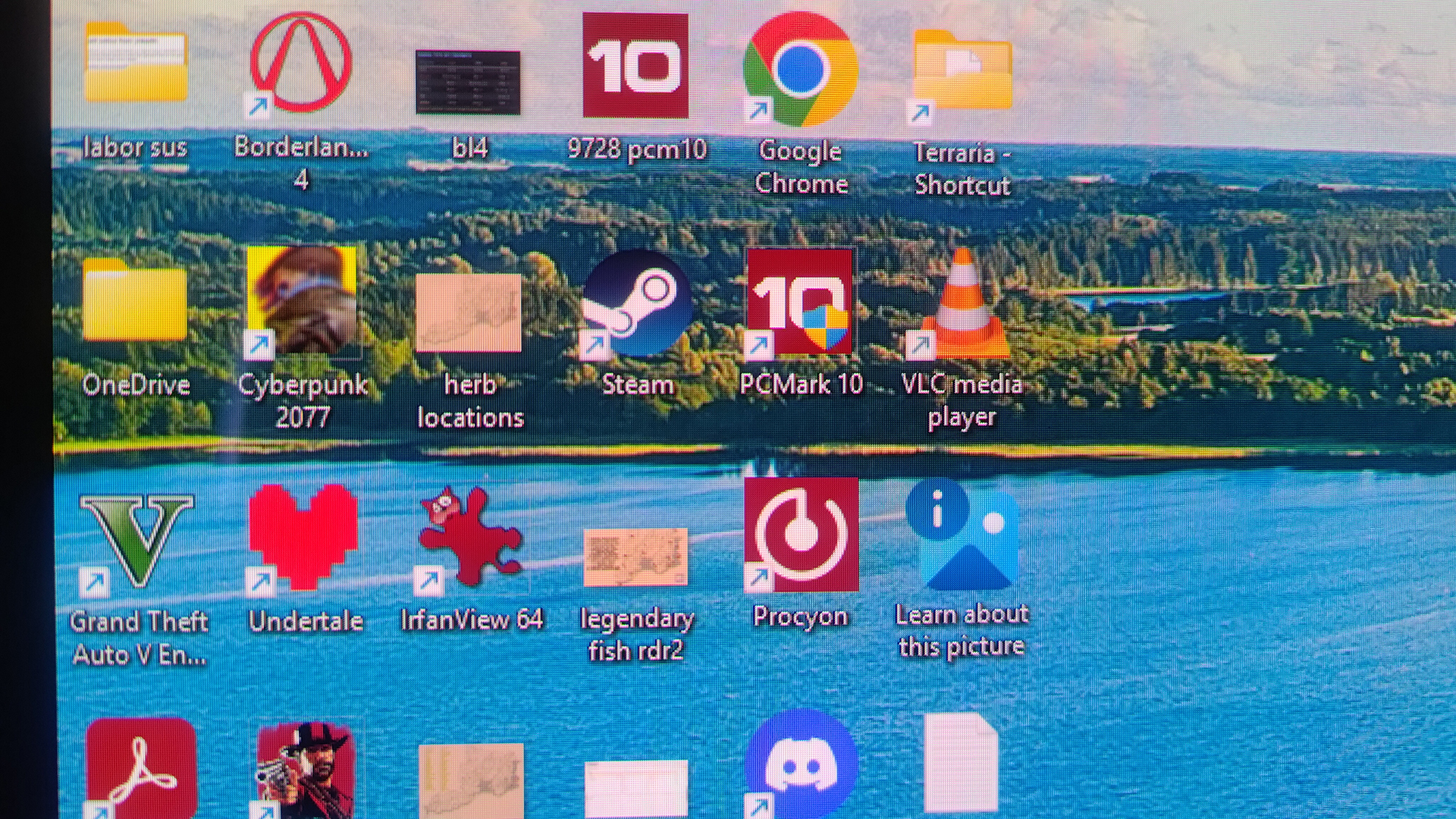
To keep manufacturing costs low, the I/O panel has been heavily pruned. Users will search in vain for USB-C connectivity, an integrated KVM switch, or optical audio outputs. Instead, the back panel houses:
- 2x HDMI 2.1 ports
- 1x DisplayPort 1.4
- 1x 3.5mm audio jack
There is no ambient RGB lighting on the chassis, reinforcing the monitor’s austere, no-nonsense aesthetic.
Panel Technology: Inside the Samsung QD-OLED Glass
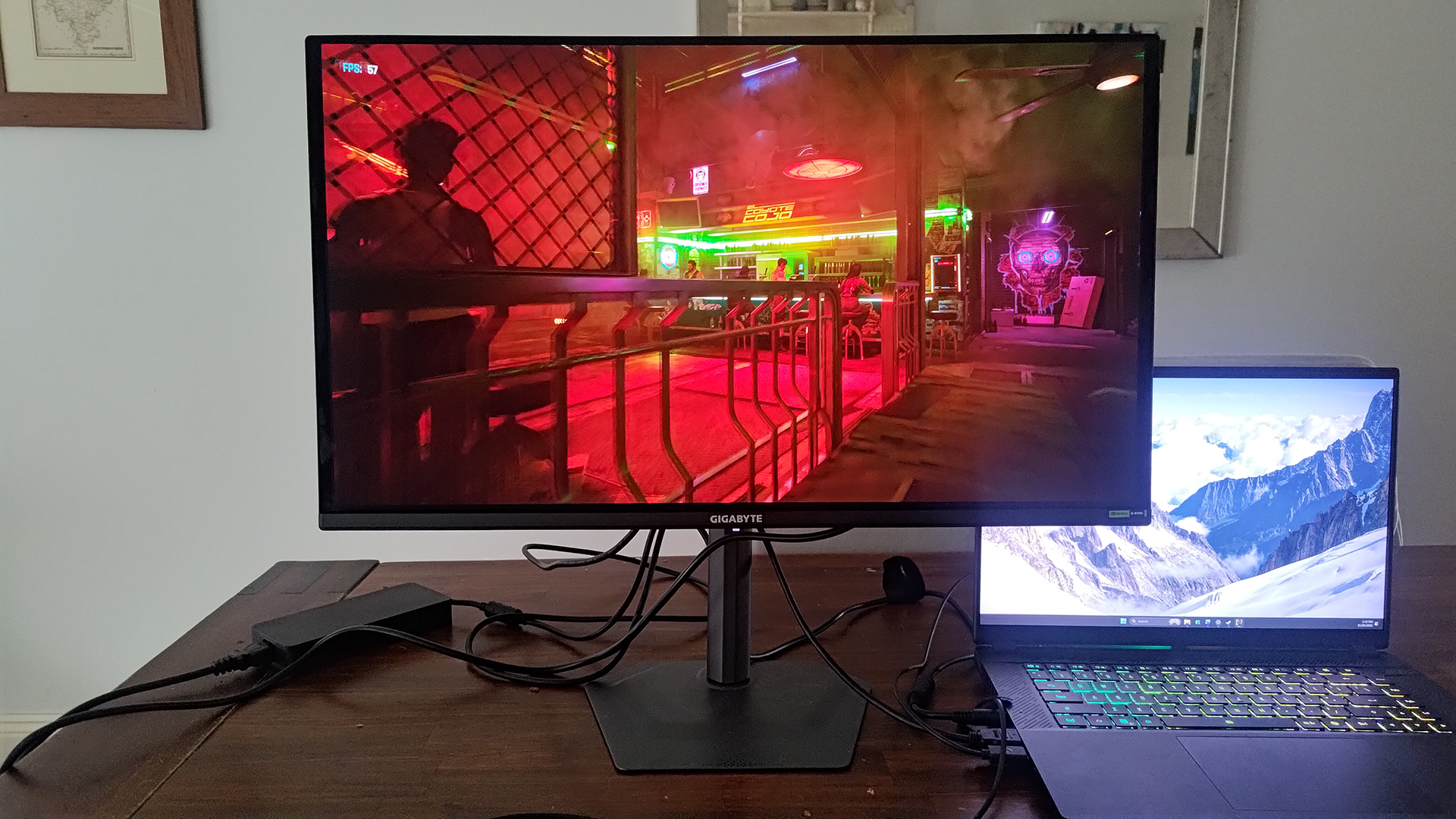
At the heart of the GO27Q24A lies a Samsung Quantum Dot OLED panel (widely understood to be a Gen 3 iteration). This substrate boasts the characteristic OLED traits: pixel-level illumination resulting in a staggering 1:1,500,000 contrast ratio and a 0.03ms grey-to-grey response time.
Color coverage is equally impressive, hitting 99% of the demanding DCI-P3 color gamut. This makes it a viable candidate for content creators and digital artists who value color accuracy. However, the panel’s standout specification—and its primary point of compromise—is its brightness. While luxury OLED panels routinely chase 1,000+ nits of peak brightness, the GO27Q24A is limited to a fullscreen brightness of 200 nits, peaking at 400 nits under HDR conditions (complying with DisplayHDR TrueBlack 500 standards).
Supporting Context & Metrics
| Specification | Gigabyte GO27Q24A Details |
|---|---|
| Screen Size | 27-inch |
| Native Resolution | 2560 x 1440 (QHD) |
| Panel Type | Samsung QD-OLED (Gen 3) |
| Refresh Rate | 240Hz |
| Response Time | 0.03 ms (GtG) |
| Contrast Ratio | 1,500,000:1 |
| Color Gamut | 99% DCI-P3 |
| Fullscreen Brightness | 200 nits (400 nits peak HDR) |
| Adaptive Sync | Nvidia G-Sync Compatible, AMD FreeSync Premium, VRR |
| Connectivity | 2x HDMI 2.1, 1x DisplayPort 1.4, 3.5mm Audio |
Gaming Performance: Where the Monitor Shines
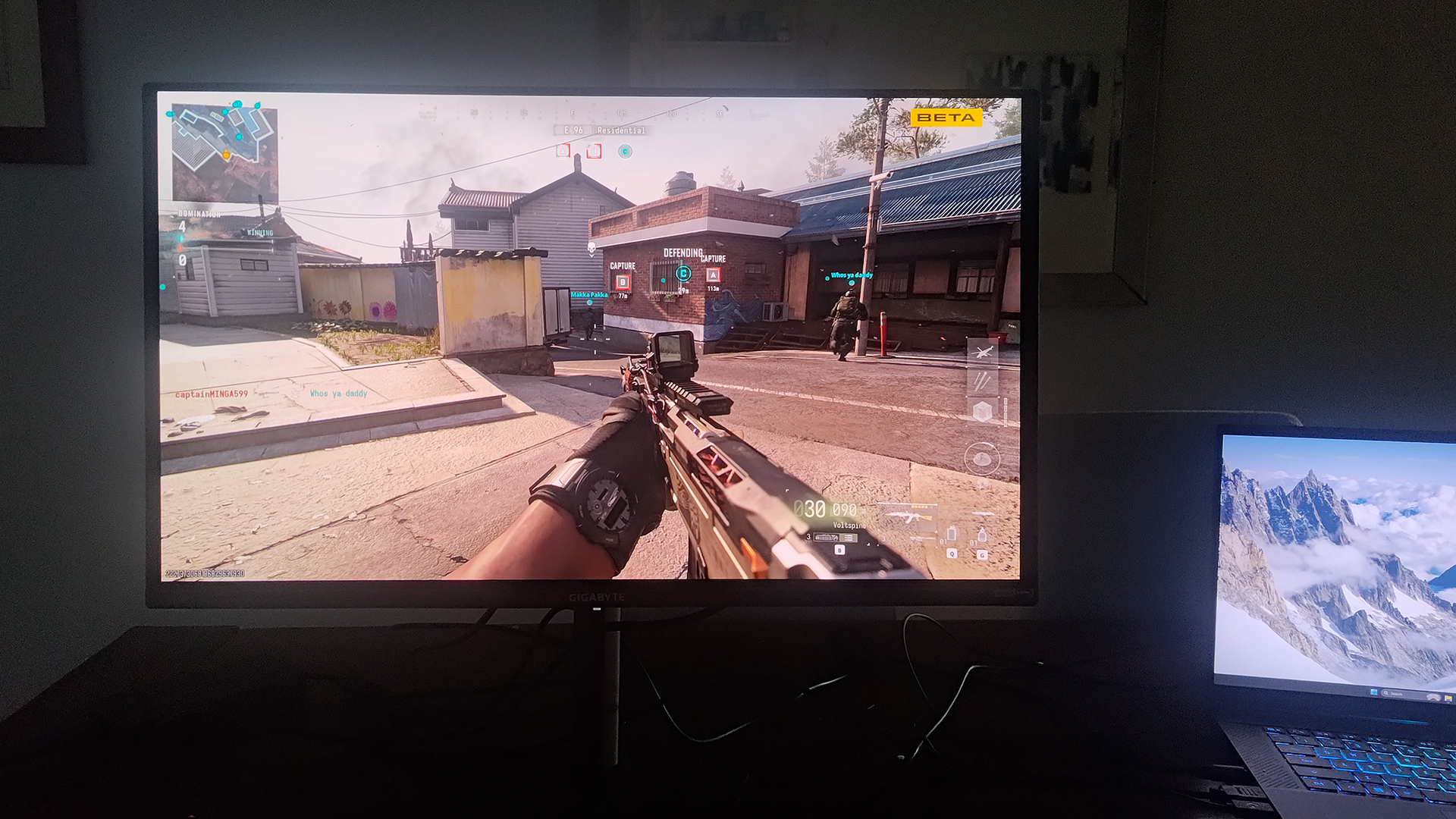
When deployed in a gaming environment, the GO27Q24A punches well above its weight class. The combination of a 240Hz refresh rate and a 0.03ms response time means motion blur is practically non-existent. Fast-moving objects remain crisp and legible, a metric that will satisfy all but the most uncompromising elite eSports professionals.
Variable Refresh Rate (VRR) technologies, including Nvidia G-Sync compatibility and AMD FreeSync Premium, work seamlessly to eliminate screen tearing while mitigating the luminance flickering that sometimes plagues OLED panels during framerate drops.
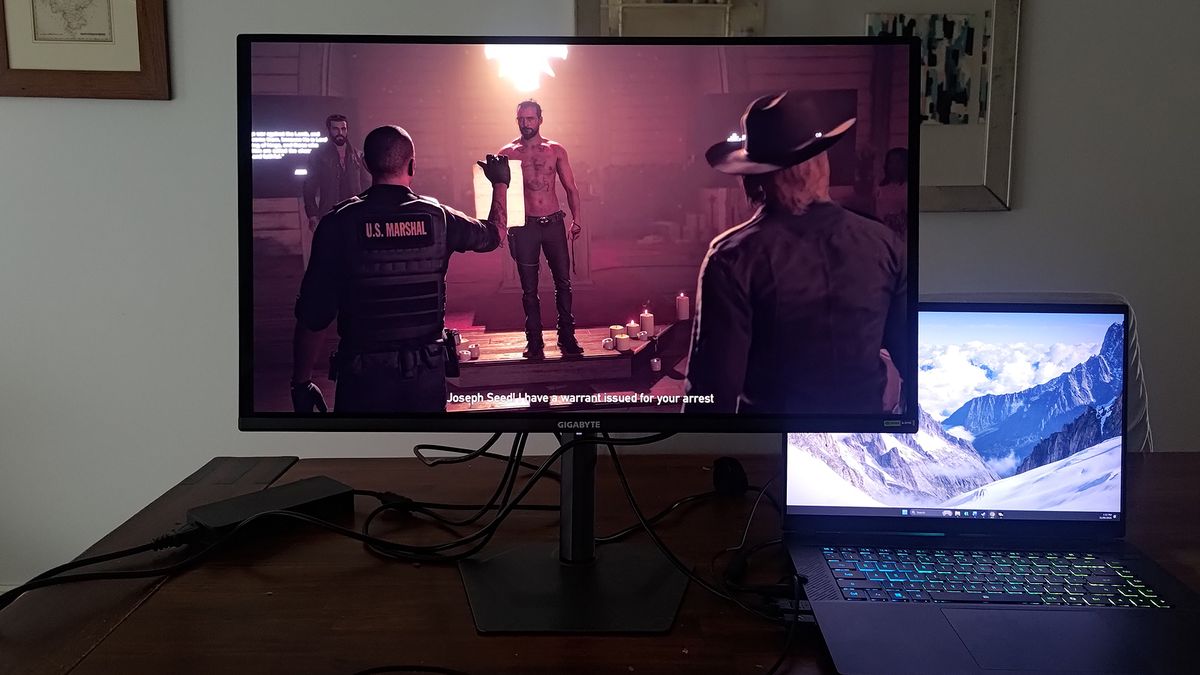
Because the peak brightness is intentionally constrained, HDR can be left permanently enabled without causing eye fatigue during long gaming sessions. The infinite contrast of the OLED panel ensures that dark dungeon corridors reveal hidden details without washing out bright explosions or laser fire. Highlights retain nuance, though exceptionally bright scenes can occasionally clip details due to the panel’s luminance ceiling—a limitation shared by many first-generation and mid-tier OLED displays.
The Office Work Caveat
While the 27-inch 1440p canvas provides plenty of physical screen real estate for multitasking and opening windows side-by-side, text clarity remains a known hurdle for QD-OLED panels utilizing alternative subpixel layouts. Text can appear slightly "spidery" or fringed when viewed closely. Combined with the semi-gloss, anti-reflective coating—which performs admirably in controlled lighting but transforms the screen into a mirror under bright office overhead lights—the GO27Q24A is poorly suited for all-day spreadsheet work or heavy text editing.
Official Features & Tactical Enhancements
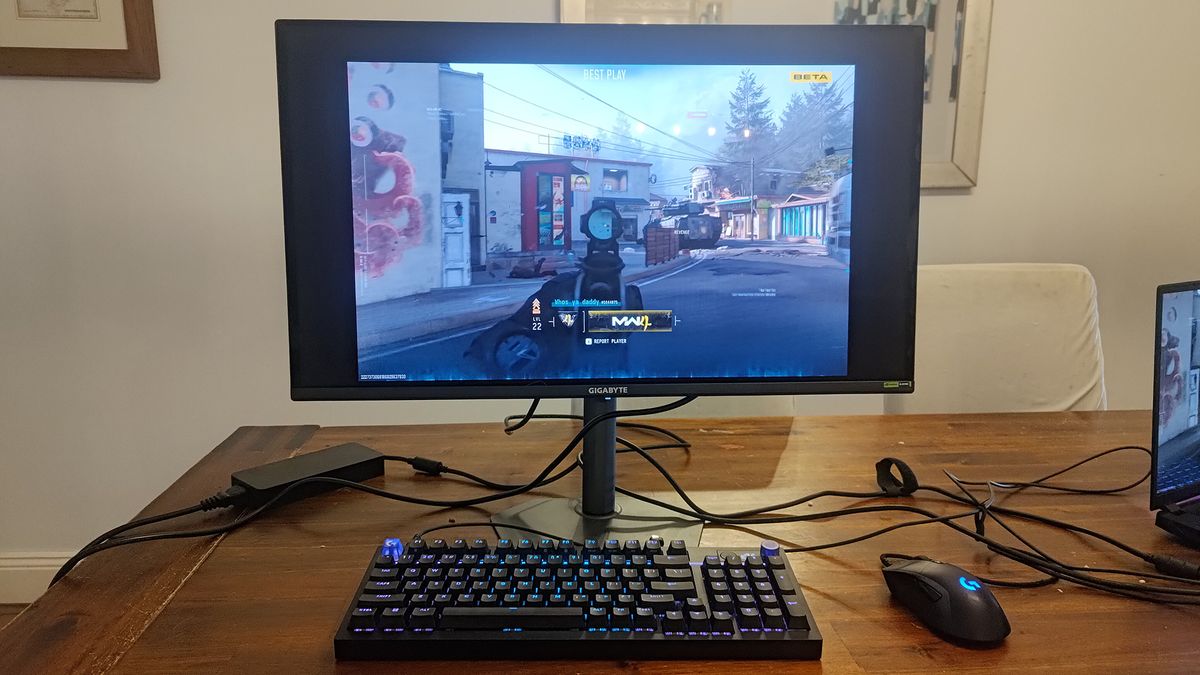
Navigating the On-Screen Display (OSD) is handled via a tactile joystick located on the rear right of the monitor, complemented by a dedicated "Tactical Switch" just beneath it. Gigabyte has packed the firmware with a suite of gamer-centric enhancements, though their utility varies wildly:
- Tactical Switch & Resolution Scaling: The standout firmware feature allows users to simulate smaller display sizes with a single button press. Competitive shooters who prefer a tighter field of view can instantly shift the display mode to 1920×1080 (16:9), 1280×960 (4:3), 1024×768 (4:3), or 1280×1024 (5:4), effectively scaling the view down to a 24-inch equivalent without altering physical distance or dropping frames.
- AI Black Equalizer & Night Vision: AI Black Equalizer artificially brightens deep shadows to flush out camping opponents, though it noticeably degrades overall contrast. Night Vision applies a green military-style tint for atmospheric immersion.
- Eagle Eye & Crosshairs: Eagle Eye magnifies the center of the screen, acting like a rudimentary sniper scope. While improved over previous generations, it still feels like an artificial overlay rather than an organic tool. Static and customizable crosshairs, meanwhile, remain stable and do not drift when operating the OSD joystick.
- OLED Care & Thermal Longevity: To combat burn-in, the OSD features automated and manual pixel-cleaning cycles that refresh pixel states and scan for static UI elements. This software suite is backed by a robust, fan-less cooling architecture utilizing custom heat-flow channeling, a dedicated heatsink, and a graphene film layer. Gigabyte reinforces this hardware safety net with a comprehensive three-year warranty that explicitly covers burn-in.
Future Outlook & Verdict
The Gigabyte GO27Q24A is a masterclass in strategic component selection. By deliberately trimming away high-cost luxuries like KVM switches, expansive USB hubs, and excessive peak-brightness metrics, Gigabyte has delivered a pure, unadulterated QD-OLED gaming monitor at a price point that shifts the paradigm of what consumers should expect to pay for elite panel technology.
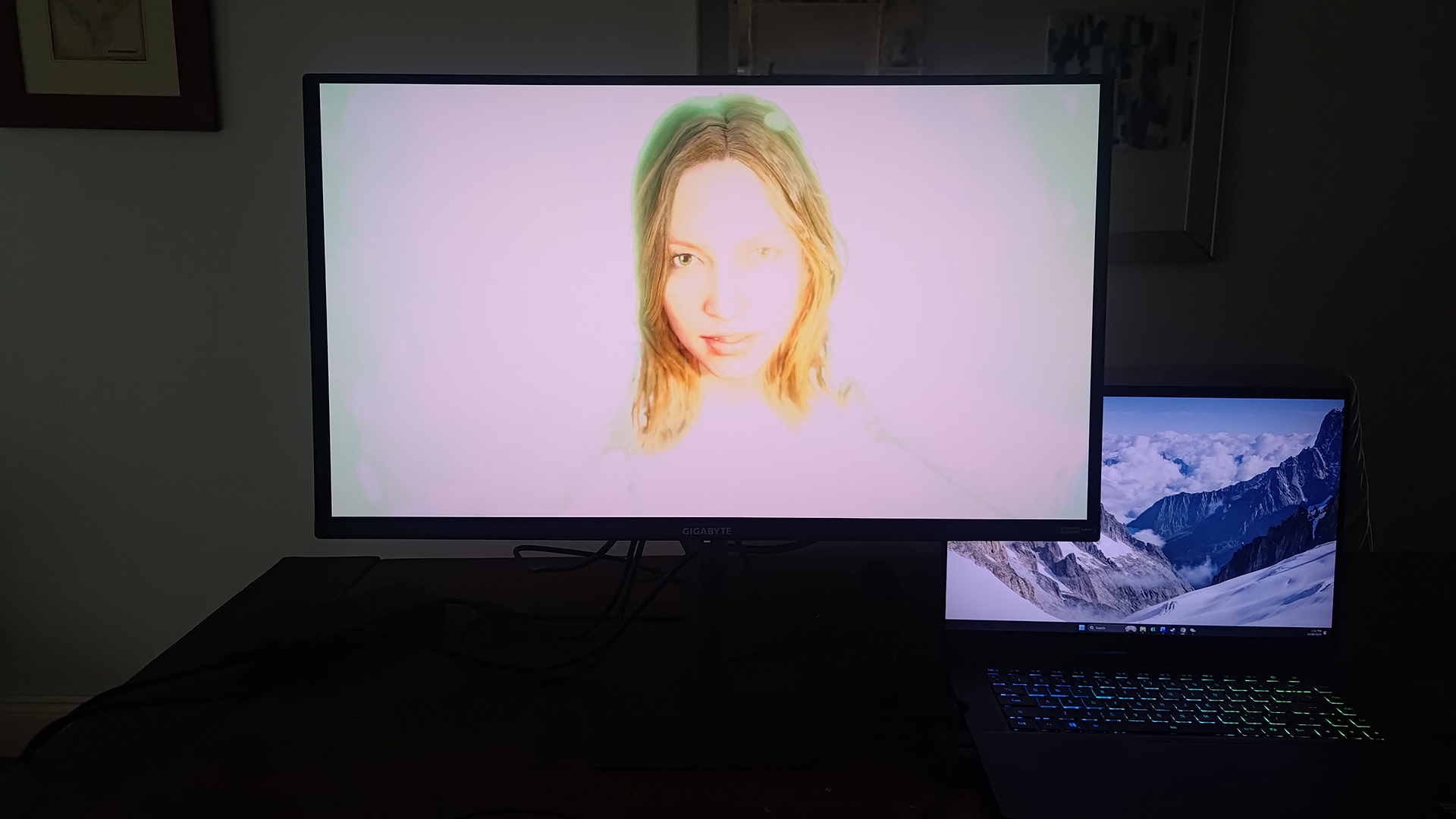
At its standard MSRP of $450, it represents stellar value. When encountered on sale near its promotional launch floor of $299, it transcends value and enters outright bargain territory.
The Verdict: If your primary computing use-case revolves around immersive single-player adventures, fast-paced competitive shooters, and vibrant media consumption, the GO27Q24A is an uncompromised success. Buyers should merely remain cognizant of its limitations: office workers and spreadsheet wranglers should look toward IPS alternatives, and anyone shopping in this exact tier should also cross-shop competitors like the Alienware AW2726DM—which utilizes the same underlying panel technology often at an even more aggressive price point. For everyone else, Gigabyte’s stripped-down vision proves that less is frequently much, much more.