Executive Overview
In the hyper-connected landscape of modern digital publishing, the difference between a high-performing piece of content and an invisible one often hinges on a fraction of a second—and a single rectangle. When users share links across social networks, messaging apps, and enterprise collaboration platforms, they rely on Open Graph (OG) link previews to provide immediate context. Yet, for years, generating these visual ambassadors has been an afterthought—a tedious manual task involving design software, rigid templates, or bloated third-party tools that demand subscriptions or plaster watermarks across professional assets.
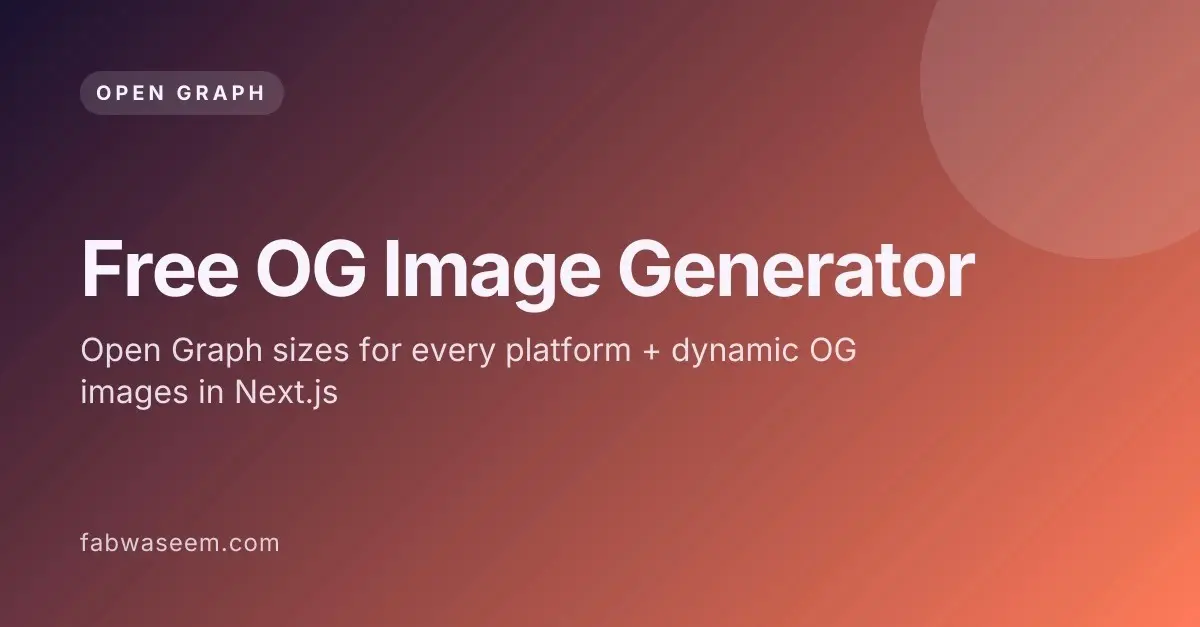
Enter the new paradigm of frictionless, programmatic metadata optimization. Developer and creator Waseem Anjum has introduced a transformative utility to the web ecosystem: a free, watermark-free Open Graph image generator that allows creators to convert titles, subtitles, and color schemes into crisp, platform-ready 1200×630 PNGs instantly. Beyond a standalone browser tool, this innovation bridges the gap between static design and dynamic engineering by automatically outputting ready-to-use Next.js opengraph-image.tsx code templates.
This in-depth report explores the mechanics of Open Graph architecture, platform-specific size constraints, programmatic generation with next/og, and the debugging strategies required to ensure that shared links never fall victim to broken caches or missing assets.
Detailed Chronology: The Evolution of Link Previews
To understand the necessity of automated OG image generators, one must trace how social platforms evolved from parsing plain text to rendering rich media cards.
The Text-Only Era
In the early days of the web and microblogging, sharing a URL meant pasting a raw string of characters. Platforms like Twitter and early Facebook parsers displayed only the URL text. Users had no visual cue about the destination page, leading to low click-through rates (CTR) and an inability for publishers to brand their external distributions.
The Birth of the Open Graph Protocol
Recognizing the need for a standardized approach to web page metadata, Facebook introduced the Open Graph protocol in 2010. By adopting specific meta tags—most notably og:title, og:description, and og:image—webmasters could explicitly instruct scrapers on how their content should be represented when shared.
- Cross-Platform Adoption: What began as a proprietary Facebook standard quickly became an industry-wide convention. LinkedIn, Slack, Discord, WhatsApp, and iMessage all adopted Open Graph tags to parse rich previews.
- The Twitter Divergence: X (formerly Twitter) initially implemented its own proprietary
twitter:*meta tags. However, recognizing the ubiquity of Open Graph, X modernized its architecture to default to its native tags while maintaining a seamless fallback mechanism to read standardog:imageproperties when platform-specific tags were absent.
The Shift to Programmatic and Dynamic Generation
As single-page applications (SPAs) and dynamic content management systems scaled, hand-crafting individual image files for every blog post, product page, and user profile became entirely unsustainable. Developers began seeking programmatic solutions—rendering images at build time or on demand.
The introduction of frameworks like Next.js with its built-in next/og library marked a turning point. Developers could suddenly write React components that compiled directly into optimized PNGs via server-side edge functions. Despite these technological leaps, a gap remained for non-designers, indie hackers, and marketers who needed high-end templates without wrestling with raw CSS flexbox layouts in code editors. The release of accessible, browser-based generators bridges this final divide.
Supporting Context & Metrics: Platform Specifications and Best Practices
Designing a universal preview image requires navigating a fragmented ecosystem where major platforms enforce slightly different aspect ratios, file size caps, and cropping rules.

The Universal Standard: 1200×630 Pixels
Industry consensus and empirical testing point to 1200×630 pixels (a 1.91:1 aspect ratio) as the single most reliable dimension for web link previews. It satisfies the strict high-resolution display requirements of Facebook, matches LinkedIn’s minimum dimensions, and scales gracefully across X’s summary card formats.
Comprehensive Platform Matrix
| Platform | Recommended Size | Aspect Ratio | Official Documentation Limits | Primary Tag Read |
|---|---|---|---|---|
| 1200 × 630 | 1.91:1 | Min. 200 × 200; 600 × 315 for large previews; max 8 MB | og:image |
|
| 1200 × 627 | 1.91:1 | Min. 1200 × 627; max 5 MB | og:image |
|
X (summary_large_image) |
1200 × 600 to 1200 × 675 | 2:1 | Min. 300 × 157; max 4096 × 4096; under 5 MB | twitter:image (falls back to og:image) |
X (summary) |
144 × 144+ | 1:1 | Max 4096 × 4096; under 5 MB | twitter:image |
| Slack | 1200 × 630 | 1.91:1 | Unfurls utilize Open Graph tags | og:image |
| Discord | 1200 × 630 | 1.91:1 | Embeds utilize Open Graph tags | og:image |
| 1200 × 630 | 1.91:1 | Lighter file sizes load more reliably on mobile networks | og:image |
|
| Next.js Convention | 1200 × 630 | 1.91:1 | opengraph-image max 8 MB; twitter-image max 5 MB |
Generates both automatically |
The "Safe Zone" Design Principle
When designing an OG image, content creators must account for aggressive edge-cropping and UI overlays applied by mobile applications.
- Padding: Maintain a safe zone with 60 to 80 pixels of padding on all four sides.
- Typography: Avoid long paragraphs of text. High-contrast, large-scale titles paired with a clean subtitle or brand handle survive mobile compression and scaled-down rendering far better than dense informational blocks.
Technical Integration: Dynamic OG Images in Next.js
For modern web applications built on the Next.js App Router, handling metadata no longer requires managing static assets in a public directory. By leveraging the file-based metadata convention, developers can generate tailored graphics dynamically per route.
Implementing opengraph-image.tsx
Below is the production-grade implementation pattern utilized for dynamic blog post routes, integrating the ImageResponse API alongside custom font reading:
// app/blog/[slug]/opengraph-image.tsx
import  ImageResponse  from 'next/og'
import  readFile  from 'node:fs/promises'
import  join  from 'node:path'
import  getPost  from '@/lib/posts'

export const alt = 'Blog post cover preview'
export const size =  width: 1200, height: 630
export const contentType = 'image/png'

export default async function Image(
  params,
:
  params: Promise< slug: string >
)
  const  slug  = await params
  const post = await getPost(slug)

  // Load local font file for consistent rendering across environments
  const interSemiBold = await readFile(
    join(process.cwd(), 'assets/Inter-SemiBold.ttf')
  )

  return new ImageResponse(
    (
      <div
        style=
          width: '100%',
          height: '100%',
          display: 'flex',
          flexDirection: 'column',
          justifyContent: 'flex-end',
          padding: 72,
          background: '#0C0C0C',
          color: '#F5F5F5',

      >
        <div style= display: 'flex', fontSize: 28, color: '#8FB4C9' >
          fabwaseem.com/blog
        </div>
        <div style= display: 'flex', fontSize: 72, lineHeight: 1.05, marginTop: 16 >
          post.title
        </div>
      </div>
    ),

      ...size,
      fonts: [
         name: 'Inter', data: interSemiBold, style: 'normal', weight: 600 ,
      ],

  )
Essential Requirements for Static HTML Implementations
For websites built outside of Next.js or utilizing traditional server-rendered templates, injecting the appropriate meta tags into the document <head> is non-negotiable:
<meta property="og:type" content="article" />
<meta property="og:title" content="Your compelling page title" />
<meta property="og:description" content="One concise sentence that earns the click." />
<meta property="og:url" content="https://example.com/blog/your-post" />
<meta property="og:image" content="https://example.com/og/your-post.png" />
<meta property="og:image:width" content="1200" />
<meta property="og:image:height" content="630" />
<meta property="og:image:alt" content="Visual summary of the article contents" />
<meta name="twitter:card" content="summary_large_image" />
<meta name="twitter:title" content="Your compelling page title" />
<meta name="twitter:description" content="One concise sentence that earns the click." />
<meta name="twitter:image" content="https://example.com/og/your-post.png" />
Troubleshooting and Debugging Strategies
Even with pristine code and perfectly sized assets, social platform scrapers frequently fail to display updated previews. Understanding common failure modes ensures rapid remediation.
Diagnostic Tools Checklist
- Facebook Sharing Debugger: Essential for clearing cache nodes across Facebook and Instagram networks.
- LinkedIn Post Inspector: Forces LinkedIn to bypass local server caches and re-crawl target URLs.
- X Card Validator: Validates whether summary cards render correctly and highlights missing or malformed tags.
Common Symptoms and Fixes
| Symptom | Probable Root Cause | Corrective Action |
|---|---|---|
| No image appears in preview | og:image utilizes a relative file path instead of an absolute URL. |
Convert paths to absolute HTTPS URLs; configure metadataBase in Next.js. |
| Stale or outdated image persists | Social platform caching layers retain historical assets. | Force a re-scrape via official debuggers or append a version query string (e.g., ?v=2). |
| Preview works in staging, fails locally | Automated web crawlers cannot resolve localhost environments. |
Test deployments via preview branches or secure tunneling utilities (e.g., ngrok). |
| Severe cropping on X | Aspect ratio deviates significantly from 2:1 or text exceeds safe boundaries. |
Stick to strict 1200×630 parameters with 60–80px interior padding. |
| Next.js compilation crash | Exported image asset exceeds size limits (8 MB for OG, 5 MB for Twitter). | Compress static assets or migrate to dynamic programmatic rendering. |
Broken layout inside ImageResponse |
Unsupported CSS styling properties (such as CSS Grid) utilized. | Refactor layout containers exclusively to Flexbox (display: 'flex'). |
Future Outlook
As the digital ecosystem evolves toward automated content syndication and AI-driven search interfaces, the visual presentation of a link is transitioning from a decorative enhancement to a critical conversion vector. Platforms are increasingly prioritizing rich, context-aware visual snippets that command user attention in crowded feeds.
Tools that democratize high-end design—such as free, zero-friction OG generators and robust framework-native helpers—empower developers, indie makers, and enterprise publishers alike to maintain rigorous brand consistency without inflating production overhead. By automating the intersection of typography, color theory, and technical protocol compliance, creators can ensure that every shared link performs at its absolute highest potential.