Executive Overview
The promise of personal computing has always been rooted in the systematic elimination of tedious, repetitive human labor. From the earliest days of command-line scripts to modern graphical user interfaces, the overarching objective has remained unchanged: delegate the mundane to the machine so that humans can focus on creative and high-value endeavors. Yet, despite decades of processing power advancements and software evolution, digital life remains surprisingly plagued by micro-chores—those nagging, repetitive manual tasks that eat away at our time.
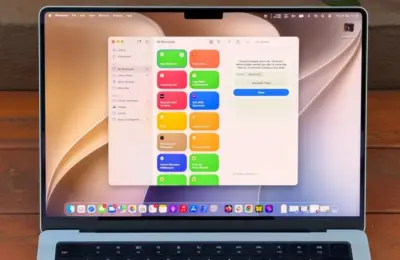
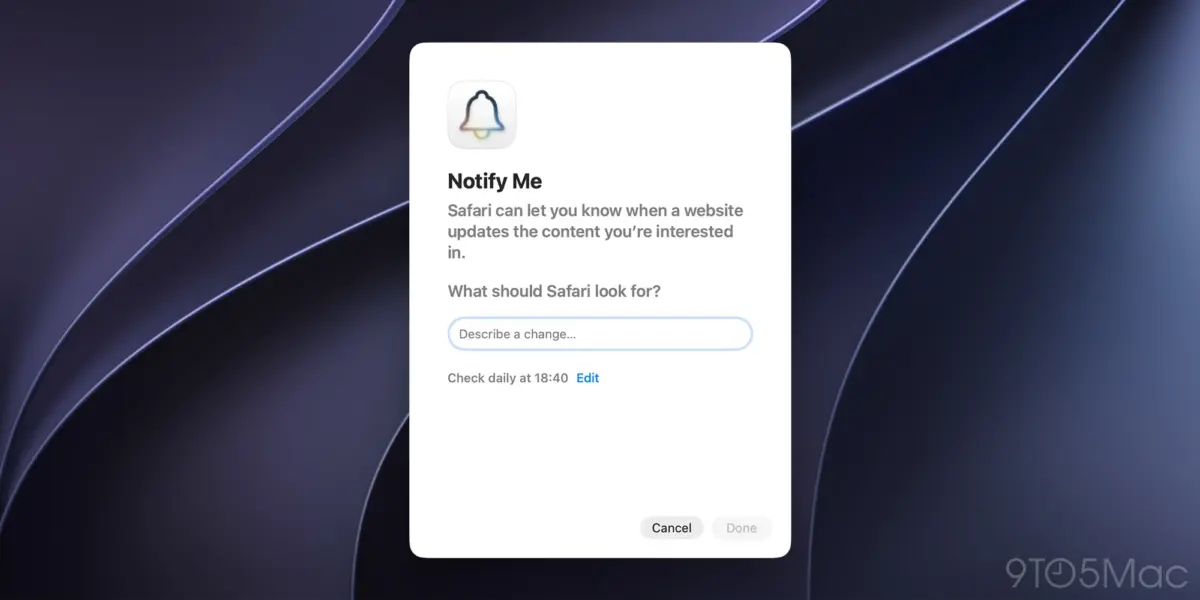
The introduction of macOS and the debut of Safari’s "Notify Me" feature represent a significant step toward realizing that original computing promise. Powered by Apple Intelligence, this innovative tool allows users to instruct their web browser to autonomously monitor specific web pages for updates and trigger immediate notifications when changes occur. Whether tracking price drops on high-ticket consumer goods, monitoring delivery statuses, or waiting for out-of-stock items to reappear on virtual shelves, Apple Intelligence aims to serve as a tireless digital assistant.
However, despite its elegance and powerful underlying architecture, the feature currently suffers from a critical limitation. By restricting check frequencies to an hourly minimum, Apple has inadvertently kneecapped what is arguably the single most valuable and time-sensitive use case for web monitoring: waiting for high-demand event tickets to go on sale.
This article explores the mechanics of Safari’s new monitoring capabilities, examines the profound frustrations of digital ticket acquisition, proposes a viable technical solution for Apple to overcome its current restrictions, and looks at the broader future of browser-based artificial intelligence automation.
Detailed Chronology: The Evolution of Web Monitoring and Apple’s AI Integration
From Manual Refreshing to Smart Browsing
For nearly as long as the World Wide Web has existed, users have searched for ways to automate the monitoring of dynamic content. In the early 2000s, this manifested as rudimentary browser extensions, custom RSS feeds, and desktop screen-scrapers designed to alert users when a forum post was updated or a news article was published.
Over the years, third-party services like Visualping, Distill Web Monitor, and various custom Python scripts filled the gap for power users. However, these tools often required external software subscriptions, technical know-how, or exposed users to privacy risks by routing their browsing data through third-party servers.
The Apple Intelligence Paradigm Shift
With the rollout of macOS and its deeper integration of Apple Intelligence, Apple sought to bring native, privacy-preserving monitoring directly into the user experience via Safari.
- Phase 1 (The Announcement): Apple outlined its vision for on-device machine learning models capable of understanding webpage semantics, parsing textual and visual changes, and determining whether a semantic update has occurred rather than merely checking if the underlying HTML source code changed (which often results in false positives due to dynamic ad placements or timestamps).
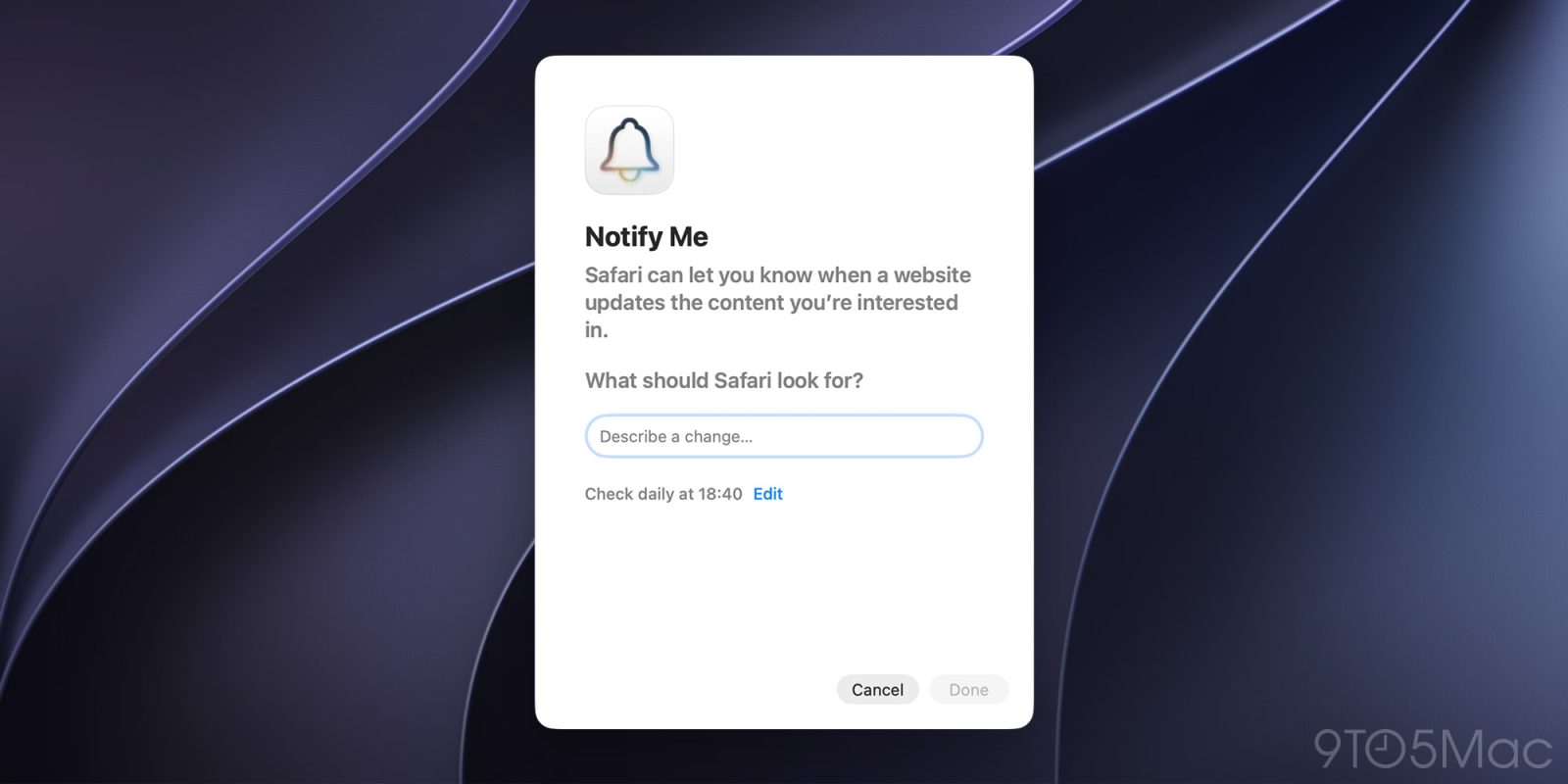
- Phase 2 (The Implementation in Safari): The "Notify Me" feature debuted as a seamless tool built directly into the Safari toolbar. Users could easily designate a target page, define what kind of change they were looking for (such as price adjustments or stock replenishment), and let the system handle the background checks.
- Phase 3 (The Current Bottleneck): As early adopters and power users began integrating the tool into their daily workflows, a glaring operational constraint emerged. The system was optimized for low-frequency, long-tail monitoring tasks—such as checking a product’s price once a day—while completely ignoring the high-frequency, short-burst scenarios where human-to-computer automation yields the highest emotional and economic return on investment.
Supporting Context & Metrics: The Agony of the Digital Ticketing Queue
To understand why the hourly limitation of Safari’s "Notify Me" feature is so frustrating, one must examine the modern landscape of event ticketing—a system characterized by hyper-scarcity, unpredictable timelines, and immense user anxiety.
The Economics of High-Demand Ticketing
When major musical acts, sports championships, or exclusive theater productions go on sale, the resulting digital stampede often mirrors a localized denial-of-service attack. Millions of concurrent users hit ticket vendor servers simultaneously, resulting in virtual queue rooms, randomized entry lotteries, and immediate sellouts.
Data from major ticketing analytics firms indicates that:
- Over 60% of high-demand arena tours sell out their best seating tiers within the first 180 seconds of ticket sales going live.
- Approximately 40% of ticket drops do not occur precisely at the scheduled hour. Due to backend system congestion, vendor staging delays, or last-minute adjustments, sales frequently open anywhere from 5 to 30 minutes later than advertised.
The Human Cost of Manual Monitoring
This operational variance forces prospective attendees into an excruciating ritual:
- Navigating to the ticketing page 10 to 15 minutes ahead of the scheduled launch time.
- Staring blankly at a static countdown clock or placeholder graphic.
- Engaging in compulsive, manual page refreshes every 5 to 10 seconds once the launch window approaches to ensure they bypass the sluggish queue assignment system the exact second it opens.
This process is the antithesis of what modern computing should be. It forces a human being to act as a low-latency cron job—wasting cognitive energy, breaking concentration, and enduring unnecessary stress.
[User Navigates to Ticket Page]
       │
       ▼
[Waits in Pre-Sale Limbo] ──(Sales Delayed by 20 Mins)──┐
       │                                                 │
       ├─────────────────────────────────────────────────┘
       ▼
[Manual Refreshing Every 5s] ──(Misses Window by 1 Minute)──► [All Tickets Sold Out]
Had Apple designed Safari’s "Notify Me" feature to handle high-frequency checks during critical windows, the browser could shoulder this burden entirely.
Official Statements & Technical Hurdles: Why the Hourly Limit Exists
Why did Apple engineers settle on an hourly check frequency as the baseline limit for Safari’s new feature? While Apple has not released an exhaustive public white paper detailing every architectural decision behind "Notify Me," industry consensus and web infrastructure best practices point toward valid technical and operational concerns.
1. Mitigating Accidental Denial-of-Service (DoS) Attacks
From the perspective of a website administrator, millions of Safari users simultaneously querying a server every 15 seconds would look identical to a botnet-driven DoS attack. Even if an individual user only targets one specific ticketing site, scaling that behavior across a vast global user base could easily overwhelm vulnerable web infrastructure, leading to crashing servers, degraded performance, and angry webmasters.
Apple has a strict corporate ethos centered around being a "good citizen" of the internet ecosystem. Allowing unthrottled, aggressive polling from millions of client devices would inevitably draw ire from website operators, leading to aggressive IP-blocking and anti-scraping measures (such as continuous Cloudflare CAPTCHAs) that would break the feature anyway.
2. Device Battery and Thermal Management
On-device artificial intelligence processing is resource-intensive. Even with Apple’s highly optimized Neural Engine silicon chips, parsing HTML DOM trees, rendering page states, and running semantic comparisons against local baselines consume precious battery cycles and generate heat. Restricting checks to an hourly interval ensures that background monitoring remains virtually invisible to the device’s thermal and energy management profiles.
Proposed Solution: Controlled High-Frequency Bursts
The core argument against Apple’s current limitation is not that unlimited 15-second polling should be allowed indefinitely on any given website. Rather, power users are advocating for a context-aware, time-bounded high-frequency burst mode.

A balanced implementation could look like this:
- Flexible Polling Intervals: Allow users to manually configure check frequencies down to every 15 or 30 seconds.
- Strict Time-to-Live (TTL) Caps: Force high-frequency checks to automatically expire after a maximum duration of 30 minutes. This prevents runaway polling loops if a user forgets to disable the monitor after an event concludes.
- Extended Cooldown Periods: Implement a rolling 30-day reset timer before a user can initiate another high-frequency monitoring session on the same domain or specific URL pattern. This prevents abusive scraping while still granting users the immediate firepower needed to secure time-sensitive assets like concert tickets.
Future Outlook: The Trajectory of Browser-Based AI Agents
Looking ahead, Safari’s "Notify Me" feature is merely a stepping stone toward a much grander industry-wide transformation: the evolution of passive web monitors into active AI browser agents.
Moving from Notifications to Actions
While getting a notification that a ticket is on sale or an item is in stock is a massive quality-of-life upgrade, the ultimate destination of browser automation is transactional execution. In future iterations of macOS and iOS, users will likely not just want to be notified that a page has changed; they will want their device to complete the transaction autonomously.
Imagine a future workflow:
- You instruct Safari: "Monitor this ticket page and buy two best-available seats under $150 the moment they go live, using my default Apple Pay credentials."
- Apple Intelligence authenticates the transaction securely via Touch ID or Face ID permissions set in advance.
- The browser executes the checkout flow seamlessly in the background, securing the items before human reflexes could even begin to process the page load.
The Competitive Landscape
Apple is not alone in this race. Competitors across the browser landscape—including Google Chrome with its Gemini integrations, Microsoft Edge with Copilot extensions, and various autonomous browser startups like MultiOn and Rabbit—are all racing to redefine the browser as an active agent rather than a passive window.
For Apple to maintain its reputation for refined, thoughtful user experiences, it must listen closely to power users who are pushing the boundaries of these new tools. Features designed solely for casual use cases risk being viewed as gimmicks, whereas features that solve acute, high-pain-point problems—like the frantic scramble for event tickets—become indispensable pillars of the operating system.
Conclusion
Safari’s "Notify Me" feature in macOS is a shining example of how on-device artificial intelligence can reclaim human time from the dull, repetitive loops of modern digital life. By allowing Safari to watch the web for us, Apple has eliminated countless unnecessary manual checks for price drops and stock updates.
Yet, by holding stubbornly to an hourly check frequency floor, Apple has missed an opportunity to conquer the most stressful web-monitoring scenario of all: the high-stakes, unpredictable world of ticket sales. By introducing a carefully throttled, time-bounded high-frequency monitoring mode complete with strict safety caps and cool-down periods, Apple could transform "Notify Me" from a neat utility into an absolute essential. Until then, users waiting for that elusive concert ticket will still find themselves hovering anxiously over their trackpads, refreshing manually, and waiting for the software to finally catch up to their real-world needs.