
Executive Overview
The landscape of mobile device ecosystem integration is undergoing a significant tectonic shift. For years, Samsung Galaxy users navigating the often-fragmented waters of cloud photo backups faced a distinct dichotomy: use Samsung’s native Gallery app paired with Microsoft OneDrive, or abandon the native interface altogether in favor of Google Photos. This era of forced division officially came to an end when Samsung discontinued its deep integration with Microsoft OneDrive.
In the wake of that quiet deprecation, speculation mounted regarding how the South Korean consumer electronics titan would bridge the gap for its millions of users. The answer has arrived in the form of a landmark strategic pivot. Samsung has officially announced that its proprietary Gallery application can now sync natively with Google accounts.
This development fundamentally alters how users manage, back up, and synchronize their multimedia libraries across devices. Rather than forcing a choice between Samsung’s optimized interface and Google’s robust backend storage architecture, the new integration merges the two. Users can now harness the familiar design language and local organization tools of the Samsung Gallery while utilizing Google’s vast cloud infrastructure.
However, this transition is not without its operational caveats. As users migrate or adapt to this new ecosystem, they must navigate storage limits, phased software rollouts tied to One UI 9, and new device-management features designed to optimize local memory. This comprehensive report explores the background of the partnership, the functional mechanics of the new Google sync, the financial and structural impact on user storage, and what this means for the broader mobile operating system landscape.
Detailed Chronology: From Microsoft OneDrive to Google Cloud
To understand the weight of Samsung’s latest announcement, one must trace the winding trajectory of its cloud partnerships over the last half-decade. For years, Microsoft and Samsung enjoyed a privileged alliance. When Samsung phased out its proprietary Samsung Cloud backup service for photos and files, Microsoft OneDrive stepped in to fill the void.
The Microsoft Era and Its Demise
The partnership was heavily promoted. When unboxing a new flagship Galaxy device, users were routinely greeted with onboarding prompts encouraging them to link their Samsung Gallery directly to a Microsoft OneDrive account. For many, this integration felt seamless; Microsoft even offered specialized OneDrive storage tiers and promotional bundles tailored for Samsung device owners.
Yet, beneath the surface, cracks in the alliance began to form. Software ecosystems are notoriously territorial, and maintaining a cross-company pipeline for media synchronization introduced recurring optimization hurdles, user-interface friction, and competing visions for data ownership.
The first definitive sign of the partnership’s unraveling occurred in September, when Samsung officially pulled the plug on the Gallery app’s native Microsoft OneDrive integration. The sudden termination left a vacuum. Millions of users who had grown accustomed to automated cloud backups through OneDrive found themselves questioning the longevity of their workflow. While Microsoft’s storage app remained functional as a standalone client, the native, frictionless pipeline connecting the Samsung Gallery directly to OneDrive was severed.
The Behind-the-Scenes Pivot
Industry analysts immediately suspected that Samsung’s abrupt departure from Microsoft was not a retreat, but a repositioning. Behind closed doors, engineering teams at Samsung and Google were evidently drafting a new playbook.
Given that Samsung’s entire hardware portfolio runs on Android—Google’s premier mobile operating system—deepening ties with Google’s cloud services represents a return to a more natural architectural alignment. Rather than maintaining a fragmented multi-ecosystem approach where a South Korean hardware manufacturer partners with a rival software giant for core cloud features, Samsung has streamlined its strategy.
The announcement of native Google account synchronization within the Samsung Gallery app marks the culmination of these quiet negotiations. It bridges a long-standing divide, allowing Galaxy devices to leverage Google’s infrastructure directly through the user’s primary Google account, without forcing users to abandon the native Gallery app for Google Photos.
Technical Mechanics: How Samsung Gallery and Google Integration Function
The newly introduced synchronization feature is designed to bridge the gap between local device storage and cloud architecture. To appreciate how this impacts the end user, it is essential to examine the technical mechanics of the rollout, user interface implementation, and cross-device functionality.
Rollout, Requirements, and UI Implementation
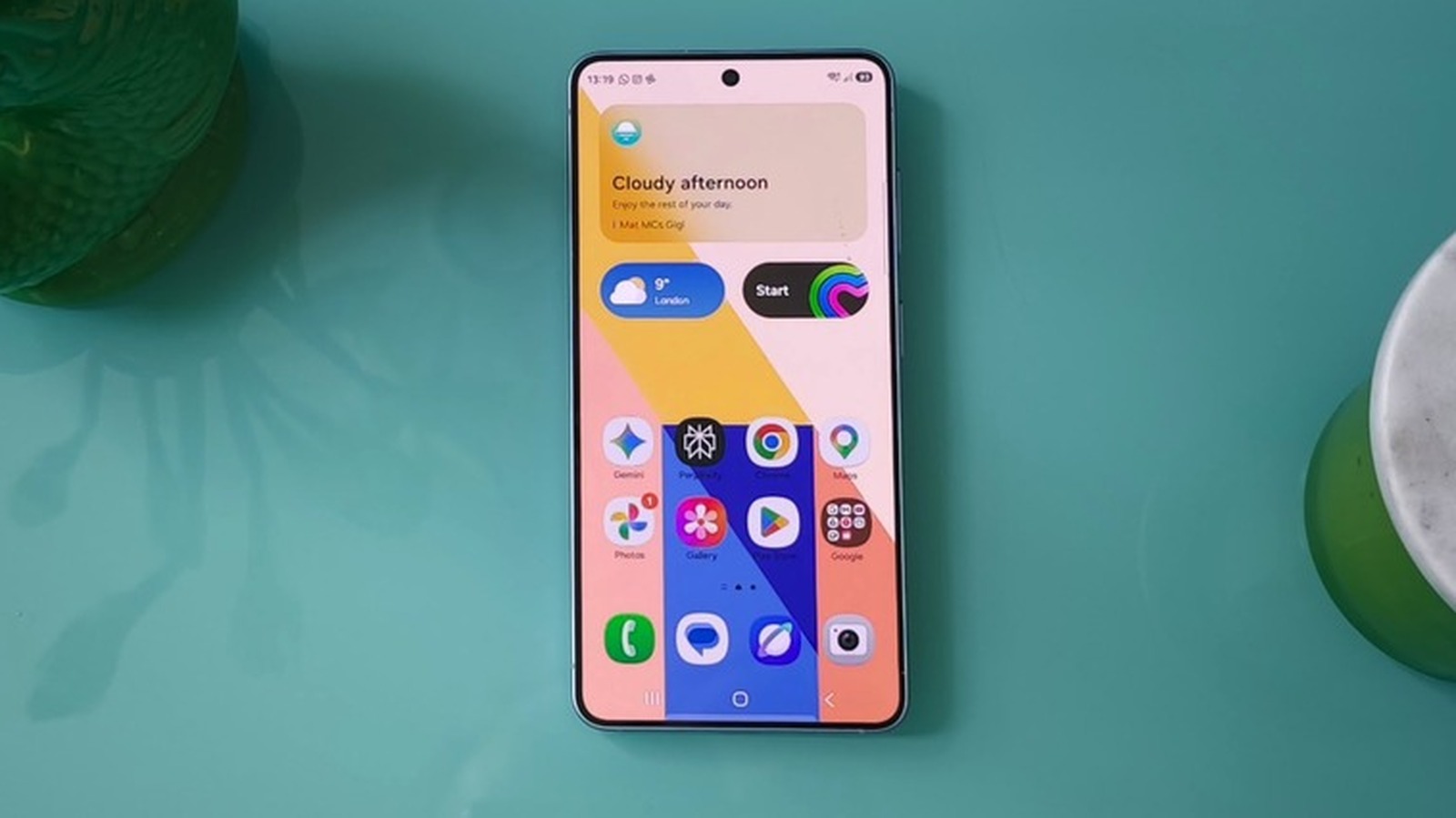
At launch, the feature is not universally available. Samsung has adopted a phased distribution model, making the integration initially accessible only on select Galaxy devices running One UI 9, the company’s latest custom iteration of the Android operating system. Older devices and those running previous versions of One UI will receive the update in subsequent waves over the coming months.
For users fortunate enough to possess a compatible device running One UI 9, activating the service is designed to be straightforward:
- Open the Samsung Gallery application.
- Locate and tap the Cloud icon positioned within the app’s interface, or navigate directly to Gallery Settings.
- Toggle on the switch labeled Sync photos and videos.
Once activated, the application initiates a background process that maps the user’s local albums to their authenticated Google account, effectively bypassing the need for third-party bridges or manual uploads.
Cross-Device Synchronization and Multi-Screen Workflows
One of the most compelling aspects of the new integration is its cross-device utility. Historically, syncing photos across multiple Samsung devices required complex workarounds or third-party cloud solutions.
With Google account synchronization enabled, a user operating multiple Samsung Galaxy devices (such as a Galaxy S-series smartphone and a Galaxy Tab) can access their centralized media library with minimal friction. By logging into the same Google account on a secondary device and enabling the sync feature, the user gains instant visibility into their media ecosystem.
Rather than downloading entire libraries simultaneously—which would quickly exhaust local storage and consume excessive mobile data—the system intelligently displays previews of synced photos and videos. If a user wishes to view, edit, or share the original, high-resolution file on the secondary device, they can simply select and download it on demand.
Memory Optimization: The "Free Up Space" Protocol
As mobile cameras evolve to capture hyper-detailed 1080p, 4K, and even 8K video, local device storage is subjected to unprecedented stress. To combat this, Samsung has integrated a specialized memory-management tool alongside the Google sync feature.
Dubbed Free up space, this setting addresses the eternal dilemma of running out of phone storage due to heavy photography habits. When enabled within the Sync photos and videos settings menu, the protocol performs a calculated cleanup:
- It verifies that the original media file has been securely uploaded and stored in the user’s Google account.
- Once cloud redundancy is confirmed, the system safely deletes the original, high-capacity file from the local device storage.
- Crucially, low-resolution thumbnails remain visible and accessible within the Samsung Gallery app, maintaining the illusion of an intact local library while freeing up gigabytes of physical space.
Supporting Context, Financial Metrics, and Storage Economics
While the technical convenience of native Google synchronization is undeniable, users must confront the economic realities of cloud storage management. Cloud infrastructure is resource-intensive, and convenience carries a direct financial cost.
Breaking Down Google’s Storage Tiers
When users link their Samsung Gallery to a Google account, that media library immediately begins drawing from their aggregate Google storage pool. This pool is shared across multiple core Google services, including Google Drive, Gmail, and Google Photos.
- The Baseline Allocation: Every standard Google account comes with 5GB of free storage by default. However, users can expand this baseline to 15GB of free storage simply by verifying a valid phone number and securing their account.
- The Reality of High-Resolution Media: For casual users who take only a handful of snapshots per week, 15GB may suffice for a reasonable period. However, for power users capturing high-resolution RAW images and extensive 4K video libraries, 15GB will be exhausted rapidly.
- Google One Subscription Costs: Once the free storage threshold is crossed, users have no choice but to scale their capacity through a paid Google One subscription model. The current pricing structure includes:
- 100GB of storage: Priced at $2 per month.
- 200GB of storage: Priced at $3 per month.
- Higher tiers (ranging from 2TB upwards) are also available for enterprise users and photography enthusiasts.
The Competitive Landscape: Gallery App vs. Google Photos
An intriguing internal dynamic exists within the Android ecosystem: why would Samsung build native Google account synchronization into its own Gallery app when Google already promotes its dedicated Google Photos application?
The answer lies in brand retention and user experience preference. For years, Google Photos has served as the default backup engine for Android, capturing market share and conditioning users to rely on Google’s proprietary interface. However, many Samsung loyalists fiercely prefer the layout, editing tools, and album organization of the native Samsung Gallery app.
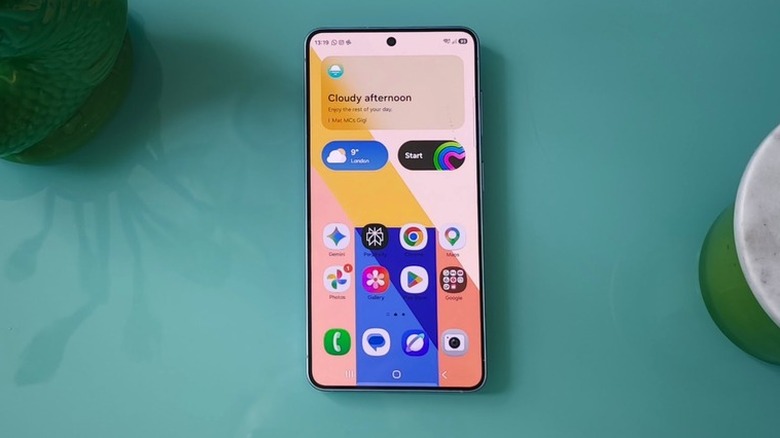
By allowing the Samsung Gallery to interface directly with Google storage, Samsung ensures that users do not feel compelled to abandon its native software interface in order to secure their data. It represents a strategic compromise: Google secures the cloud storage subscription revenue, while Samsung retains user engagement within its proprietary hardware and software ecosystem.
Official Statements and Industry Reception
The tech industry has responded to the announcement with a mix of validation and pragmatic analysis. In its official global newsroom release, Samsung emphasized that the update is part of a broader, ongoing initiative to streamline user experiences across the entire Galaxy ecosystem.
"Samsung Gallery makes it easier to access photos and videos across Galaxy devices," the company stated, highlighting its commitment to removing friction from daily digital workflows.
The underlying message is clear: Samsung recognizes that in an era of multi-device ownership—where consumers frequently jump between smartphones, tablets, and foldables—isolated data silos are no longer acceptable. Users demand fluid, omnipresent access to their personal media libraries.
Industry analysts have pointed out that this move signals a maturation in how hardware manufacturers view cloud services. Rather than attempting to build and maintain proprietary cloud silos—a costly endeavor that often results in fragmented user experiences—manufacturers are increasingly partnering with established cloud titans to power the backend while retaining control over the frontend user interface.
Furthermore, consumer advocacy and privacy groups have noted that tying backups to established Google accounts provides a familiar, trusted security framework. Google’s robust encryption standards, two-factor authentication protocols, and account recovery mechanisms offer peace of mind that smaller, proprietary cloud services occasionally struggle to match.
Future Outlook: What Lies Ahead for Galaxy Users?
As the dust settles on the termination of the Microsoft OneDrive partnership and the dawn of the Google sync era, what can Samsung Galaxy users expect in the future?
1. Broader Rollout and Ecosystem Stabilization
The immediate priority for Samsung is the successful, bug-free rollout of One UI 9 and the Google sync feature across its massive global device inventory. While flagship devices like the Galaxy S-series and recent foldables are receiving priority access, mid-range devices in the Galaxy A-series will follow. Ensuring that this synchronization operates smoothly across diverse hardware specifications will be a critical test for Samsung’s software engineering teams.
2. Deepening AI Integration
As artificial intelligence continues to dominate mobile software development, future iterations of Samsung Gallery and its cloud synchronization capabilities will undoubtedly incorporate advanced AI features. Imagine a scenario where photos synced to your Google account via the Samsung Gallery are automatically indexed, categorized, and searchable using natural language queries powered by multimodal AI models. The groundwork laid by this cloud integration makes such advanced features entirely feasible.
3. Subscription Economics and Consumer Choice
As cloud storage becomes increasingly integrated into the fabric of mobile operating systems, consumers will need to become more proactive in managing their digital footprints. The days of infinite, frictionless local storage are gone. Users will continually weigh the cost of Google One subscriptions against local storage alternatives, microSD card expansions (where available), and manual backups.
Conclusion
Samsung’s decision to integrate Google account synchronization into its native Gallery app is more than a simple software update—it is a strategic realignment of mobile ecosystems. By closing the chapter on Microsoft OneDrive and embracing Google’s robust cloud architecture, Samsung has successfully resolved a major pain point for Galaxy owners. While users must navigate the economic realities of cloud storage tiers and phased software rollouts, the end result is a cleaner, more cohesive, and deeply interconnected digital experience that honors both the Samsung interface and Google’s unmatched backend power.