By the Tech & Wearables Desk
Published: September 2026
Executive Overview
With the rollout of watchOS 27, Apple has quietly pulled the plug on one of the most reliable and efficient multitasking shortcuts in the history of the Apple Watch: the double-click of the Digital Crown. For years, users relied on this physical gesture to effortlessly toggle between active applications or instantly snap back from the watch face to their most recently used program—all without ever touching the display.
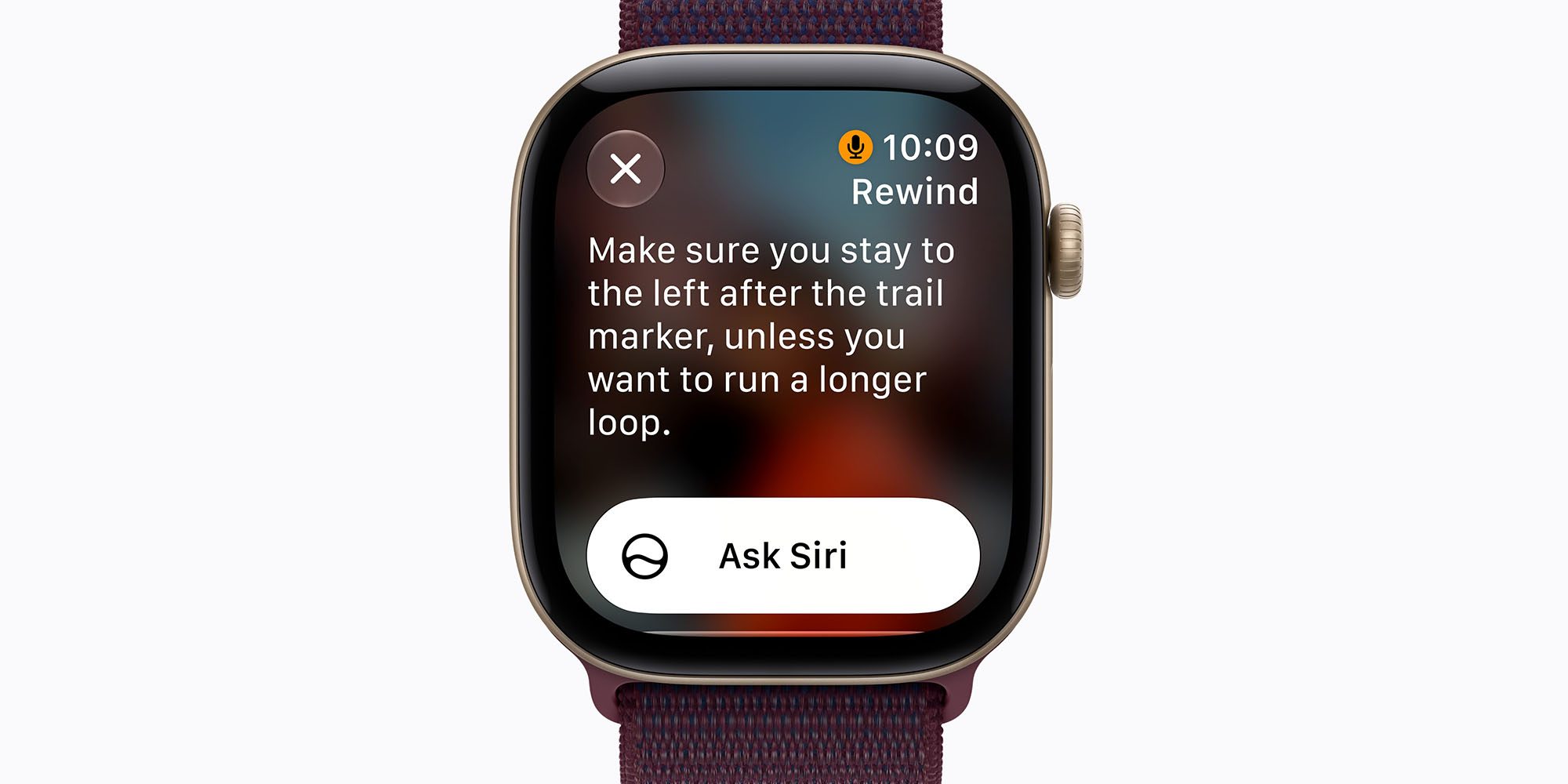
However, the dawn of next-generation hardware has shifted Apple’s software priorities. The elimination of this muscle-memory shortcut is not merely a design whim; it is a calculated hardware-driven trade-off. The double-click gesture has been repurposed to trigger "Live Rewind," a headline-grabbing, 15-second conversational audio transcription tool bundled into Apple’s new Audio Intelligence suite.
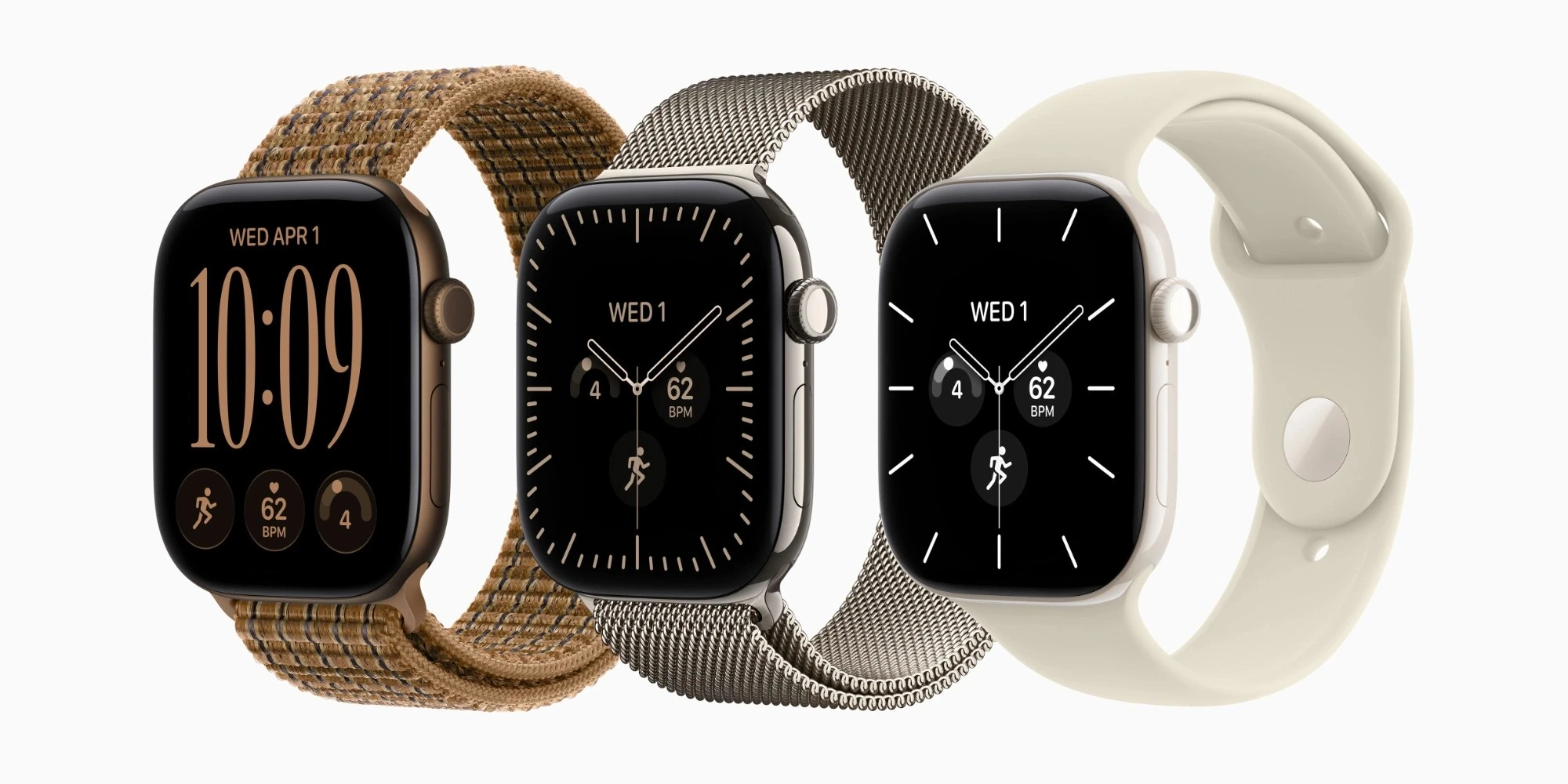
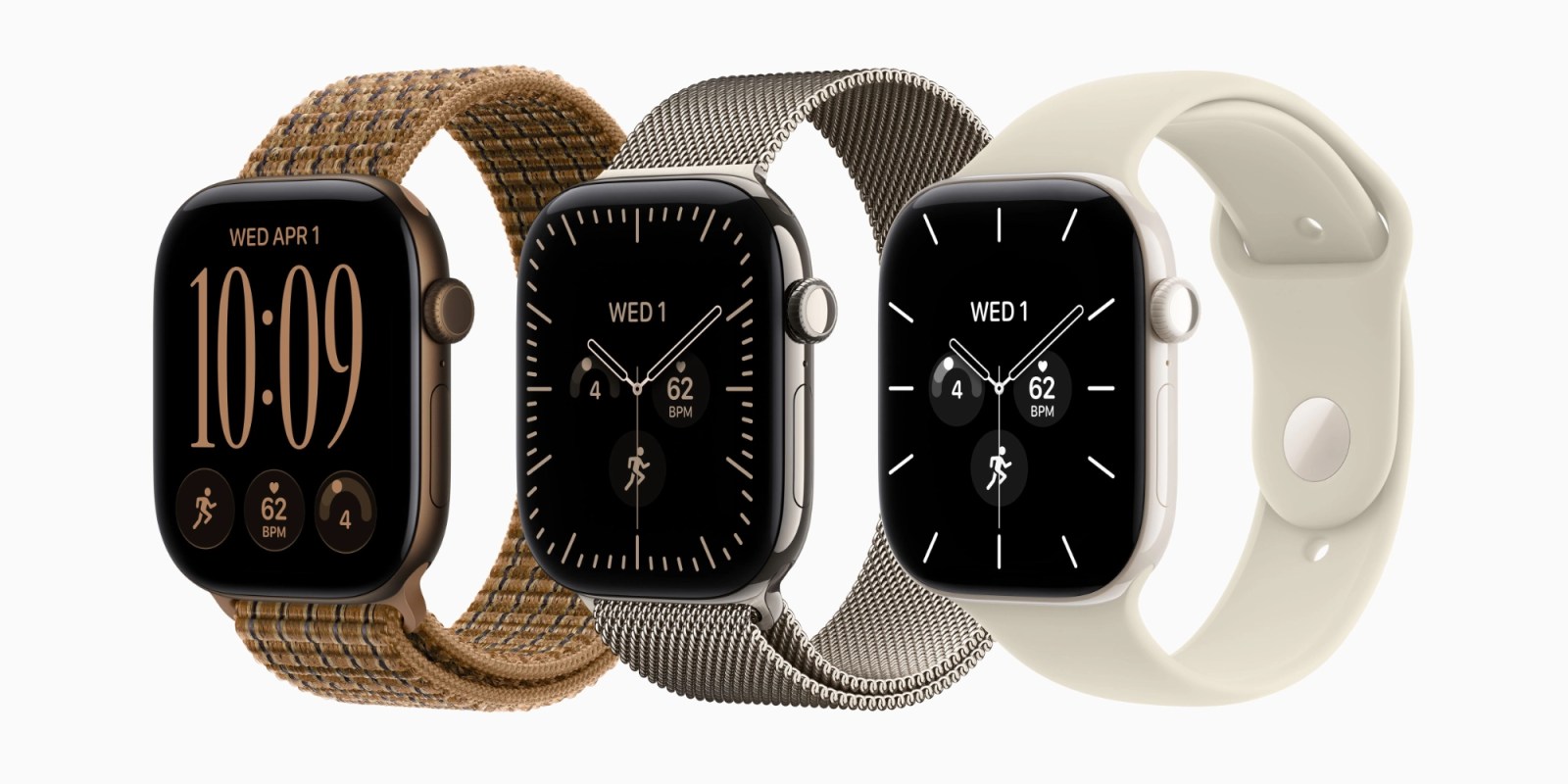
The catch? This capability—and by extension, the new assignment for the Digital Crown double-click—is restricted exclusively to the newly announced Apple Watch Series 12 and Apple Watch Ultra 4. Users running older hardware, including the Series 11, Ultra 3, and SE 3, find themselves in an awkward software purgatory: their cherished multitasking shortcut has vanished, yet they receive none of the advanced hardware features that supposedly justified its removal. As pre-orders open and the September 18 launch date looms, this controversial UX shift has sparked intense debate within the Apple enthusiast community regarding hardware segmentation, customization, and user ergonomics.
Detailed Chronology
The Legacy of the Double-Click
To understand the friction caused by watchOS 27, one must appreciate how deeply embedded the Digital Crown double-click was in daily Apple Watch workflows. Since earlier iterations of watchOS, the interface relied on a mix of touch inputs and physical controls. While the side button historically opened the Dock (and later, the Smart Stack), the Digital Crown served as the primary navigation anchor:
- Single Click: Returned the user to the watch face or opened the app grid.
- Double Click: Acted as an instantaneous "Alt-Tab" or app-switcher, flipping back and forth between the current application and the immediately preceding one.
This tactile shortcut allowed runners, professionals in meetings, and everyday users to context-switch discreetly by relying entirely on tactile feedback. It bypassed the need to look down at the wrist, squint at a tiny screen, or hunt for an icon in a dynamic app grid.
The Public Beta Warnings and Release
Speculation and concern began mounting in July 2026 when early public betas of watchOS 27 revealed that the double-click gesture was no longer functioning as an app switcher. Beta testers flooded developer forums and feedback channels expressing frustration. Despite widespread community pushback, Apple proceeded with the change, finalizing the software build ahead of the September hardware event.
When Apple unveiled the Apple Watch Series 12 and Apple Watch Ultra 4, the mystery of the missing gesture was finally solved. Apple demonstrated how the double-click of the Digital Crown is now hardwired to activate Live Rewind, a privacy-focused on-device feature designed to record and transcribe the last 15 seconds of spoken audio on demand.
The Fallout for Legacy Devices
While the hardware integration makes sense on paper for the Series 12 and Ultra 4, the deployment across older generations has drawn criticism. On devices such as the Series 11, Ultra 3, and SE 3 running watchOS 27, double-clicking the Digital Crown yields an anticlimactic result: it merely opens the dynamic app grid—an action already achieved by a single click.
Consequently, millions of active Apple Watch users have lost a functional productivity shortcut, receiving no new capability in return.
Supporting Context & Metrics
The Architecture of Audio Intelligence
The root cause of this interface upheaval lies in Apple’s aggressive push into on-device artificial intelligence and ambient computing. Labeled under the umbrella of Audio Intelligence, the new software features introduced in watchOS 27 include:
- Siri Recap: Intelligent summarization of notifications, messages, and daily briefings.
- Live Rewind: A continuous 15-second rolling buffer of transcribed ambient audio, allowing users to "rewind" conversations or spoken instructions they may have missed.
Apple’s engineering team needed a dedicated, instant-access physical trigger for Live Rewind. Because the feature relies on rapid intervention—often needed mid-conversation or during unexpected auditory events—fumbling through a touch menu was deemed too slow. The Digital Crown double-click offered the ideal tactile latency profile.
Pricing and Availability Matrix
For consumers weighing an upgrade to reclaim seamless interactions or access the new Audio Intelligence suite, the financial barrier to entry is clear:
| Device Model | Starting Price | Pre-Order Date | Official Launch Date |
|---|---|---|---|
| Apple Watch Series 12 | $399 | Available Now | September 18 |
| Apple Watch Ultra 4 | $799 | Available Now | September 18 |
Both flagship lines represent the exclusive home of the new double-click architecture, drawing a sharp line in the sand between legacy hardware and the 2026 generation.
Official Statements & Industry Perspective
Apple has historically prioritized unified user experiences across its product lineups, but hardware-gated interface changes are not unprecedented. In whitepapers and privacy briefs published alongside the watchOS 27 release, Apple detailed the secure enclaves and neural engine requirements necessary to run Audio Intelligence locally on the wrist, emphasizing that real-time audio transcription demands specialized silicon present only in the S12 chip architecture.

However, software designers and accessibility advocates have raised valid concerns regarding the removal of intuitive shortcuts. Industry analysts note that forcing users to rely entirely on the dynamic app grid—or hoping that predictive AI algorithms correctly guess the next app needed in the Siri suggestion stack—introduces cognitive friction.
As one prominent UX researcher noted during a post-keynote panel:
"When you optimize a physical button for a situational AI feature used occasionally, you risk degrading the core, second-by-second ergonomic efficiency that users rely on hundreds of times a day."
Future Outlook: Will Apple Compromise?
As the September 18 launch date approaches, the burning question for the Apple Watch community is whether Apple will backtrack or offer a compromise in a forthcoming point release like watchOS 27.1 or watchOS 27.2.
There is precedent for Apple listening to user feedback regarding button mappings. In previous watchOS and iOS cycles, user outcry has occasionally forced the company to reintroduce granular customization settings for hardware buttons (such as the Action Button on the Apple Watch Ultra and iPhone Pro models).

However, whether Apple will extend such flexibility to the Digital Crown double-click remains uncertain. For users of the Series 11 and earlier, the path forward likely involves adapting to the new dynamic app grid and trusting the predictive capabilities of the updated Siri interface. For prospective buyers of the Series 12 and Ultra 4, the sacrifice of the legacy app switcher is the toll paid for entry into Apple’s new era of wrist-based artificial intelligence.